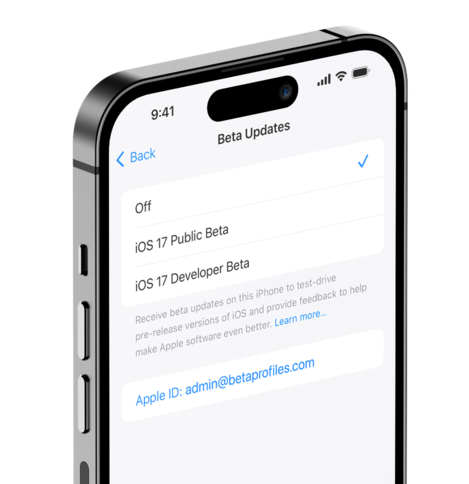
Beta Profiles
Get what's next, now!
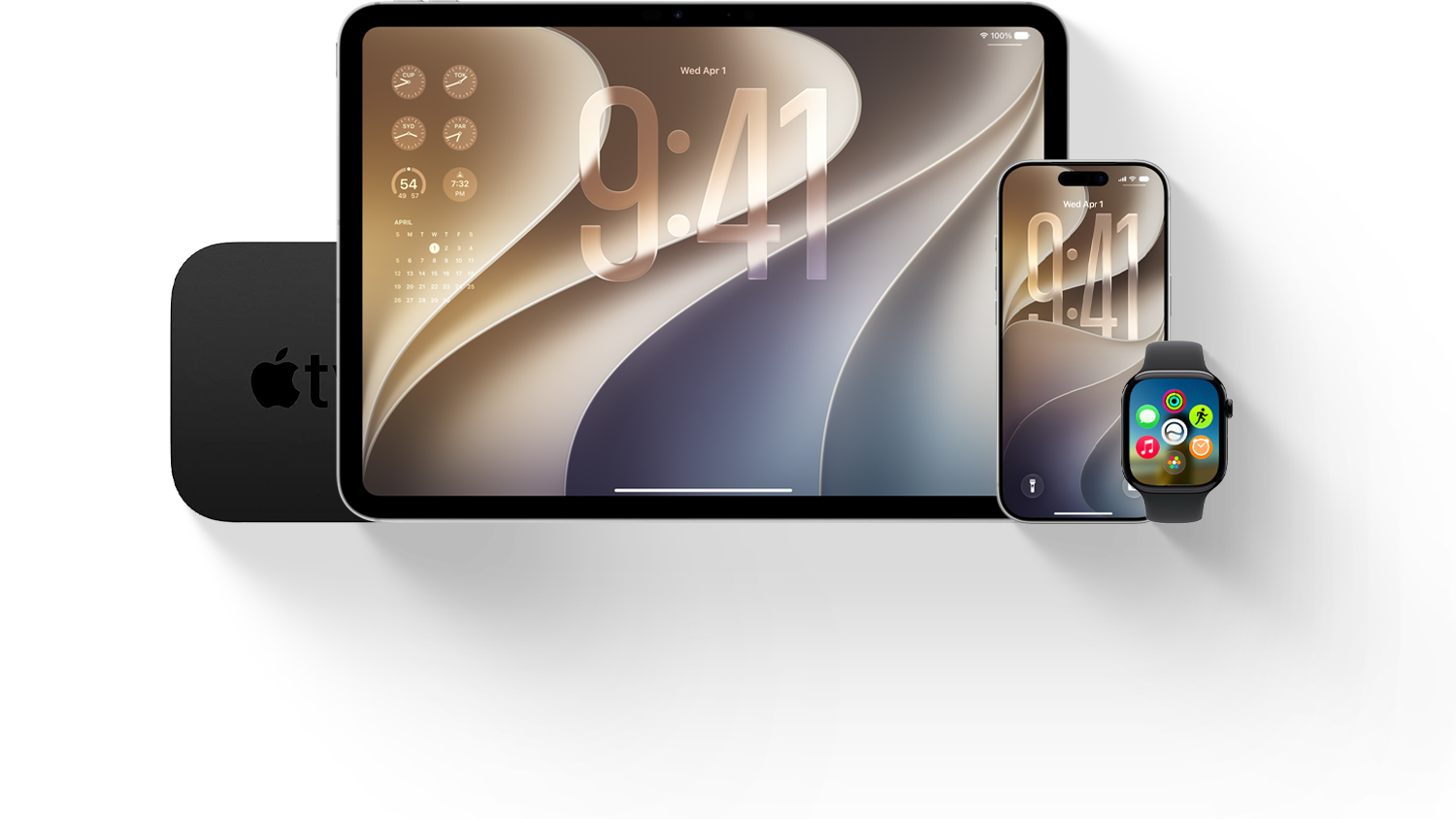



"Pro and tell" Launch
Touchscreen MacBook Pro, iMac M6, and OLED iPad mini are coming soon.
Latest Releases
Get notified when new updates are available.

From Our Forum

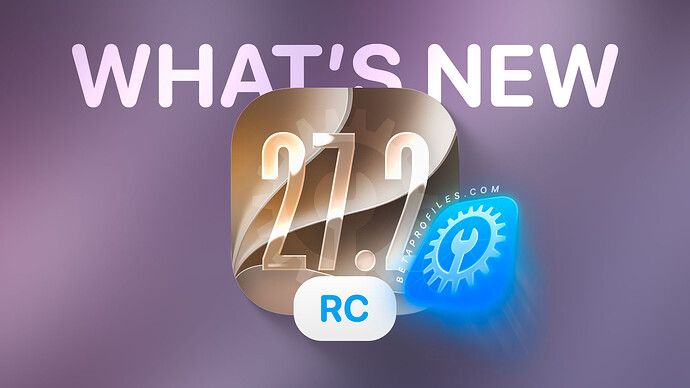
iOS Beta Release Timeline
You can scroll left or right.
-
 beta 2
iOS 27.2 Beta 2
beta 2
iOS 27.2 Beta 2Mon, September 21
-
beta 3
iOS 27.2 Beta 3
Mon, October 5
-
beta 4
iOS 27.2 Beta 4
Wed, October 13
-
RC
iOS 27.2 RC
Mon, October 19
-
Release
iOS 27.2 Release
Mon, October 23
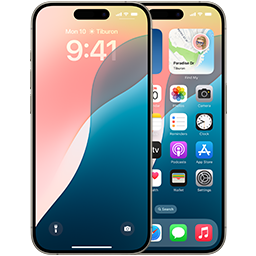
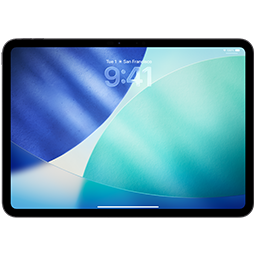
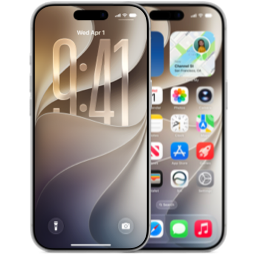
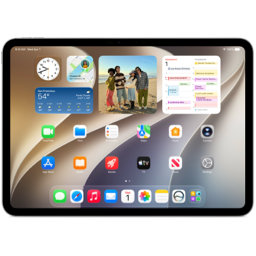
Apple has released new betas of iOS 27.2, iPadOS 27.2, macOS 27.2 Golden Gate, watchOS 27.2, tvOS 27.2, and visionOS 27.2, all available to download for free.
To check whether your device is supported, take a look at the compatibility list or head to the “Can I Update?” page.

iOS 27.2 RC
Get iOS 27.2 beta on your iPhone automatically.
Released
Build
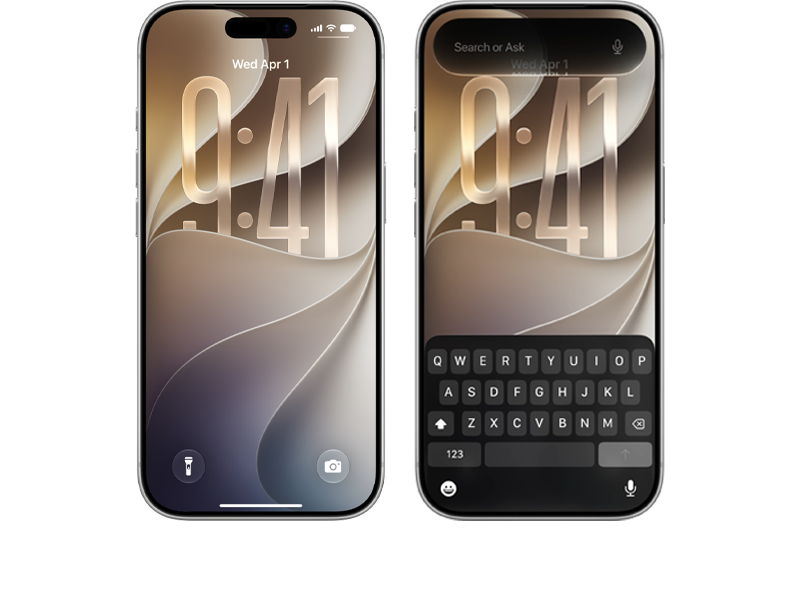

iPadOS 27.2 RC
Get iPadOS 27.2 beta on your iPad automatically.
Released
Build

macOS 27.2 RC
Configure your Mac to receive beta software updates.
Released
Build
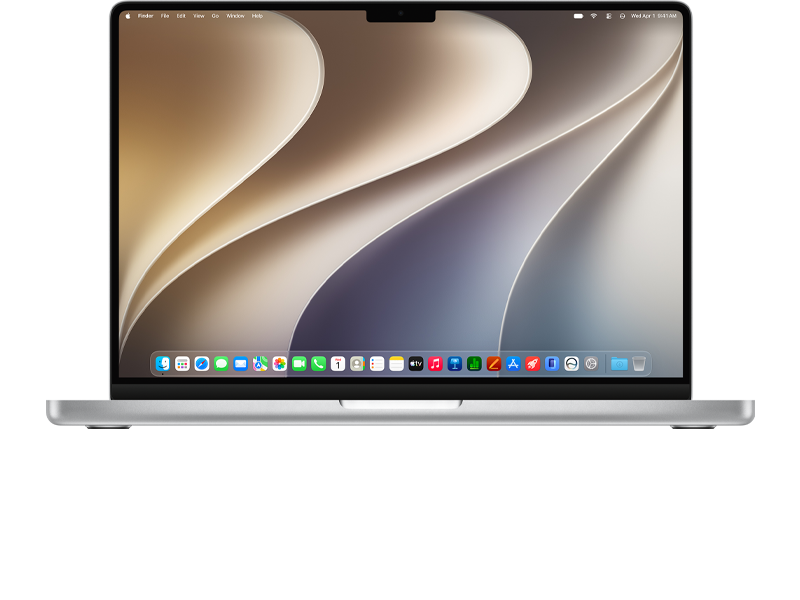

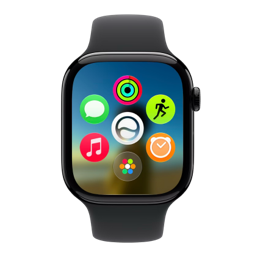
watchOS 27.2 RC 2
Get beta updates for Apple Watch automatically on iPhone.
Released
Build
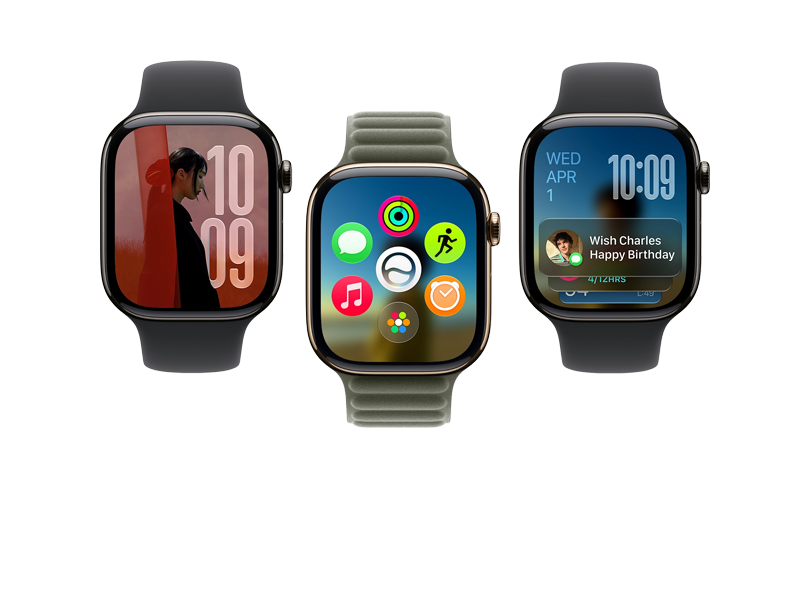

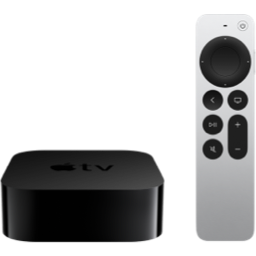
tvOS 27.2 RC
Get beta updates on your Apple TV automatically.
Released
Build
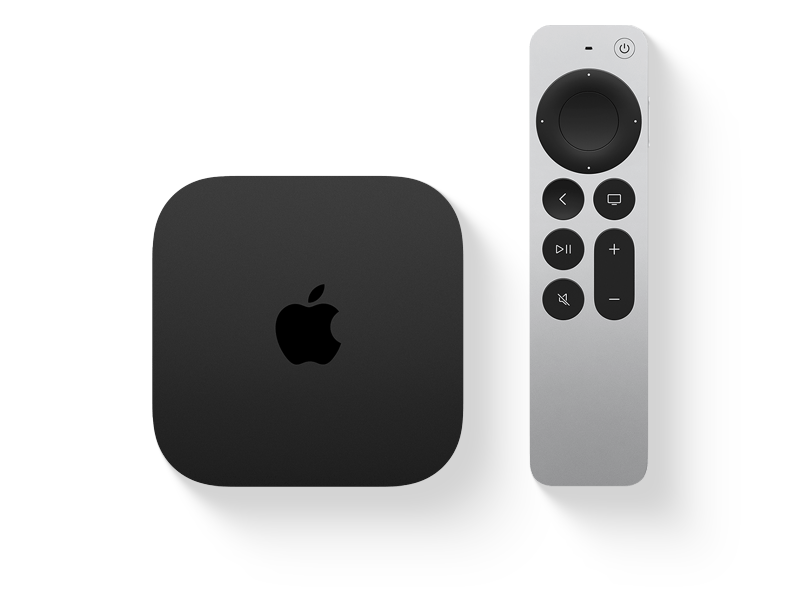

visionOS 27.2 RC
Get beta updates on your Apple Vision Pro automatically.
Released
Build
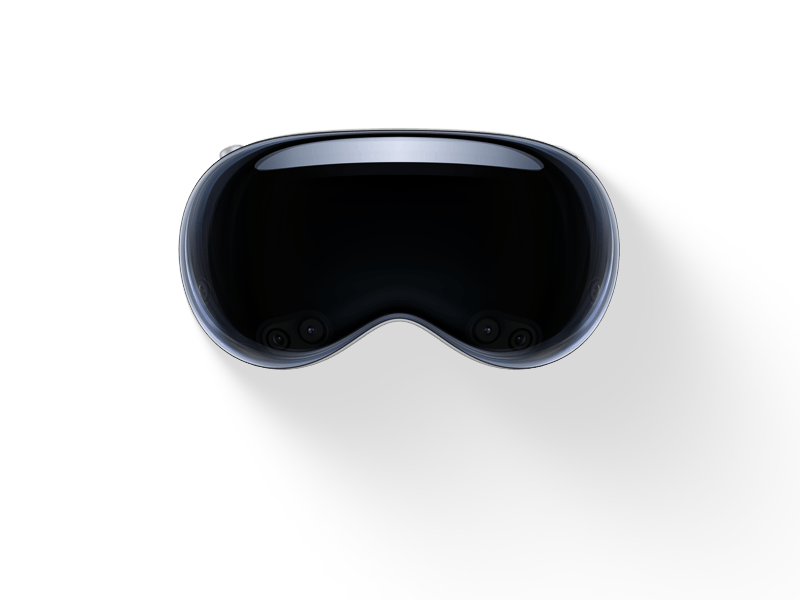
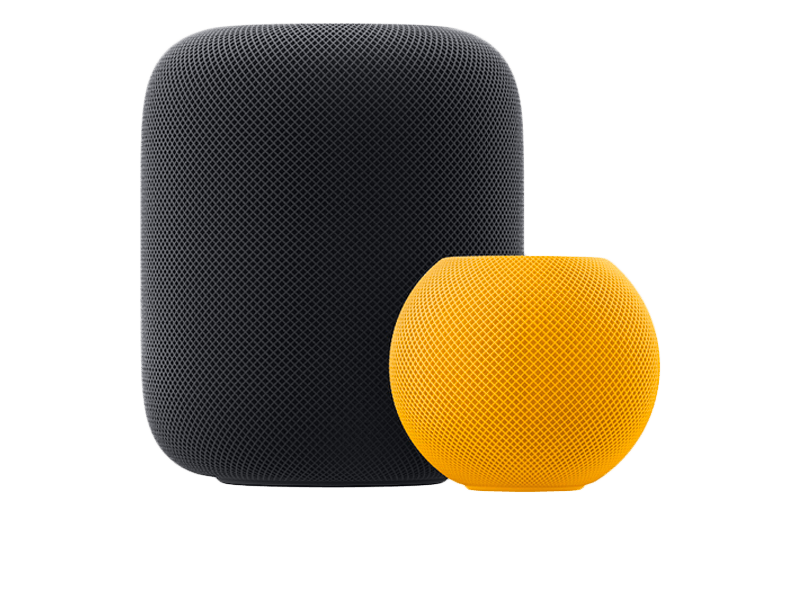
audioOS 27.2 RC
Configure your HomePod to receive beta software updates.
Released
Build
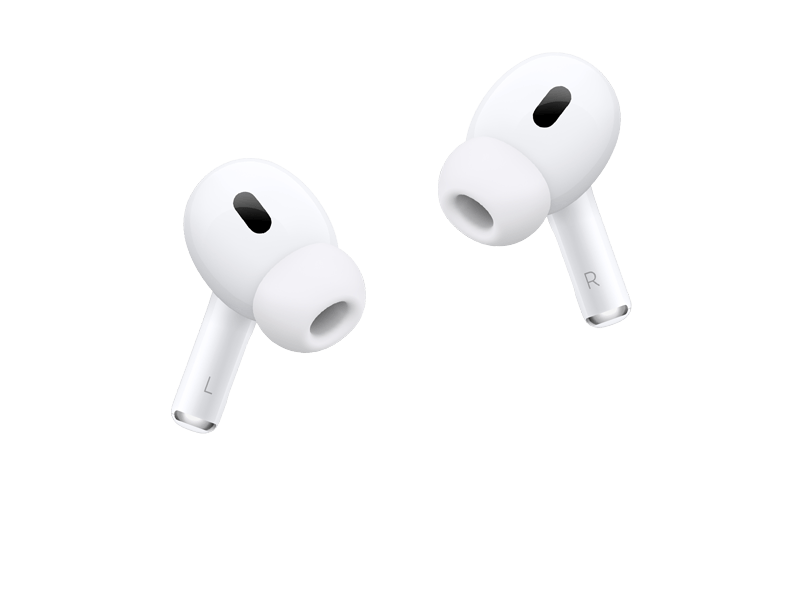
AirPods Firmware 9.1 Beta 2
Configure your AirPods to receive beta firmware updates.
Released
Build

Block OTA Profile
Block updates and notification for new iOS, iPadOS upgrades.
Released
2025 Releases

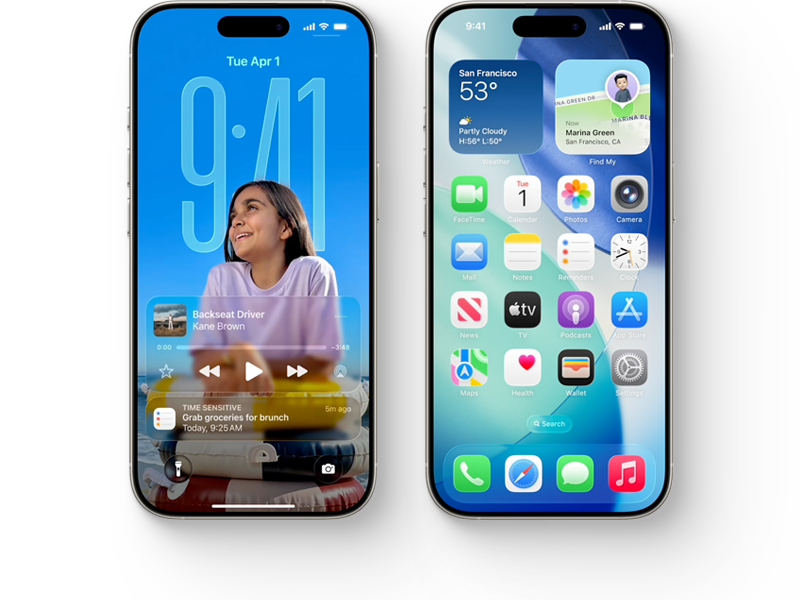
iOS 26.7.2 RC
Get iOS 26.6 beta on your iPhone without a beta profile.
Released
Build
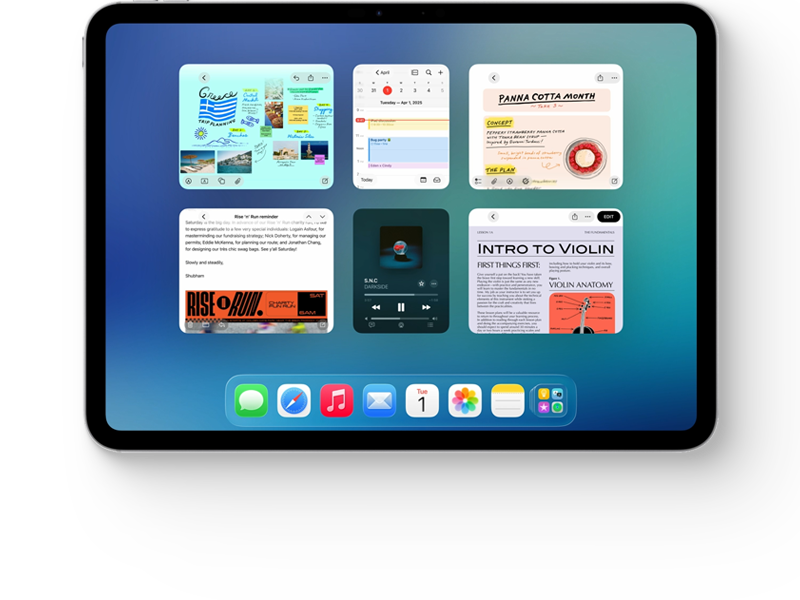
iPadOS 26.7.2 RC
Get iPadOS 26.6 beta on your iPad without a beta profile.
Released
Build

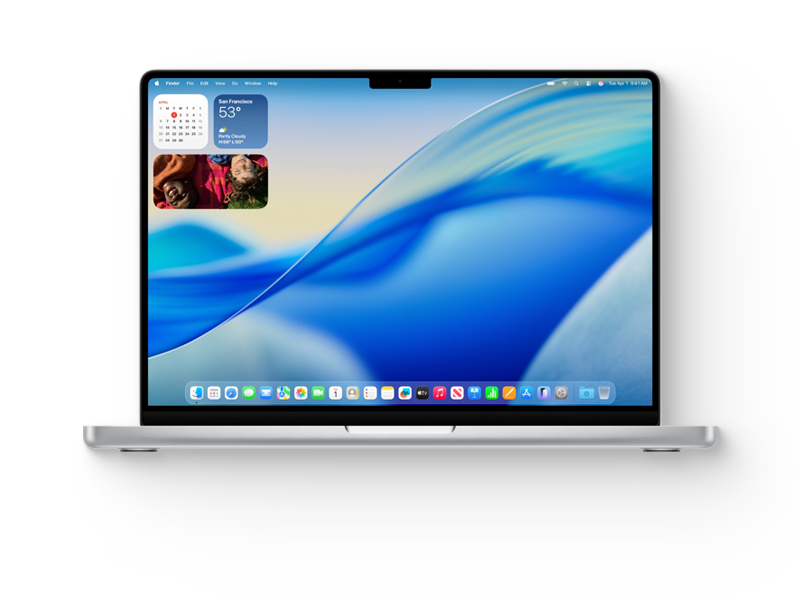
macOS 26.7.2 RC
Configure your Mac to receive beta software updates.
Released
Build
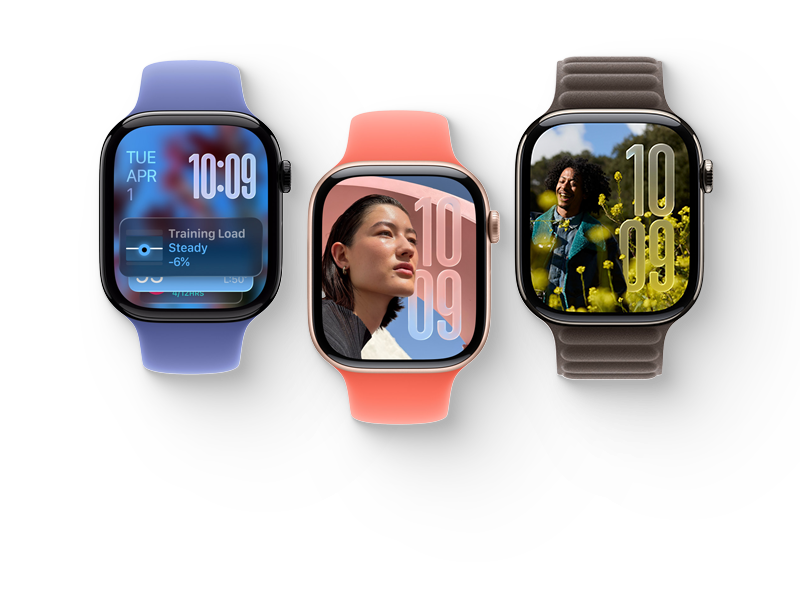
watchOS 26.6 RC
Get beta updates for your Apple Watch on iPhone.
Released
Build

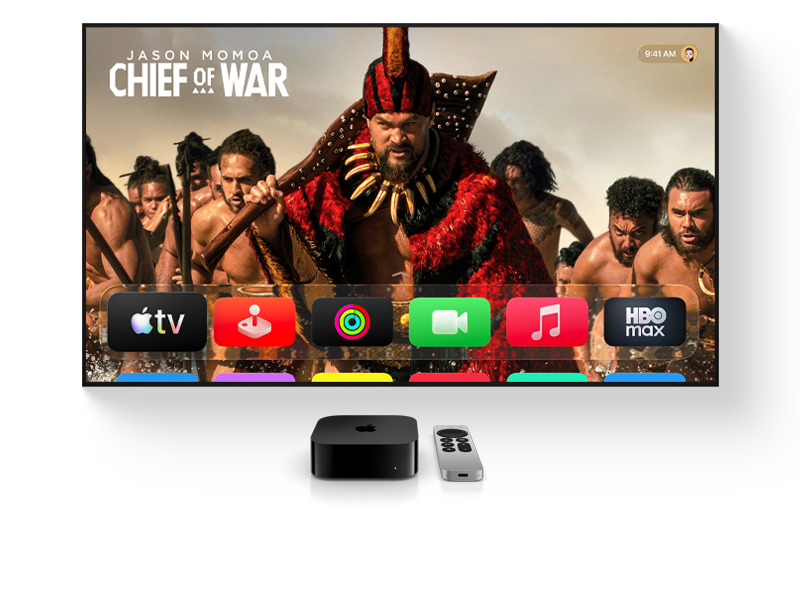
tvOS 26.6 RC
Get beta updates on your Apple TV automatically.
Released
Build
visionOS 26.6.1 Release
Get beta updates on your Apple Vision Pro automatically.
Released
Build
audioOS 26.6 RC
Configure your HomePod to receive beta software updates.
Released
Build
2024 Releases

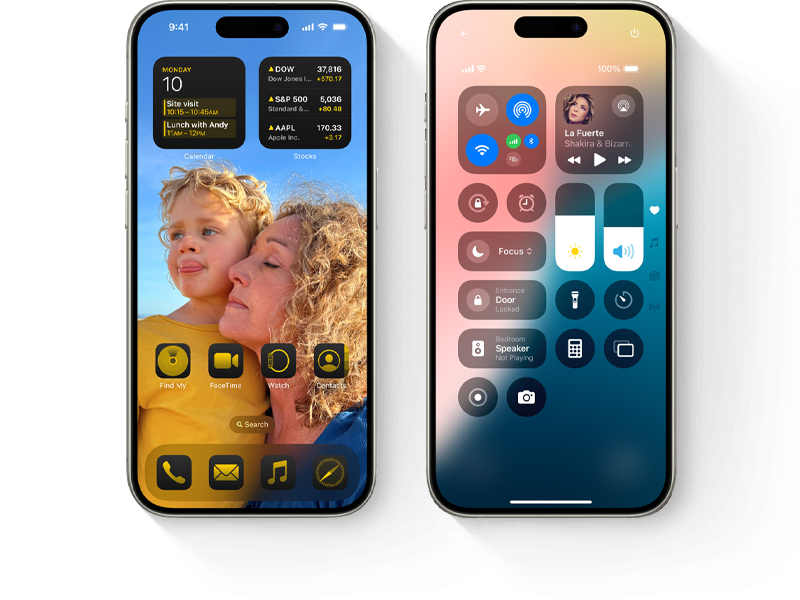
iOS 18.7.10 RC
Get beta updates on your iPhone automatically.
Released
Build
iPadOS 18.7.10 RC
Get beta updates on your iPad automatically.
Released
Build
macOS 15.8.1 RC
Configure your Mac to receive beta software updates.
Released
Build
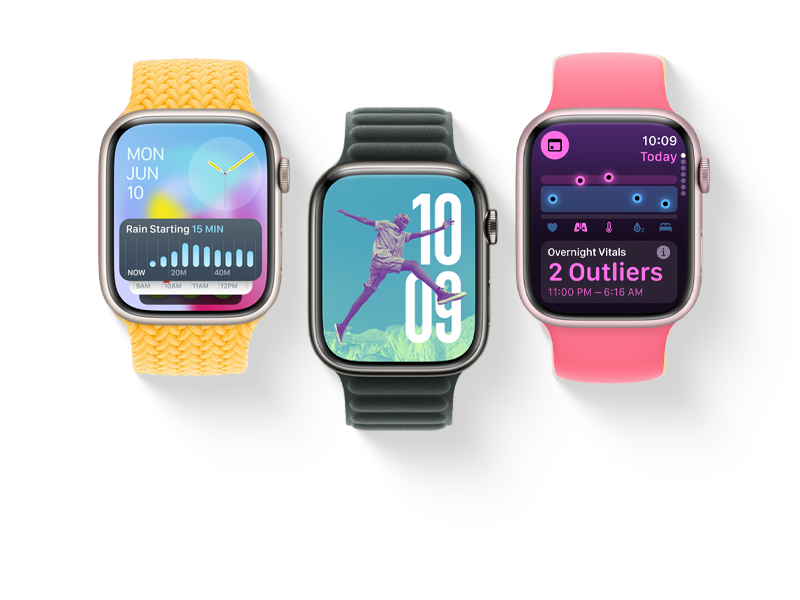
watchOS 11.6.2
Get beta updates for your Apple Watch on iPhone.
Released
Build

tvOS 18.6 RC
Get beta updates on your Apple TV automatically.
Released
Build

visionOS 2.6 RC
Get beta updates on your Apple Vision Pro automatically.
Released
Build

audioOS 18.6 RC
Configure your HomePod to receive beta software updates.
Released
Build
Below are developer profiles, it was released first, then Public Beta. Therefore it will also have more bugs. People usually prefer to install the Developer Beta profile because it's released first, but if you don't want to risk a lot, install the Public beta profile.

iOS 18 Beta Profile
Get beta updates on your iPhone automatically.
Released


iPadOS 18 Beta Profile
Get beta updates on your iPad automatically.
Released

iOS 17 Beta Profile
Get beta updates on your iPhone automatically.
Released

iPadOS 17 Beta Profile
Get beta updates on your iPad automatically.
Released
iOS 16 Beta Profile
Get beta updates on your iPhone automatically.
Released
iPadOS 16 Beta Profile
Get beta updates on your iPad automatically.
Released


watchOS 9 Beta Profile
Get beta updates for Apple Watch automatically on iPhone.
Released

macOS 13 Beta Profile
Configure your Mac to receive beta software updates.
Released


tvOS 16 Beta Profile
Get beta updates on your Apple TV automatically.
Released


audioOS 16 Beta Profile
Configure your HomePod to receive beta software updates.
Released
Public Beta updates are basically the same as Developer Beta updates, but they are released a few days later and are slightly more stable (though they are still beta updates). Check out the differences between Public Beta and Developer Beta.
iOS 18 Public Beta
Get beta updates on your iPhone automatically.
Released
iPadOS 18 Public Beta
Get beta updates on your iPad automatically.
Released
watchOS 11 Public Beta
Get beta updates for Apple Watch automatically on iPhone.
Released
macOS 15 Public Beta
Configure your Mac to receive beta software updates.
Released
tvOS 18 Public Beta
Get beta updates on your Apple TV automatically.
Released
iOS 17 Public Beta
Get beta updates on your iPhone automatically.
Released
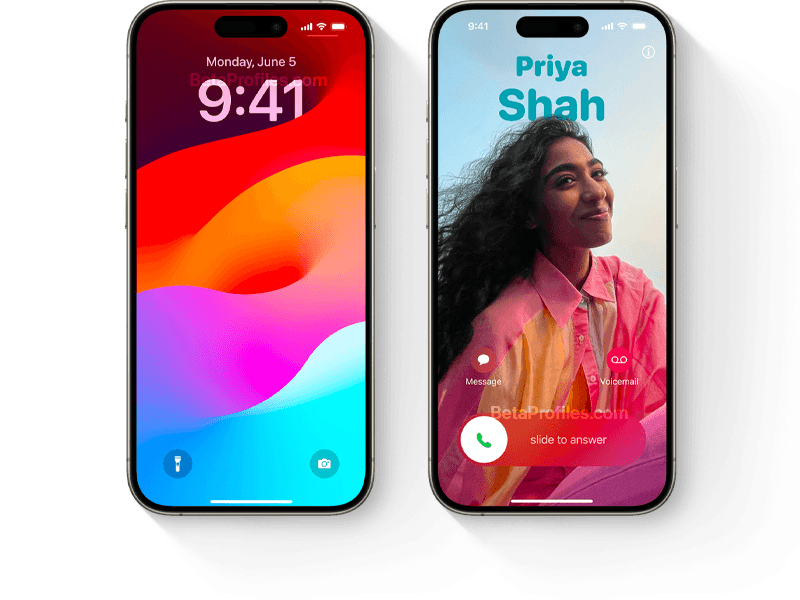

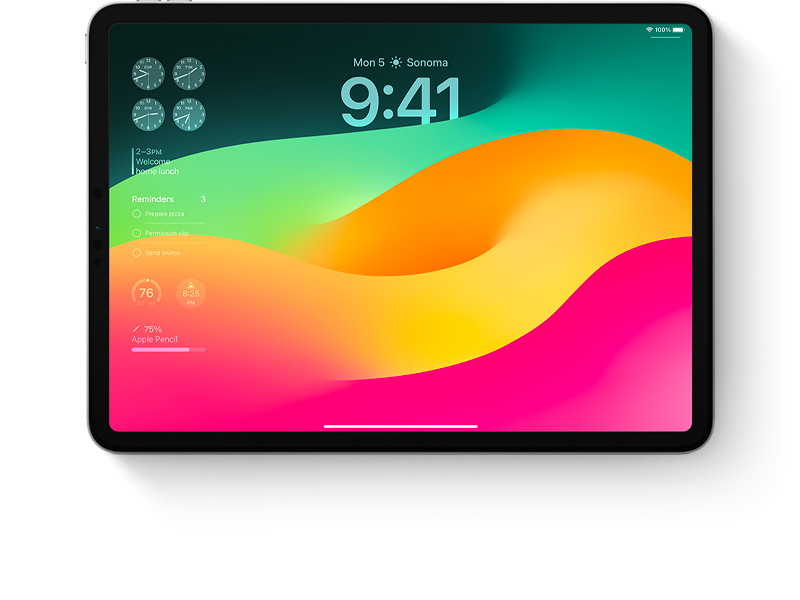
iPadOS 17 Public Beta
Get beta updates on your iPad automatically.
Released
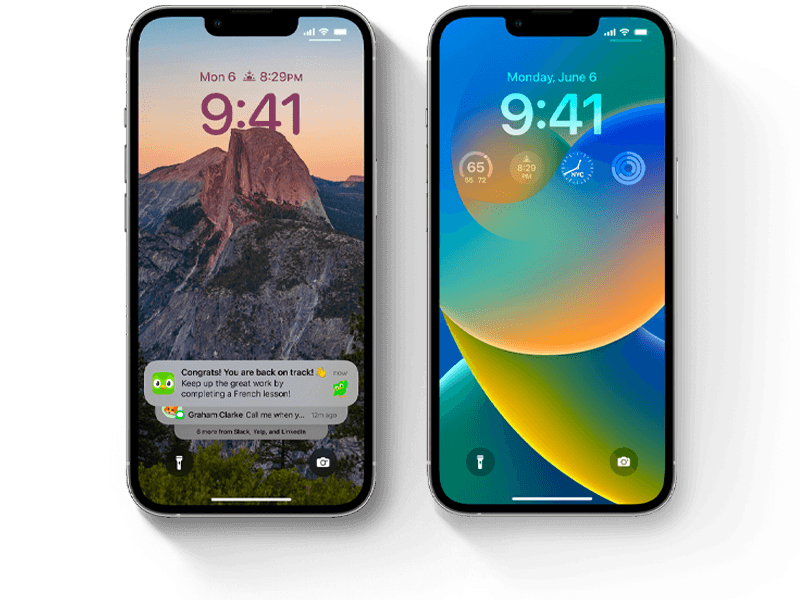
iOS 16 Public Beta
Get beta updates on your iPhone automatically.
Released
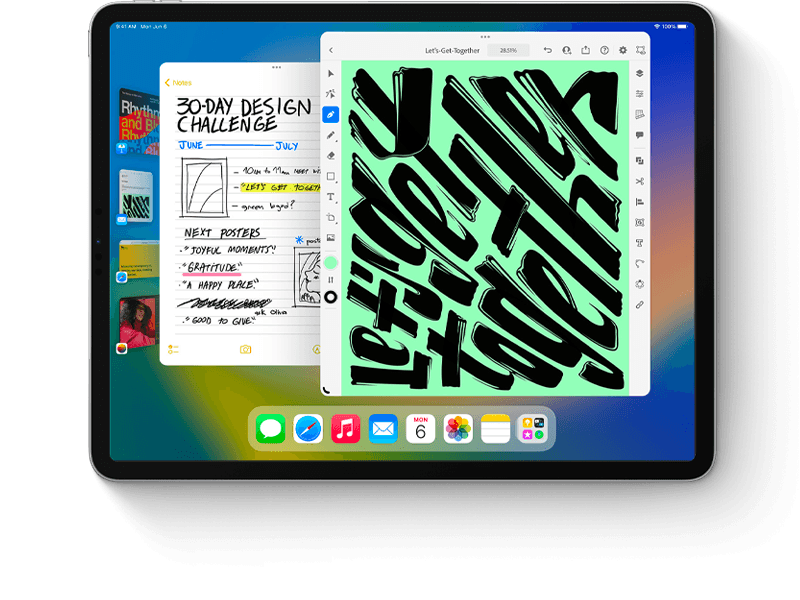
iPadOS 16 Public Beta
Get beta updates on your iPad automatically.
Released
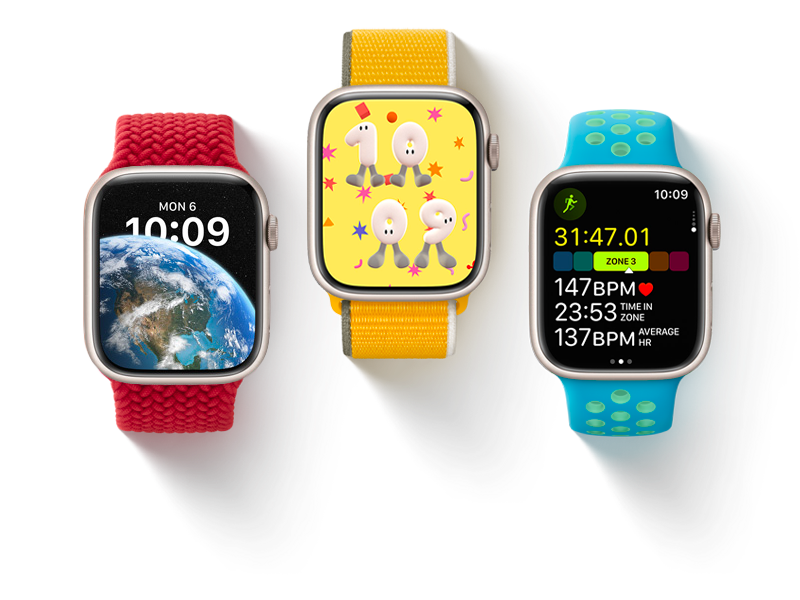
watchOS 9 Public Beta
Get beta updates for Apple Watch automatically on iPhone.
Released
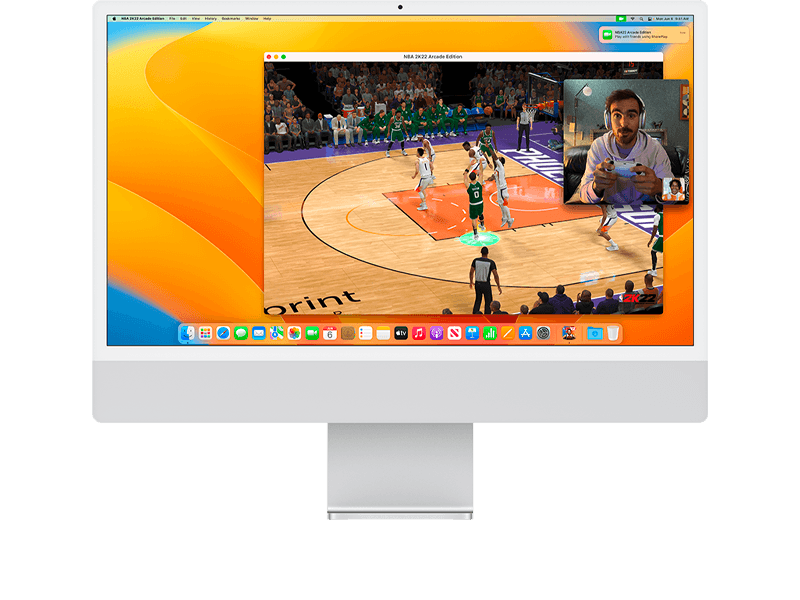
macOS 13 Public Beta
Configure your Mac to receive beta software updates.
Released

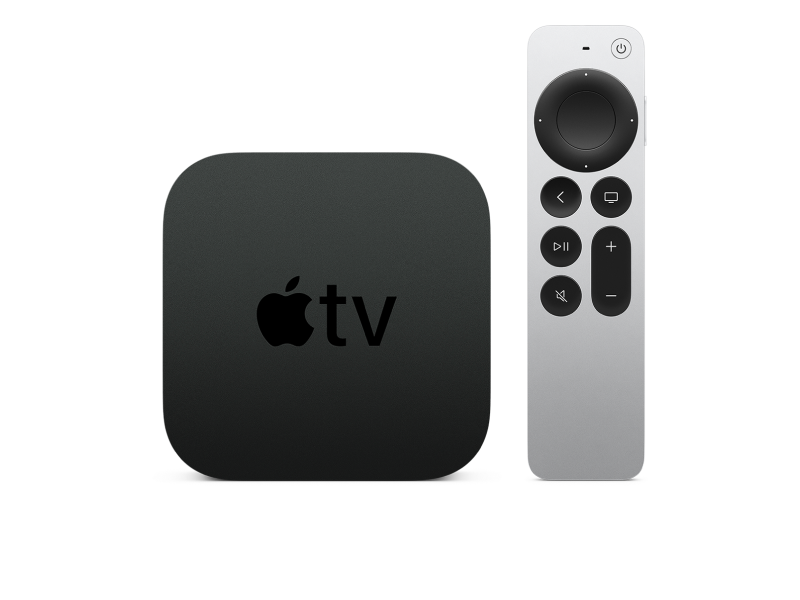
tvOS 16 Public Beta
Get beta updates on your Apple TV automatically.
Released

audioOS 16 Public Beta
Configure your HomePod mini to receive beta software updates.
Released