Apple Buyer's Guide
Apple updates its products on a rhythm. Find out at a glance which ones were just refreshed and which are due for an update, then open a category for each model's full release history.
Last updated
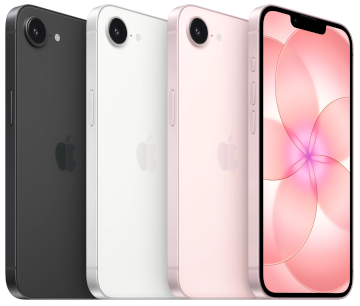
iPhone
Full iPhone guide →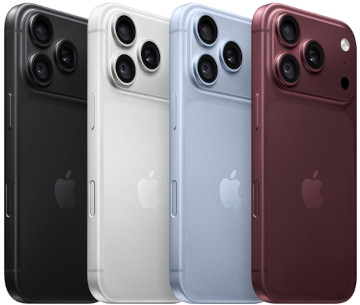
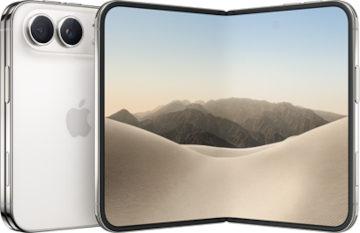
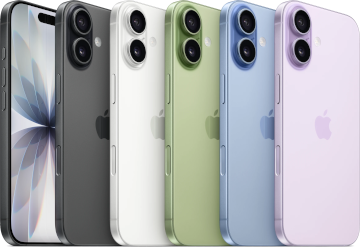
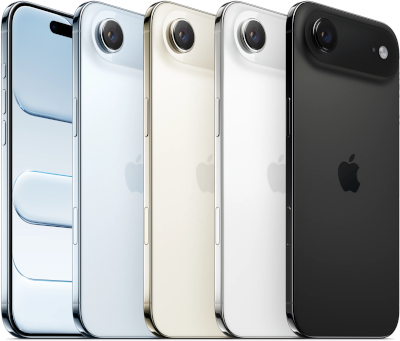
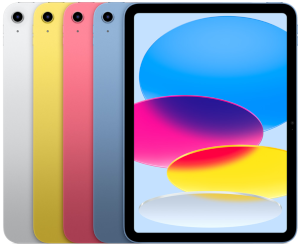
iPad
Full iPad guide →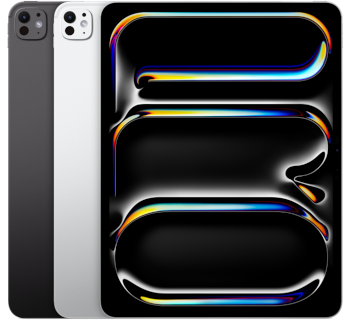

Mac
Full Mac guide →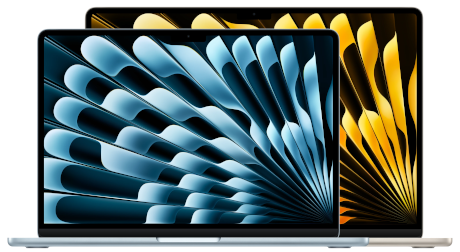



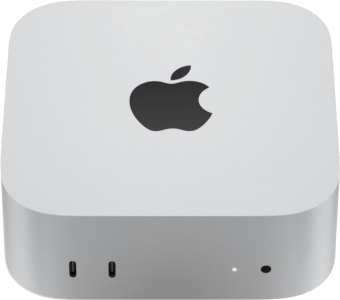
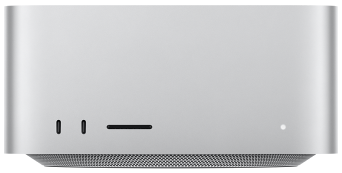
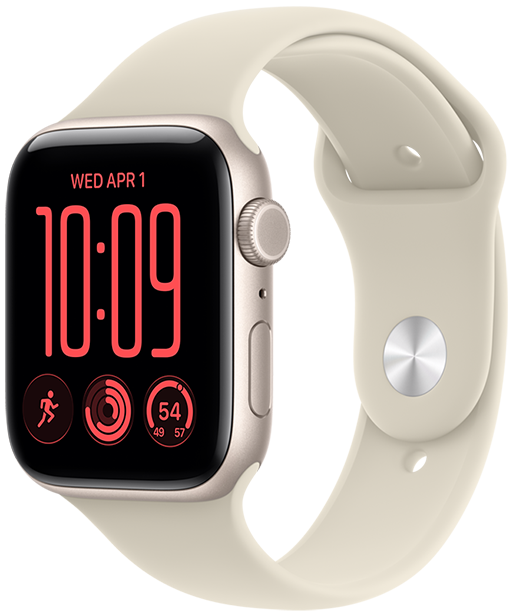
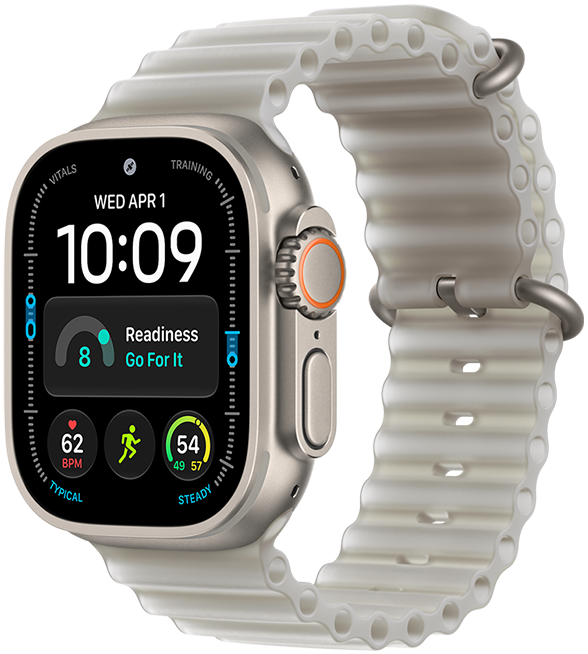
Wearables
Full Wearables guide →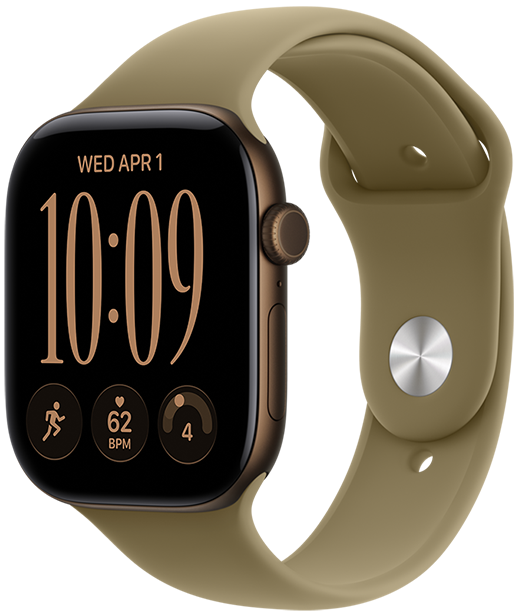
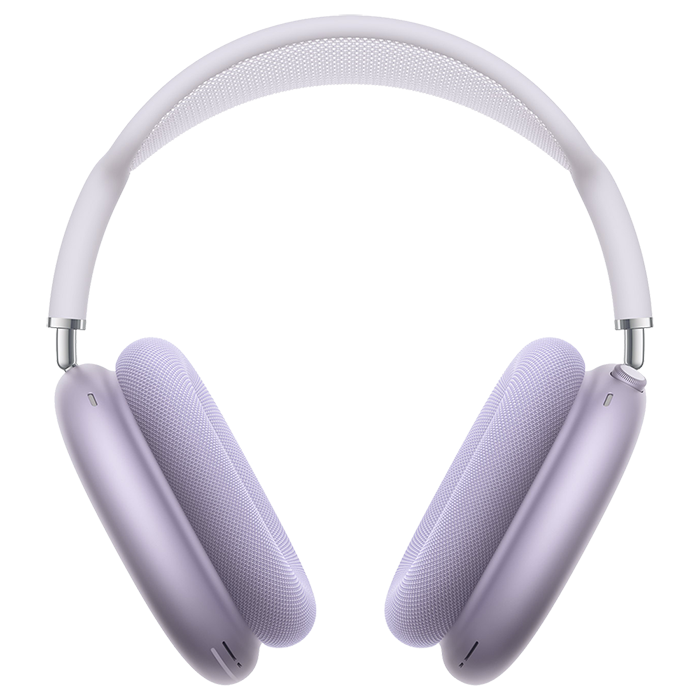
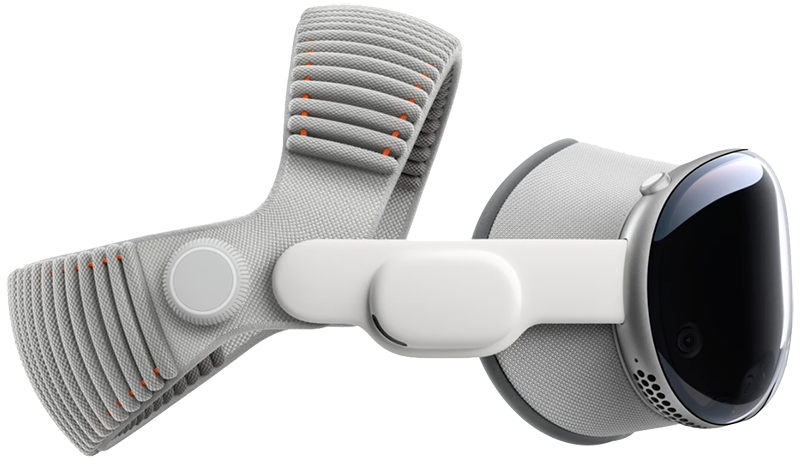
Home/Accessories
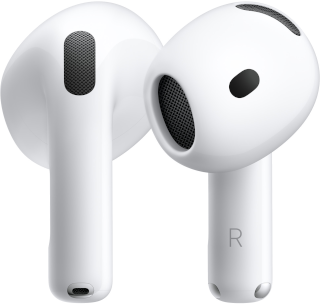
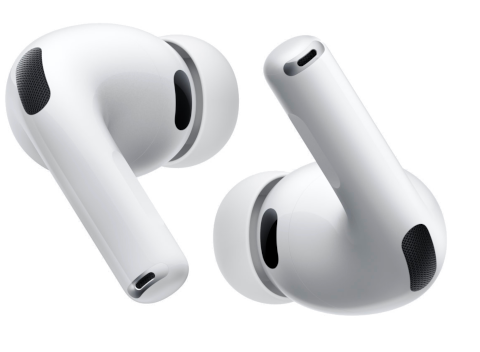
Full Home/Accessories guide →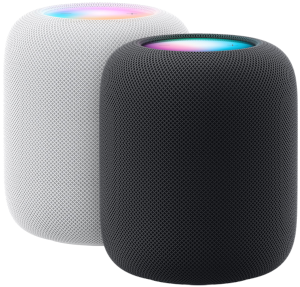
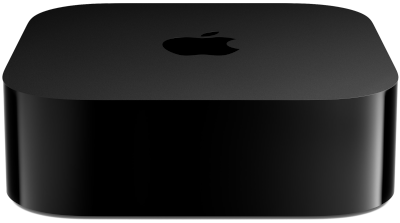

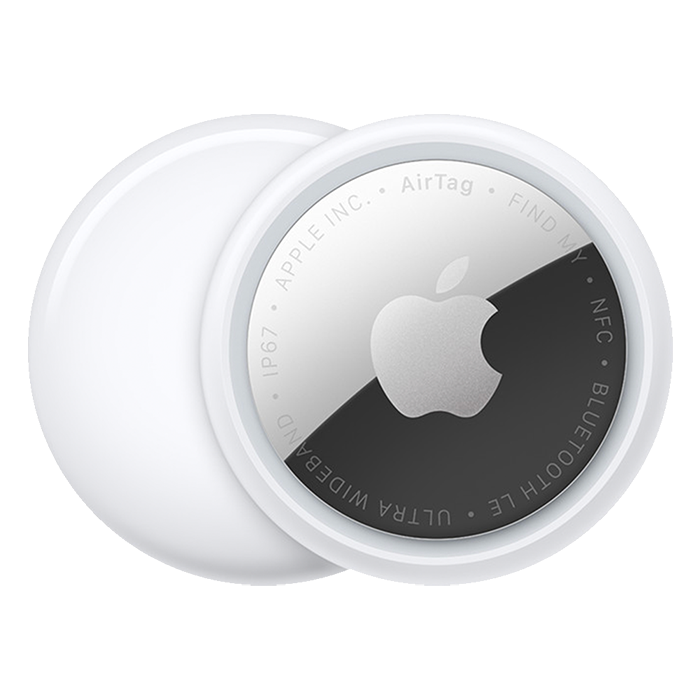
No products match this filter.
How the Buyer's Guide works
How does the Buyer's Guide decide when to buy?
Apple updates most products on a fairly regular schedule. For each product we measure how long the previous models took to arrive, then compare that cycle with how long the current model has been on sale. A recently released model is a safe buy; one that has gone most of its usual cycle is likely to be replaced soon.
What do the release dates mean?
Dates are when each model first went on sale, not when it was announced, so they can be a few days after Apple's event.
Is the recommendation always right?
No. It is based on past release patterns, not on inside information. Apple sometimes skips or delays a generation, so treat it as a guide. When we know something the cycle can't, such as a confirmed launch date, we override the automatic result.
Want to know which software version a device supports? Try Can I Update?