
How to download visionOS 27 beta
visionOS 27 has just been unveiled at WWDC26. Here’s how to download and install the visionOS 27 beta using your Apple Account, with no beta profile required.
Sign in to the Apple Developer Center
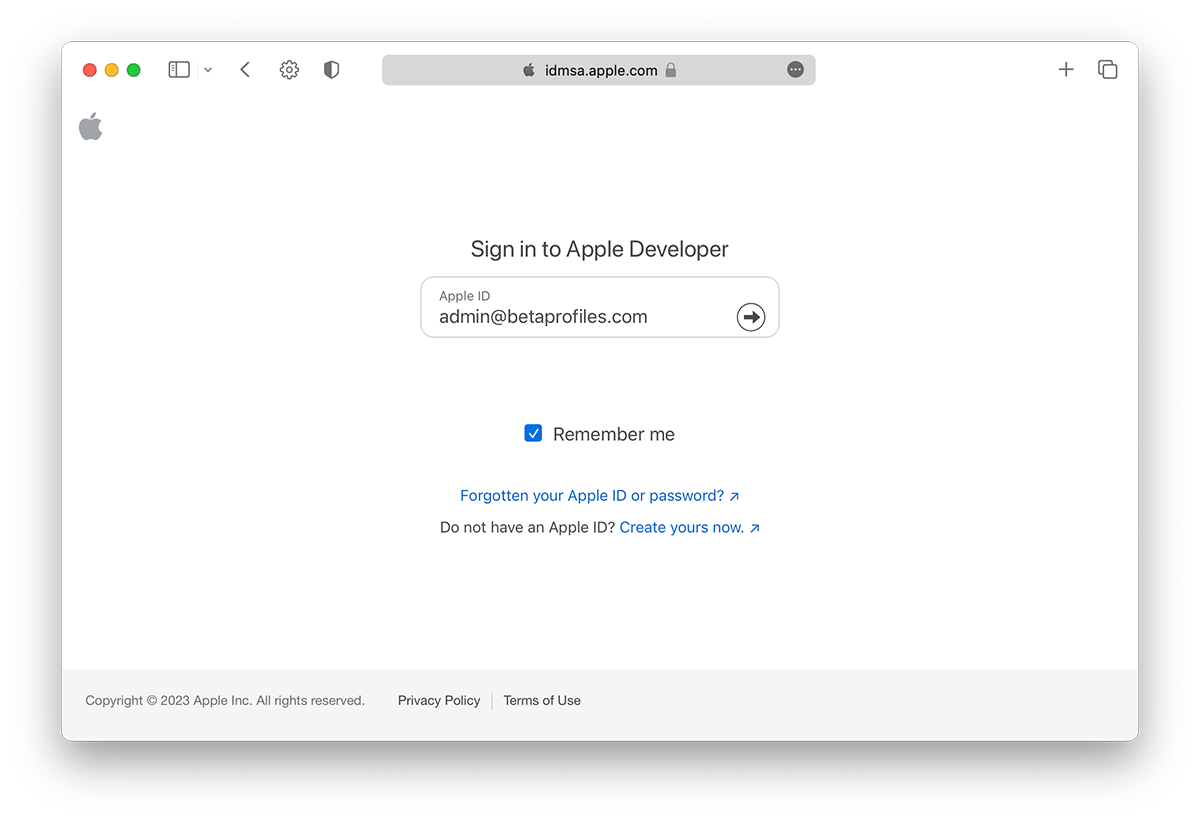
Sign in to developer.apple.com/account using your Apple Account. You don't need to join Apple's Developer Program, no payment is required, just sign in and agree to the terms.
How to join the Apple Developer Program
Turn on Beta Updates
Put your Vision Pro on your head, go to Settings → General → Software Update → Beta Updates and select visionOS 27 Developer Beta.
Update your Apple Vision Pro
Go back to the Software Update page and the visionOS 27 beta update will appear. Tap Update Now to begin downloading and installing.
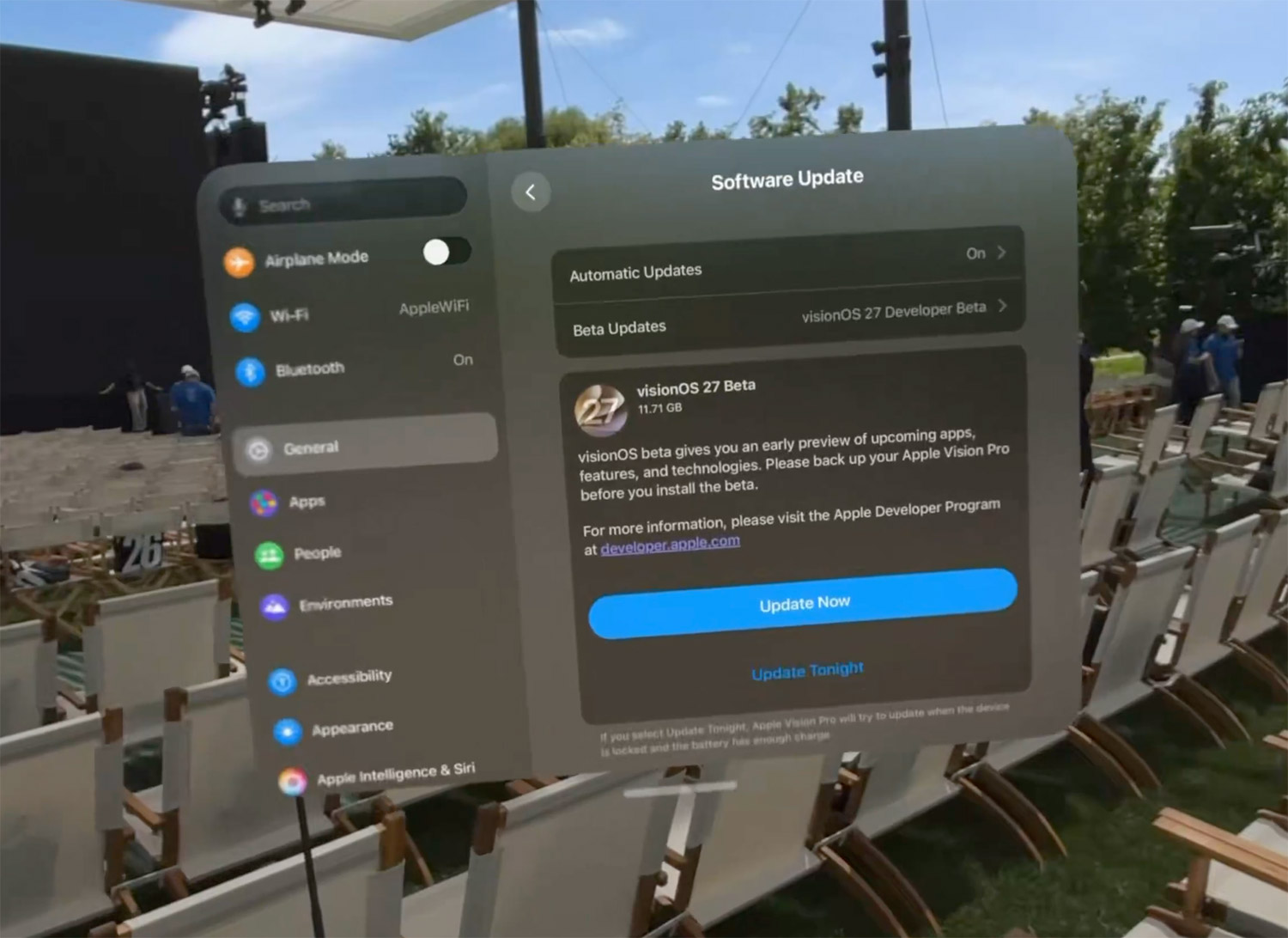
You can always switch to the "Off" option in Settings → General → Software Update → Beta Updates to stop receiving future visionOS 27 beta updates.
Download visionOS 27 beta IPSW
You can also download the visionOS 27 beta IPSW file and restore it via your Mac, similar to iPhone and iPad. Download links for beta IPSW files for Apple Vision Pro can be found on IPSW.dev.
Provide Feedback
The visionOS beta comes with a built-in Feedback Assistant app that lets you send feedback directly to Apple whenever you come across an issue that needs addressing. You can launch Feedback Assistant from the Dock or by selecting 'Send Feedback' from the Help menu.
Latest update: June 9, 2026