
How to download tvOS 27.2 Beta 3
Installing tvOS 27.2 Beta 3 is easy with the right setup. This guide covers compatible Apple TV models, installation requirements, and the steps to update successfully.
You can always switch between Developer Beta or Public Beta if you change your mind. Learn about the differences between these two versions.
Is Your Apple TV Compatible with tvOS 27 beta?
Here’s a complete list of Apple TV models compatible with tvOS 27:
- Apple TV 4K (3rd Generation) (2022)
- Apple TV 4K (2nd Generation) (2021)
- Apple TV 4K (2017)
- Apple TV HD (2015)
Sign in to the Apple Developer Center
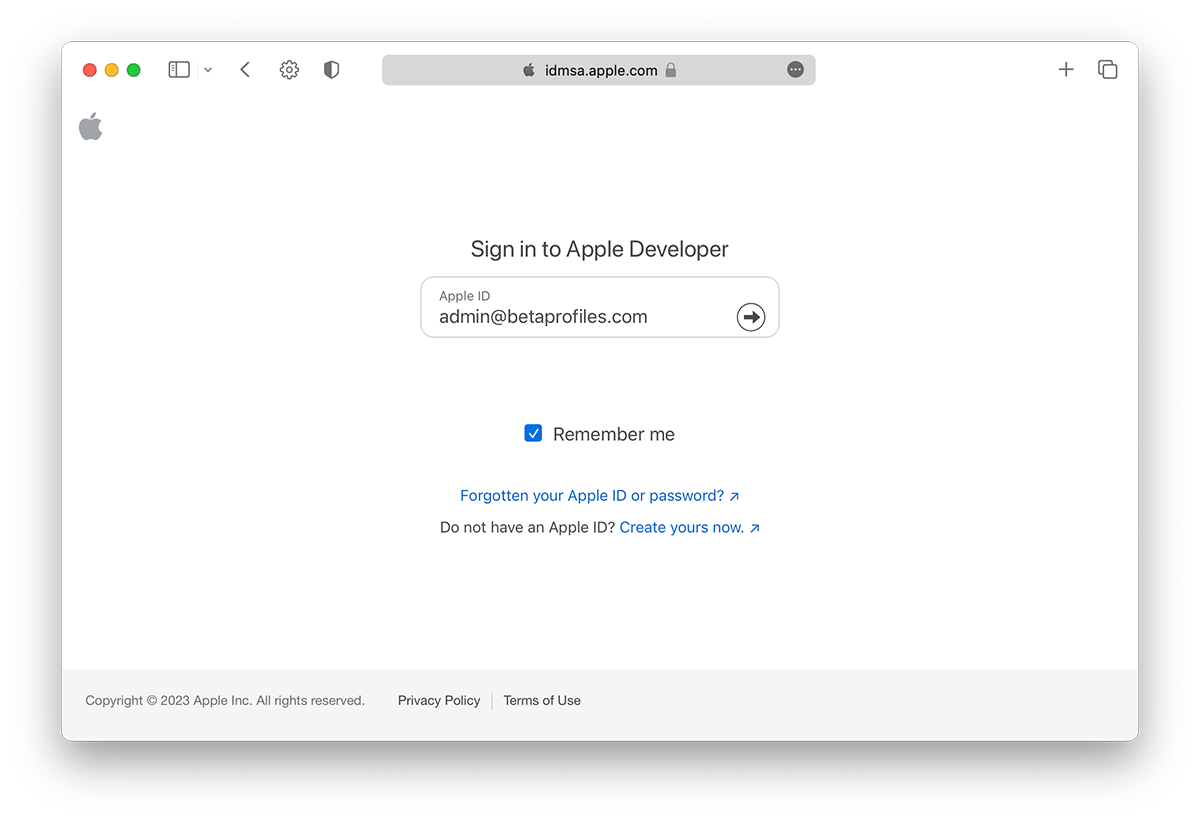
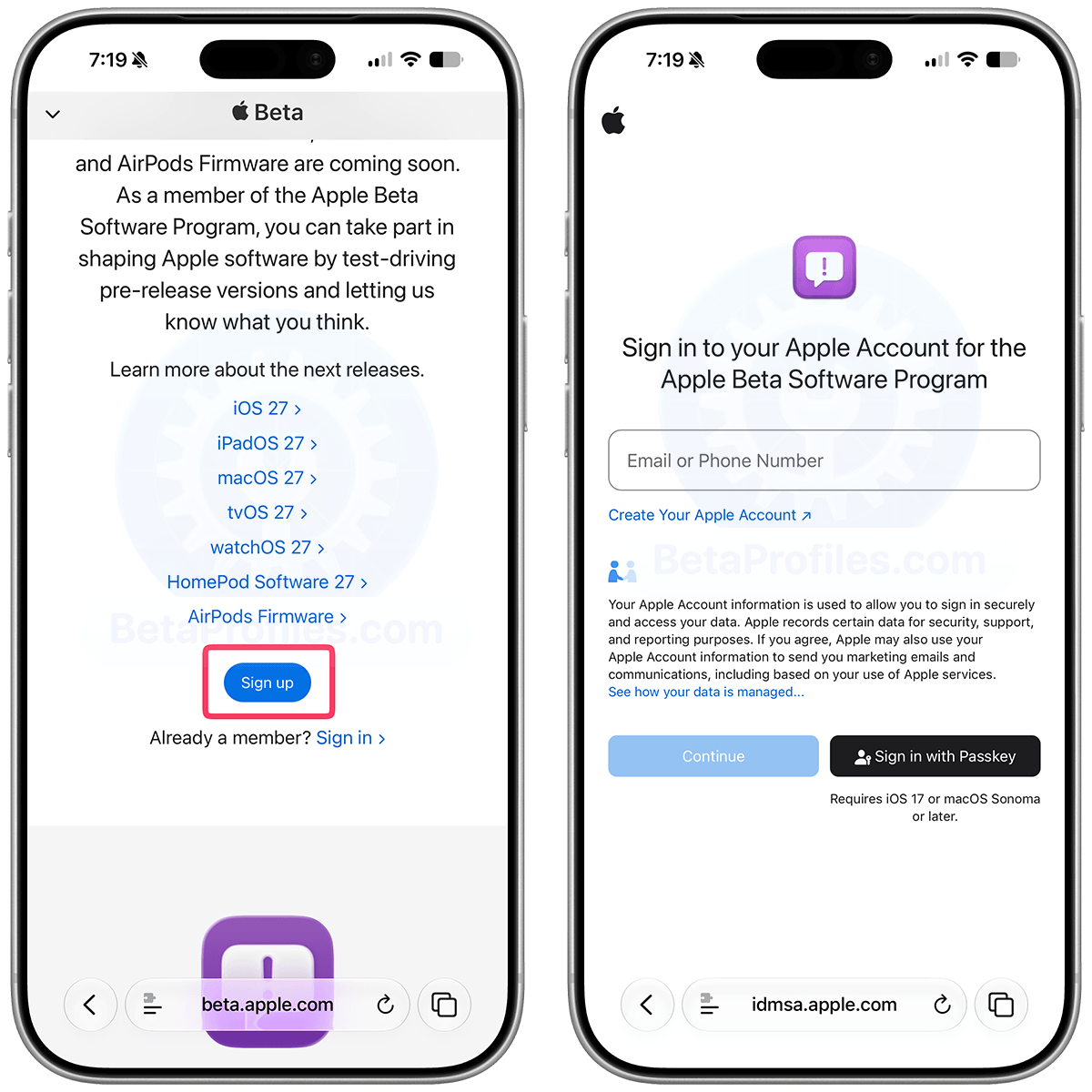
On your iPhone, iPad or Mac, sign in to developer.apple.com/account ↗ with your Apple Account. Make sure to use the same account you’re signed in with on your Apple TV.
You don't need to join Apple's Developer Program, no payment is required, just sign in and agree to the terms.
How to join the Apple Developer Program
Turn on Beta Updates
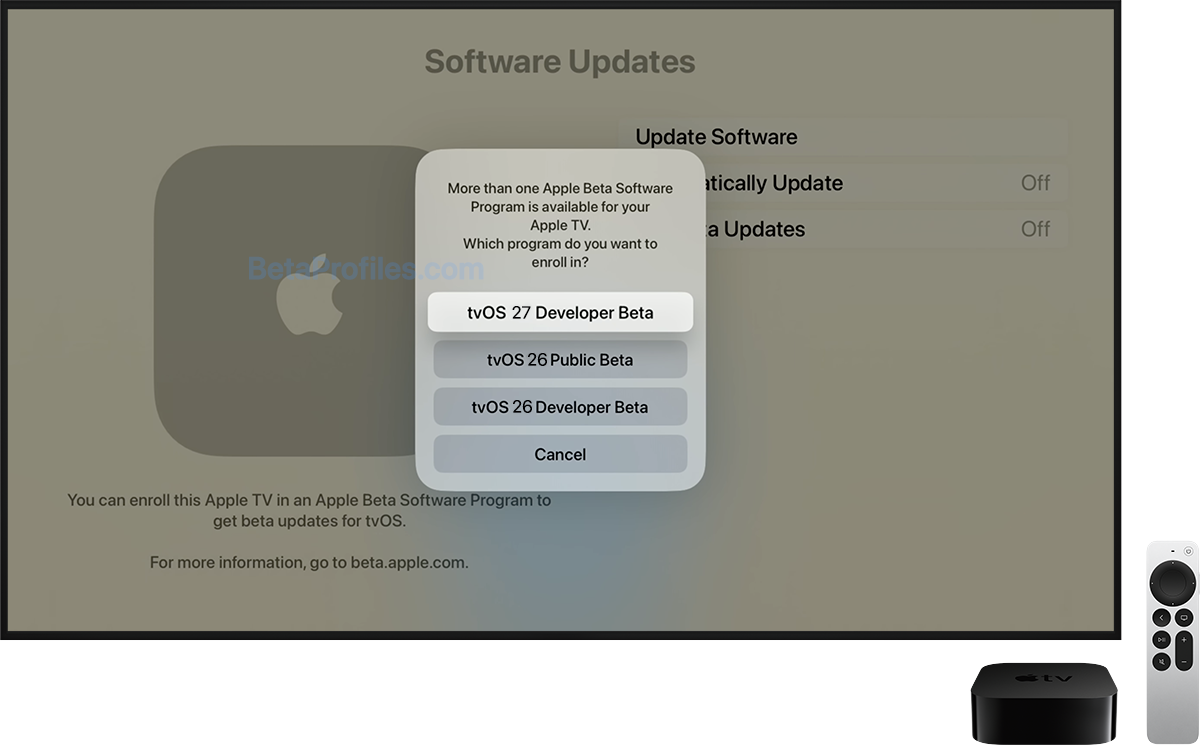
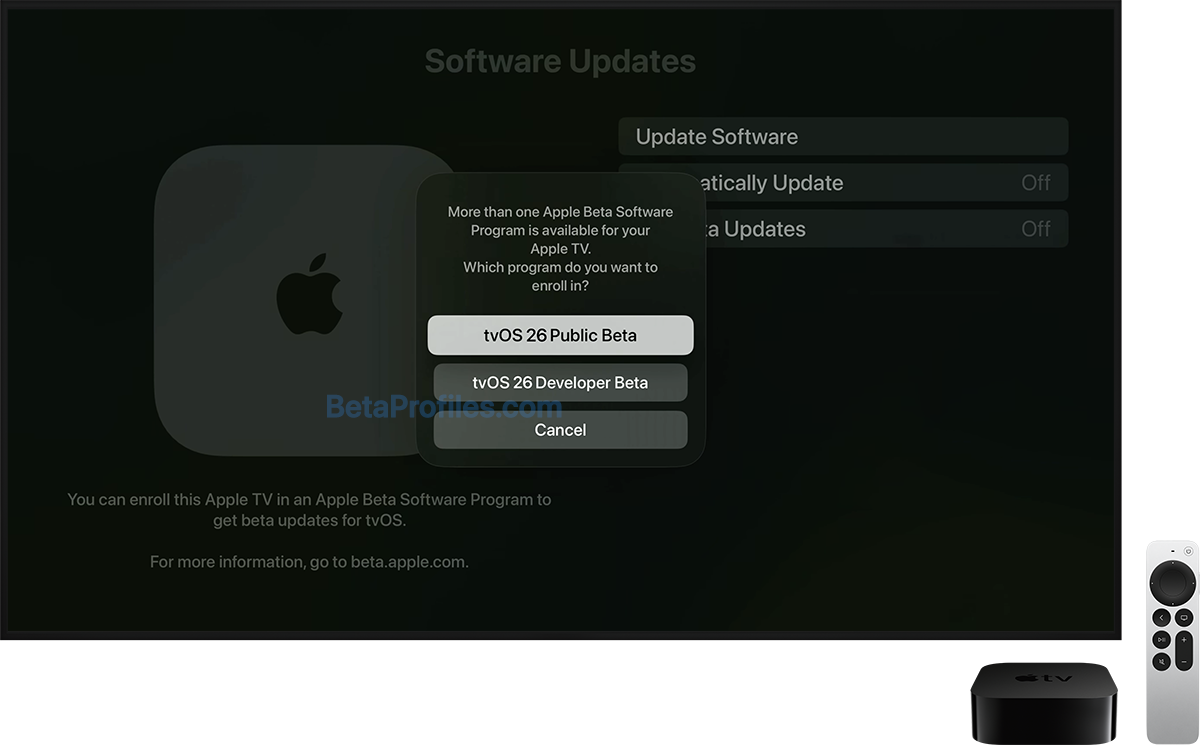
On your Apple TV, go to Settings → System → Software Updates → Get Beta Updates, then select tvOS 27 Developer Beta.
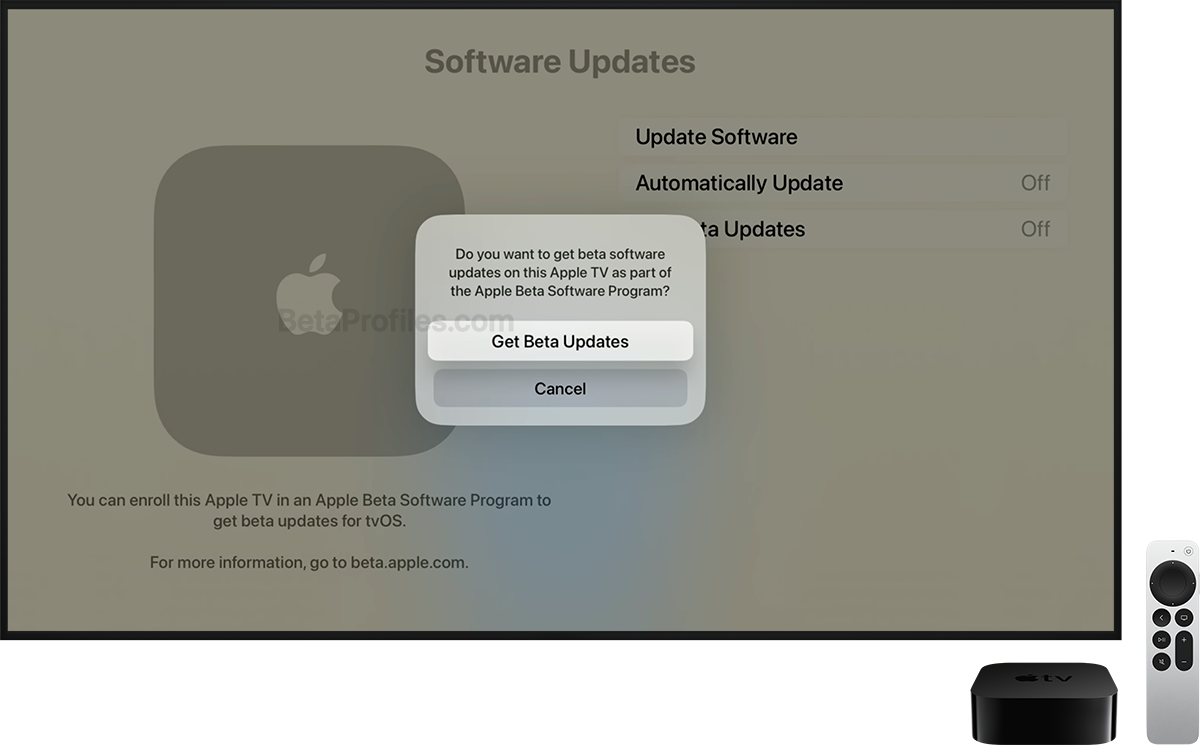
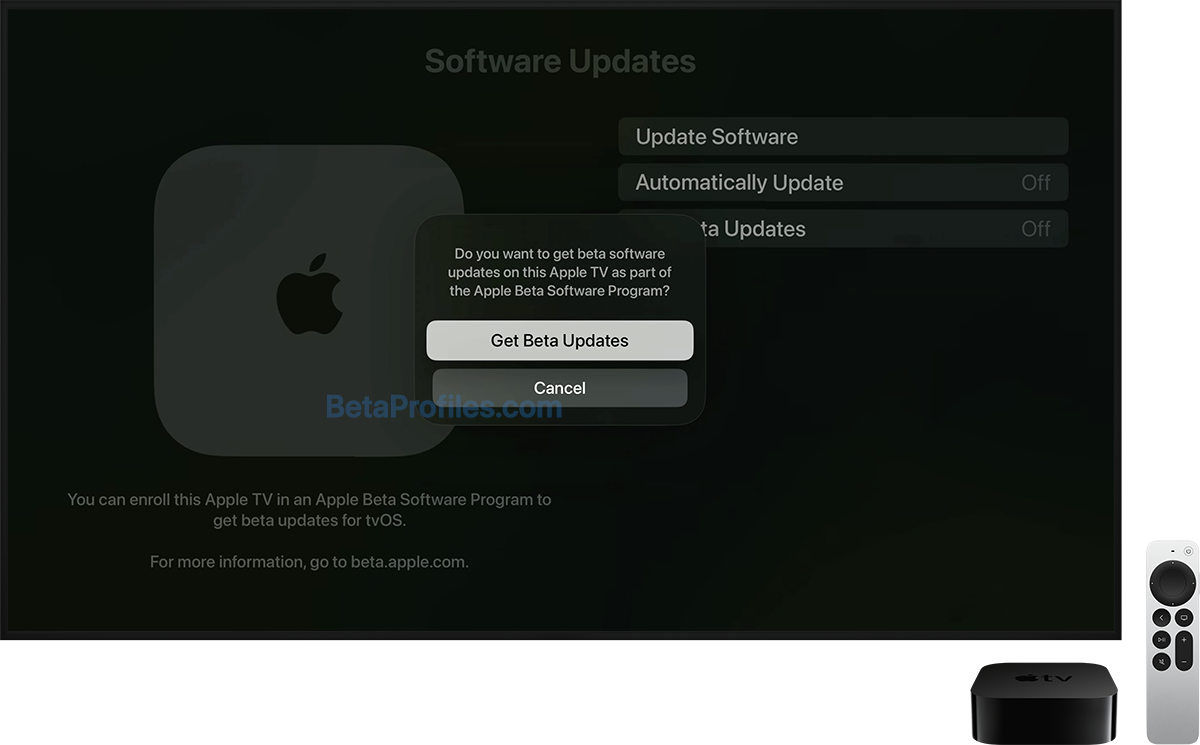
Select Get Beta Updates again to confirm.
Update your Apple TV
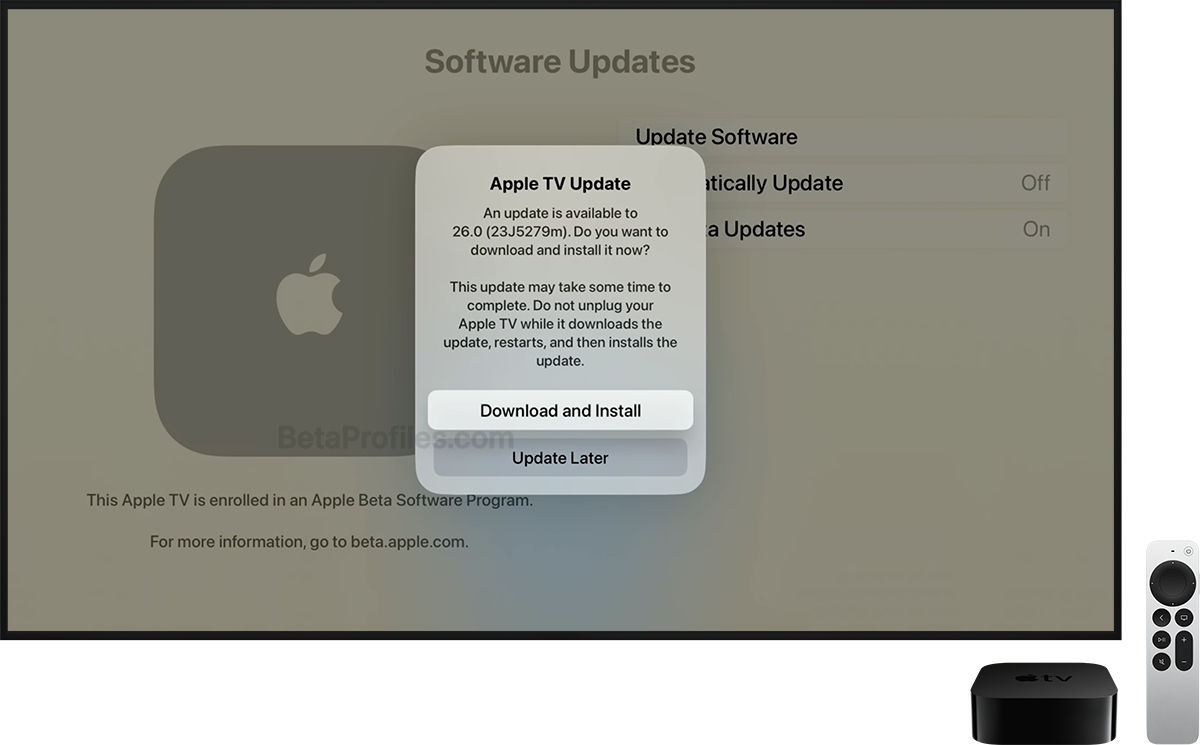
Once this is done, you can update to tvOS 27 beta by clicking Update Software on the Software Updates page.
Click Download and Install to begin.
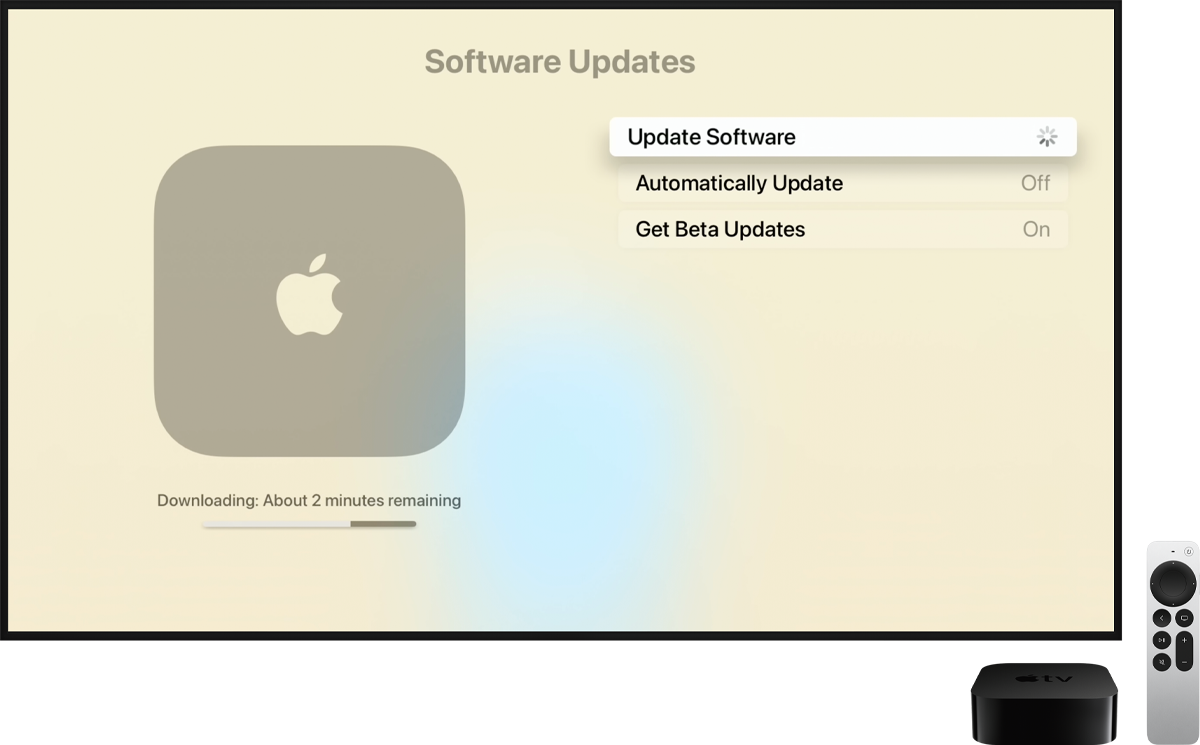
You can always switch to the "Off" option in the Settings → System → Software Updates → Get Beta Updates to stop receiving future tvOS 27 beta updates.
Provide Feedback
tvOS 26.6 beta works with the Feedback Assistant app running on iOS or iPadOS devices enrolled in the developer (or public) beta. When you come across an issue on Apple TV that needs addressing, send your feedback to Apple with Feedback Assistant.
Latest update: July 13, 2026