iPhone Duo Wallpapers
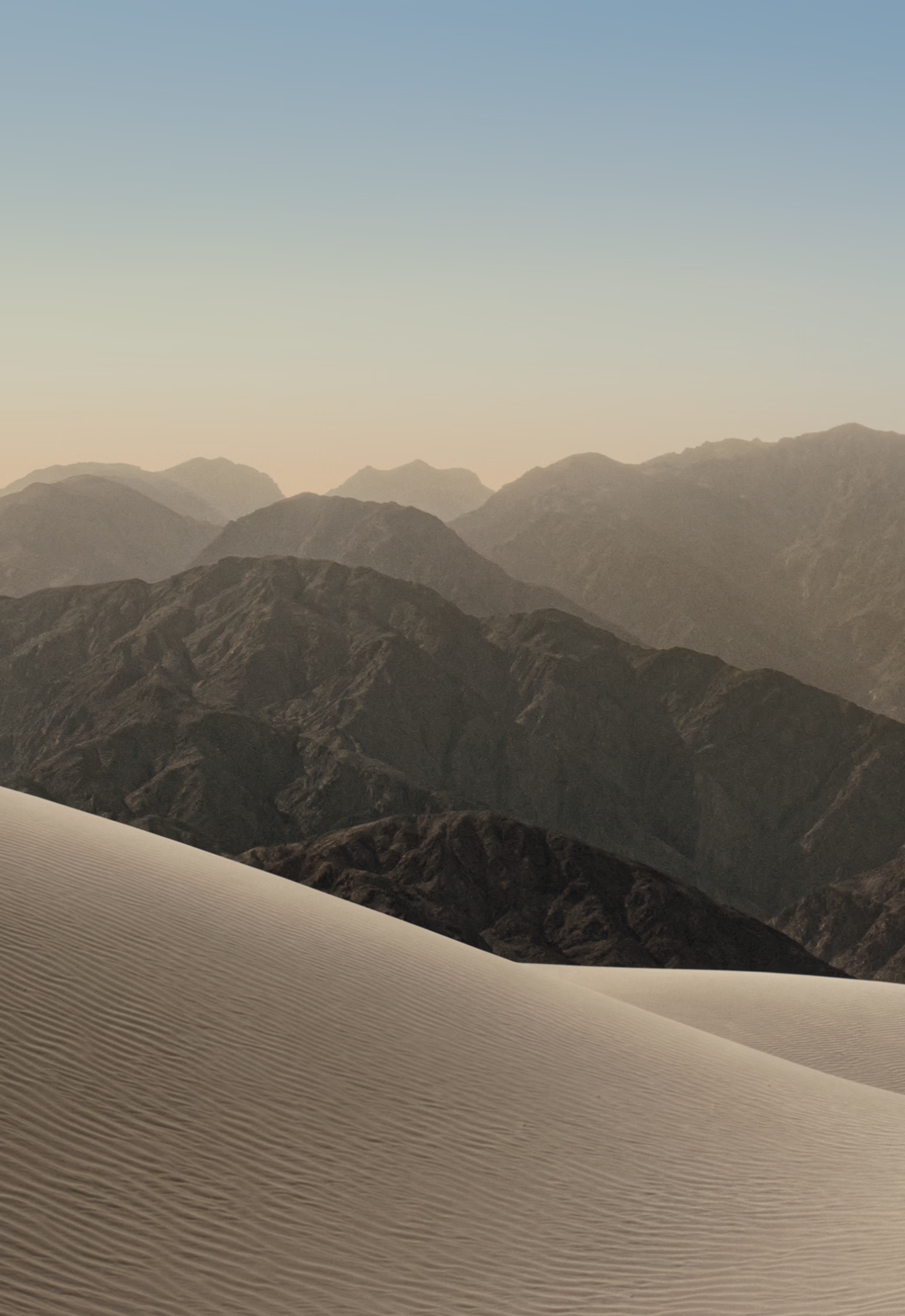
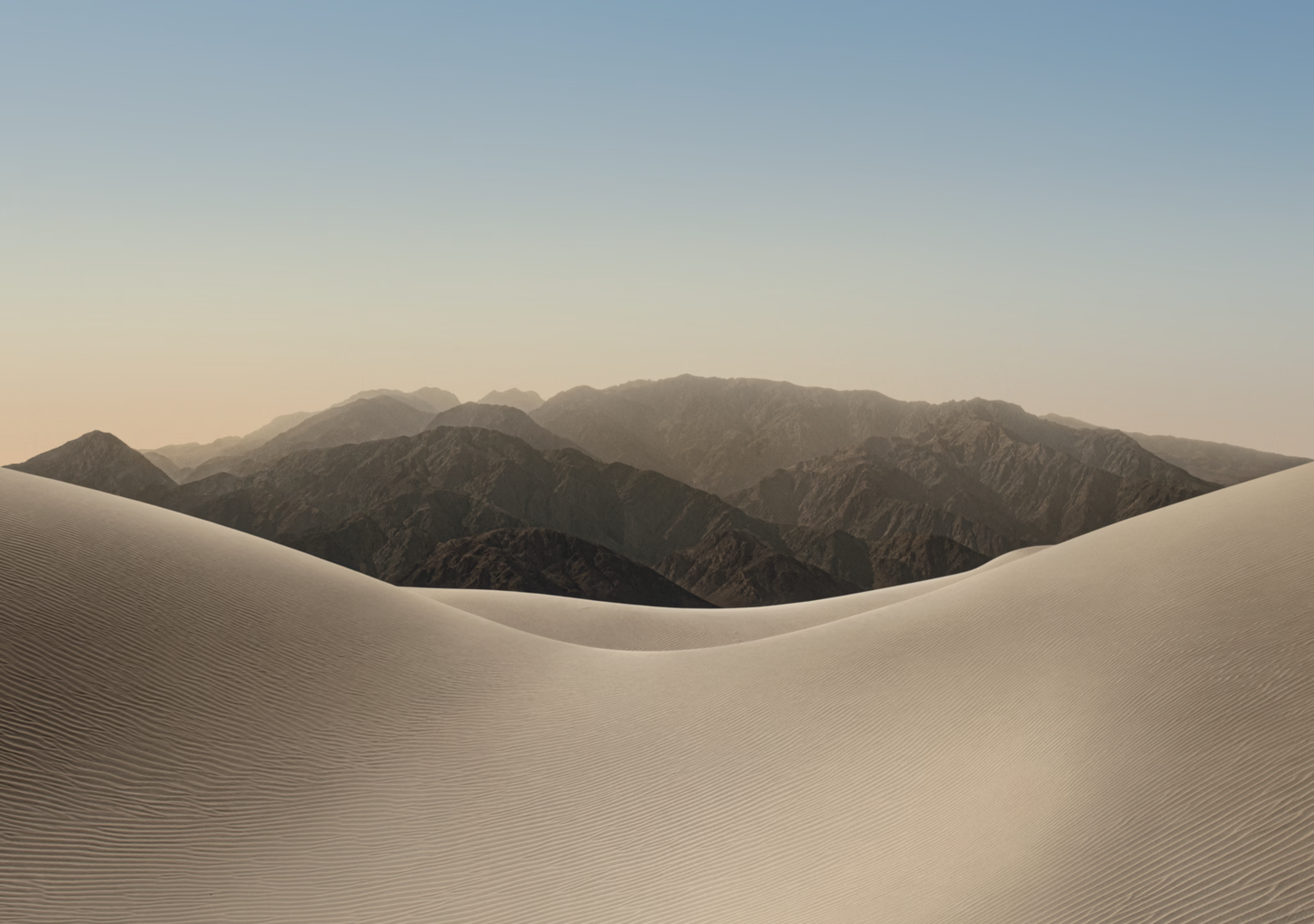
Download the official iPhone Duo wallpapers, available in both light and dark versions.
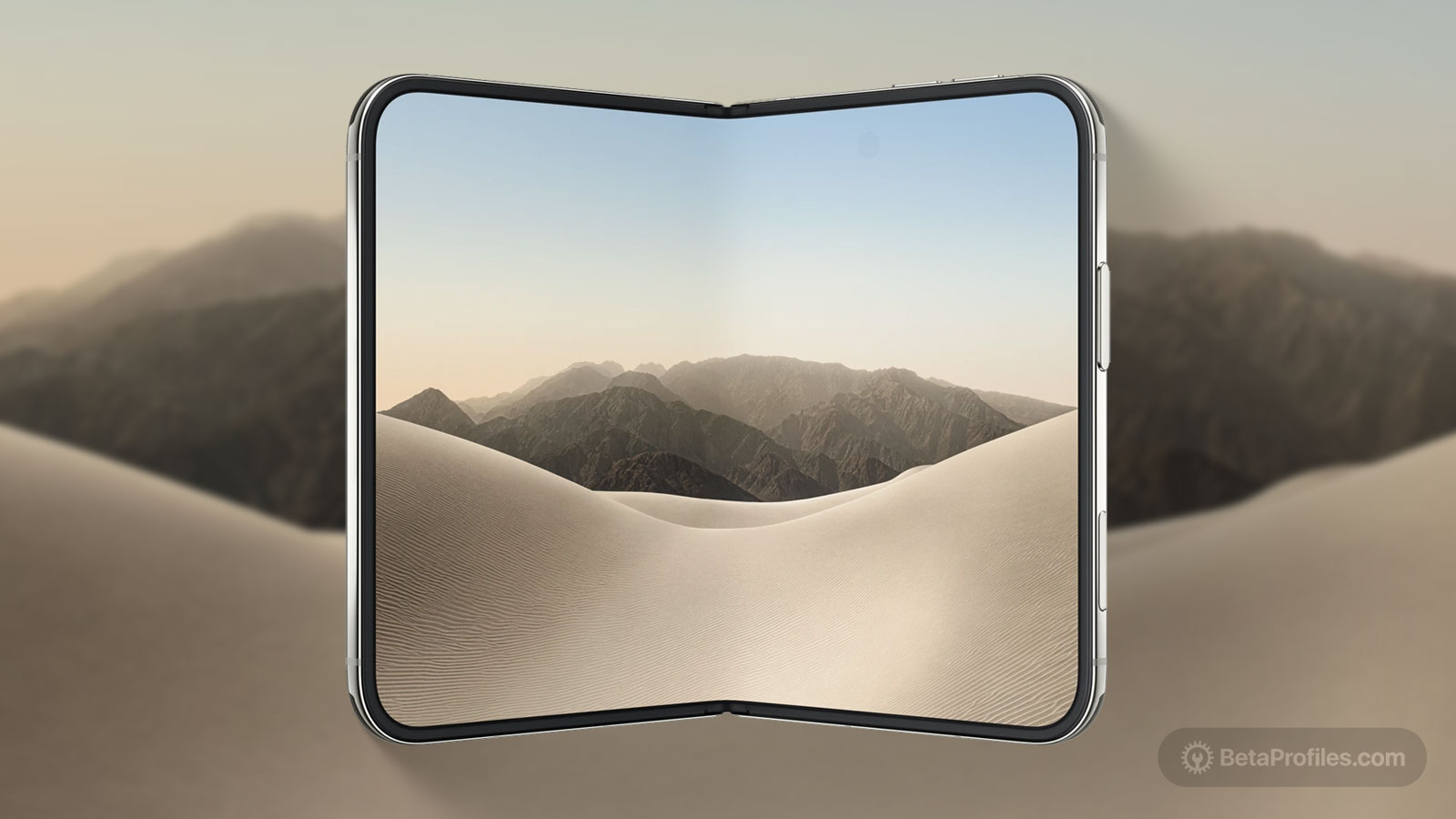
Apple introduced its first foldable iPhone on Wednesday, September 9, called the iPhone Duo. This iPhone features a unique folding design with two displays measuring 5.4 inches and 7.6 inches when unfolded.
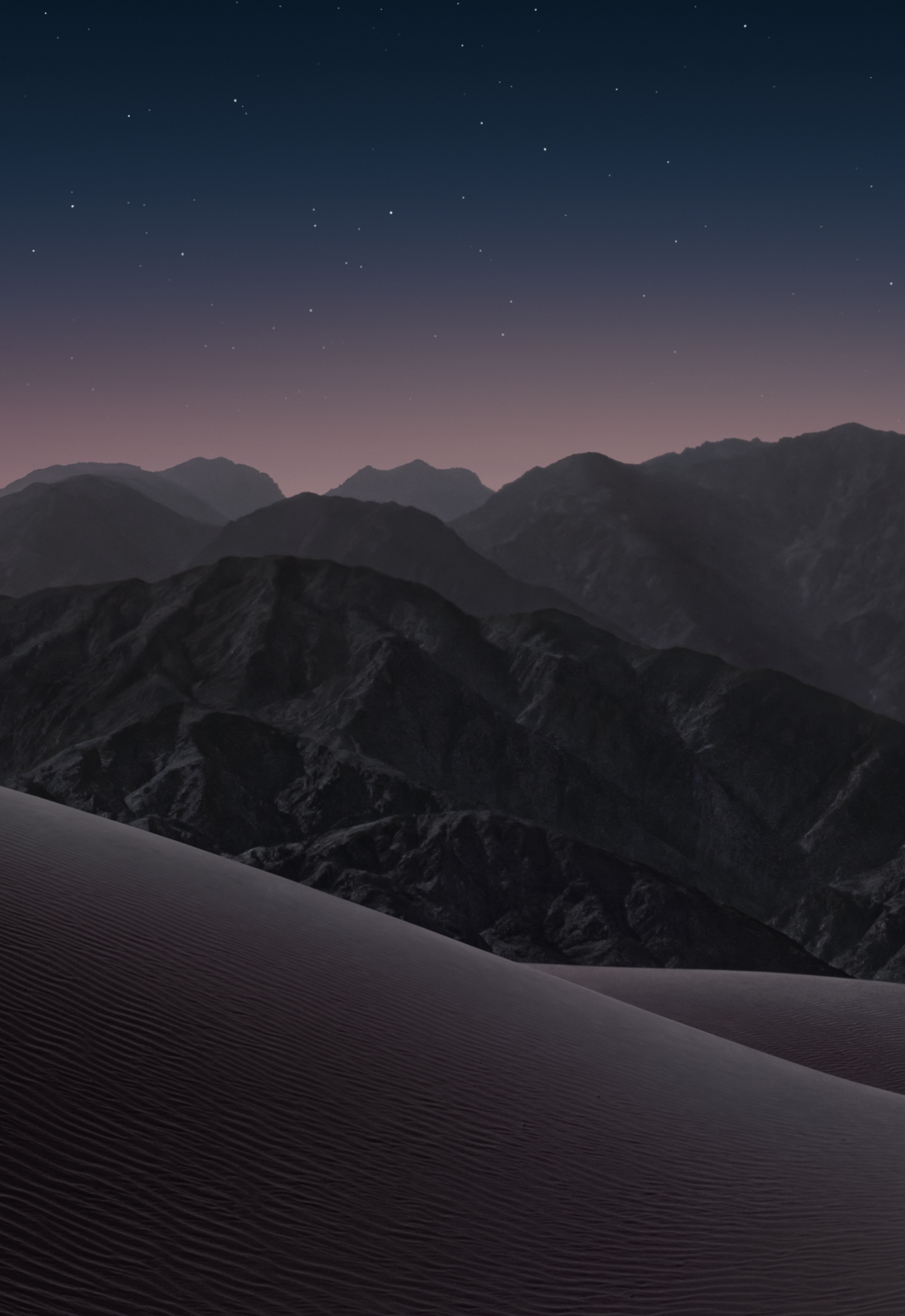
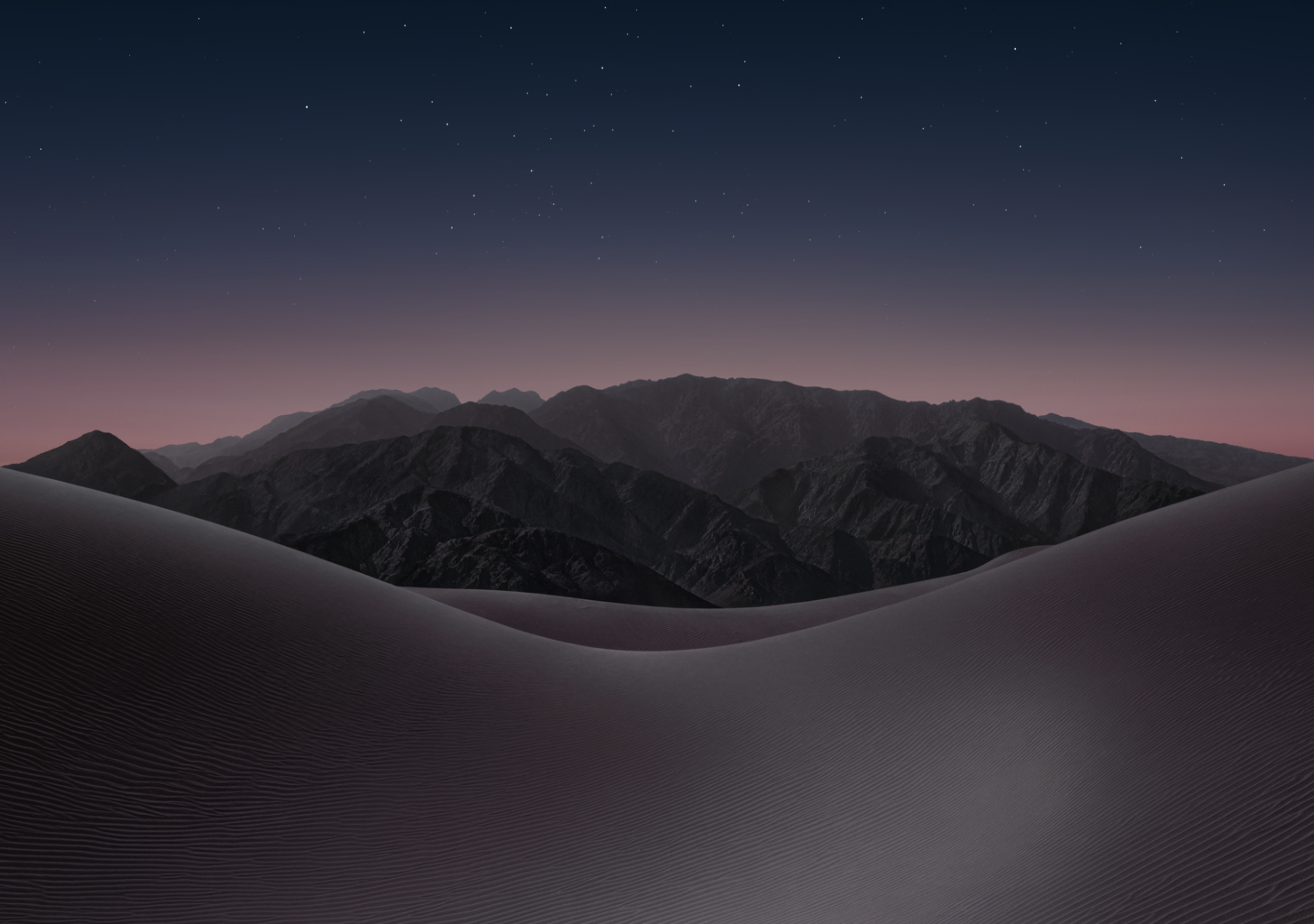
The iPhone Duo wallpapers showcase stunning mountain ranges rising from the desert, available in day and night variants that match the Star White and Night Sky finishes.
A quick note: these wallpapers were extracted from the 3D model files (USDZ) that Apple shared on its website, so they aren't at native resolution, though they're still sharp enough to use. I'll update this post with the original versions pulled from the iPhone Duo IPSW once it drops.
Download
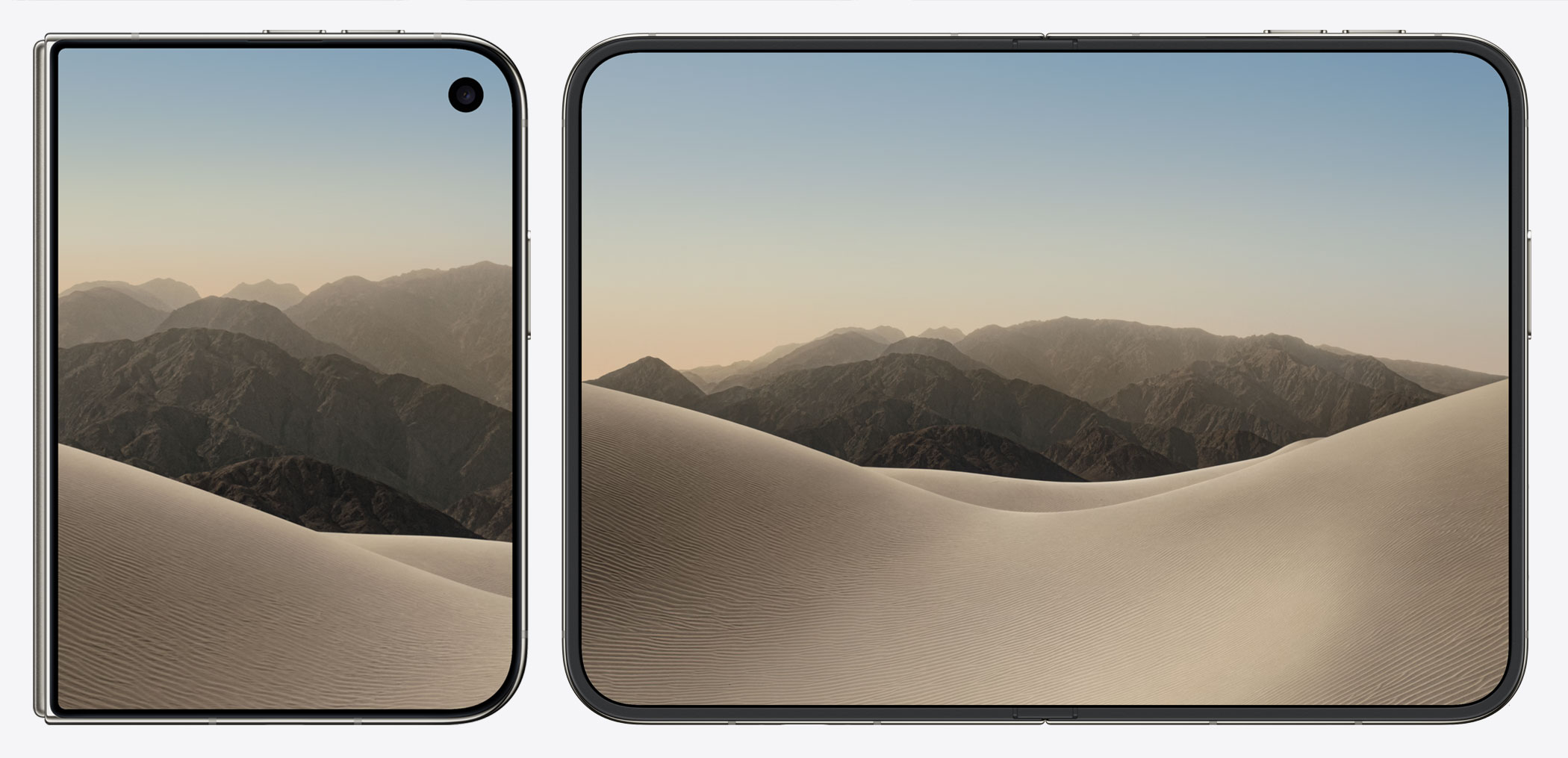
Star White
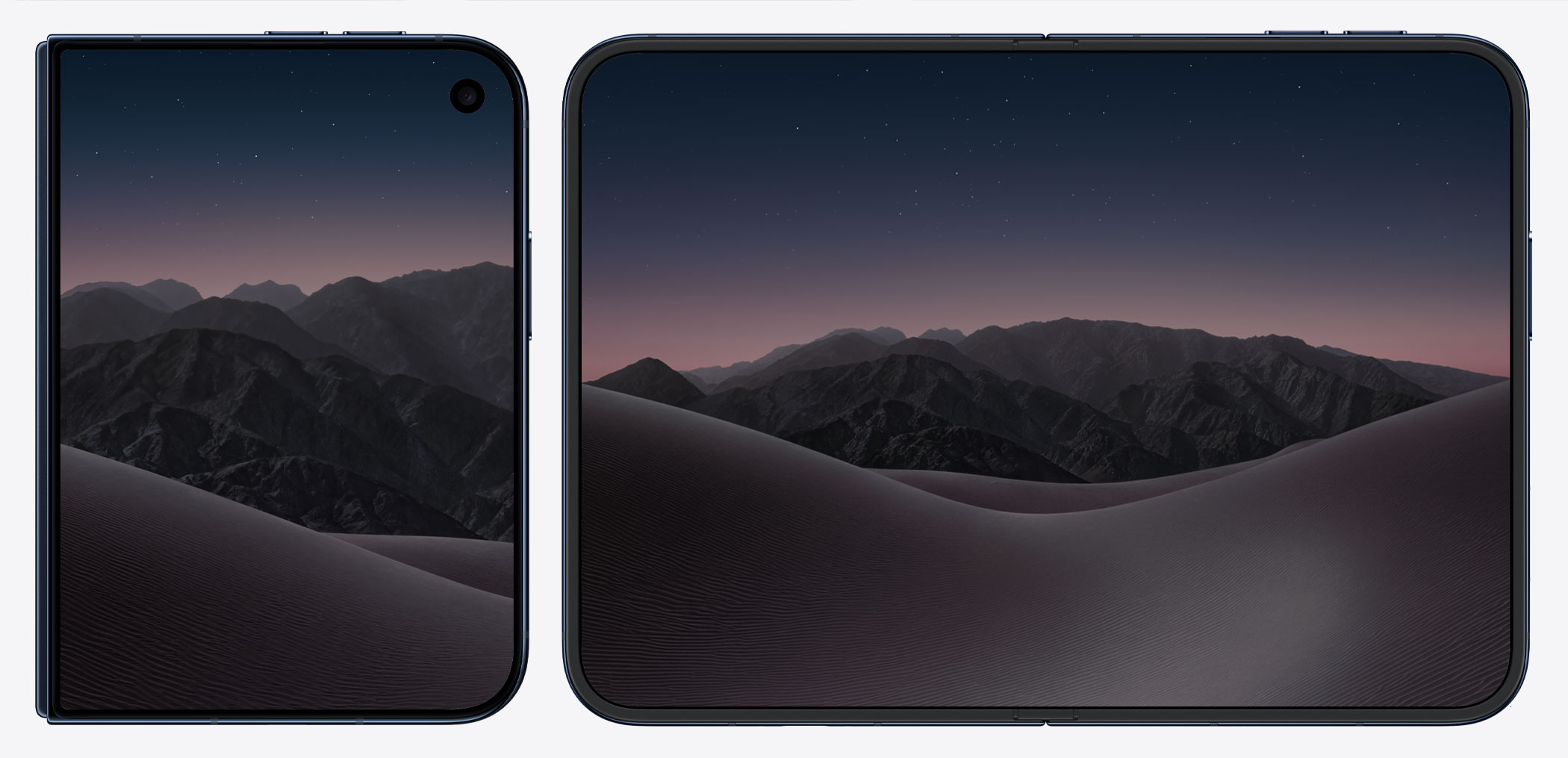
Night Sky
How to set wallpaper
Set your iPhone wallpaper
- In the Photos app, tap the image you downloaded.
- Tap Share button.
- Scroll down and tap Use as Wallpaper.
- Adjust the wallpaper to your liking, then tap Add.
- Tap Set as Wallpaper Pair to apply it to both your Home Screen and Lock Screen. Tap Customize Home Screen if you want to create a separate Home Screen wallpaper that you can edit.
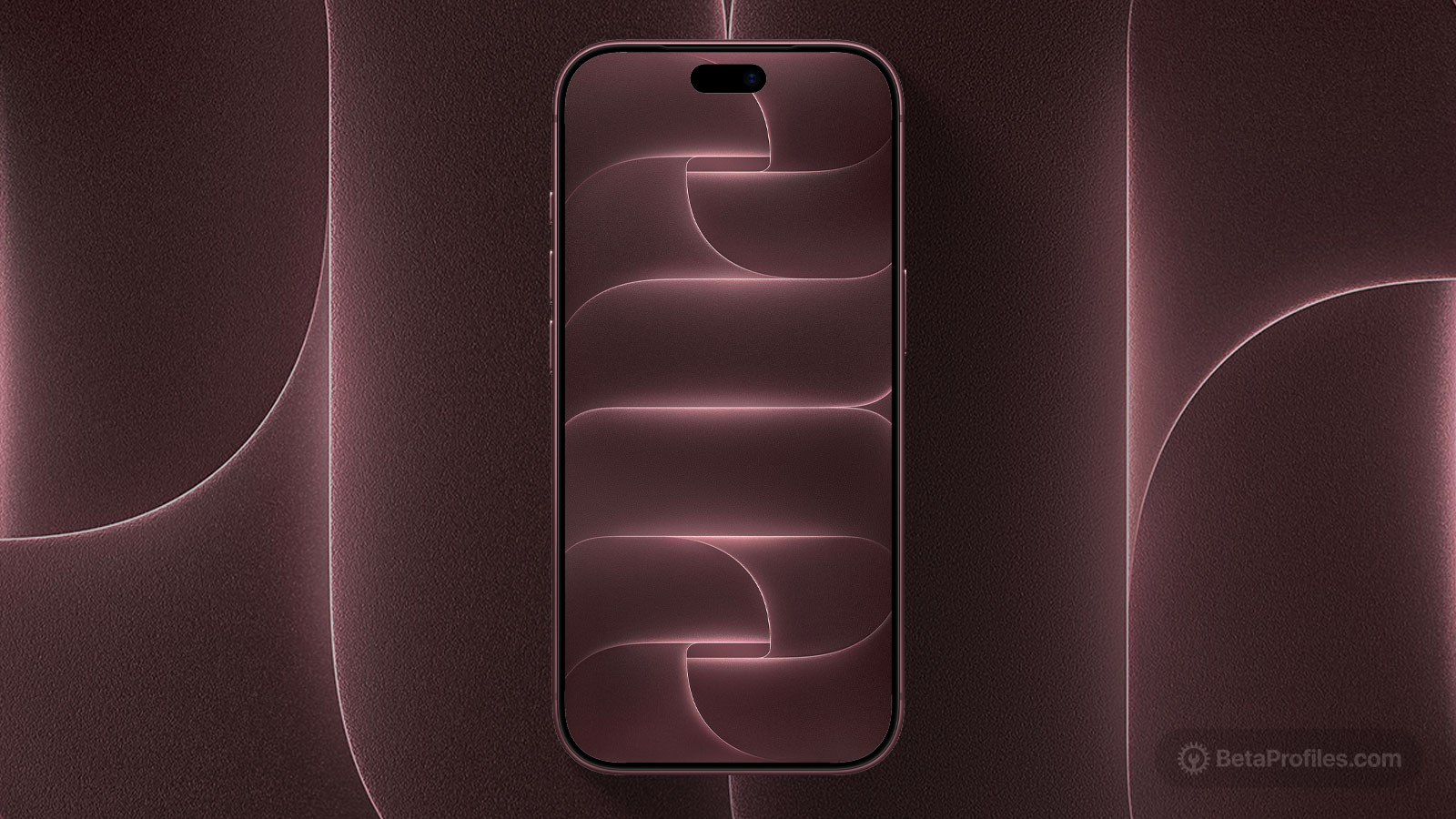
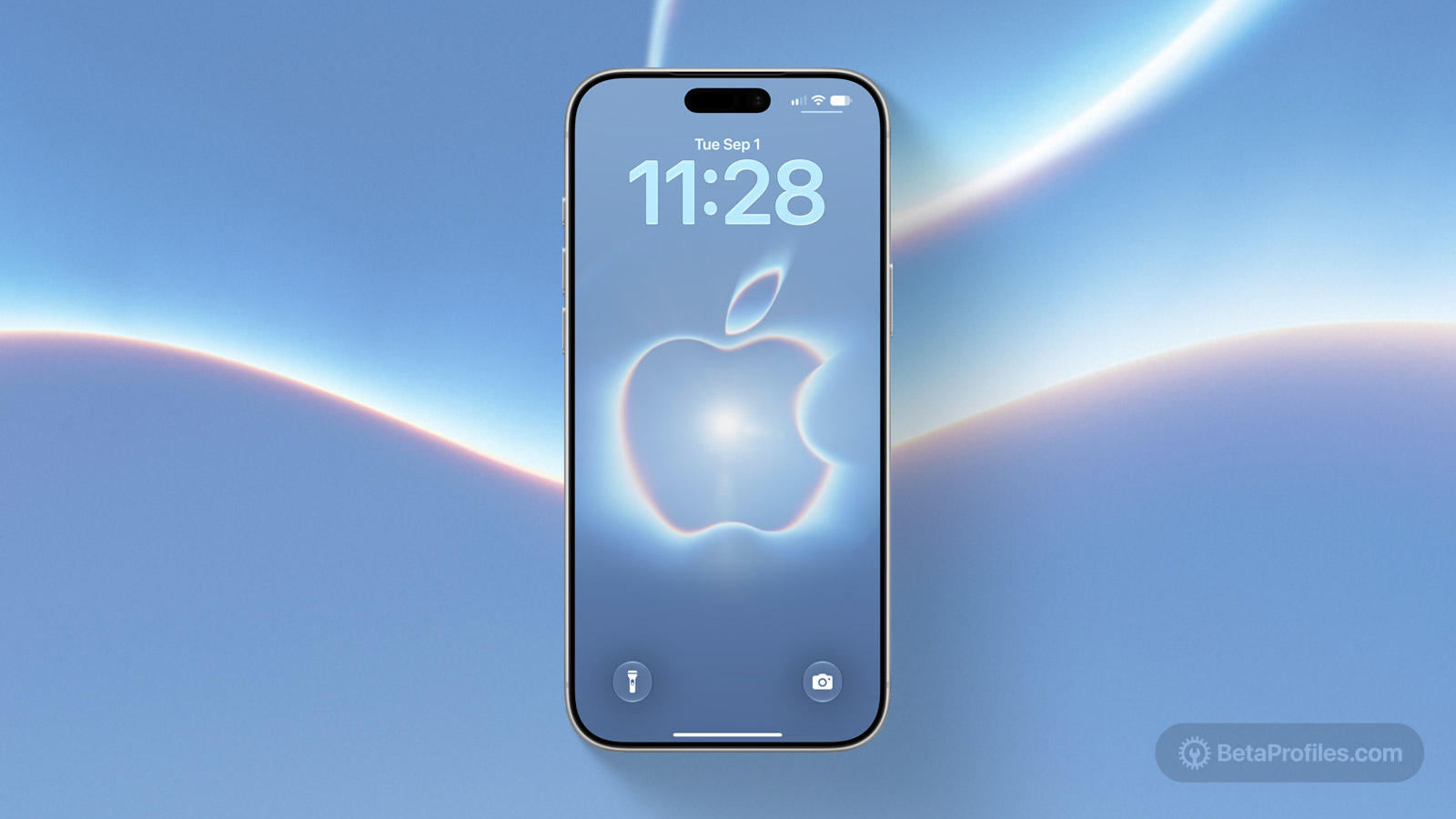
Recent wallpapers


Source: @applewpapers