Apple Rangoli Wallpapers
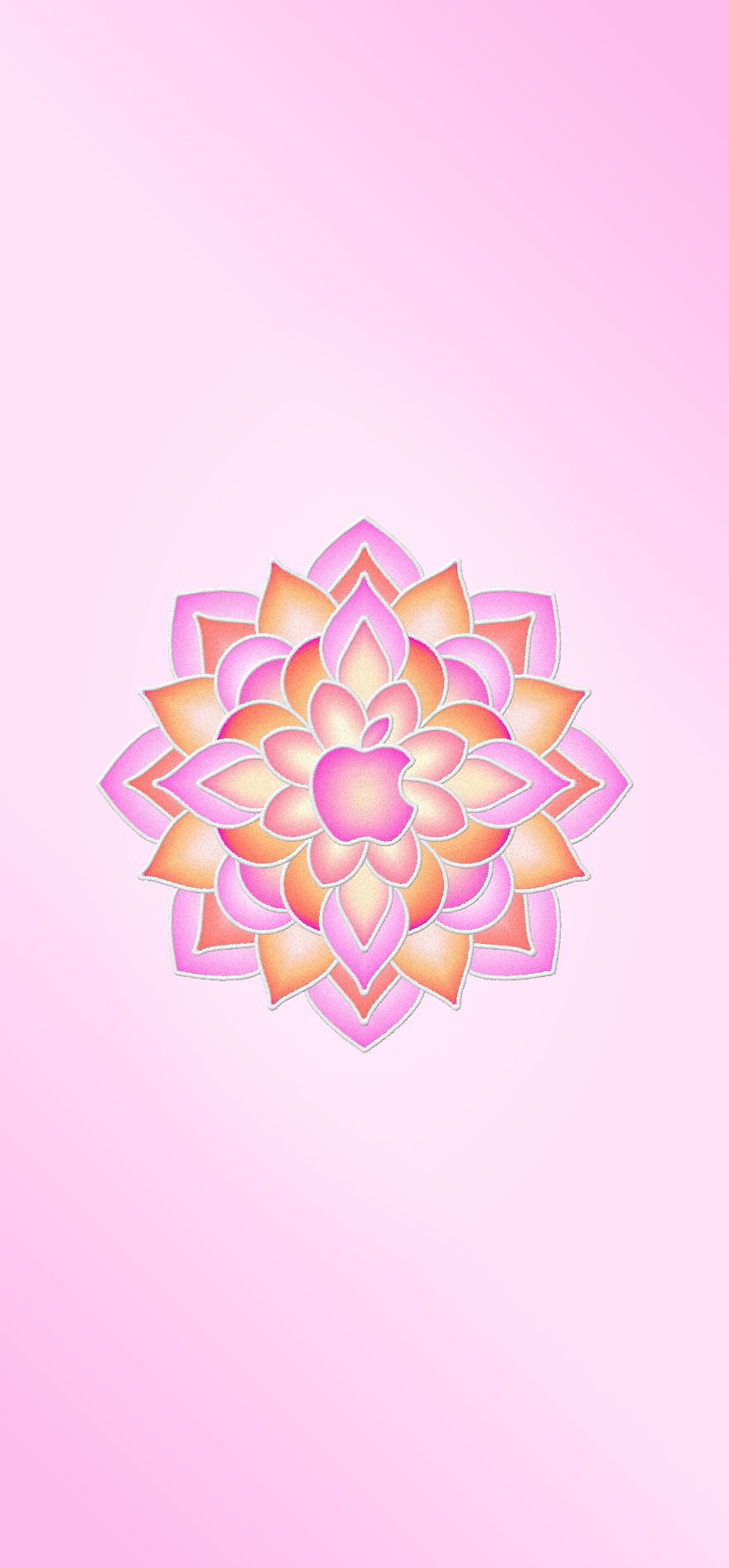
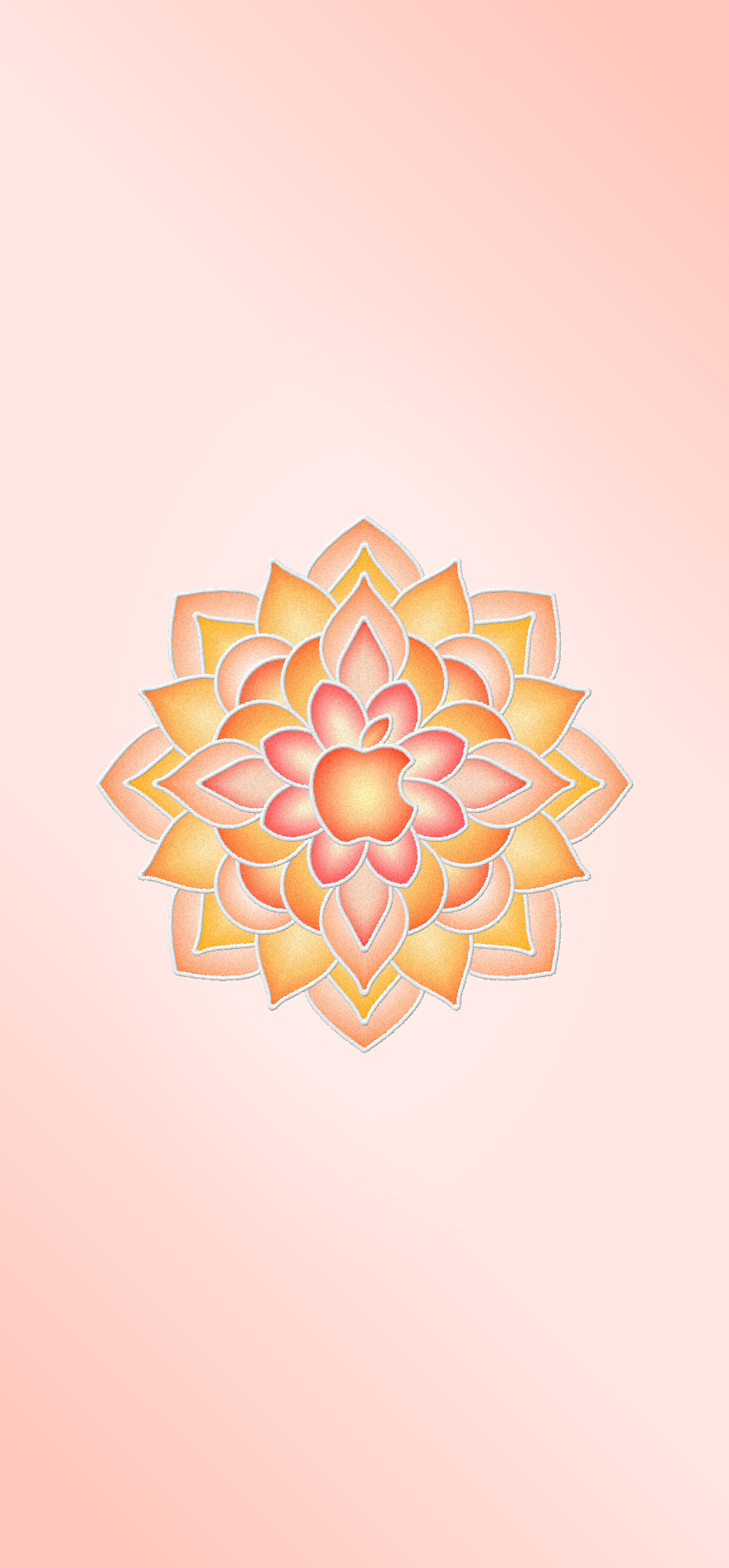
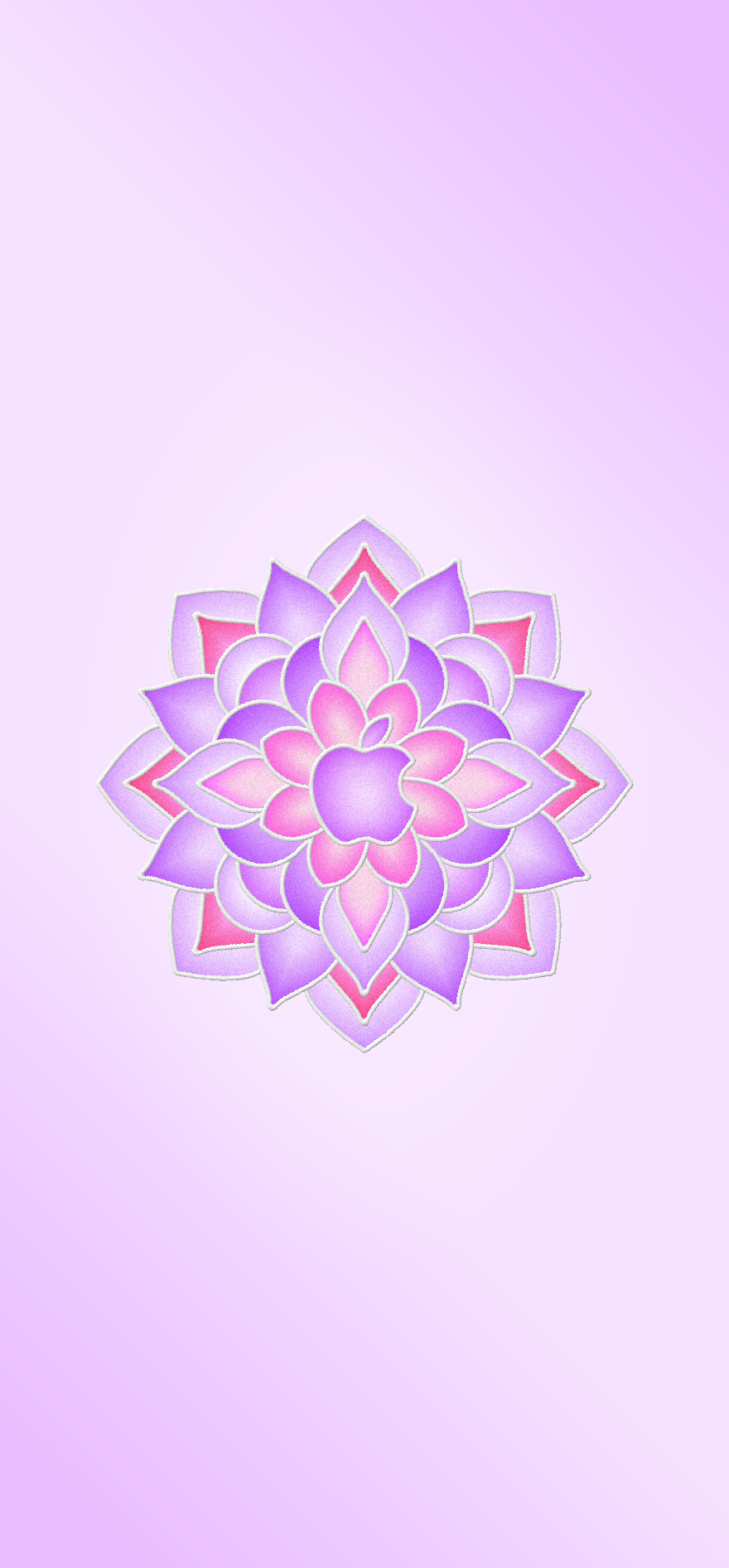
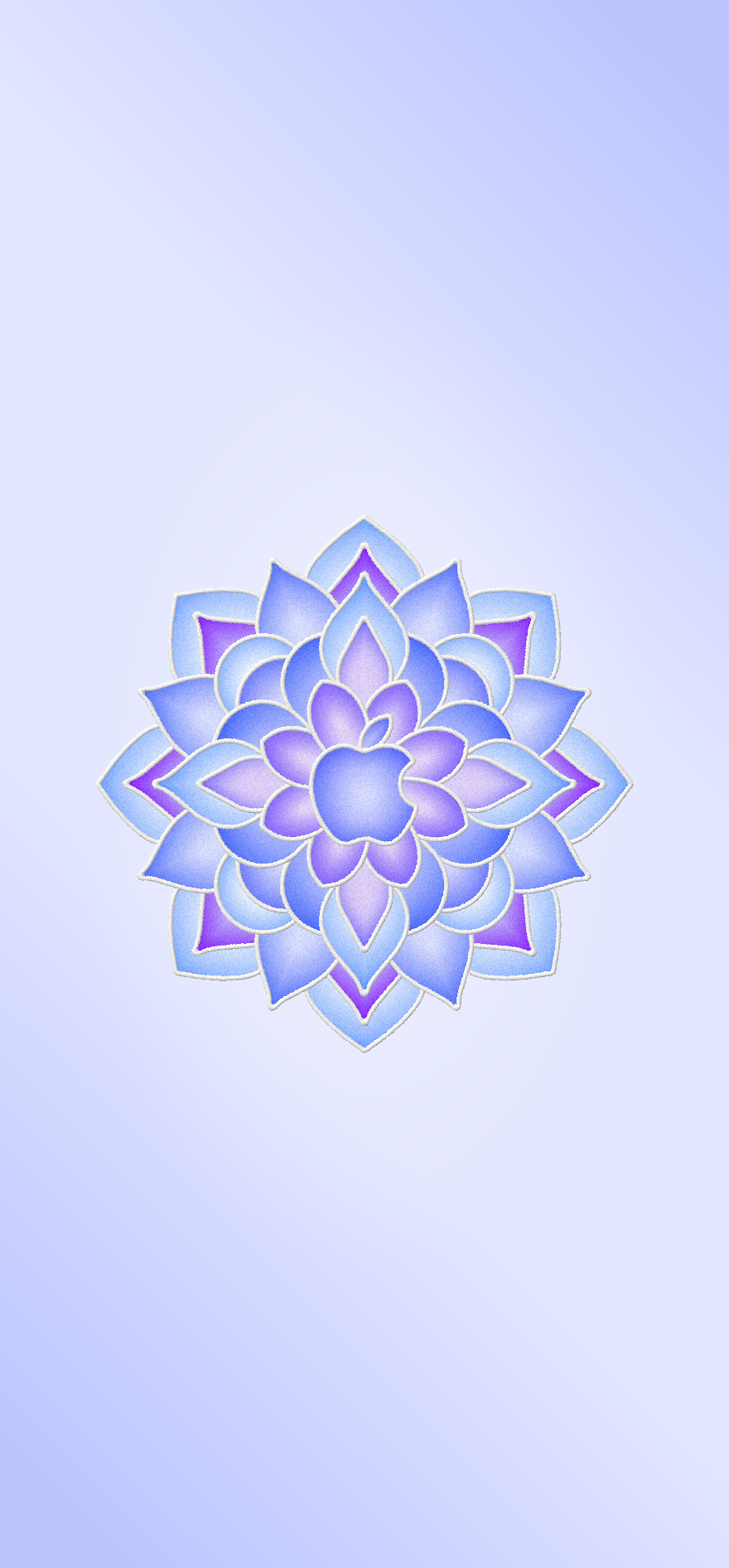
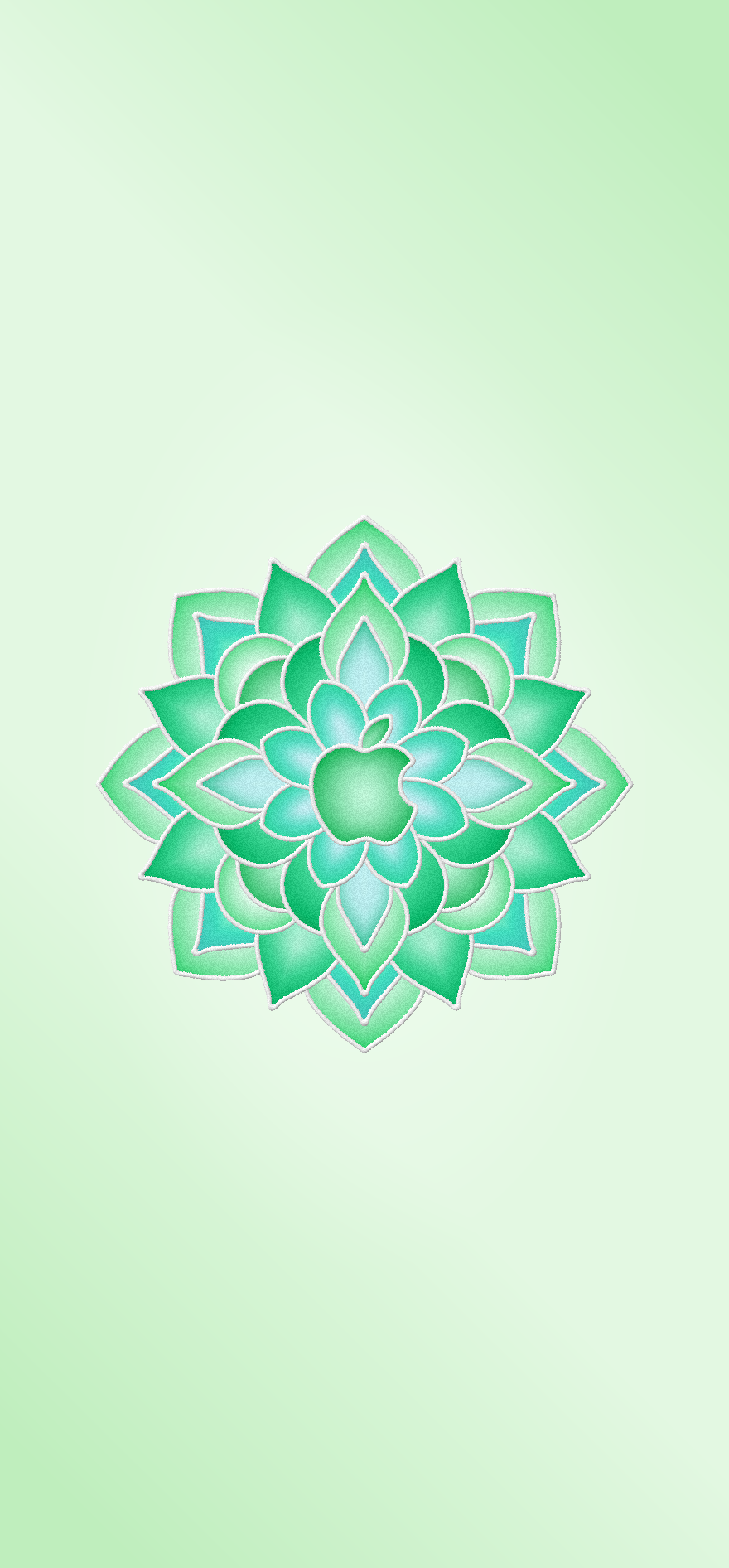
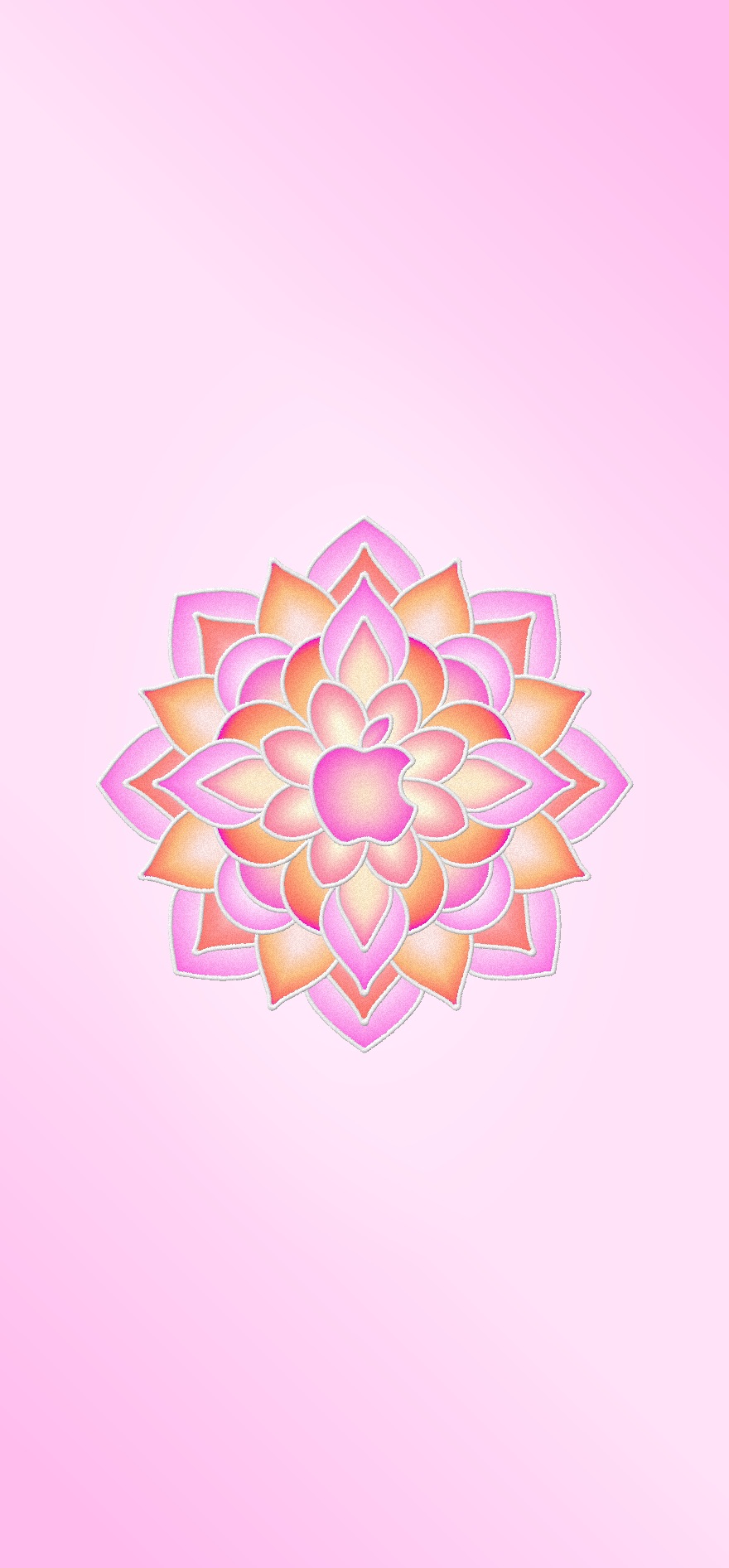
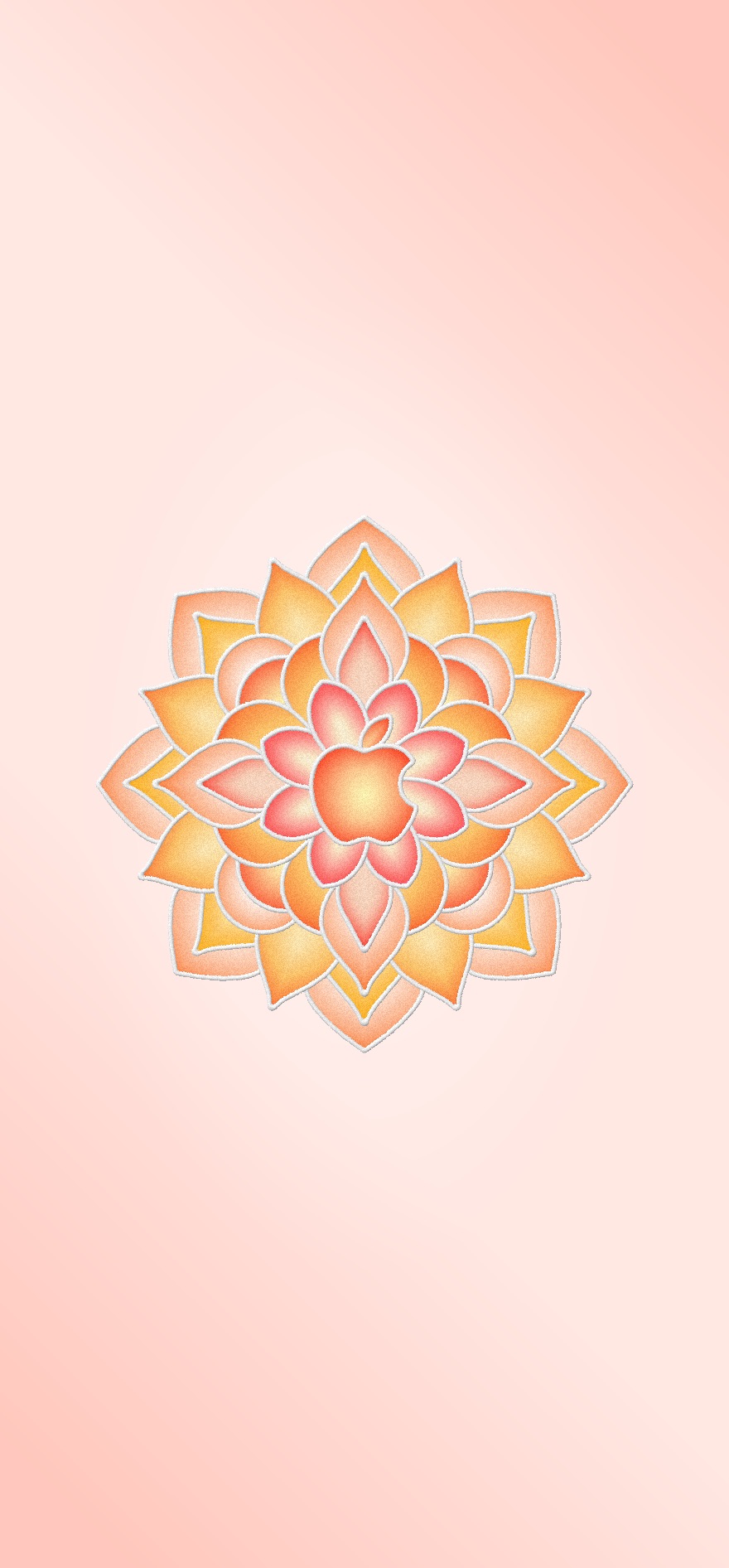
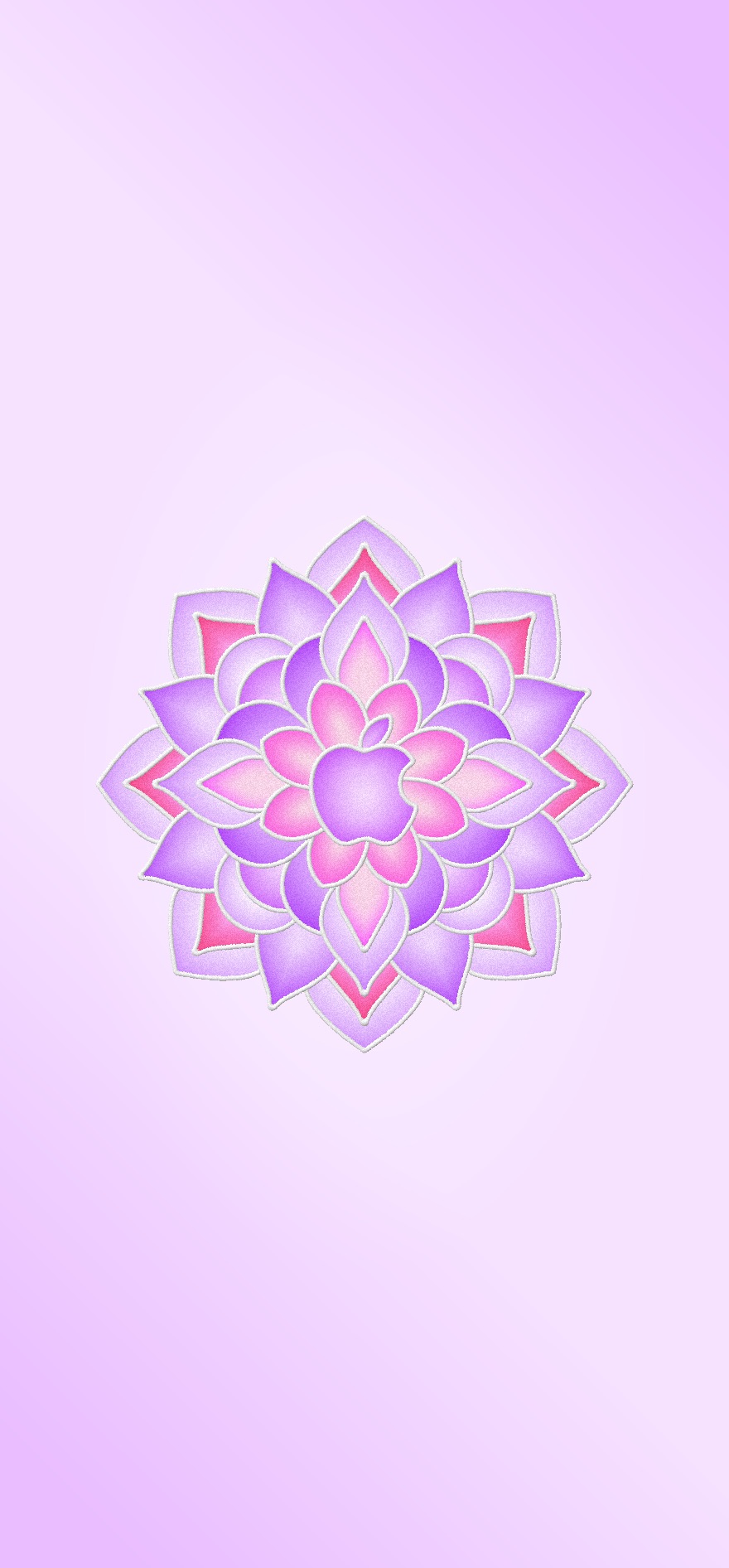
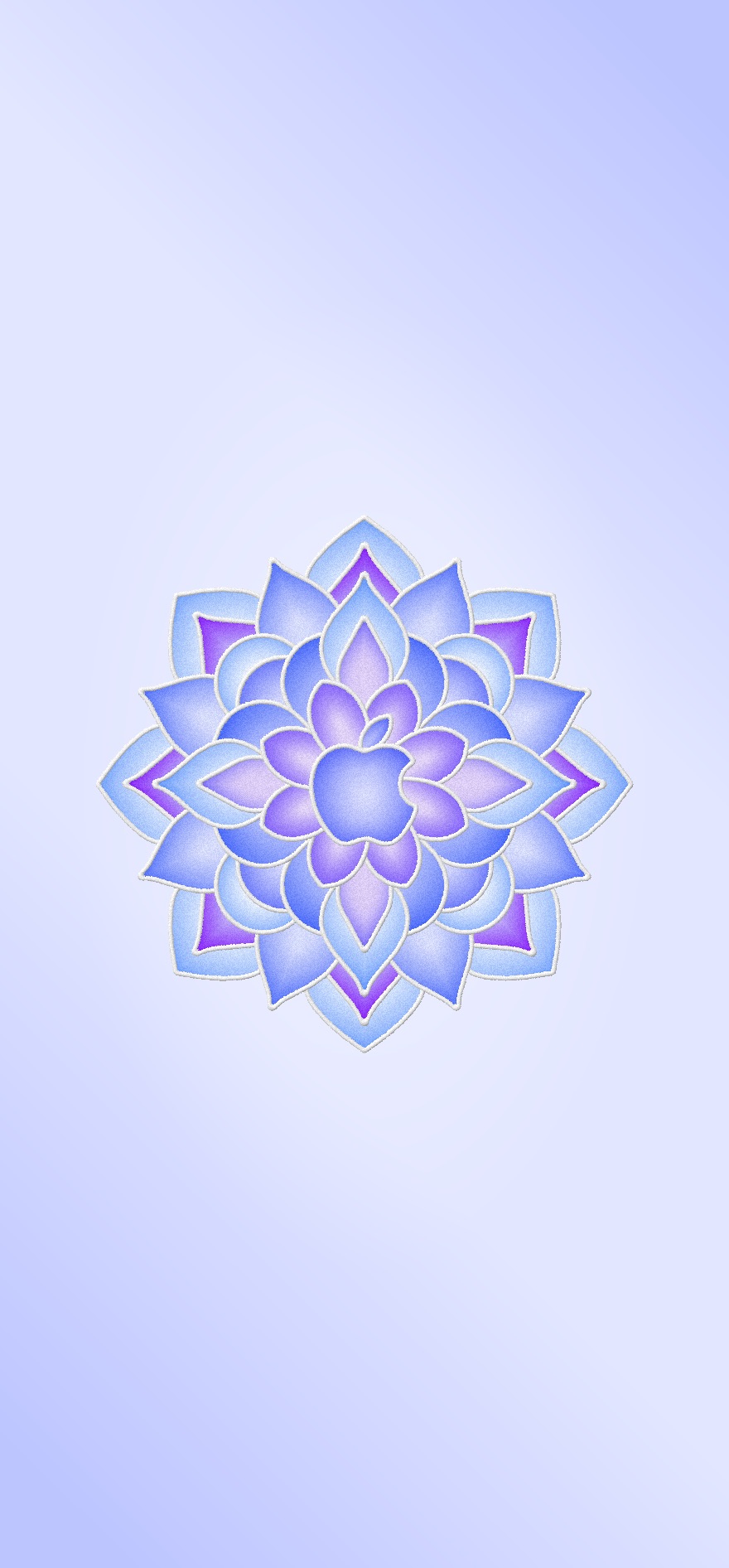
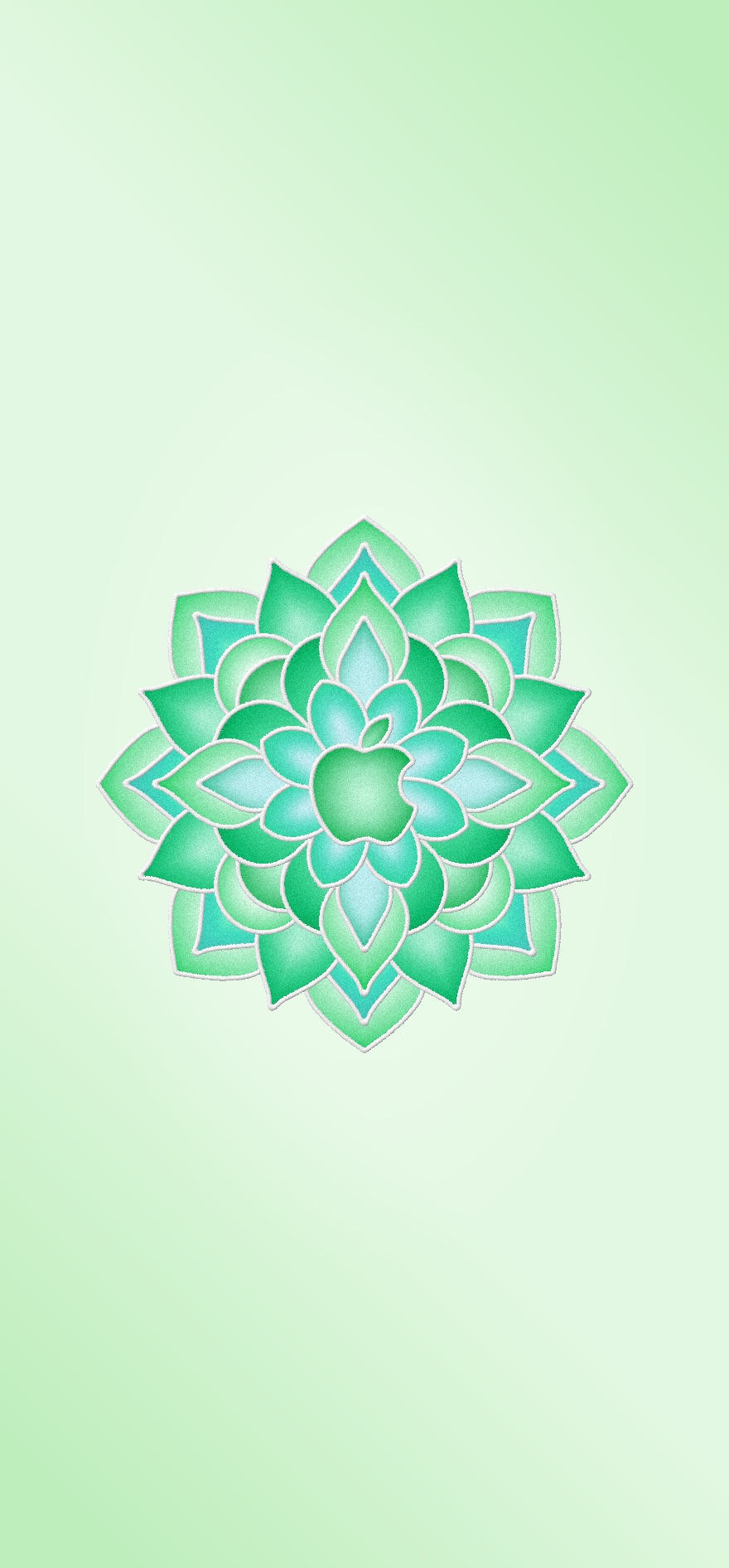
Apple Rangoli Wallpapers in five festive colors, with the Apple logo at the center of beautiful Rangoli patterns.
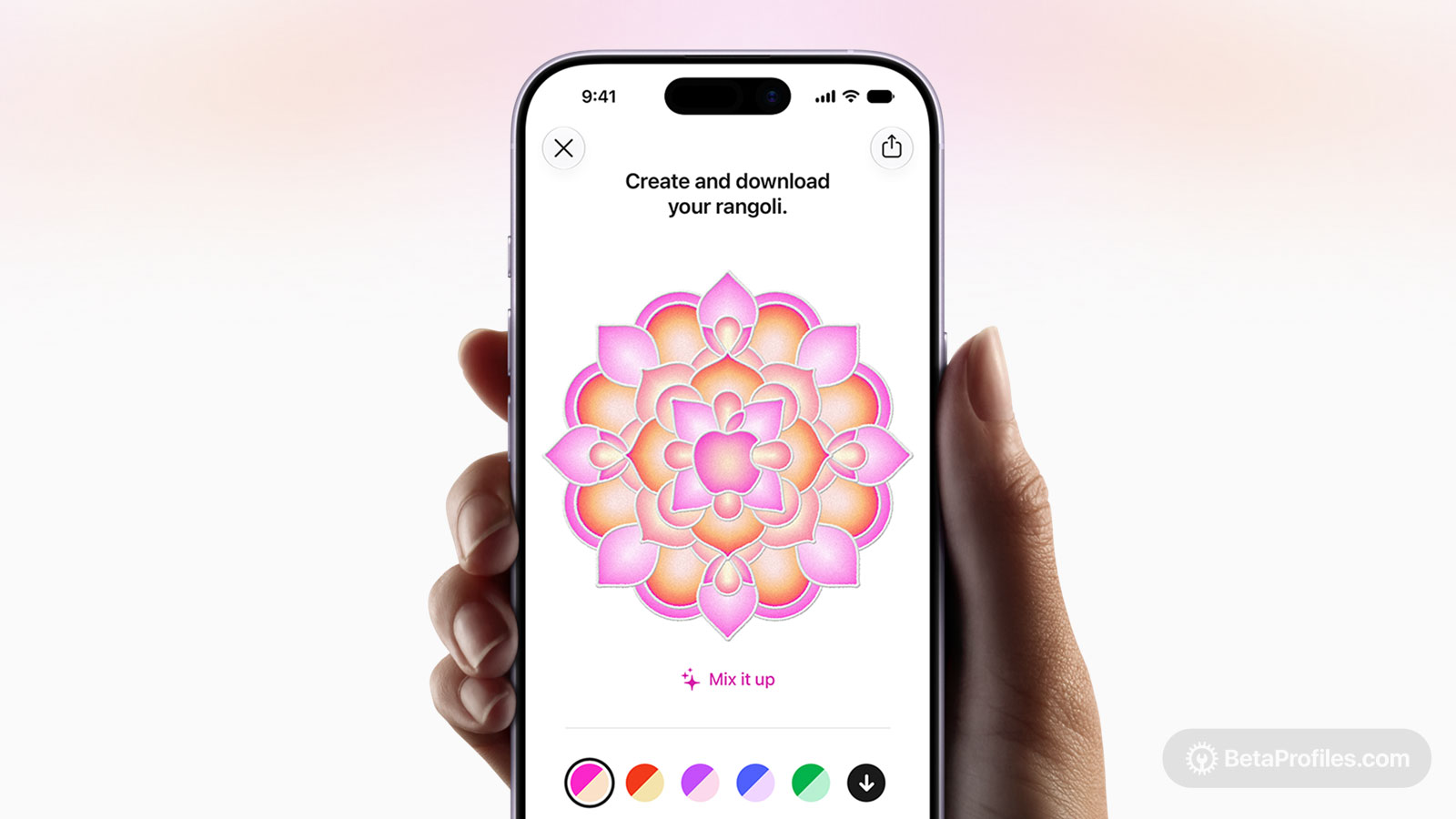
As the Rangoli festive season gets underway across India, Apple is celebrating with a new interactive web experience called Create Your Rangoli. The site lets you design your own wallpaper, with the Apple logo at the center, surrounded by intricate and colorful Rangoli patterns.
You can choose from five colors, five inner patterns, six middle patterns, and five outer patterns, for up to 750 possible combinations to download as wallpapers. Create Your Rangoli is only accessible on iPhone. It also includes a View in AR button, so you can see your Rangoli come to life in the real world through your camera.
If you’d rather skip the customizing, Beta Profiles has prepared five wallpapers, one for each of the five main colors, ready to download below. We’ve also put together more combinations of colors and patterns, which you can download from Google Drive.
Download
How to set wallpaper
Set your iPhone wallpaper
- In the Photos app, tap the image you downloaded.
- Tap Share button.
- Scroll down and tap Use as Wallpaper.
- Adjust the wallpaper to your liking, then tap Add.
- Tap Set as Wallpaper Pair to apply it to both your Home Screen and Lock Screen. Tap Customize Home Screen if you want to create a separate Home Screen wallpaper that you can edit.