iPhone 18 Pro Wallpapers
Download the official iPhone 18 Pro wallpapers in Burgundy, Glacier, Silver, and Black.
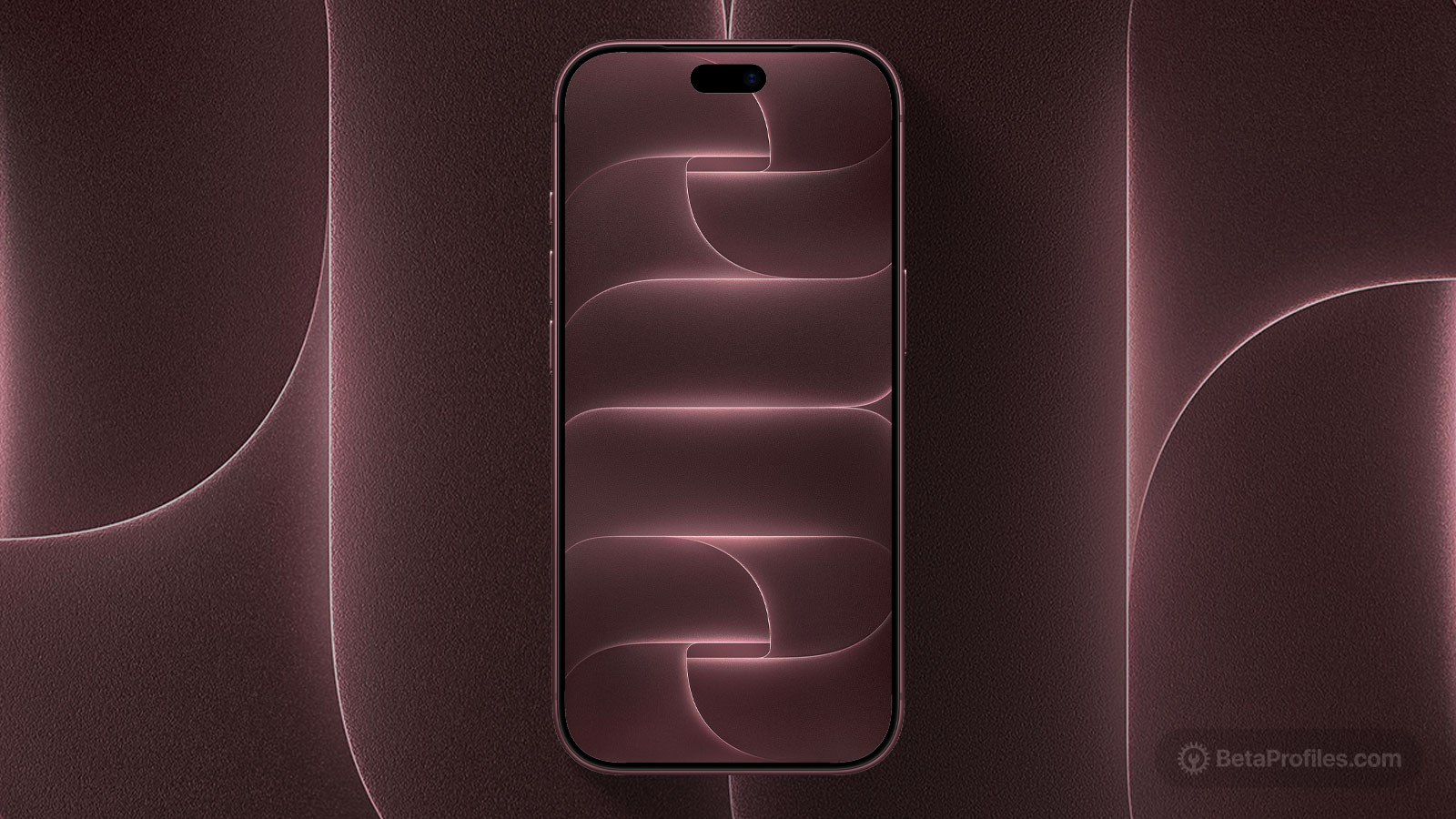
Apple unveiled the iPhone 18 Pro at its "Surprise and Shine" event on Wednesday, September 9. While the chassis looks nearly identical to last year's model, the iPhone 18 Pro brings a variable aperture to the Main camera, a 2nm A20 Pro chip, a smaller notch, and two all new colors in Burgundy and Glacier, joining Silver and the returning Black.
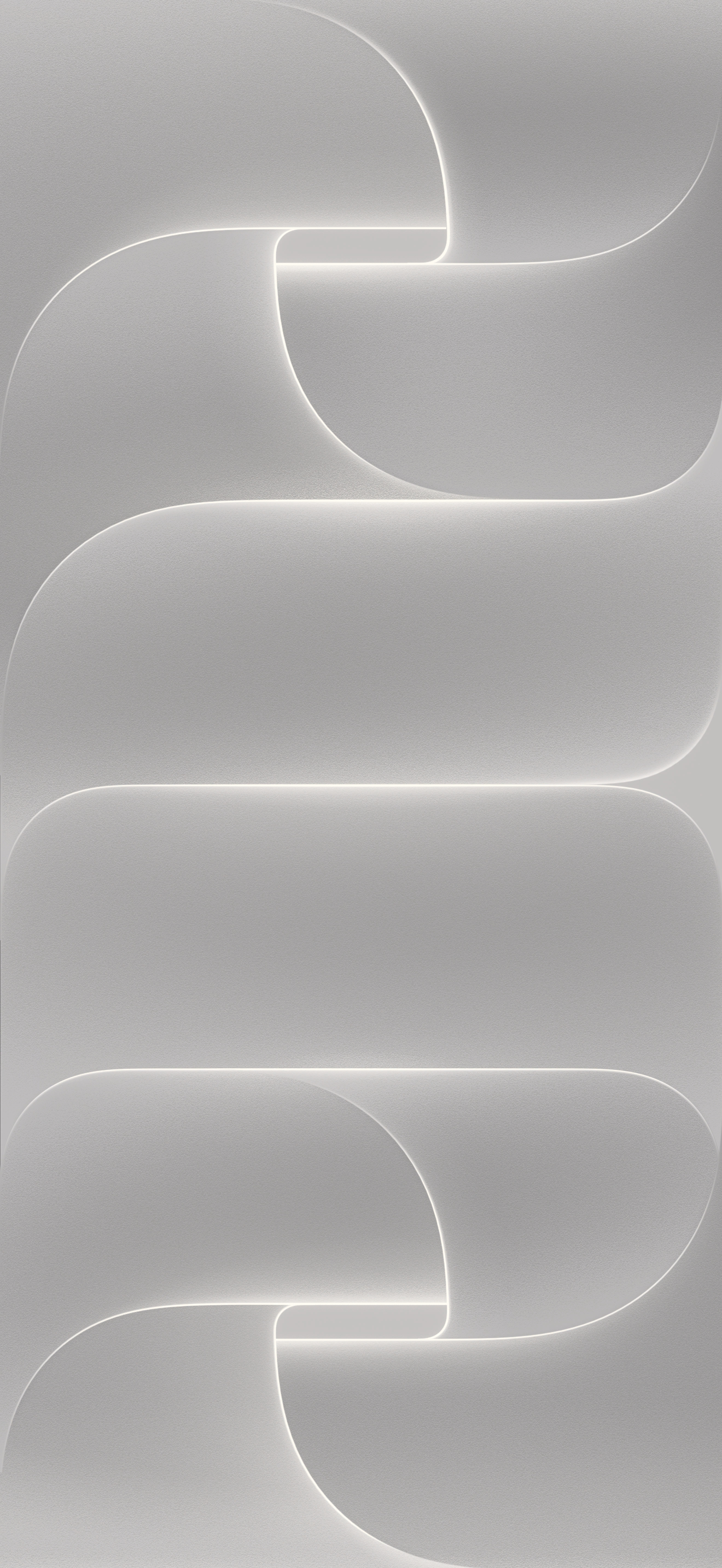
Like last year's iPhone 17 Pro wallpaper, the iPhone 18 Pro version spells out "PRO" vertically down the screen using wide, overlapping curves with thin glowing edges. Look closely and you'll notice the "P" and "O" are shaped like aperture blades mid close, a nod to the iPhone 18 Pro's new variable aperture.
Last updated:
Download
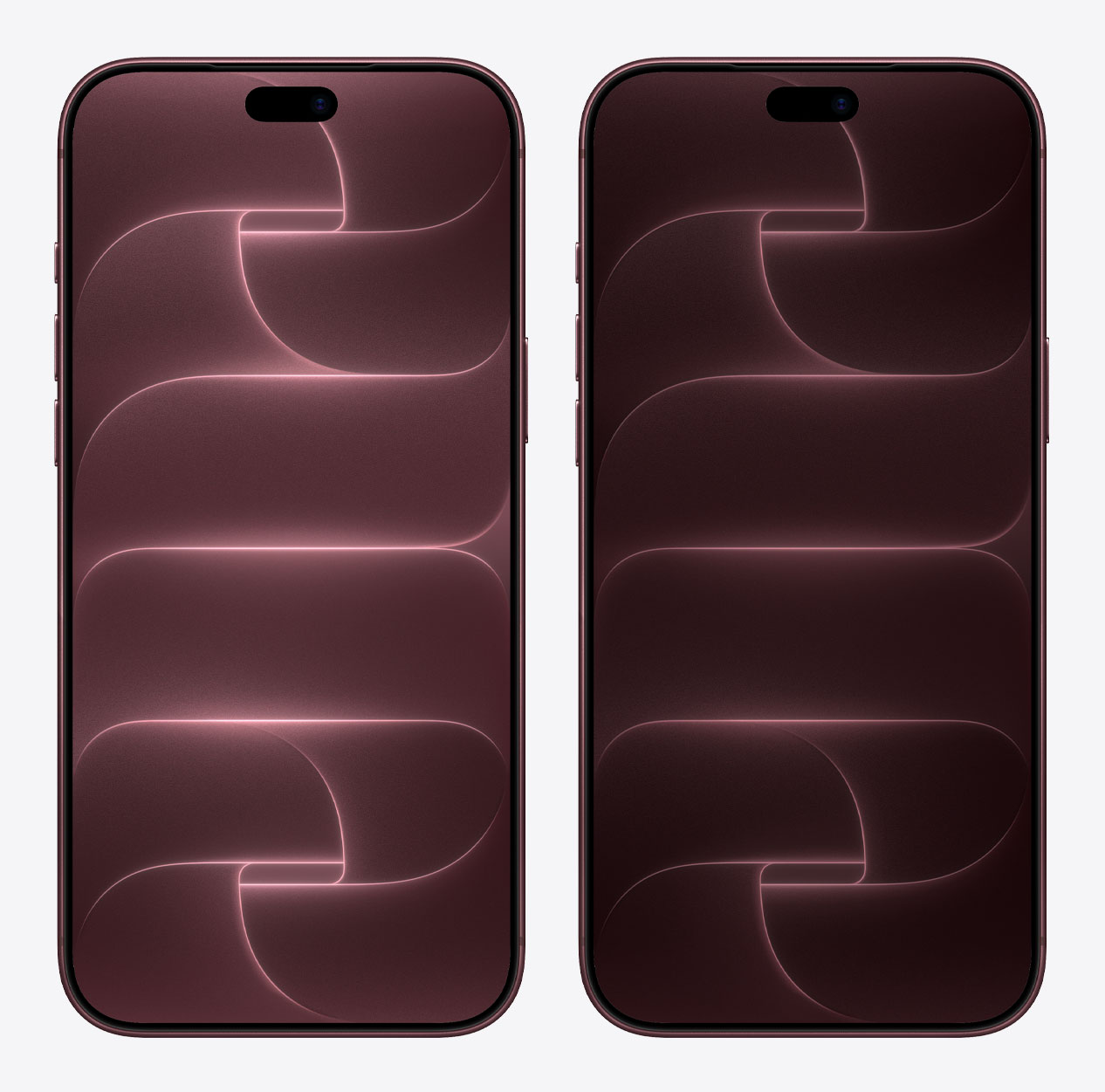
Burgundy
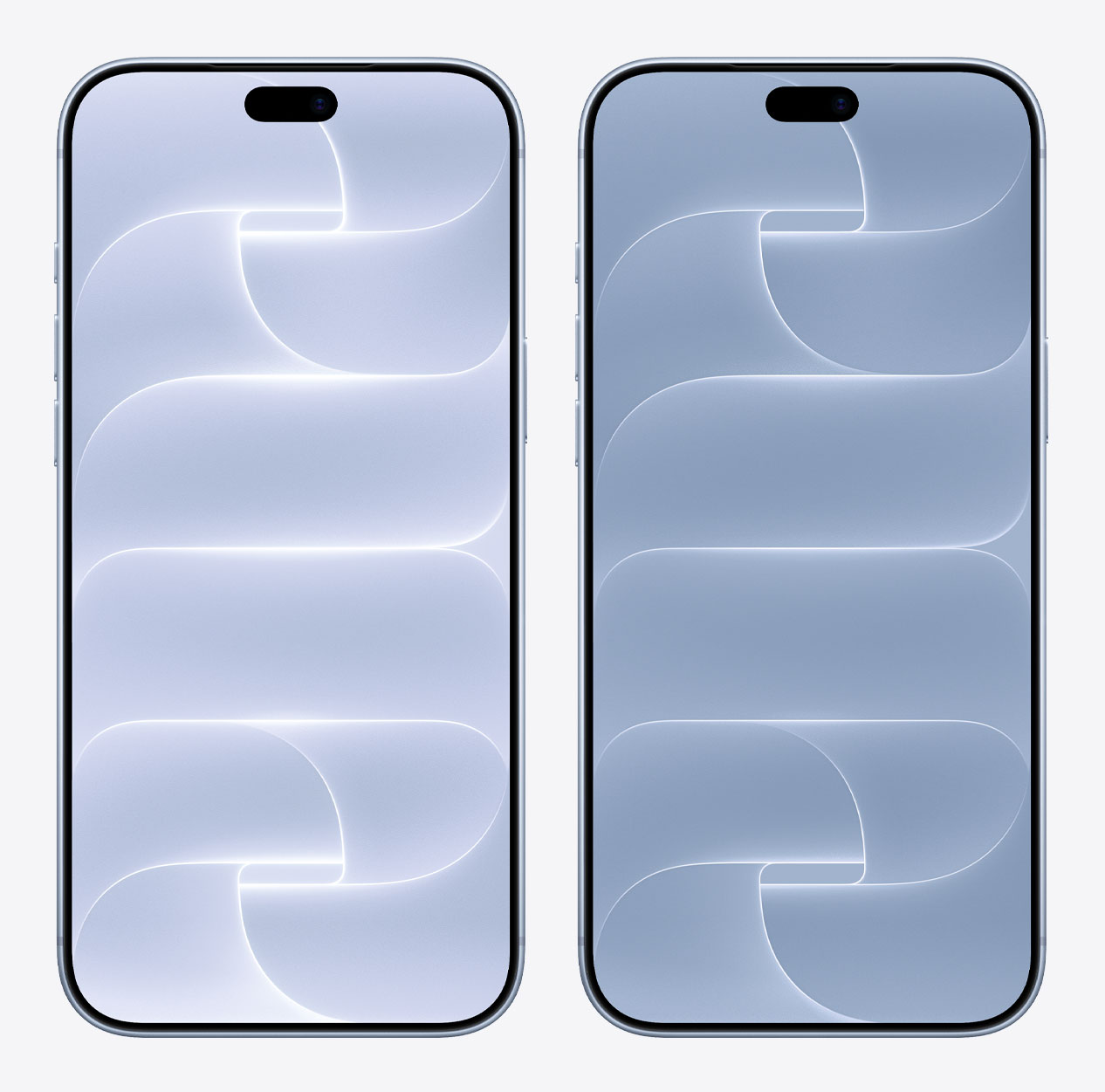
Glacier
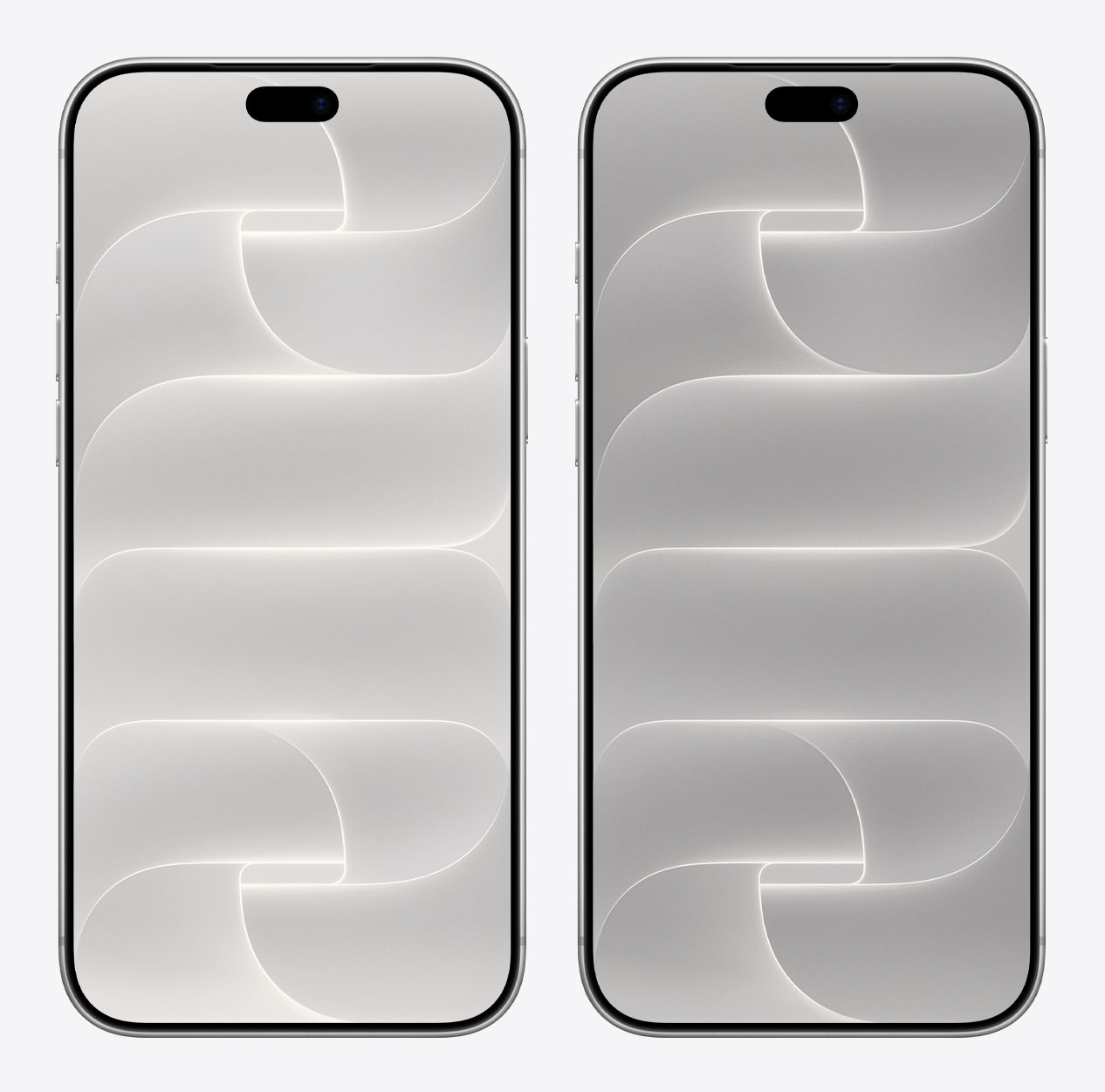
Silver
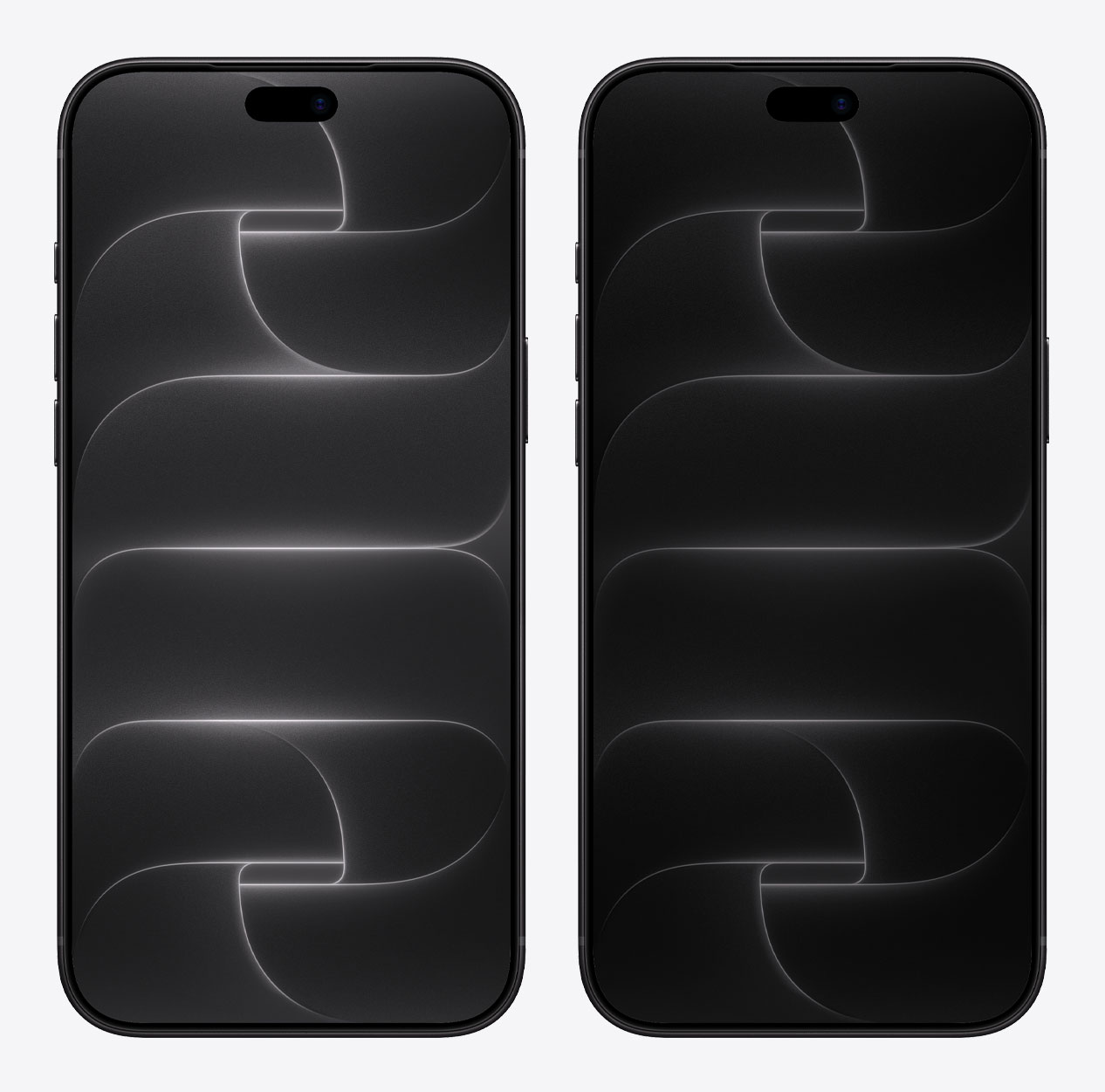
Black
How to set wallpaper
Set your iPhone wallpaper
- In the Photos app, tap the image you downloaded.
- Tap Share button.
- Scroll down and tap Use as Wallpaper.
- Adjust the wallpaper to your liking, then tap Add.
- Tap Set as Wallpaper Pair to apply it to both your Home Screen and Lock Screen. Tap Customize Home Screen if you want to create a separate Home Screen wallpaper that you can edit.