Compatibility
Can I Update?
Choose your device to find out what software it came with and the newest version it supports. Want the full list of compatible devices instead? Visit Supported Devices.
iPhone
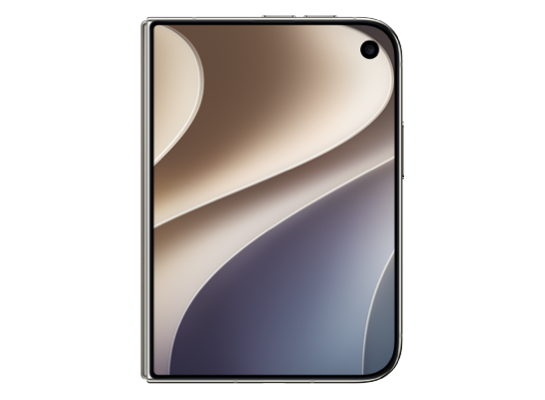
iPhone Duo
October 23, 2026
Shipped with

iOS 27.1
Updates to
iOS 27.2 beta
- Released
- October 23, 2026
- Chip
- A20 Pro
- Identifier
- iPhone19,4
- Colors
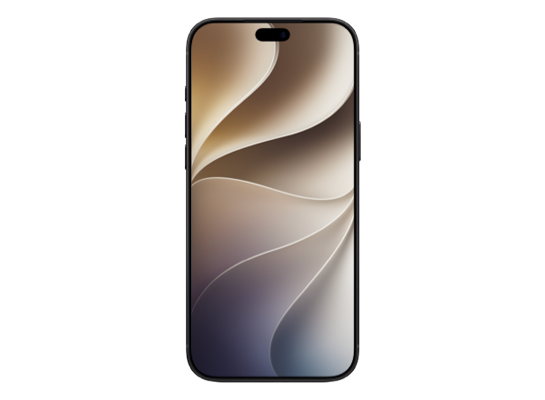
iPhone 18 Pro Max
September 18, 2026
Shipped with
iOS 27
Updates to
iOS 27.2 beta
- Released
- September 18, 2026
- Chip
- A20 Pro
- Identifier
- iPhone19,3
- Colors
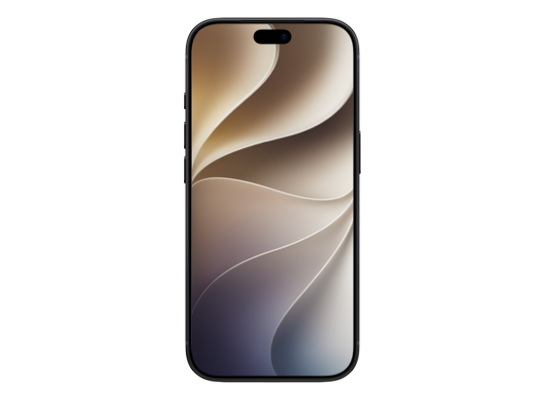
iPhone 18 Pro
September 18, 2026
Shipped with
iOS 27
Updates to
iOS 27.2 beta
- Released
- September 18, 2026
- Chip
- A20 Pro
- Identifier
- iPhone19,2
- Colors
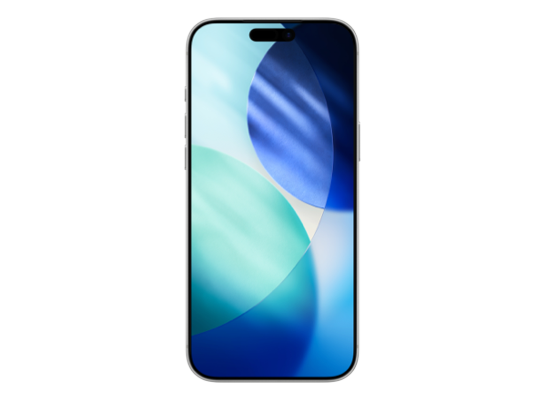
iPhone 17 Pro Max
September 19, 2025
Shipped with
iOS 26
Updates to
iOS 27.2 beta
- Released
- September 19, 2025
- Chip
- A19 Pro
- Identifier
- iPhone18,2
- Colors
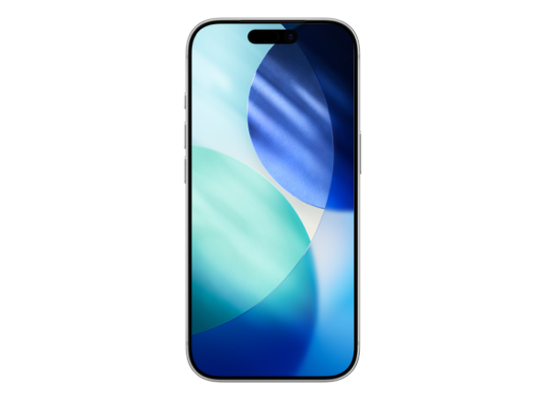
iPhone 17 Pro
September 19, 2025
Shipped with
iOS 26
Updates to
iOS 27.2 beta
- Released
- September 19, 2025
- Chip
- A19 Pro
- Identifier
- iPhone18,1
- Colors
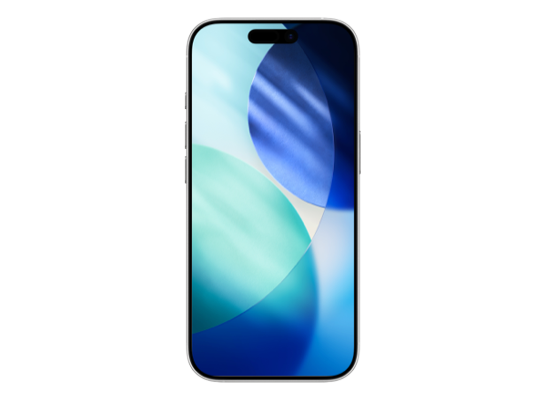
iPhone 17
September 19, 2025
Shipped with
iOS 26
Updates to
iOS 27.2 beta
- Released
- September 19, 2025
- Chip
- A19
- Identifier
- iPhone18,3
- Colors
iPhone Air
September 19, 2025
Shipped with
iOS 26
Updates to
iOS 27.2 beta
- Released
- September 19, 2025
- Chip
- A19 Pro
- Identifier
- iPhone18,4
- Colors
iPhone 17e
March 11, 2026
Shipped with
iOS 26
Updates to
iOS 27.2 beta
- Released
- March 11, 2026
- Chip
- A19
- Identifier
- iPhone18,5
- Colors
iPhone 16 Pro Max
September 20, 2024
Shipped with

iOS 18
Updates to
iOS 27.2 beta
- Released
- September 20, 2024
- Chip
- A18 Pro
- Identifier
- iPhone17,2
- Colors
iPhone 16 Pro
September 20, 2024
Shipped with
iOS 18
Updates to
iOS 27.2 beta
- Released
- September 20, 2024
- Chip
- A18 Pro
- Identifier
- iPhone17,1
- Colors
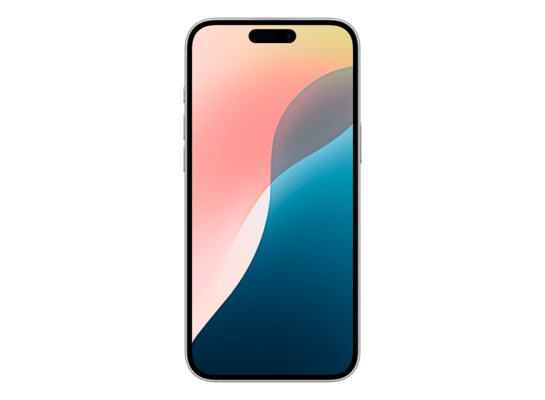
iPhone 16 Plus
September 20, 2024
Shipped with
iOS 18
Updates to
iOS 27.2 beta
- Released
- September 20, 2024
- Chip
- A18
- Identifier
- iPhone17,4
- Colors
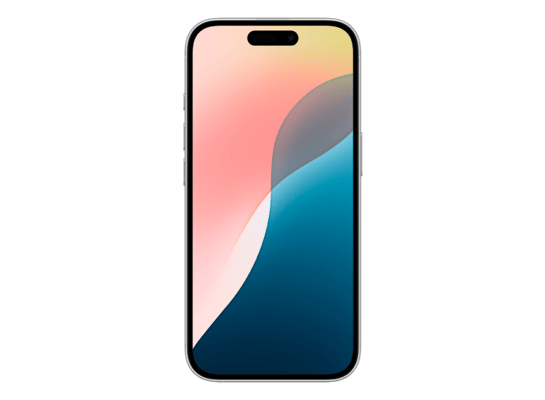
iPhone 16
September 20, 2024
Shipped with
iOS 18
Updates to
iOS 27.2 beta
- Released
- September 20, 2024
- Chip
- A18
- Identifier
- iPhone17,3
- Colors
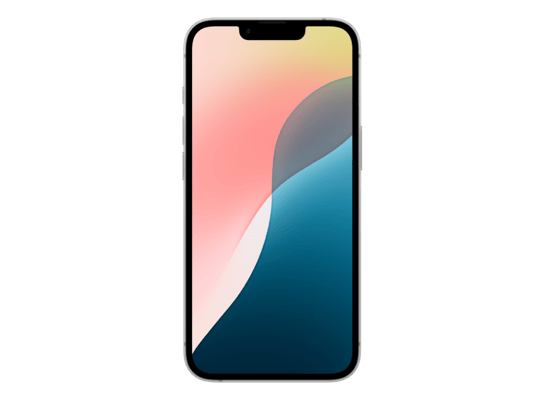
iPhone 16e
February 28, 2025
Shipped with
iOS 18.3
Updates to
iOS 27.2 beta
- Released
- February 28, 2025
- Chip
- A18
- Identifier
- iPhone17,5
- Colors
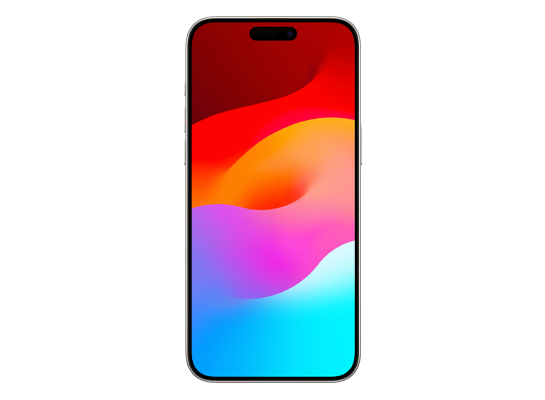
iPhone 15 Pro Max
September 22, 2023
Shipped with

iOS 17
Updates to
iOS 27.2 beta
- Released
- September 22, 2023
- Chip
- A17 Pro
- Identifier
- iPhone16,2
- Colors
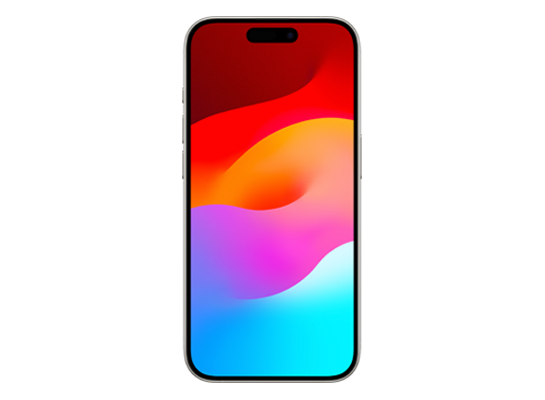
iPhone 15 Pro
September 22, 2023
Shipped with
iOS 17
Updates to
iOS 27.2 beta
- Released
- September 22, 2023
- Chip
- A17 Pro
- Identifier
- iPhone16,1
- Colors
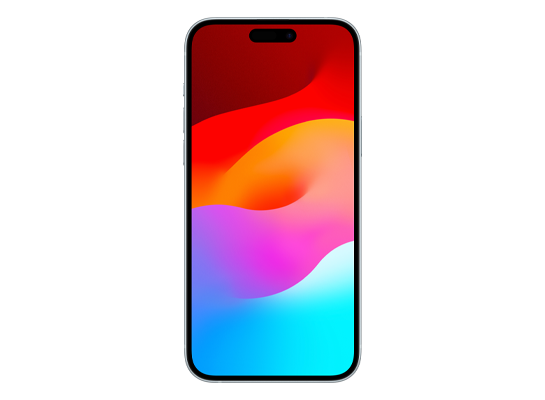
iPhone 15 Plus
September 22, 2023
Shipped with
iOS 17
Updates to
iOS 27.2 beta
- Released
- September 22, 2023
- Chip
- A16
- Identifier
- iPhone15,5
- Colors
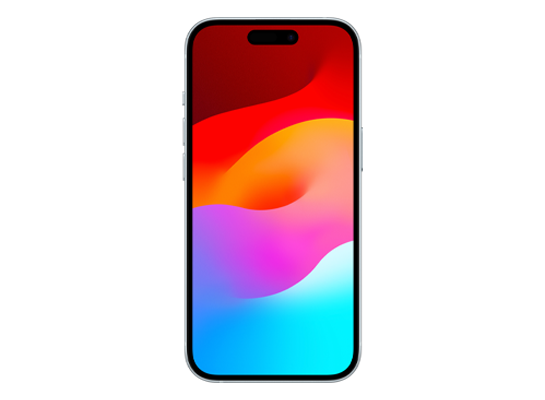
iPhone 15
September 22, 2023
Shipped with
iOS 17
Updates to
iOS 27.2 beta
- Released
- September 22, 2023
- Chip
- A16
- Identifier
- iPhone15,4
- Colors
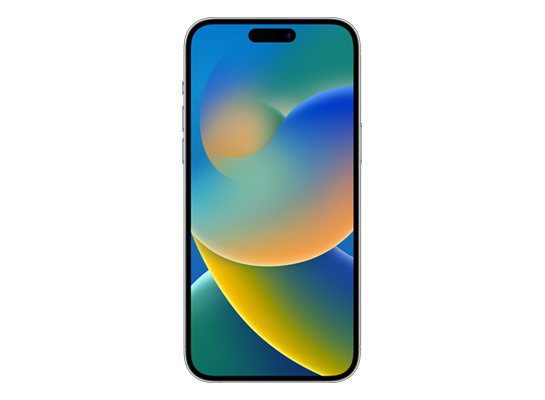
iPhone 14 Pro Max
September 16, 2022
Shipped with

iOS 16
Updates to
iOS 27.2 beta
- Released
- September 16, 2022
- Chip
- A16
- Identifier
- iPhone15,3
- Colors
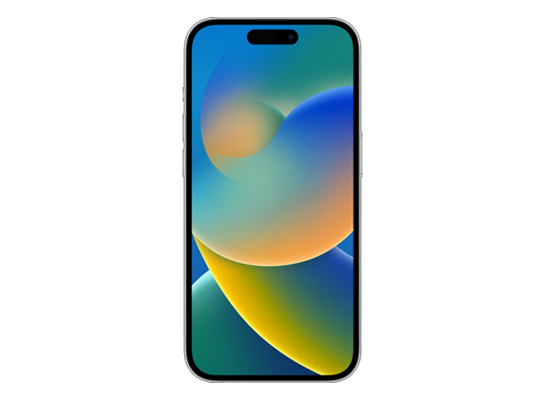
iPhone 14 Pro
September 16, 2022
Shipped with
iOS 16
Updates to
iOS 27.2 beta
- Released
- September 16, 2022
- Chip
- A16
- Identifier
- iPhone15,2
- Colors
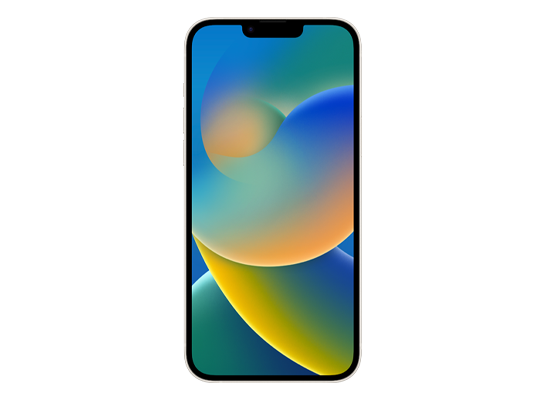
iPhone 14 Plus
October 7, 2022
Shipped with
iOS 16
Updates to
iOS 27.2 beta
- Released
- October 7, 2022
- Chip
- A15
- Identifier
- iPhone14,8
- Colors
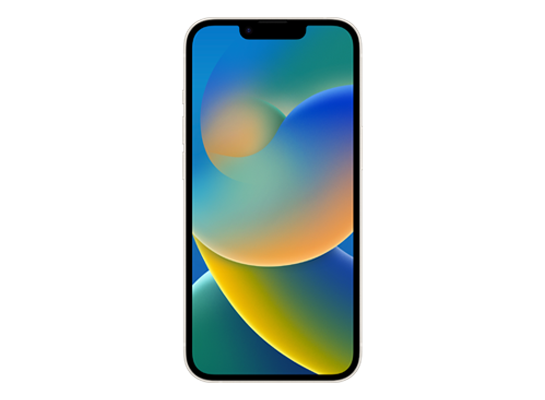
iPhone 14
September 16, 2022
Shipped with
iOS 16
Updates to
iOS 27.2 beta
- Released
- September 16, 2022
- Chip
- A15
- Identifier
- iPhone14,7
- Colors
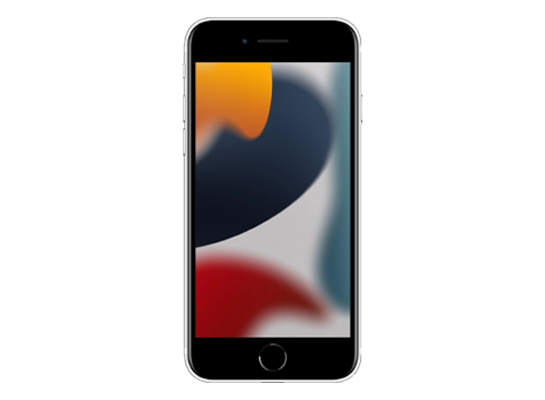
iPhone SE (3rd generation)
March 18, 2022
Shipped with

iOS 15.4
Updates to
iOS 27.2 beta
- Released
- March 18, 2022
- Chip
- A15
- Identifier
- iPhone14,6
- Colors
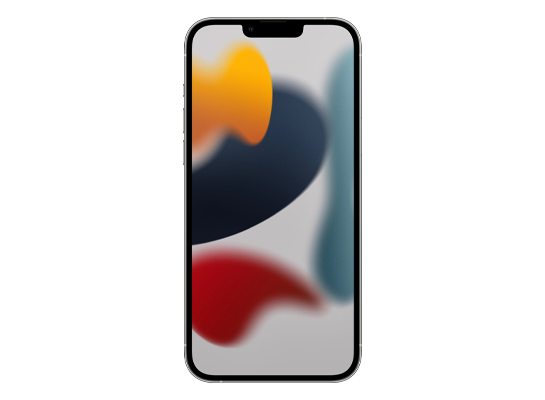
iPhone 13 Pro Max
September 24, 2021
Shipped with
iOS 15
Updates to
iOS 27.2 beta
- Released
- September 24, 2021
- Chip
- A15
- Identifier
- iPhone14,3
- Colors
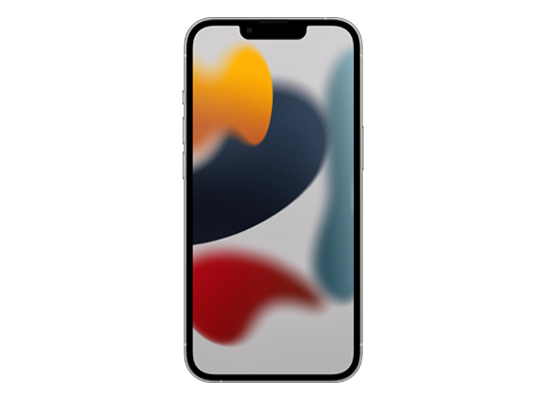
iPhone 13 Pro
September 24, 2021
Shipped with
iOS 15
Updates to
iOS 27.2 beta
- Released
- September 24, 2021
- Chip
- A15
- Identifier
- iPhone14,2
- Colors
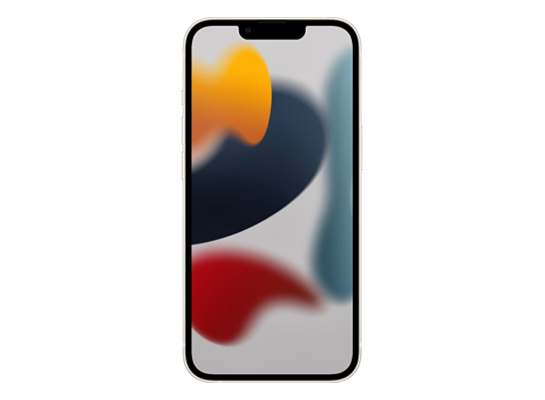
iPhone 13
September 24, 2021
Shipped with
iOS 15
Updates to
iOS 27.2 beta
- Released
- September 24, 2021
- Chip
- A15
- Identifier
- iPhone14,5
- Colors
iPhone 13 mini
September 24, 2021
Shipped with
iOS 15
Updates to
iOS 27.2 beta
- Released
- September 24, 2021
- Chip
- A15
- Identifier
- iPhone14,4
- Colors
iPhone 12 Pro Max
November 13, 2020
Shipped with

iOS 14
Updates to
iOS 27.2 beta
- Released
- November 13, 2020
- Chip
- A14
- Identifier
- iPhone13,4
- Colors
iPhone 12 Pro
October 23, 2020
Shipped with
iOS 14
Updates to
iOS 27.2 beta
- Released
- October 23, 2020
- Chip
- A14
- Identifier
- iPhone13,3
- Colors
iPhone 12
October 23, 2020
Shipped with
iOS 14
Updates to
iOS 27.2 beta
- Released
- October 23, 2020
- Chip
- A14
- Identifier
- iPhone13,2
- Colors
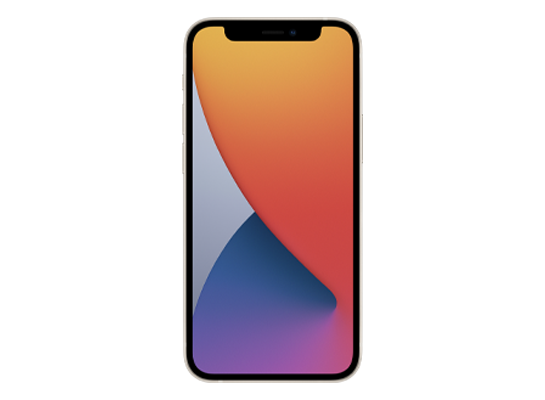
iPhone 12 mini
November 13, 2020
Shipped with
iOS 14
Updates to
iOS 27.2 beta
- Released
- November 13, 2020
- Chip
- A14
- Identifier
- iPhone13,1
- Colors
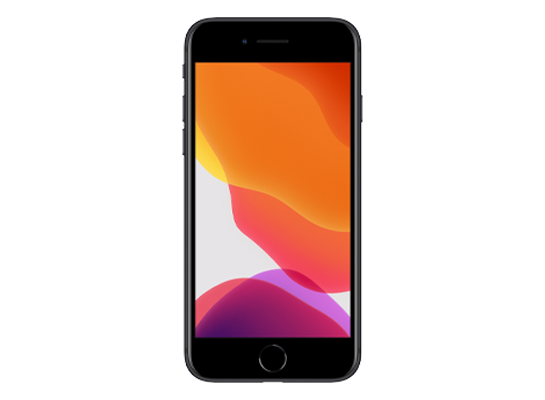
iPhone SE (2nd generation)
April 24, 2020
Shipped with
iOS 13.4
Updates to
iOS 27.2 beta
- Released
- April 24, 2020
- Chip
- A13
- Identifier
- iPhone12,8
- Colors
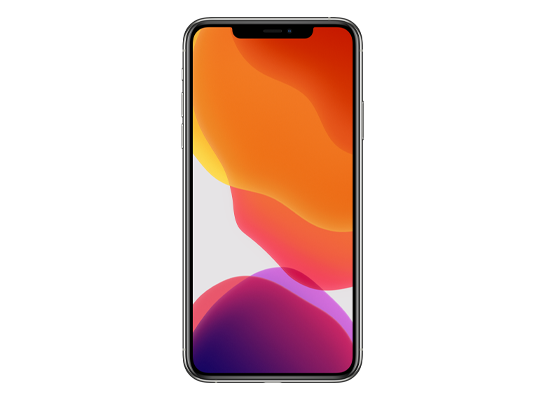
iPhone 11 Pro Max
September 20, 2019
Shipped with
iOS 13
Updates to
iOS 27.2 beta
- Released
- September 20, 2019
- Chip
- A13
- Identifier
- iPhone12,5
- Colors
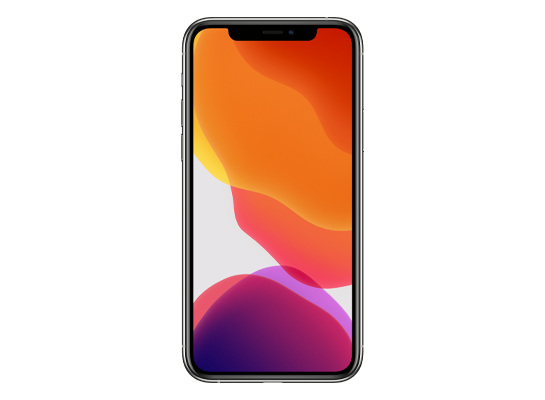
iPhone 11 Pro
September 20, 2019
Shipped with
iOS 13
Updates to
iOS 27.2 beta
- Released
- September 20, 2019
- Chip
- A13
- Identifier
- iPhone12,3
- Colors
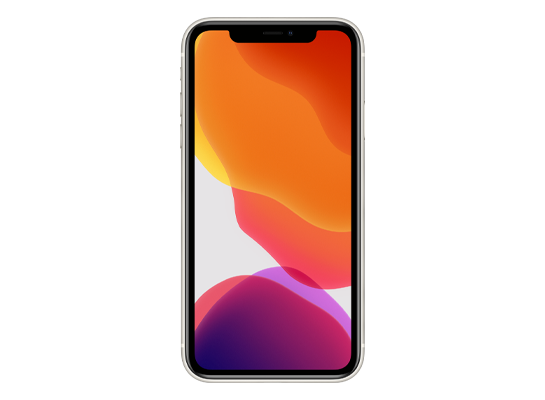
iPhone 11
September 20, 2019
Shipped with
iOS 13
Updates to
iOS 27.2 beta
- Released
- September 20, 2019
- Chip
- A13
- Identifier
- iPhone12,1
- Colors
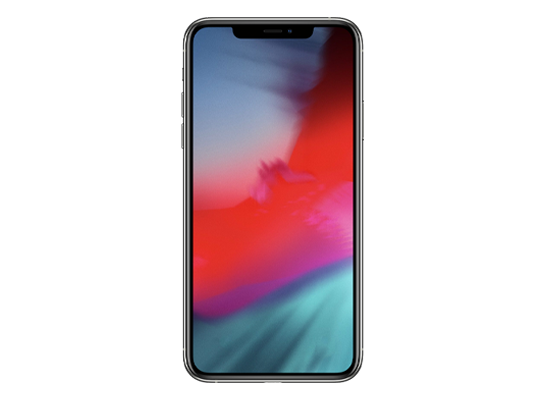
iPhone XS Max
September 21, 2018
Shipped with
iOS 12
Updates to
iOS 18.7.9
- Released
- September 21, 2018
- Chip
- A12
- Identifier
- iPhone11,6
- Colors
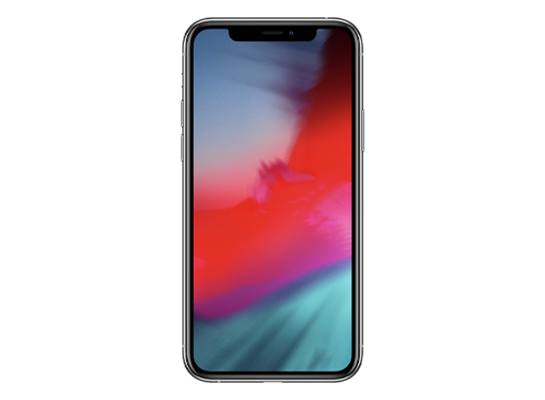
iPhone XS
September 21, 2018
Shipped with
iOS 12
Updates to
iOS 18.7.9
- Released
- September 21, 2018
- Chip
- A12
- Identifier
- iPhone11,2
- Colors
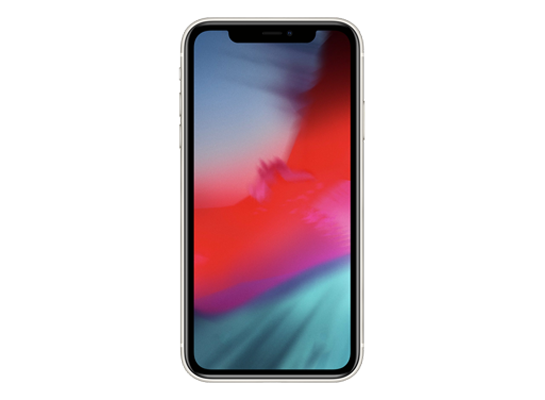
iPhone XR
October 26, 2018
Shipped with
iOS 12
Updates to
iOS 18.7.9
- Released
- October 26, 2018
- Chip
- A12
- Identifier
- iPhone11,8
- Colors
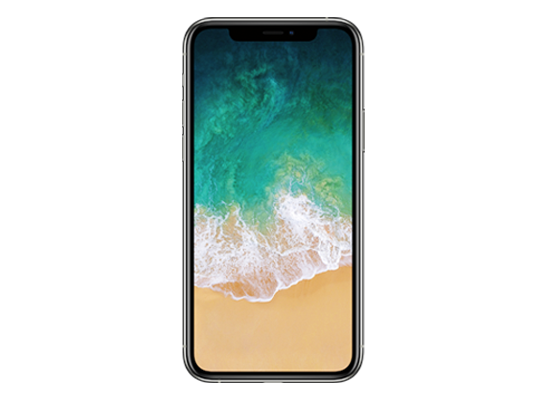
iPhone X
November 3, 2017
Shipped with

iOS 11
Updates to
iOS 16.7.10
- Released
- November 3, 2017
- Chip
- A11
- Identifier
- iPhone10,3
- Colors
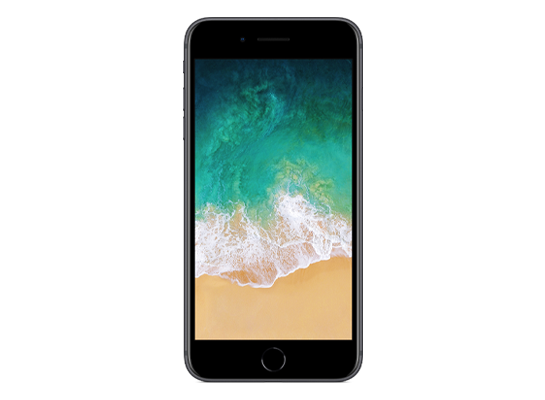
iPhone 8 Plus
September 22, 2017
Shipped with
iOS 11
Updates to
iOS 16.7.10
- Released
- September 22, 2017
- Chip
- A11
- Identifier
- iPhone10,2
- Colors
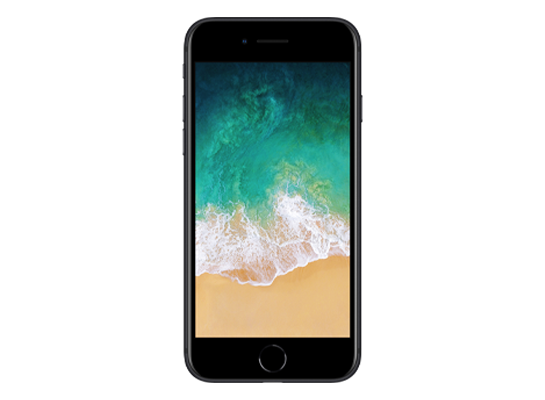
iPhone 8
September 22, 2017
Shipped with
iOS 11
Updates to
iOS 16.7.10
- Released
- September 22, 2017
- Chip
- A11
- Identifier
- iPhone10,1
- Colors
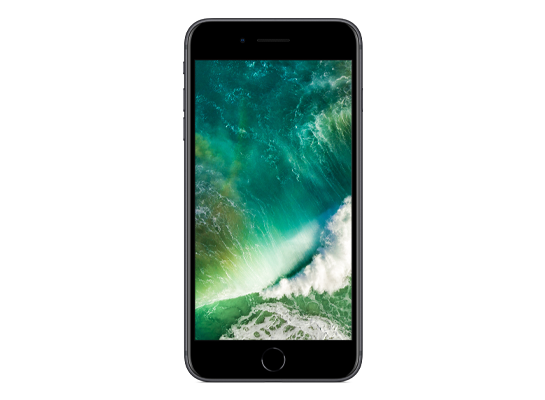
iPhone 7 Plus
September 16, 2016
Shipped with
iOS 10
Updates to
iOS 15.8.3
- Released
- September 16, 2016
- Chip
- A10
- Identifier
- iPhone9,2
- Colors
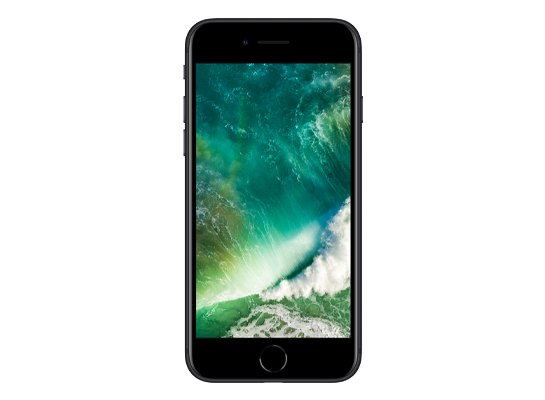
iPhone 7
September 16, 2016
Shipped with
iOS 10
Updates to
iOS 15.8.3
- Released
- September 16, 2016
- Chip
- A10
- Identifier
- iPhone9,1
- Colors
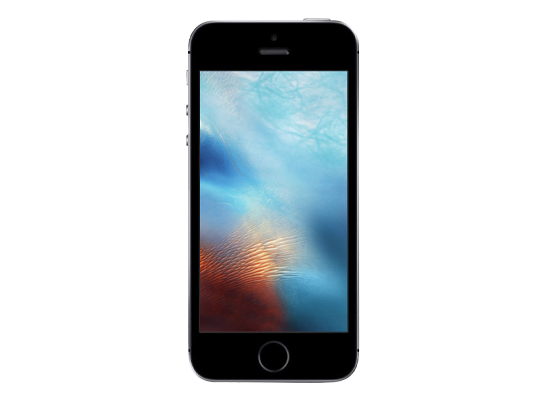
iPhone SE (1st generation)
March 31, 2016
Shipped with
iOS 9.3
Updates to
iOS 15.8.3
- Released
- March 31, 2016
- Chip
- A9
- Identifier
- iPhone8,4
- Colors
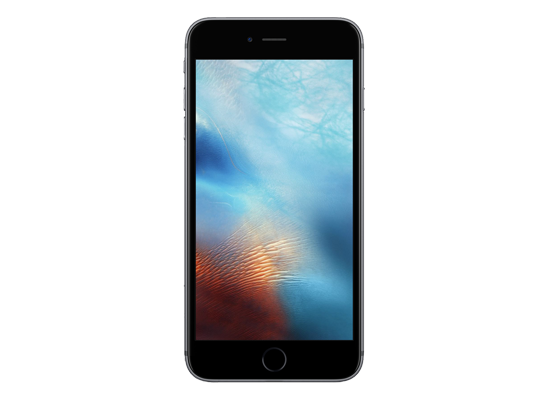
iPhone 6s Plus
September 25, 2015
Shipped with
iOS 9
Updates to
iOS 15.8.3
- Released
- September 25, 2015
- Chip
- A9
- Identifier
- iPhone8,2
- Colors
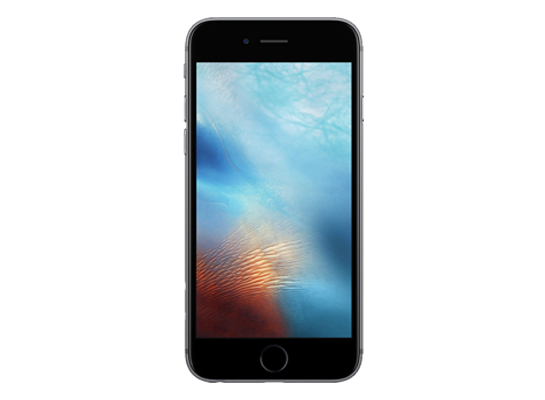
iPhone 6s
September 25, 2015
Shipped with
iOS 9
Updates to
iOS 15.8.3
- Released
- September 25, 2015
- Chip
- A9
- Identifier
- iPhone8,1
- Colors
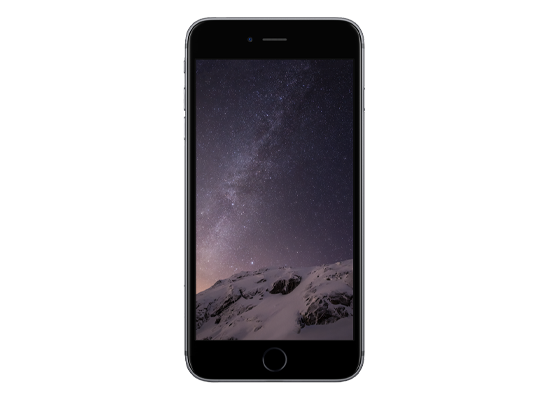
iPhone 6 Plus
September 19, 2014
Shipped with
iOS 8
Updates to
iOS 12.5.7
- Released
- September 19, 2014
- Chip
- A8
- Identifier
- iPhone7,1
- Colors
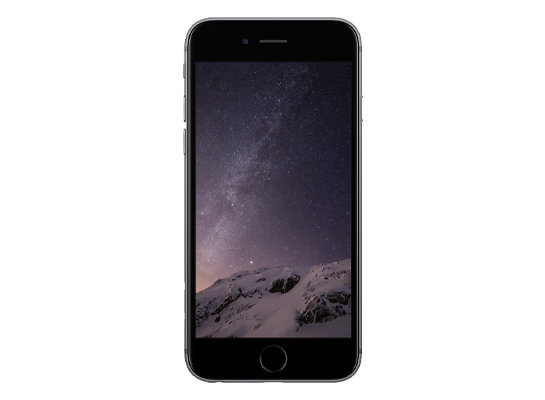
iPhone 6
September 19, 2014
Shipped with
iOS 8
Updates to
iOS 12.5.7
- Released
- September 19, 2014
- Chip
- A8
- Identifier
- iPhone7,2
- Colors
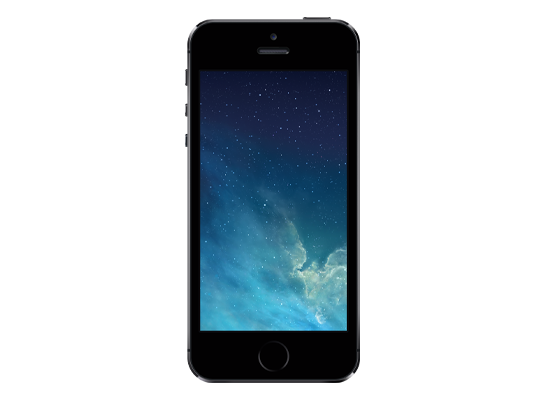
iPhone 5s
September 20, 2013
Shipped with
iOS 7
Updates to
iOS 12.5.7
- Released
- September 20, 2013
- Chip
- A7
- Identifier
- iPhone6,1
- Colors
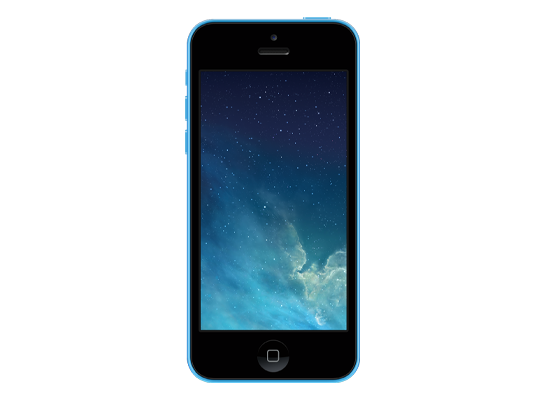
iPhone 5c
September 20, 2013
Shipped with
iOS 7
Updates to
iOS 10.3.3
- Released
- September 20, 2013
- Chip
- A6
- Identifier
- iPhone5,3
- Colors
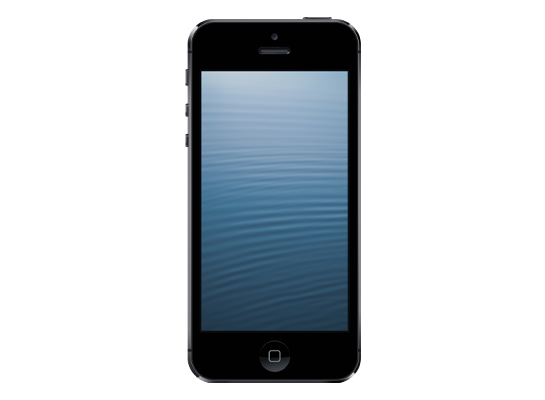
iPhone 5
September 21, 2012
Shipped with

iOS 6
Updates to
iOS 10.3.4
- Released
- September 21, 2012
- Chip
- A6
- Identifier
- iPhone5,1
- Colors
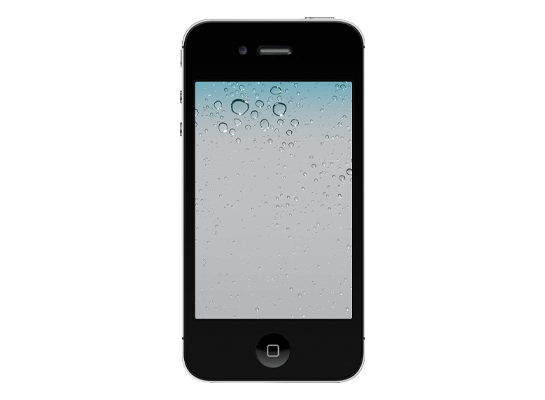
iPhone 4s
October 14, 2011
Shipped with

iOS 5
Updates to
iOS 9.3.6
- Released
- October 14, 2011
- Chip
- A5
- Identifier
- iPhone4,1
- Colors
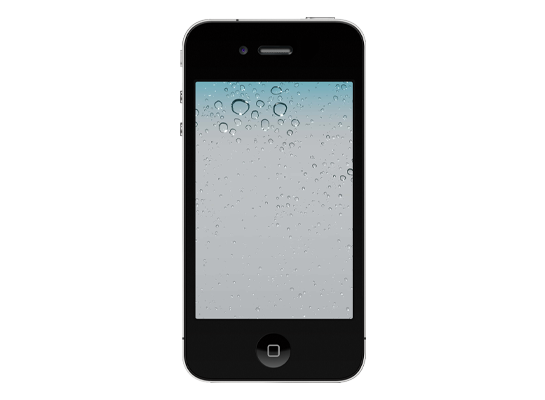
iPhone 4
June 24, 2010
Shipped with

iOS 4
Updates to
iOS 7.1.2
- Released
- June 24, 2010
- Chip
- A4
- Identifier
- iPhone3,1
- Colors
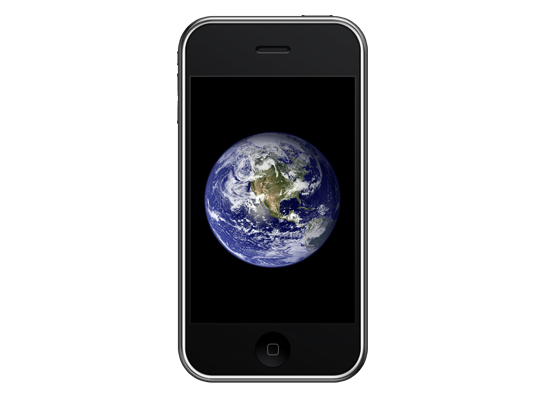
iPhone 3GS
June 19, 2009
Shipped with
iOS 3
Updates to
iOS 6.1.6
- Released
- June 19, 2009
- Chip
- APL0298
- Identifier
- iPhone2,1
- Colors
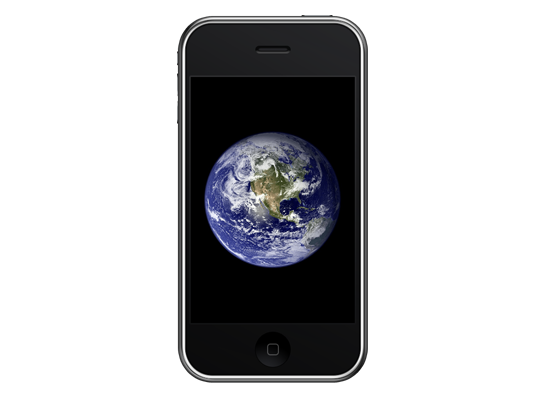
iPhone 3G
July 11, 2008
Shipped with
iOS 2
Updates to
iOS 4.2.1
- Released
- July 11, 2008
- Chip
- APL0098
- Identifier
- iPhone1,2
- Colors
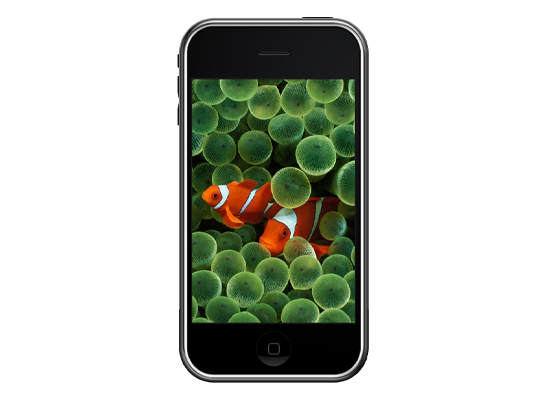
iPhone (1st generation)
June 29, 2007
Shipped with
iOS 1
Updates to
iOS 3.1.3
- Released
- June 29, 2007
- Chip
- APL0098
- Identifier
- iPhone1,1
- Colors
No devices found.
iPad
iPad Pro
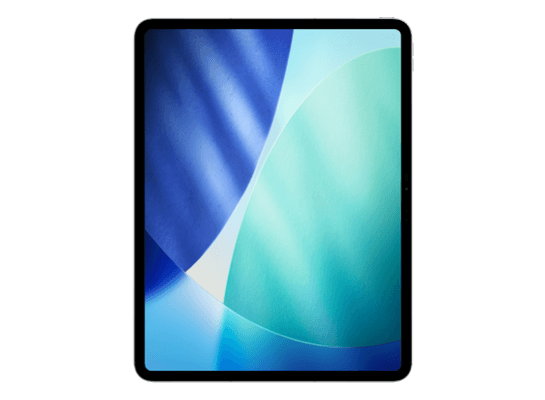
iPad Pro 13-inch (M5)
October 22, 2025
Shipped with
iPadOS 26.0
Updates to
iPadOS 27.2 beta
- Released
- October 22, 2025
- Chip
- M5
- Identifier
- iPad17,3
- Colors
iPad Pro 11-inch (M5)
October 22, 2025
Shipped with
iPadOS 26.0
Updates to
iPadOS 27.2 beta
- Released
- October 22, 2025
- Chip
- M5
- Identifier
- iPad17,1
- Colors
iPad Pro 13-inch (M4)
May 15, 2024
Shipped with

iPadOS 17.5
Updates to
iPadOS 27.2 beta
- Released
- May 15, 2024
- Chip
- M4
- Identifier
- iPad16,5
- Colors
iPad Pro 11-inch (M4)
May 15, 2024
Shipped with
iPadOS 17.5
Updates to
iPadOS 27.2 beta
- Released
- May 15, 2024
- Chip
- M4
- Identifier
- iPad16,3
- Colors

iPad Pro 12.9-inch (6th generation)
October 26, 2022
Shipped with

iPadOS 16.1
Updates to
iPadOS 27.2 beta
- Released
- October 26, 2022
- Chip
- M2
- Identifier
- iPad14,5
- Colors
iPad Pro 11-inch (4th generation)
October 26, 2022
Shipped with
iPadOS 16.1
Updates to
iPadOS 27.2 beta
- Released
- October 26, 2022
- Chip
- M2
- Identifier
- iPad14,3
- Colors
iPad Pro 12.9-inch (5th generation)
May 21, 2021
Shipped with
iPadOS 14.5
Updates to
iPadOS 27.2 beta
- Released
- May 21, 2021
- Chip
- M1
- Identifier
- iPad13,8
- Colors
iPad Pro 11-inch (3rd generation)
May 21, 2021
Shipped with
iPadOS 14.5
Updates to
iPadOS 27.2 beta
- Released
- May 21, 2021
- Chip
- M1
- Identifier
- iPad13,4
- Colors
iPad Pro 12.9-inch (4th generation)
March 25, 2020
Shipped with
iPadOS 13.4
Updates to
iPadOS 27.2 beta
- Released
- March 25, 2020
- Chip
- A12Z
- Identifier
- iPad8,11
- Colors
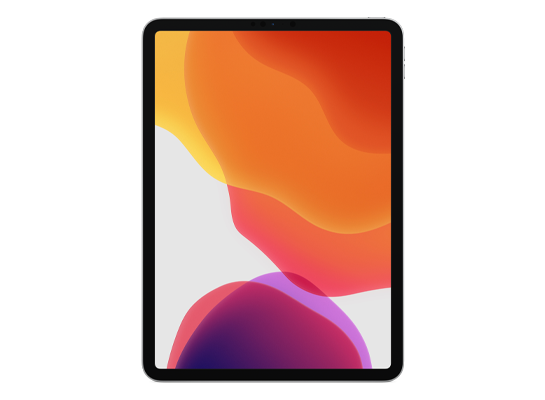
iPad Pro 11-inch (2nd generation)
March 25, 2020
Shipped with
iPadOS 13.4
Updates to
iPadOS 27.2 beta
- Released
- March 25, 2020
- Chip
- A12Z
- Identifier
- iPad8,9
- Colors
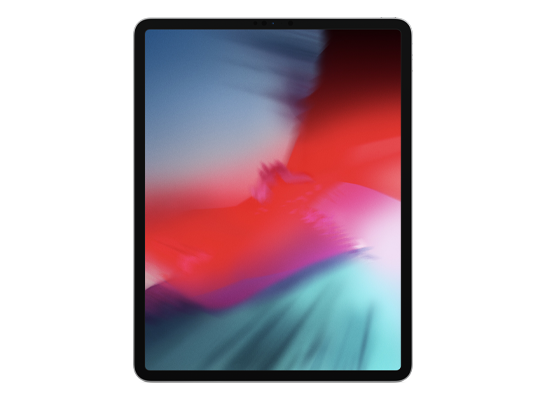
iPad Pro 12.9-inch (3rd generation)
November 7, 2018
Shipped with
iOS 12.1
Updates to
iPadOS 26.6
- Released
- November 7, 2018
- Chip
- A12X
- Identifier
- iPad8,5
- Colors
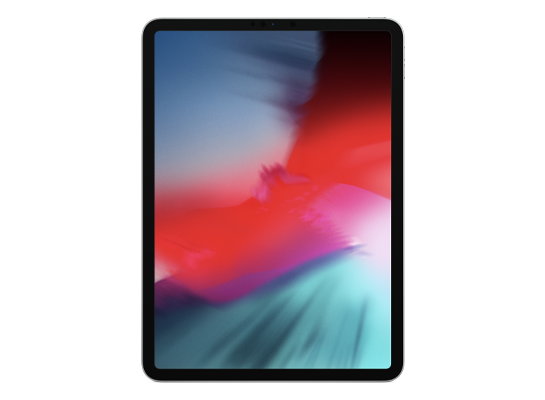
iPad Pro 11-inch (1st generation)
November 7, 2018
Shipped with
iOS 12.1
Updates to
iPadOS 26.6
- Released
- November 7, 2018
- Chip
- A12X
- Identifier
- iPad8,1
- Colors
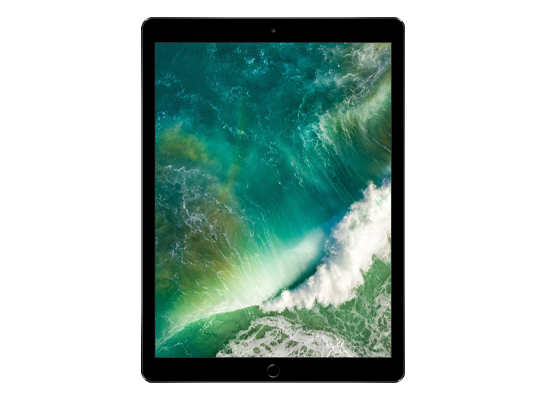
iPad Pro 12.9-inch (2nd generation)
June 13, 2017
Shipped with
iOS 10.3
Updates to
iPadOS 16.7.10
- Released
- June 13, 2017
- Chip
- A10X
- Identifier
- iPad7,1
- Colors
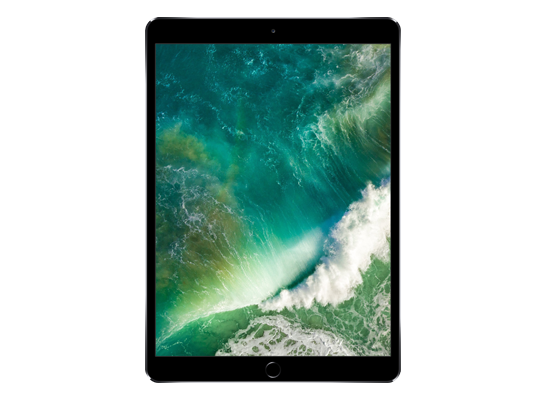
iPad Pro 10.5-inch
June 13, 2017
Shipped with
iOS 10.3
Updates to
iPadOS 16.7.10
- Released
- June 13, 2017
- Chip
- A10X
- Identifier
- iPad7,3
- Colors
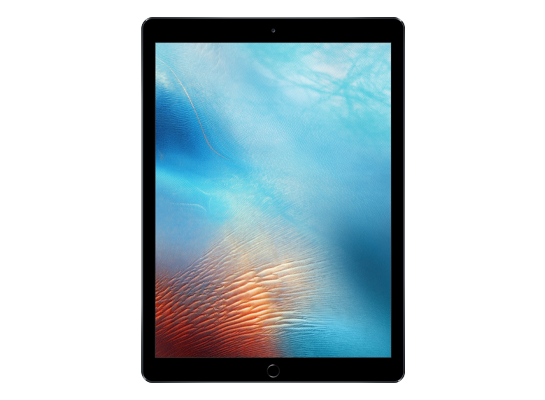
iPad Pro 12.9-inch (1st generation)
November 11, 2015
Shipped with
iOS 9.1
Updates to
iPadOS 16.7.10
- Released
- November 11, 2015
- Chip
- A9X
- Identifier
- iPad6,7
- Colors
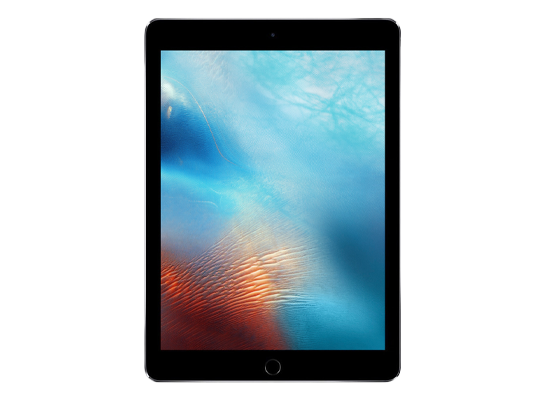
iPad Pro 9.7-inch
March 31, 2016
Shipped with
iOS 9.3
Updates to
iPadOS 16.7.10
- Released
- March 31, 2016
- Chip
- A9X
- Identifier
- iPad6,3
- Colors
iPad Air
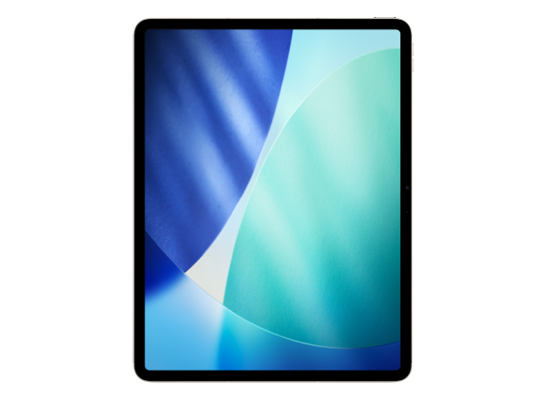
iPad Air 13-inch (M4)
March 11, 2026
Shipped with
iPadOS 26.3.1
Updates to
iPadOS 27.2 beta
- Released
- March 11, 2026
- Chip
- M4
- Identifier
- iPad16,10
- Colors
iPad Air 11-inch (M4)
March 11, 2026
Shipped with
iPadOS 26.3.1
Updates to
iPadOS 27.2 beta
- Released
- March 11, 2026
- Chip
- M4
- Identifier
- iPad16,8
- Colors
iPad Air 13-inch (M3)
March 12, 2025
Shipped with
iPadOS 18.3.1
Updates to
iPadOS 27.2 beta
- Released
- March 12, 2025
- Chip
- M3
- Identifier
- iPad15,5
- Colors
iPad Air 11-inch (M3)
March 12, 2025
Shipped with
iPadOS 18.3.1
Updates to
iPadOS 27.2 beta
- Released
- March 12, 2025
- Chip
- M3
- Identifier
- iPad15,3
- Colors
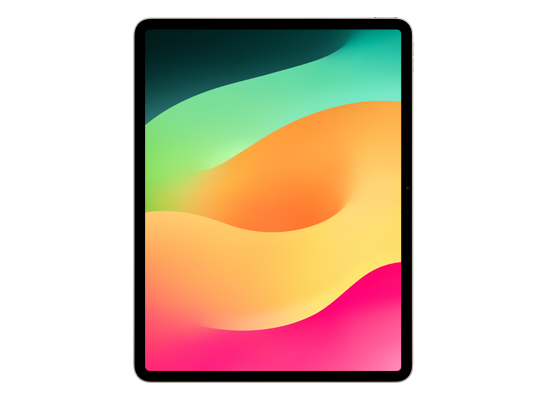
iPad Air 13-inch (M2)
May 15, 2024
Shipped with
iPadOS 17.5
Updates to
iPadOS 27.2 beta
- Released
- May 15, 2024
- Chip
- M2
- Identifier
- iPad14,10
- Colors
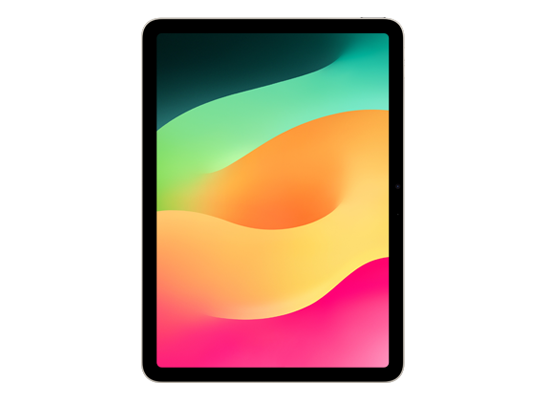
iPad Air 11-inch (M2)
May 15, 2024
Shipped with
iPadOS 17.5
Updates to
iPadOS 27.2 beta
- Released
- May 15, 2024
- Chip
- M2
- Identifier
- iPad14,8
- Colors
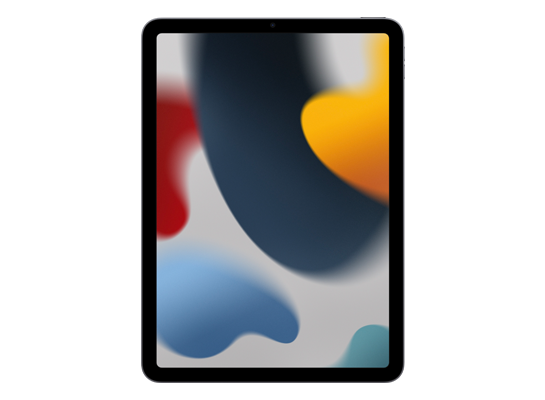
iPad Air (5th generation)
March 18, 2022
Shipped with
iPadOS 16.1
Updates to
iPadOS 27.2 beta
- Released
- March 18, 2022
- Chip
- M1
- Identifier
- iPad13,16
- Colors
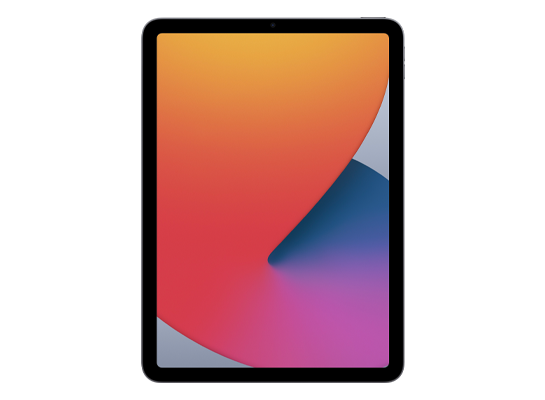
iPad Air (4th generation)
October 23, 2020
Shipped with
iPadOS 14.1
Updates to
iPadOS 27.2 beta
- Released
- October 23, 2020
- Chip
- A14
- Identifier
- iPad13,1
- Colors
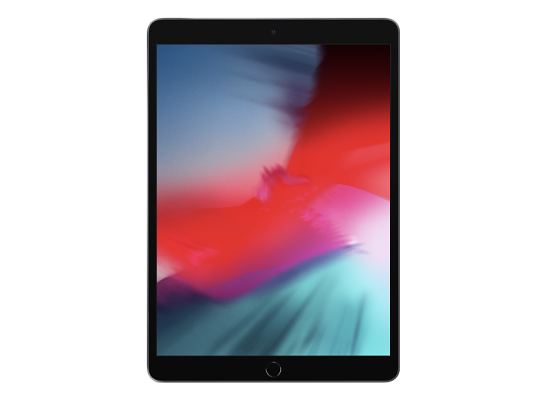
iPad Air (3rd generation)
March 18, 2019
Shipped with
iOS 12.2
Updates to
iPadOS 26.6
- Released
- March 18, 2019
- Chip
- A12
- Identifier
- iPad11,3
- Colors
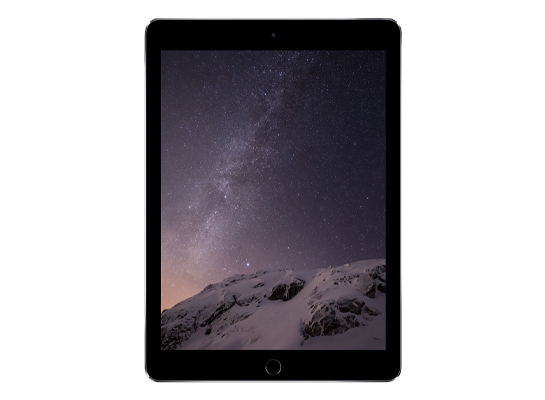
iPad Air 2
October 22, 2014
Shipped with
iOS 8.1
Updates to

iPadOS 15.8.3
- Released
- October 22, 2014
- Chip
- A8X
- Identifier
- iPad5,3
- Colors
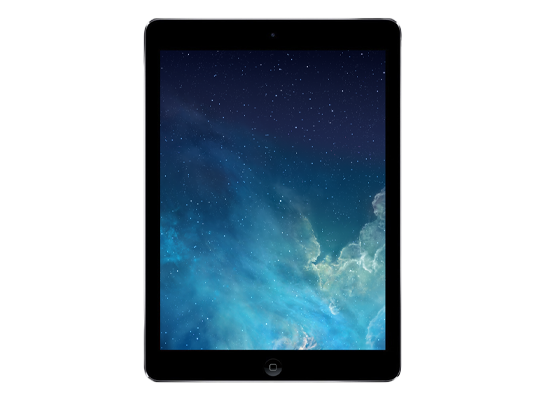
iPad Air
November 1, 2013
Shipped with
iOS 7
Updates to
iOS 12.5.7
- Released
- November 1, 2013
- Chip
- A7
- Identifier
- iPad4,1
- Colors
iPad mini
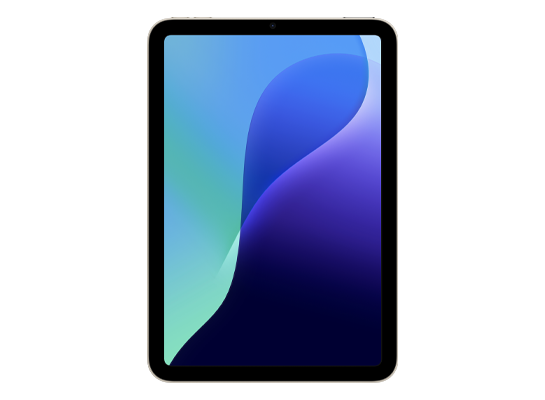
iPad mini (A17 Pro)
October 23, 2024
Shipped with
iPadOS 18.0
Updates to
iPadOS 27.2 beta
- Released
- October 23, 2024
- Chip
- A17 Pro
- Identifier
- iPad16,1
- Colors
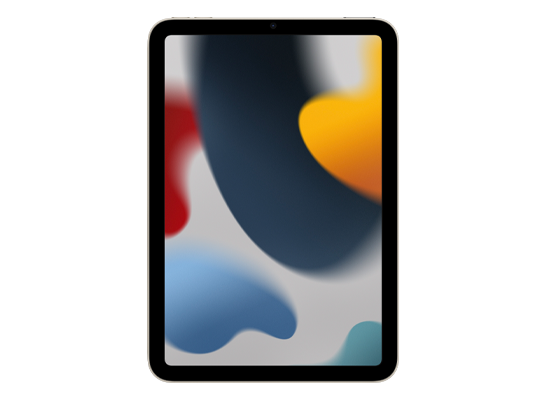
iPad mini (6th generation)
September 24, 2021
Shipped with
iPadOS 15.0
Updates to
iPadOS 27.2 beta
- Released
- September 24, 2021
- Chip
- A15
- Identifier
- iPad14,1
- Colors
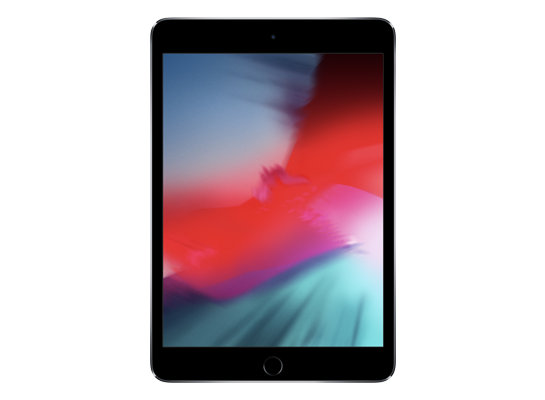
iPad mini (5th generation)
March 18, 2019
Shipped with
iPadOS 12.2
Updates to
iPadOS 26.6
- Released
- March 18, 2019
- Chip
- A12
- Identifier
- iPad11,1
- Colors
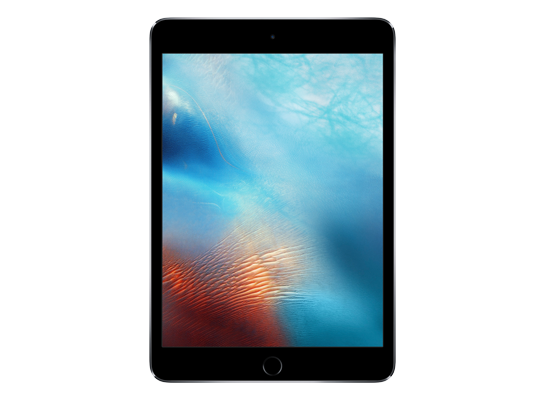
iPad mini 4
September 9, 2015
Shipped with
iOS 9
Updates to
iPadOS 15.8.3
- Released
- September 9, 2015
- Chip
- A8
- Identifier
- iPad5,1
- Colors
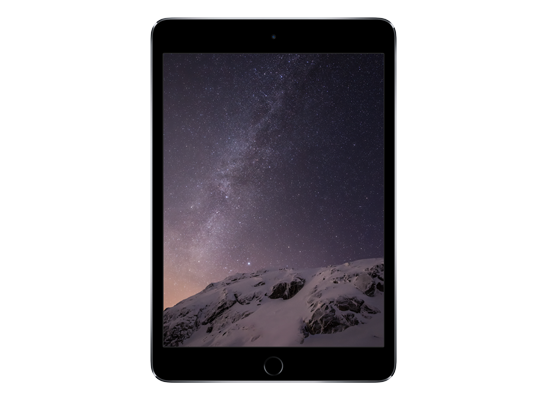
iPad mini 3
October 22, 2014
Shipped with
iOS 8.1
Updates to
iOS 12.5.7
- Released
- October 22, 2014
- Chip
- A7
- Identifier
- iPad4,7
- Colors
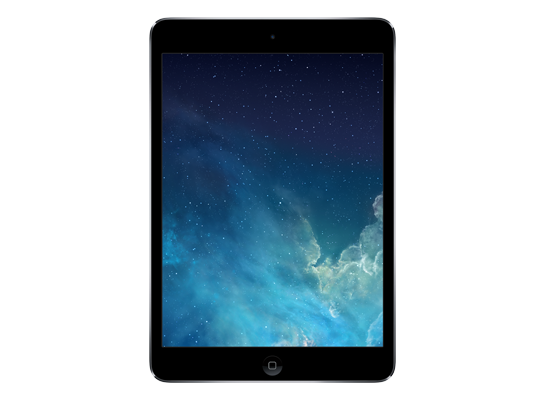
iPad mini 2
November 12, 2013
Shipped with
iOS 7
Updates to
iOS 12.5.7
- Released
- November 12, 2013
- Chip
- A7
- Identifier
- iPad4,4
- Colors
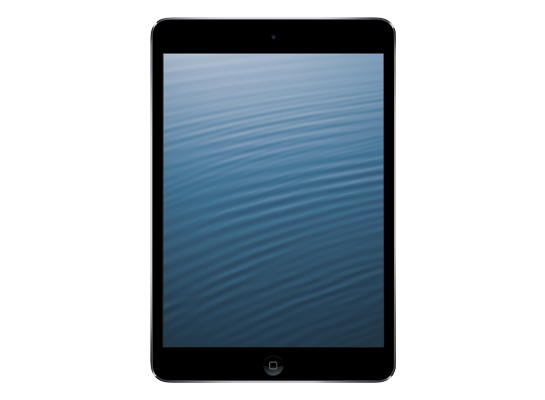
iPad mini
November 2, 2012
Shipped with
iOS 6
Updates to
iOS 9.3.6
- Released
- November 2, 2012
- Chip
- A5
- Identifier
- iPad2,5
- Colors
iPad
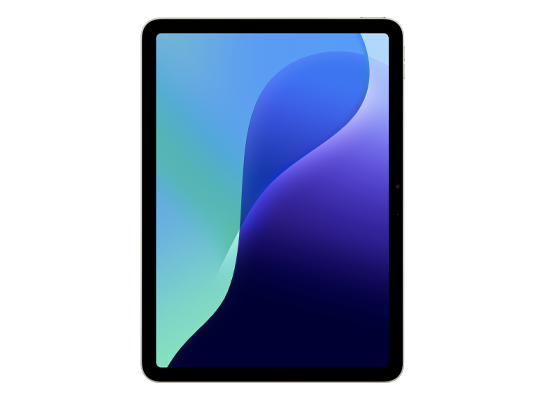
iPad (A16)
March 12, 2025
Shipped with
iPadOS 18.3.1
Updates to
iPadOS 27.2 beta
- Released
- March 12, 2025
- Chip
- A16
- Identifier
- iPad15,7
- Colors
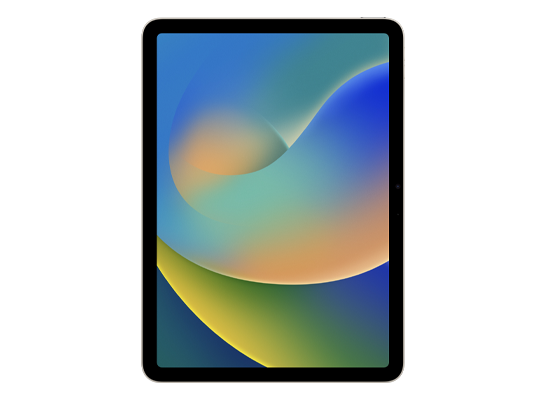
iPad (10th generation)
October 26, 2022
Shipped with
iPadOS 16.1
Updates to
iPadOS 27.2 beta
- Released
- October 26, 2022
- Chip
- A14
- Identifier
- iPad13,18
- Colors
iPad (9th generation)
September 24, 2021
Shipped with
iPadOS 15.0
Updates to
iPadOS 27.2 beta
- Released
- September 24, 2021
- Chip
- A13
- Identifier
- iPad12,1
- Colors
iPad (8th generation)
September 18, 2020
Shipped with
iPadOS 14.0
Updates to
iPadOS 26.6
- Released
- September 18, 2020
- Chip
- A12
- Identifier
- iPad11,6
- Colors
iPad (7th generation)
September 25, 2019
Shipped with
iPadOS 13.1
Updates to
iPadOS 17.7.10
- Released
- September 25, 2019
- Chip
- A10
- Identifier
- iPad7,11
- Colors
iPad (6th generation)
March 30, 2018
Shipped with
iOS 11.3
Updates to
iPadOS 17.7.10
- Released
- March 30, 2018
- Chip
- A10
- Identifier
- iPad7,5
- Colors
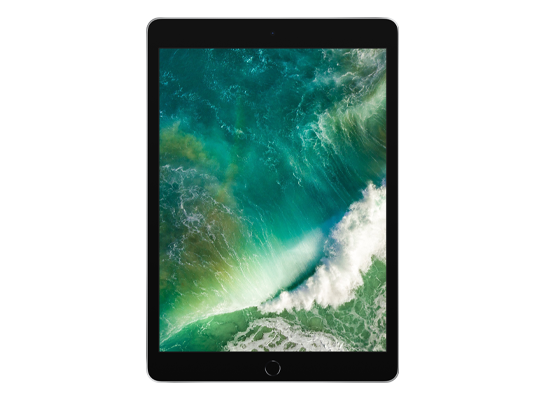
iPad (5th generation)
March 24, 2017
Shipped with
iOS 10.3
Updates to
iPadOS 16.7.10
- Released
- March 24, 2017
- Chip
- A9
- Identifier
- iPad6,11
- Colors
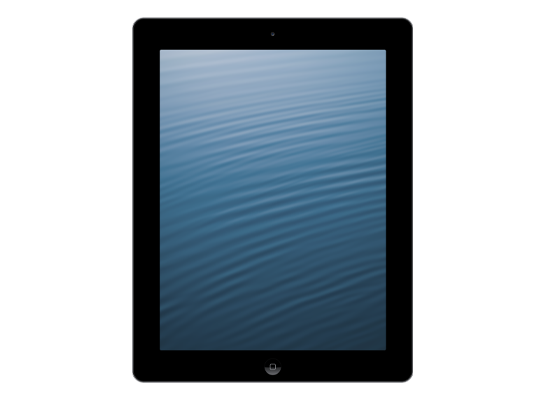
iPad (4th generation)
November 2, 2012
Shipped with
iOS 6
Updates to
iOS 10.3.4
- Released
- November 2, 2012
- Chip
- A6X
- Identifier
- iPad3,4
- Colors
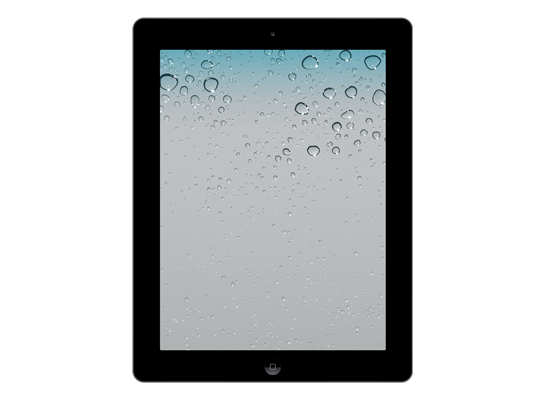
iPad (3rd generation)
March 16, 2012
Shipped with
iOS 5.1
Updates to
iOS 9.3.6
- Released
- March 16, 2012
- Chip
- A5X
- Identifier
- iPad3,1
- Colors
iPad 2
March 11, 2011
Shipped with
iOS 4.3
Updates to
iOS 9.3.6
- Released
- March 11, 2011
- Chip
- A5
- Identifier
- iPad2,1
- Colors
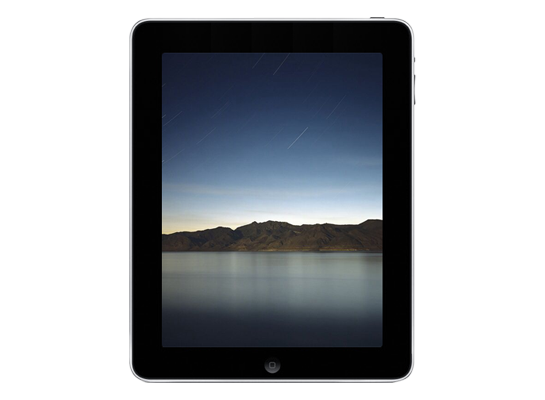
iPad (1st generation)
April 3, 2010
Shipped with
iOS 3.2
Updates to
iOS 5.1.1
- Released
- April 3, 2010
- Chip
- A4
- Identifier
- iPad1,1
- Colors
No devices found.
Apple Watch
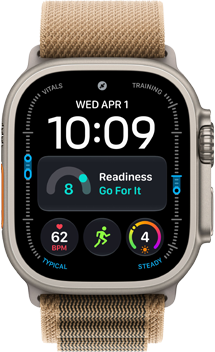
Apple Watch Ultra 4
September 18, 2026
Shipped with

watchOS 27
Updates to
watchOS 27.2 beta
- Released
- September 18, 2026
- Chip
- S11
- Identifier
- Watch8,1
- Colors
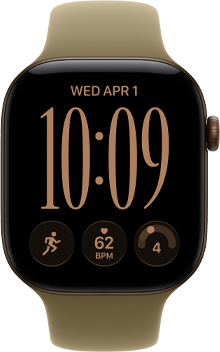
Apple Watch Series 12
September 18, 2026
Shipped with
watchOS 27
Updates to
watchOS 27.2 beta
- Released
- September 18, 2026
- Chip
- S11
- Identifier
- Watch8,2
- Colors
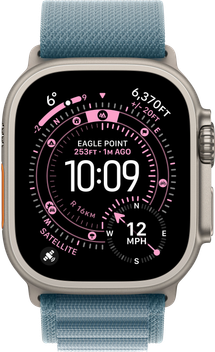
Apple Watch Ultra 3
September 19, 2025
Shipped with

watchOS 26
Updates to
watchOS 27.2 beta
- Released
- September 19, 2025
- Chip
- S10
- Identifier
- Watch7,12
- Colors
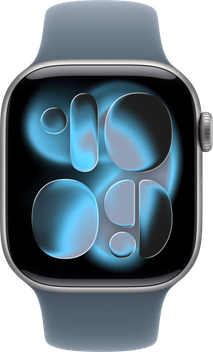
Apple Watch Series 11
September 19, 2025
Shipped with
watchOS 26
Updates to
watchOS 27.2 beta
- Released
- September 19, 2025
- Chip
- S10
- Identifier
- Watch7,17
- Colors
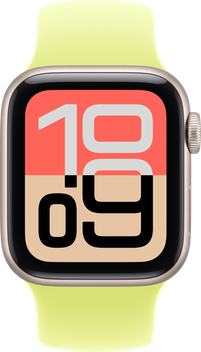
Apple Watch SE (3rd generation)
September 19, 2025
Shipped with
watchOS 26
Updates to
watchOS 27.2 beta
- Released
- September 19, 2025
- Chip
- S10
- Identifier
- Watch7,13
- Colors
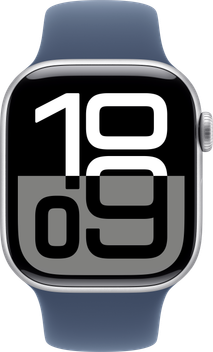
Apple Watch Series 10
September 20, 2024
Shipped with

watchOS 11
Updates to
watchOS 27.2 beta
- Released
- September 20, 2024
- Chip
- S10
- Identifier
- Watch7,8
- Colors
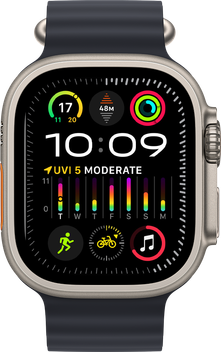
Apple Watch Ultra 2
September 22, 2023
Shipped with
watchOS 10
Updates to
watchOS 27.2 beta
- Released
- September 22, 2023
- Chip
- S9
- Identifier
- Watch7,5
- Colors
Apple Watch Series 9
September 22, 2023
Shipped with
watchOS 10
Updates to
watchOS 27.2 beta
- Released
- September 22, 2023
- Chip
- S9
- Identifier
- Watch7,1
- Colors
Apple Watch Ultra
September 23, 2022
Shipped with
watchOS 9
Updates to
watchOS 26.6 Beta
- Released
- September 23, 2022
- Chip
- S8
- Identifier
- Watch6,18
- Colors
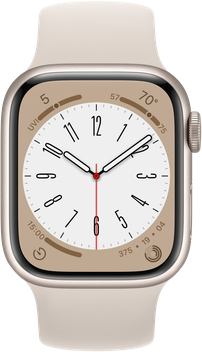
Apple Watch Series 8
September 16, 2022
Shipped with
watchOS 9
Updates to
watchOS 26.6 Beta
- Released
- September 16, 2022
- Chip
- S8
- Identifier
- Watch6,14
- Colors
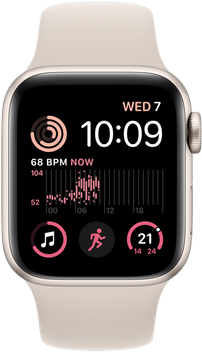
Apple Watch SE (2nd generation)
September 16, 2022
Shipped with
watchOS 9
Updates to
watchOS 26.6 Beta
- Released
- September 16, 2022
- Chip
- S8
- Identifier
- Watch6,10
- Colors
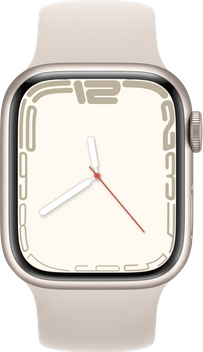
Apple Watch Series 7
October 15, 2021
Shipped with

watchOS 8
Updates to
watchOS 26.6 Beta
- Released
- October 15, 2021
- Chip
- S7
- Identifier
- Watch6,6
- Colors
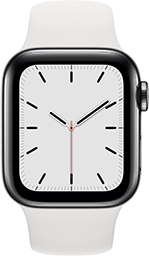
Apple Watch Series 6
September 18, 2020
Shipped with

watchOS 7
Updates to
watchOS 26.6 Beta
- Released
- September 18, 2020
- Chip
- S6
- Identifier
- Watch6,1
- Colors
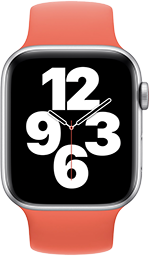
Apple Watch SE (1st generation)
September 18, 2020
Shipped with
watchOS 9
Updates to
watchOS 10.6.2
- Released
- September 18, 2020
- Chip
- S5
- Identifier
- Watch5,9
- Colors
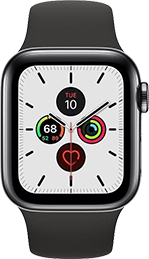
Apple Watch Series 5
September 20, 2019
Shipped with

watchOS 6
Updates to
watchOS 10.6.2
- Released
- September 20, 2019
- Chip
- S5
- Identifier
- Watch5,1
- Colors
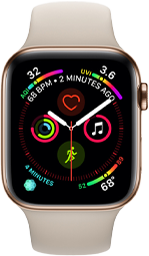
Apple Watch Series 4
September 21, 2018
Shipped with

watchOS 5
Updates to
watchOS 10.6.2
- Released
- September 21, 2018
- Chip
- S4
- Identifier
- Watch4,1
- Colors
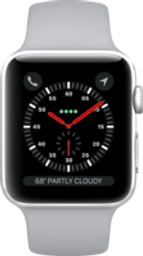
Apple Watch Series 3
September 22, 2017
Shipped with

watchOS 4
Updates to
watchOS 8.8.2
- Released
- September 22, 2017
- Chip
- S3
- Identifier
- Watch3,1
- Colors
Apple Watch Series 2
September 16, 2016
Shipped with

watchOS 3
Updates to
watchOS 6.3.1
- Released
- September 16, 2016
- Chip
- S2
- Identifier
- Watch2,3
- Colors
Apple Watch Series 1
September 16, 2016
Shipped with
watchOS 3
Updates to
watchOS 6.3.1
- Released
- September 16, 2016
- Chip
- S1P
- Identifier
- Watch2,6
- Colors
Apple Watch (1st generation)
April 24, 2015
Shipped with

watchOS 1
Updates to
watchOS 4.3.2
- Released
- April 24, 2015
- Chip
- S1
- Identifier
- Watch1,1
- Colors
No devices found.
About this tool
Every iPhone, iPad and Apple Watch ships with a specific version of iOS, iPadOS or watchOS, and every model eventually reaches a final software version that Apple stops updating. The list above shows both numbers for each device, along with its chip, release date and model identifier. Select any device to see the full details.
Frequently asked questions
How do I know which iPhone or iPad I have?
On iPhone and iPad, open Settings → General → About and look at Model Name. The Model Number shown there matches the model identifier listed for each device.
What does "shipped with" mean?
It is the version of iOS, iPadOS or watchOS that was preinstalled when the device first went on sale. "Updates to" is the newest version that model can currently install.
My device can't install the latest version — why?
Apple drops older models from each major release when the hardware can no longer support new features. Once a device stops receiving major updates it may still get security updates for a while, but it will not move to the next major version.
Can I install the beta on an older device?
Only if the model is on Apple's compatibility list for that release. Check the Supported Devices page to see which models are eligible for the current betas.
See Supported Devices for the full compatibility list of the current betas.