Apple Beijing Livat Wallpaper
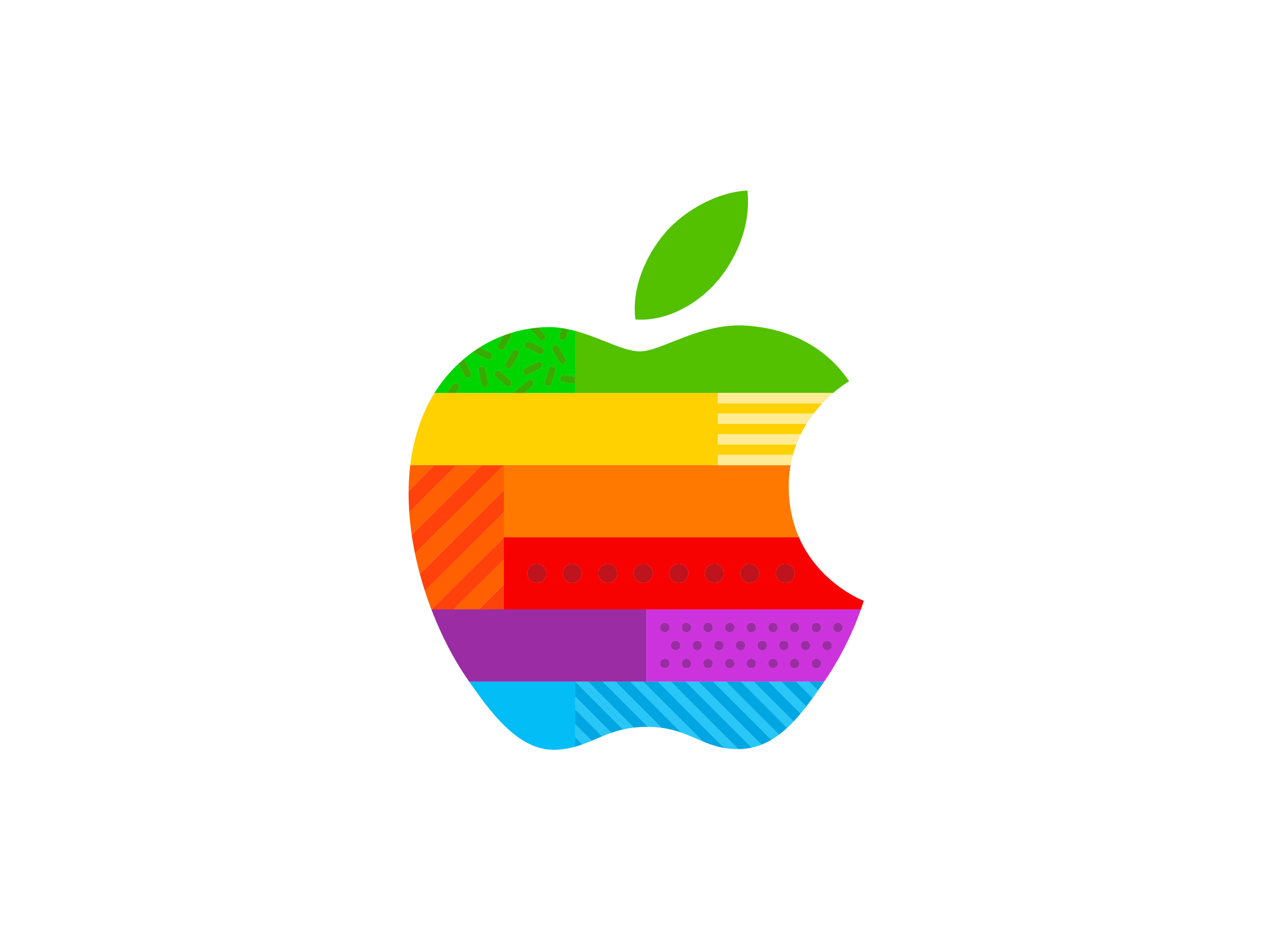
The new Apple Store at Beijing’s Livat Mall in Daxing District will open on December 6.
Available for
iPhone
iPad
Mac
Apple Watch
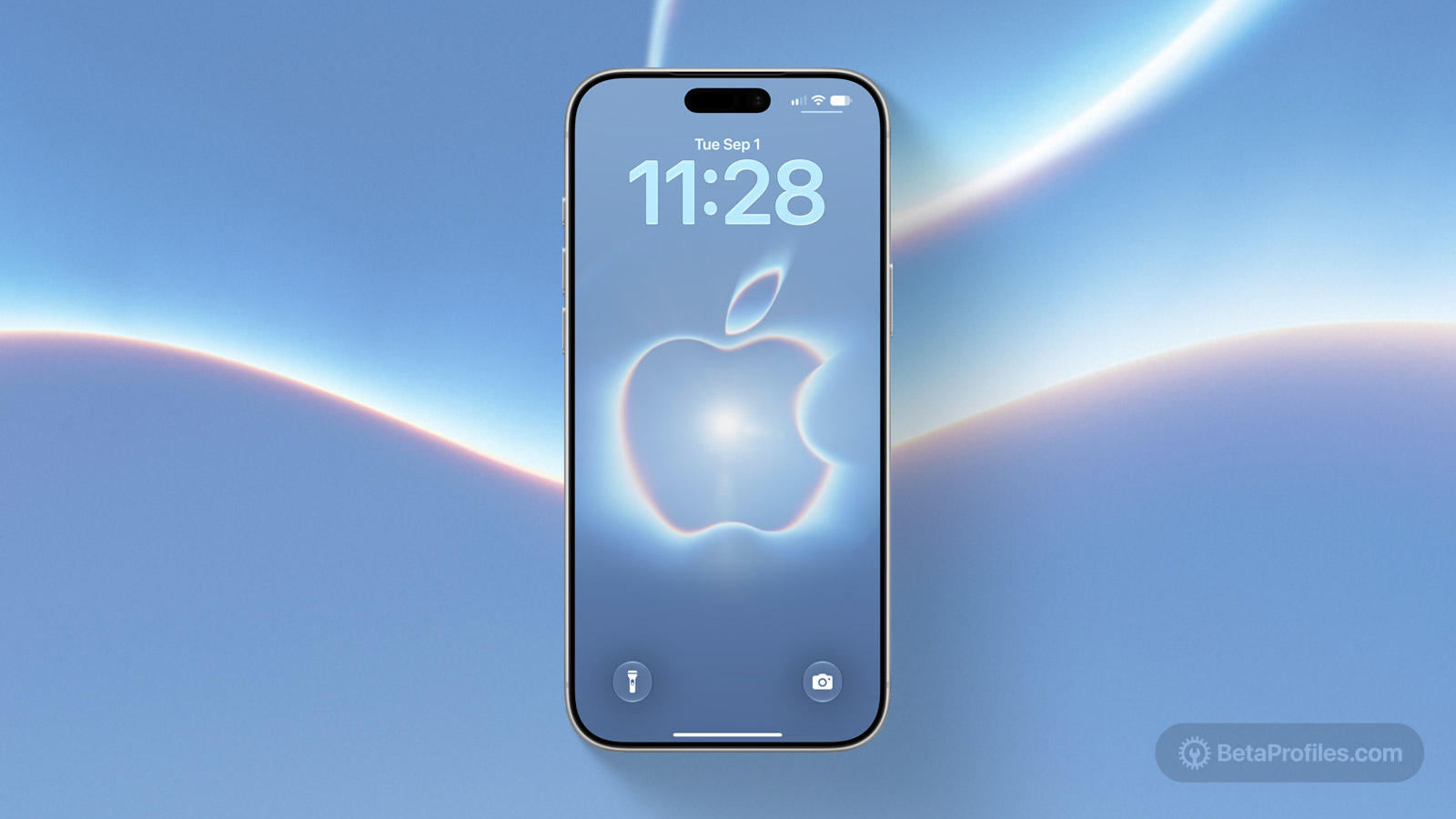
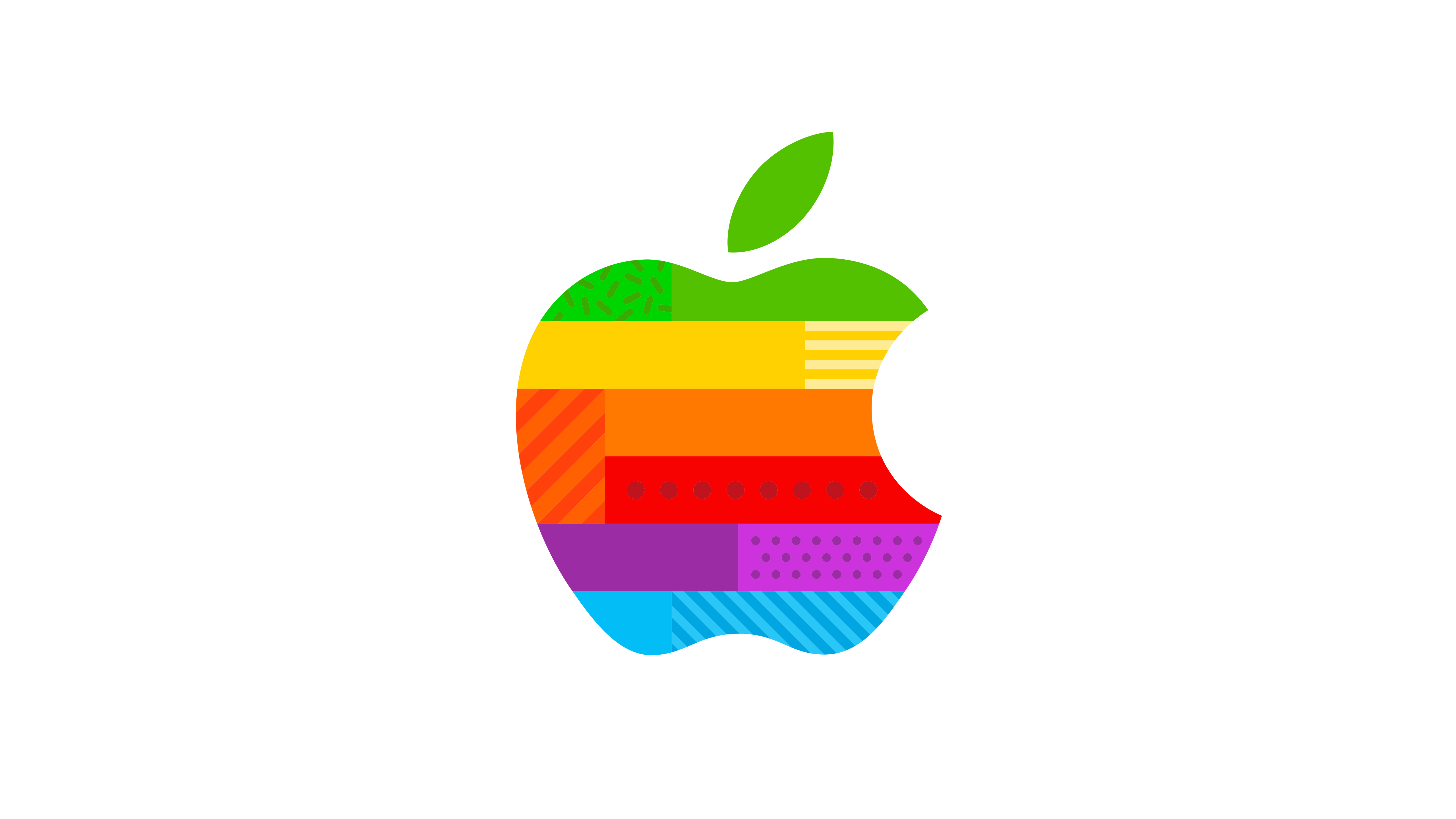
On November 17, 2025, Apple announced on its official website that “Apple Beijing Livat” will officially open on December 6 at 10 a.m. The store is located on the first floor of Beijing Livat Mall, No. 15 Xinning Street, Daxing District, Beijing. To celebrate the store’s grand opening, Apple has released special wallpapers for iPhone, iPad, Mac, and even a watch face for Apple Watch.
Last updated:
Download
iPhone
JPG · 1242×2688 · 235 KB
iPad
JPG · 2732×2048 · 293 KB
Mac
JPG · 5120×2880 · 518 KB
Apple Watch
WATCHFACE · 597 KB
How to set wallpaper
Set your iPhone wallpaper
- In the Photos app, tap the image you downloaded.
- Tap Share button.
- Scroll down and tap Use as Wallpaper.
- Adjust the wallpaper to your liking, then tap Add.
- Tap Set as Wallpaper Pair to apply it to both your Home Screen and Lock Screen. Tap Customize Home Screen if you want to create a separate Home Screen wallpaper that you can edit.
Set your iPad wallpaper
- In the Photos app, tap the image you downloaded.
- Tap Share button.
- Tap Use as Wallpaper.
- Adjust the wallpaper to your liking, then tap Add.
- Tap Set as Wallpaper Pair to apply it to both your Home Screen and Lock Screen. Tap Customize Home Screen if you want to create a separate Home Screen wallpaper that you can edit.
Set your Mac wallpaper
- In Finder, open the folder where you saved the image.
- Right-click, or hold Control and click the image you want to set as your wallpaper.
- Click Set Desktop Picture. If you don’t see this option, move your cursor to Services > Set Desktop Picture.
Set your Apple Watch face
- Open the Photos app and tap the image you downloaded.
- Tap Share button.
- Scroll down and tap Create Watch Face.
- Choose the watch face style you want.
- Customize the watch face to your liking, then tap Add to Watch.
Recent wallpapers

Source: Apple