Apple Umeda Wallpaper
Apple’s second retail store in Osaka opened on July 26, 2025.
Available for
iPhone
iPad
Mac
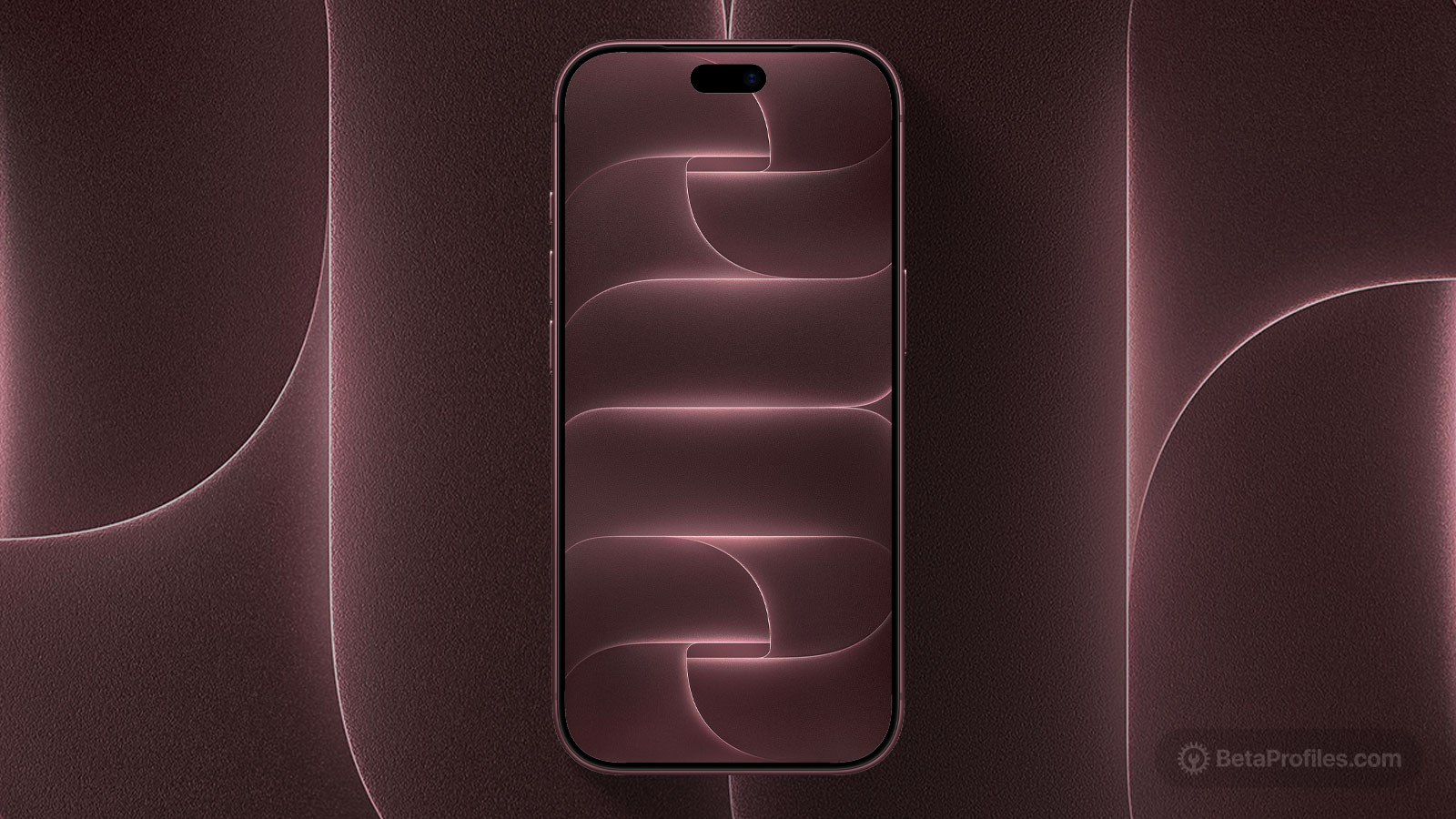
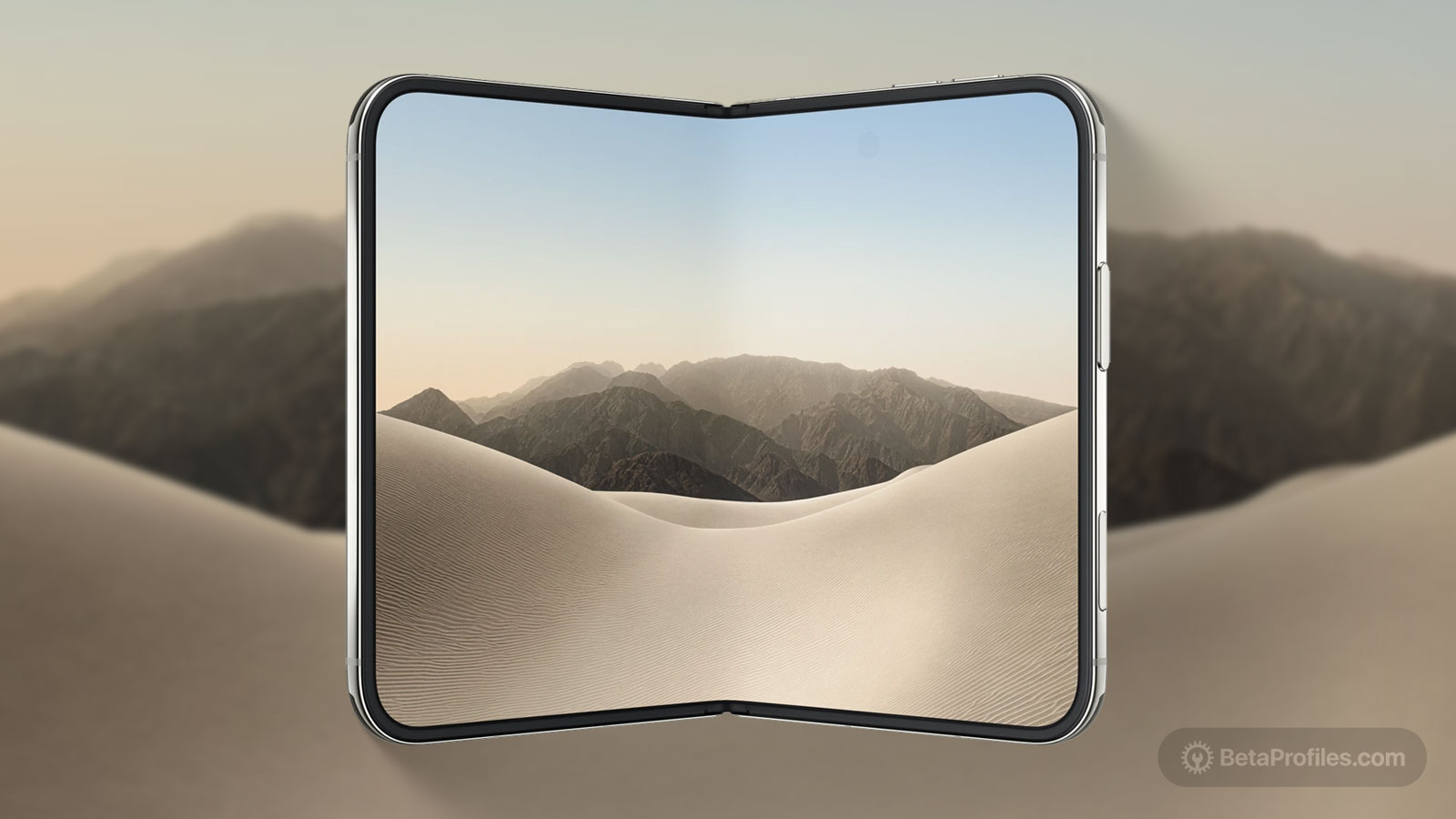
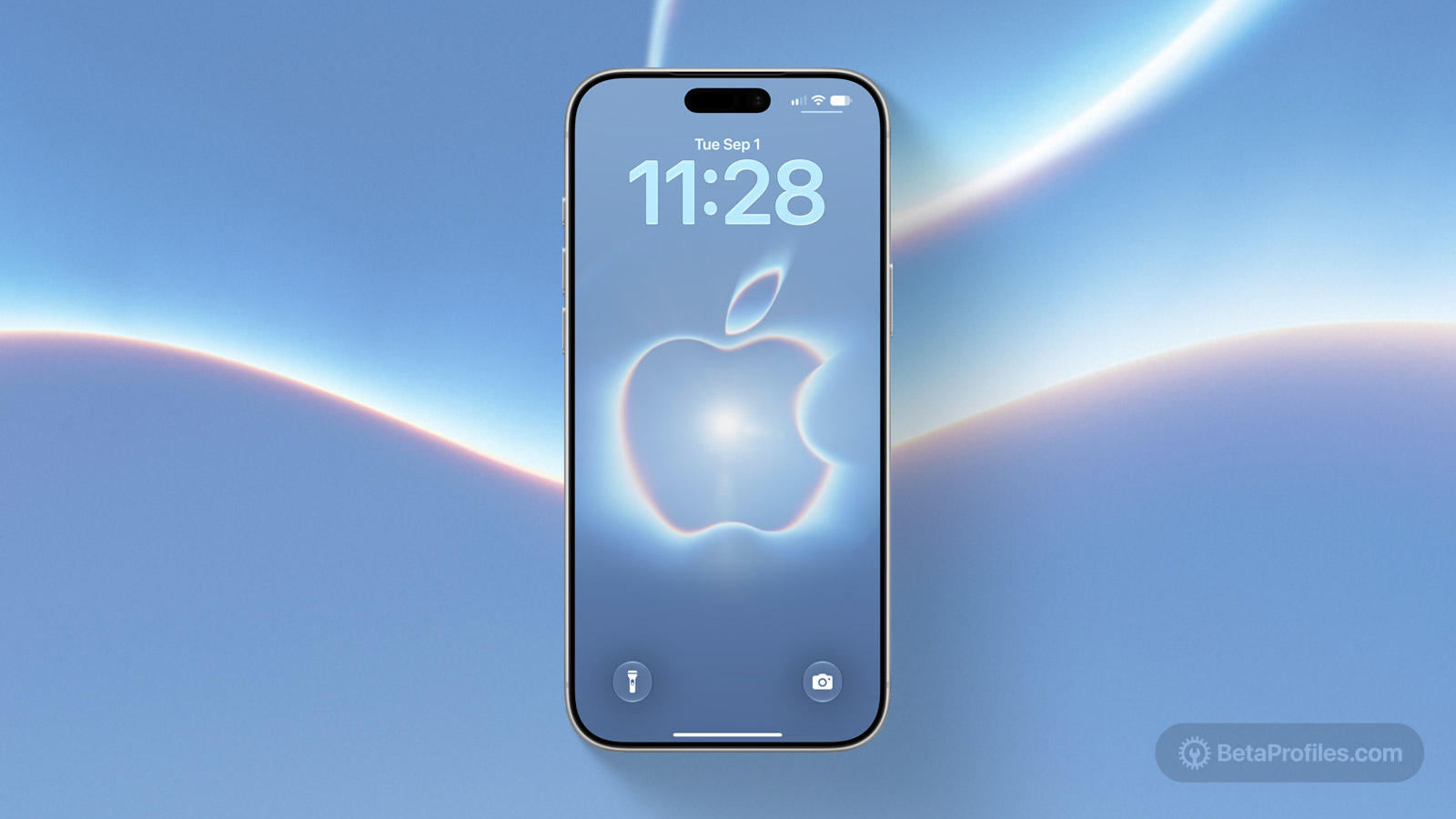
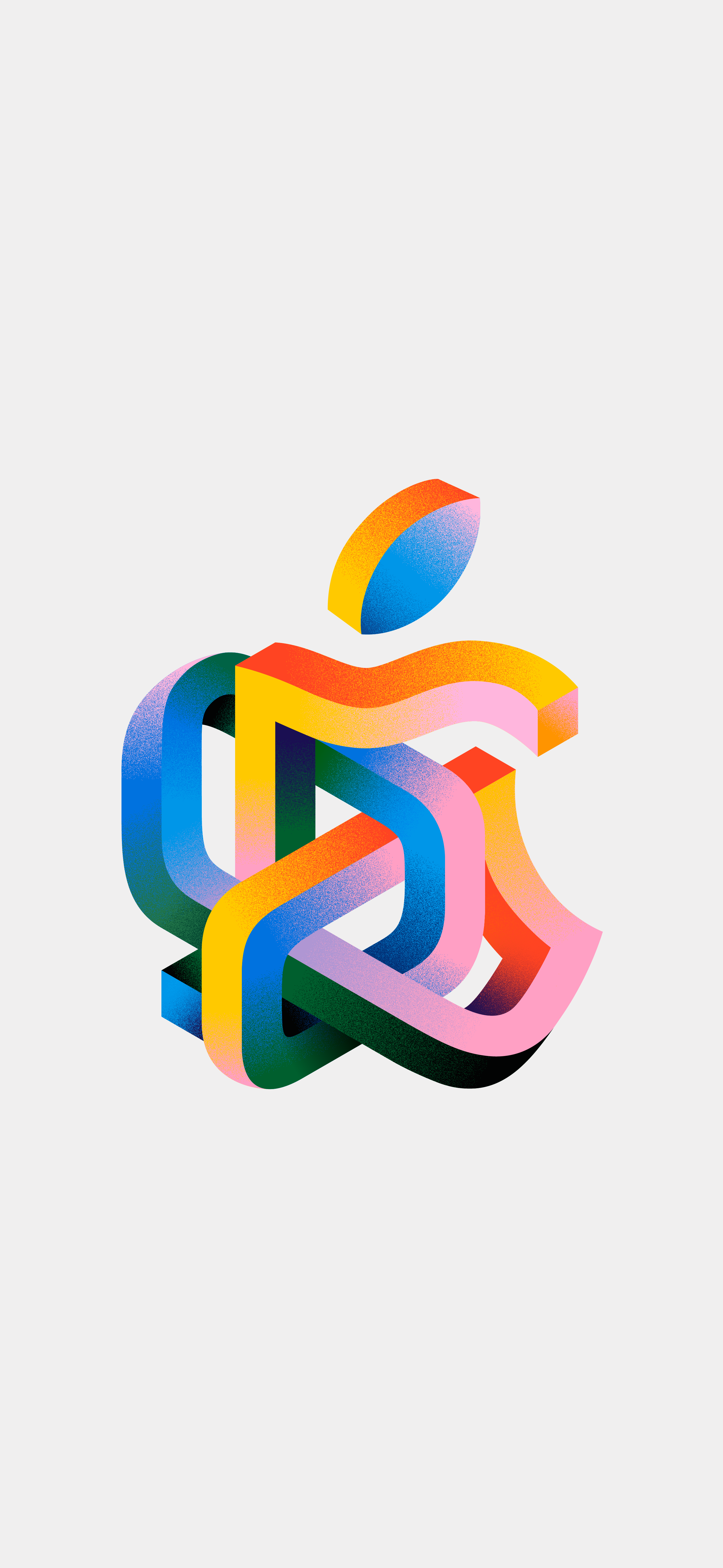
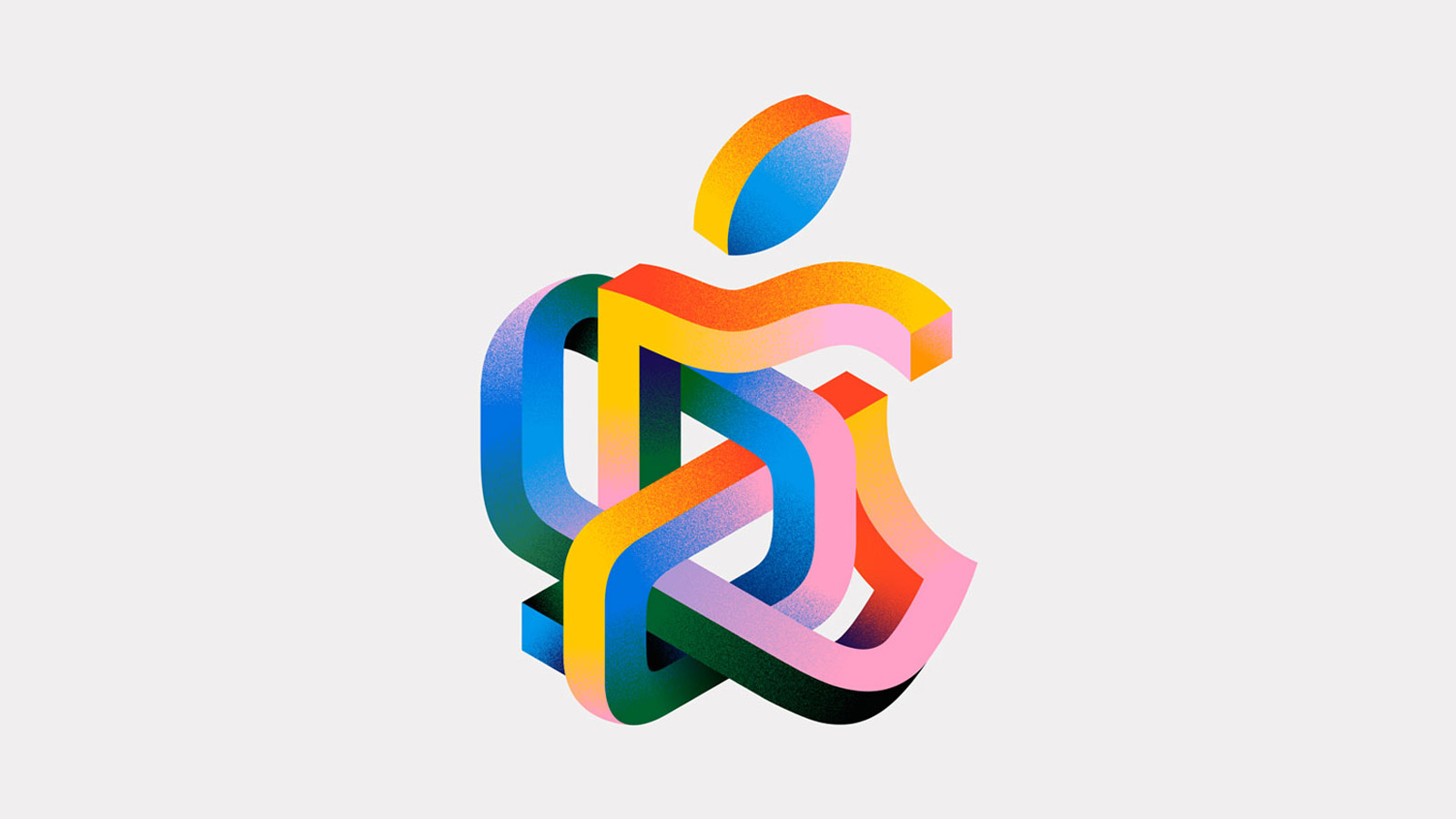
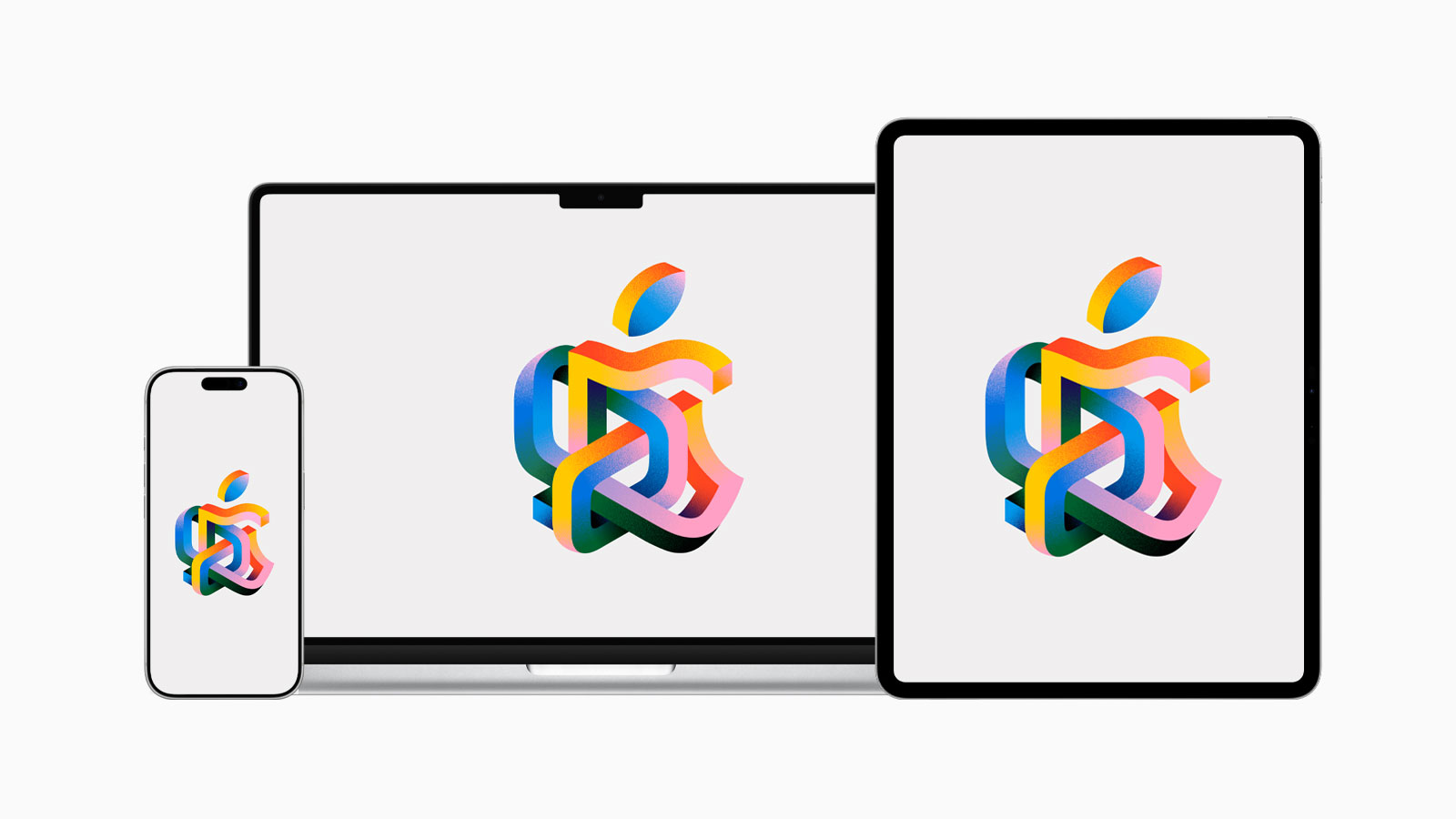
Apple announced the launch of another retail location in Japan: Apple Umeda, the second Apple Store in Osaka and the 11th in the country. The store officially opened on July 26, 2025. In true Apple fashion, the debut was accompanied by a set of custom wallpapers for Mac, iPhone, and iPad, featuring designs inspired by the area’s character, its bustling atmosphere, and its many transport hubs.
Last updated:
Download
iPhone (Light)
PNG · 2580×5592 · 867 KB
iPhone (Dark)
PNG · 2580×5592 · 1.1 MB
iPad (Light)
PNG · 5468×4100 · 956 KB
iPad (Dark)
PNG · 5468×4100 · 1.3 MB
Mac (Light)
PNG · 6018×3386 · 950 KB
Mac (Dark)
PNG · 6018×3386 · 1.2 MB
How to set wallpaper
Set your iPhone wallpaper
- In the Photos app, tap the image you downloaded.
- Tap Share button.
- Scroll down and tap Use as Wallpaper.
- Adjust the wallpaper to your liking, then tap Add.
- Tap Set as Wallpaper Pair to apply it to both your Home Screen and Lock Screen. Tap Customize Home Screen if you want to create a separate Home Screen wallpaper that you can edit.
Set your iPad wallpaper
- In the Photos app, tap the image you downloaded.
- Tap Share button.
- Tap Use as Wallpaper.
- Adjust the wallpaper to your liking, then tap Add.
- Tap Set as Wallpaper Pair to apply it to both your Home Screen and Lock Screen. Tap Customize Home Screen if you want to create a separate Home Screen wallpaper that you can edit.
Set your Mac wallpaper
- In Finder, open the folder where you saved the image.
- Right-click, or hold Control and click the image you want to set as your wallpaper.
- Click Set Desktop Picture. If you don’t see this option, move your cursor to Services > Set Desktop Picture.