Apple’s “Your Tree at Battersea” Wallpapers
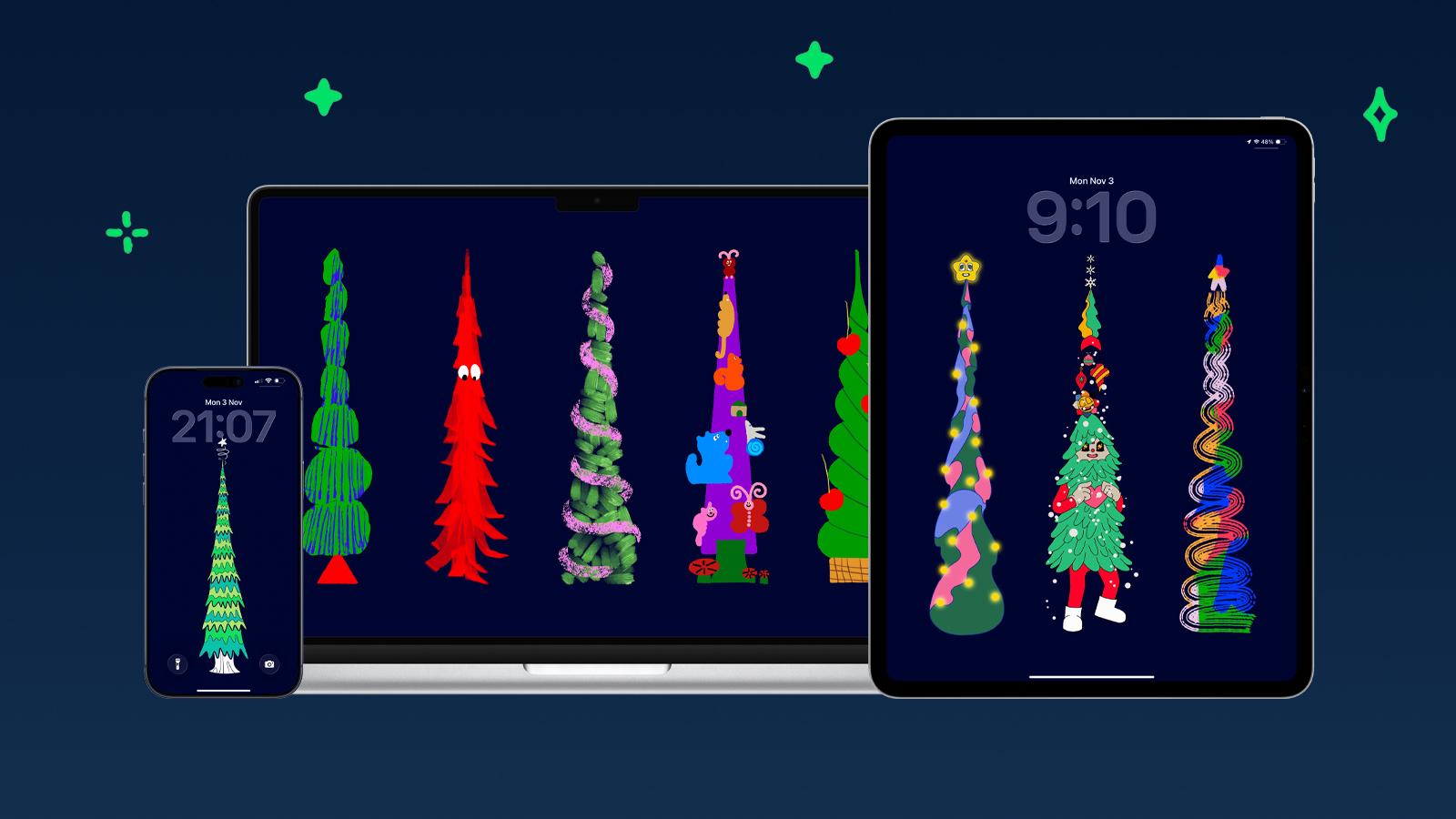
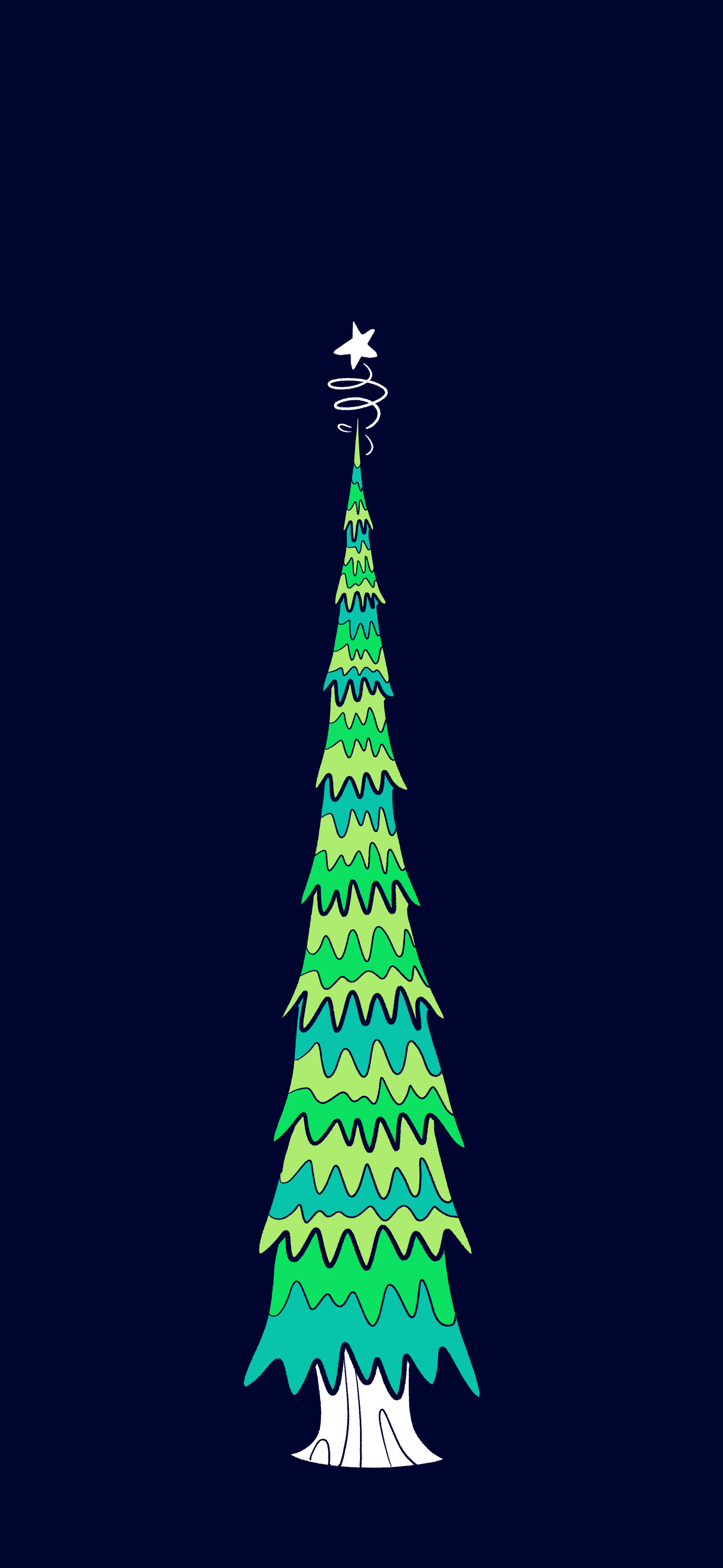
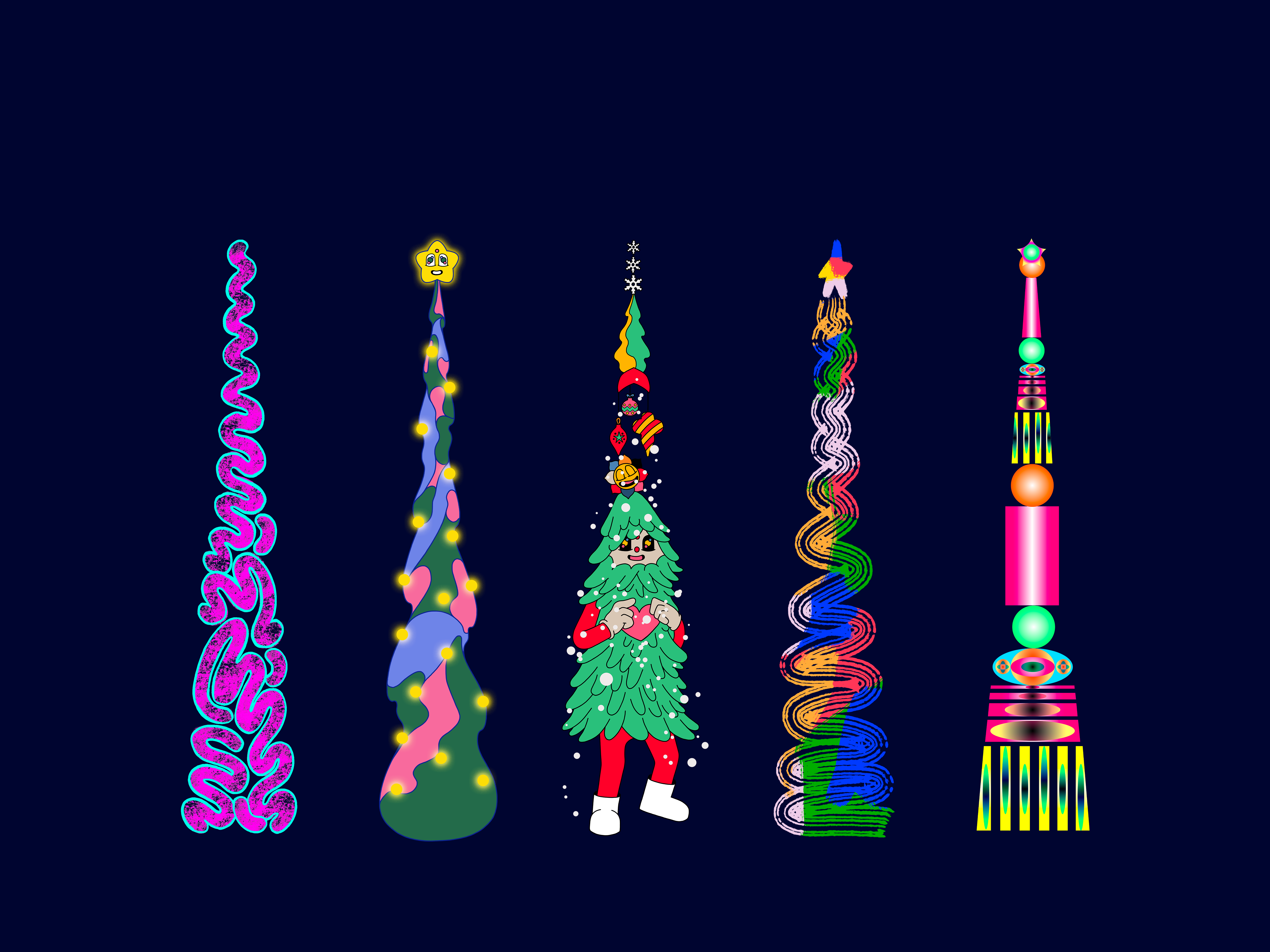
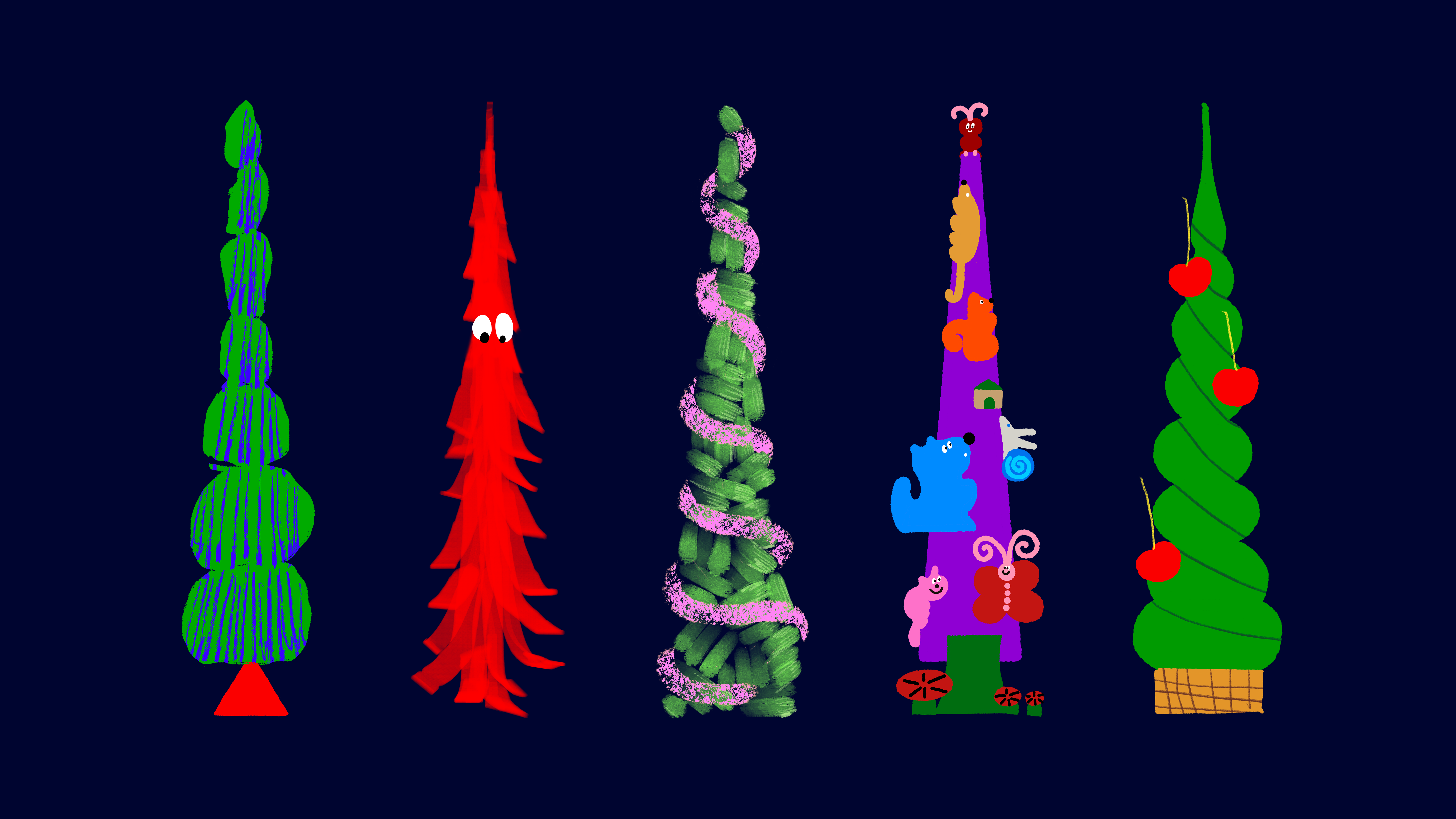
Christmas wallpapers from Apple’s "Your Tree on Battersea" campaign in the United Kingdom.
Available for
iPhone
iPad
Mac
Apple launched a campaign inviting people across the UK to design their own Christmas trees using iPad and Apple Pencil. Running from November 3 through 11:59 PM on November 23, 2025, the campaign will select 24 winners, whose creations will light up the chimneys and riverside towers of the Battersea Power Station.
To celebrate, Apple also released a special wallpaper inspired by the campaign — available for iPhone, iPad, and Mac, which you can download below.
Last updated:
Download
How to set wallpaper
Set your iPhone wallpaper
- In the Photos app, tap the image you downloaded.
- Tap Share button.
- Scroll down and tap Use as Wallpaper.
- Adjust the wallpaper to your liking, then tap Add.
- Tap Set as Wallpaper Pair to apply it to both your Home Screen and Lock Screen. Tap Customize Home Screen if you want to create a separate Home Screen wallpaper that you can edit.
Set your iPad wallpaper
- In the Photos app, tap the image you downloaded.
- Tap Share button.
- Tap Use as Wallpaper.
- Adjust the wallpaper to your liking, then tap Add.
- Tap Set as Wallpaper Pair to apply it to both your Home Screen and Lock Screen. Tap Customize Home Screen if you want to create a separate Home Screen wallpaper that you can edit.
Set your Mac wallpaper
- In Finder, open the folder where you saved the image.
- Right-click, or hold Control and click the image you want to set as your wallpaper.
- Click Set Desktop Picture. If you don’t see this option, move your cursor to Services > Set Desktop Picture.
Recent wallpapers
Source: Apple