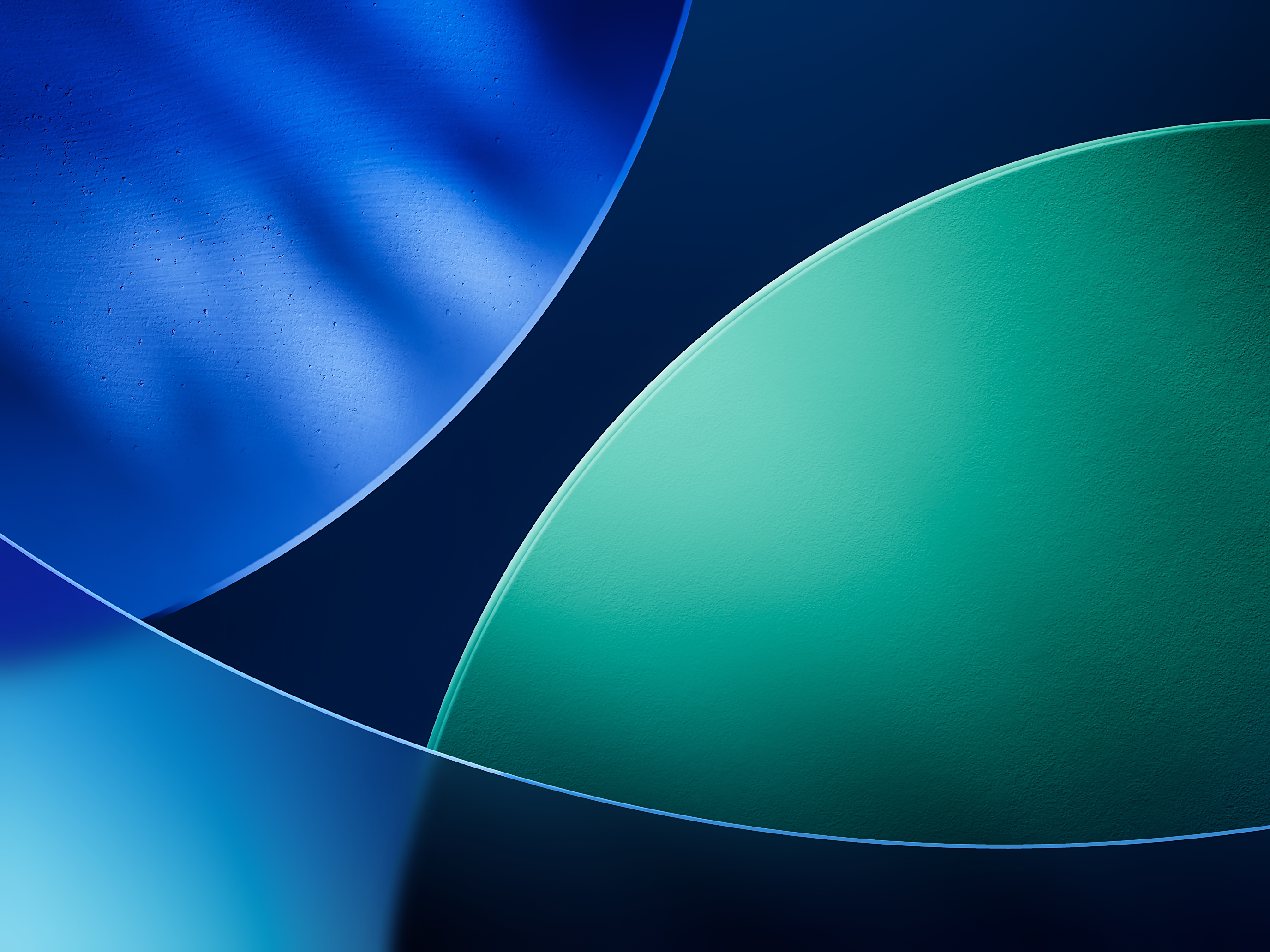
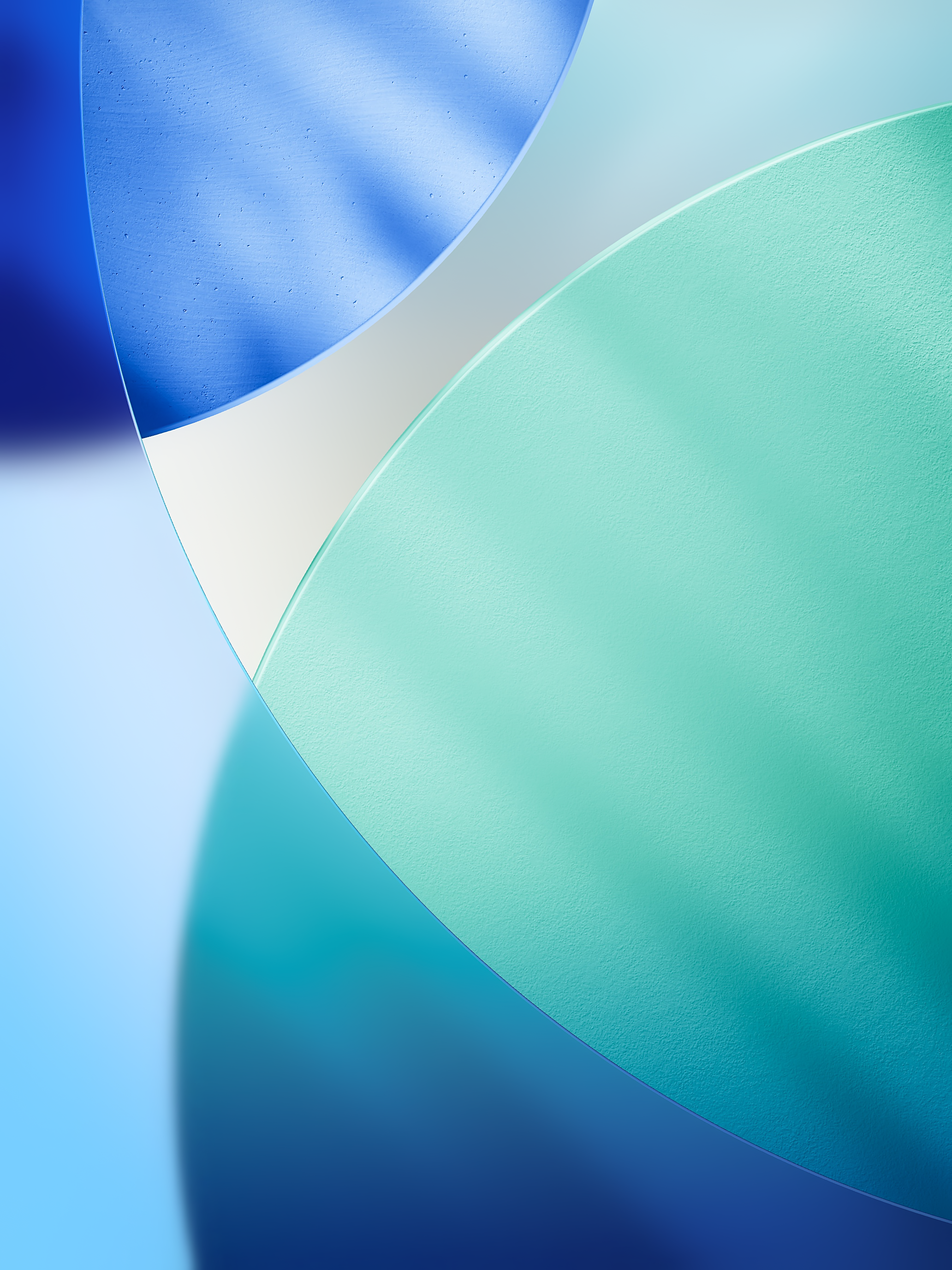
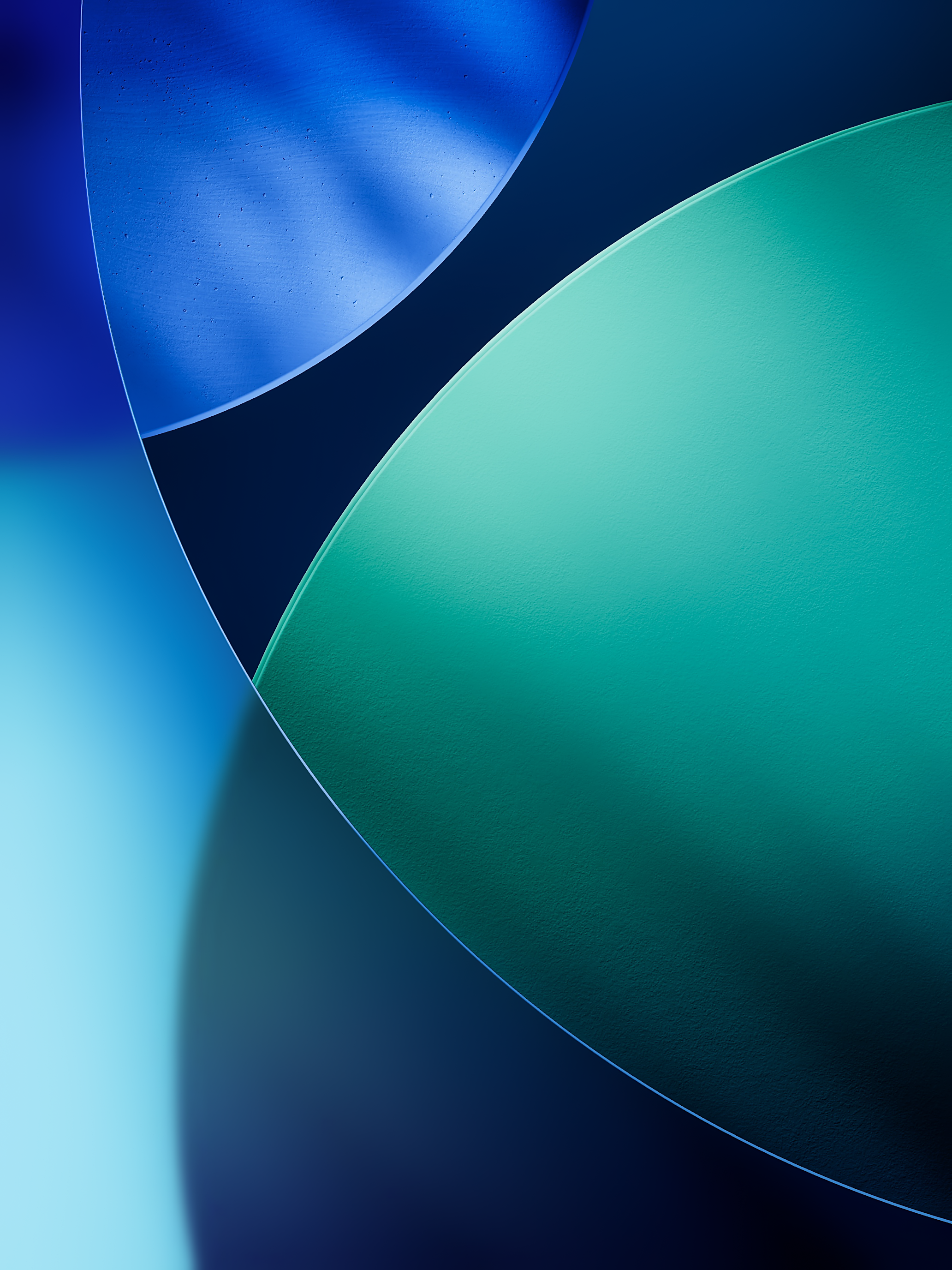
Official iPadOS 26 Wallpaper
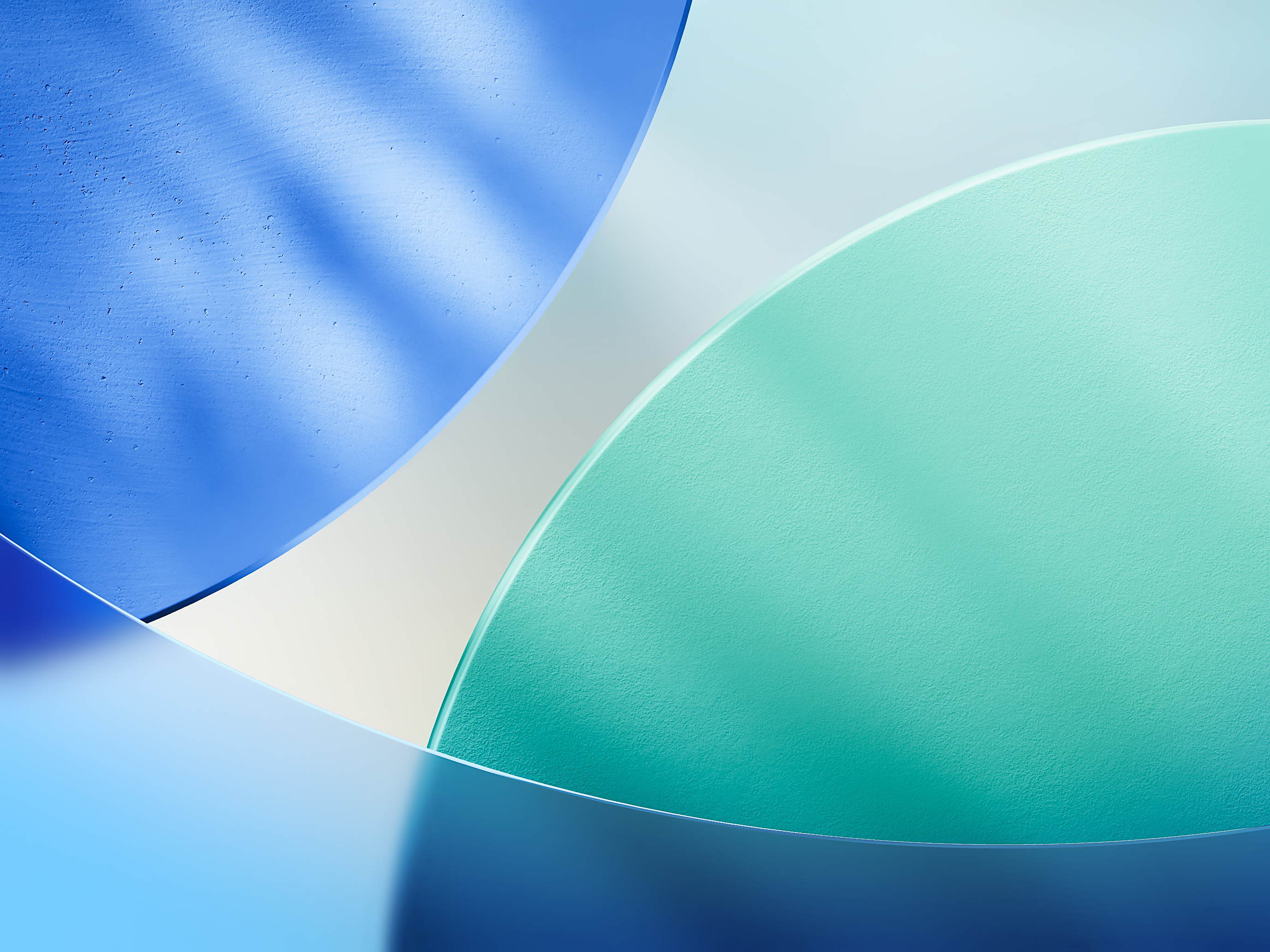
The official iPadOS 26 wallpaper in high quality.
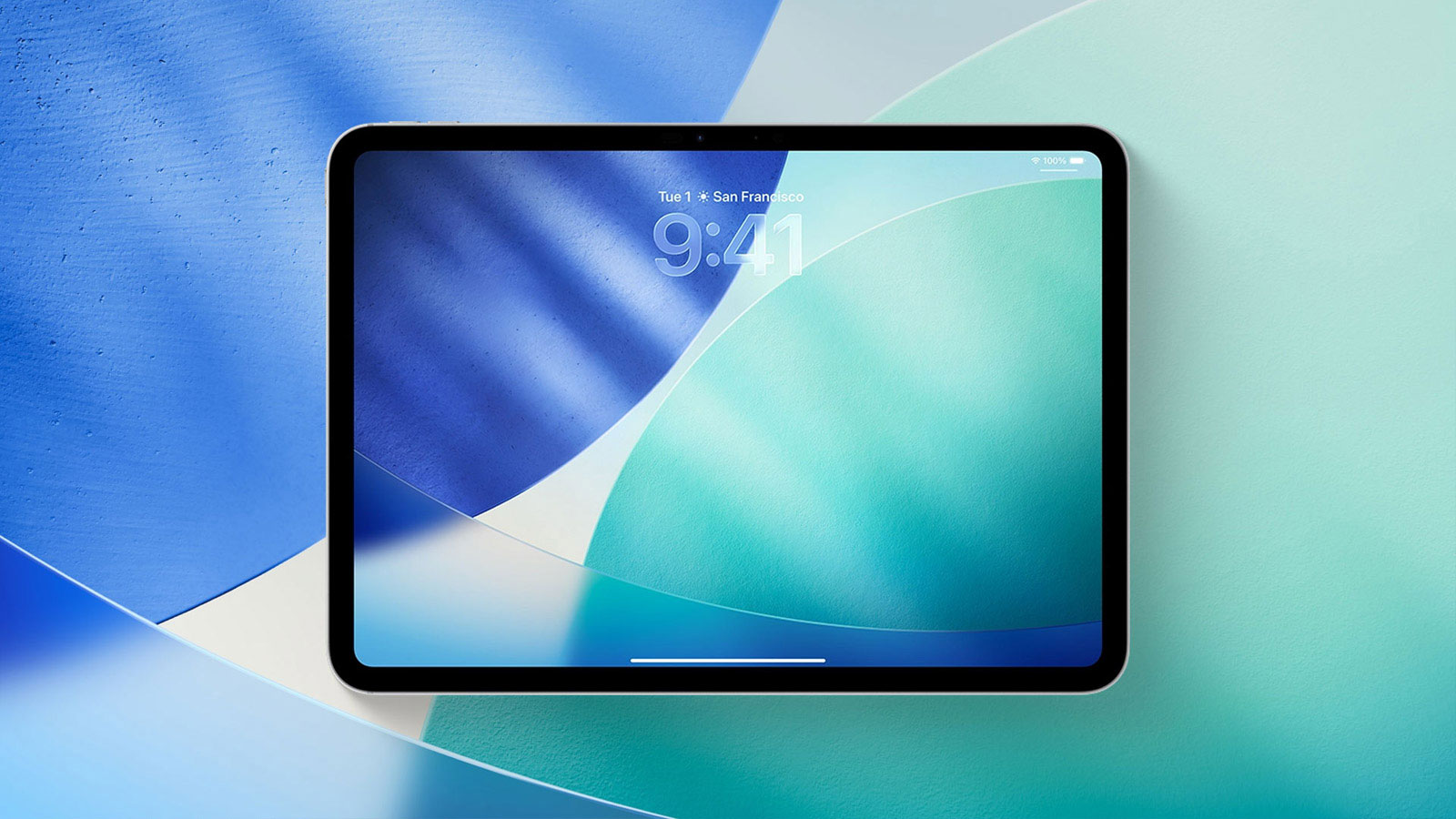
Available for
iPad
Apple introduced iPadOS 26 at WWDC25, featuring an all-new Liquid Glass design. To complement this design, a new wallpaper was also created, available in both light and dark versions.
Last updated:
Download
iPad (Light - Landscape)
PNG · 2752×2064 · 7.4 MB
iPad (Dark - Landscape)
PNG · 2752×2064 · 6.8 MB
iPad (Light - Portrait)
PNG · 2064×2752 · 6.9 MB
iPad (Dark - Portrait)
PNG · 2064×2752 · 6.3 MB
How to set wallpaper
Set your iPad wallpaper
- In the Photos app, tap the image you downloaded.
- Tap Share button.
- Tap Use as Wallpaper.
- Adjust the wallpaper to your liking, then tap Add.
- Tap Set as Wallpaper Pair to apply it to both your Home Screen and Lock Screen. Tap Customize Home Screen if you want to create a separate Home Screen wallpaper that you can edit.