iPhone 17 Wallpapers
iphone-17-wallpaper
Available for
iPhone
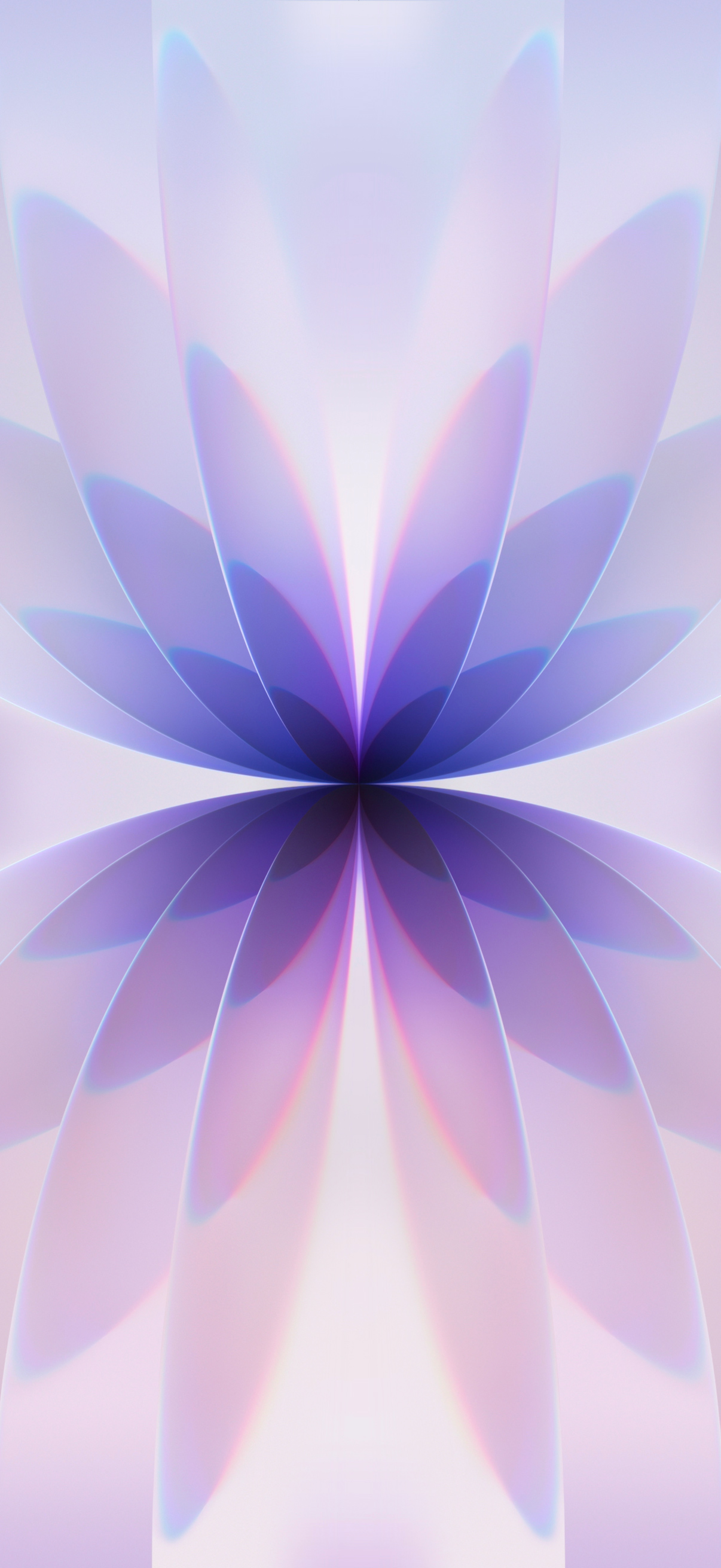
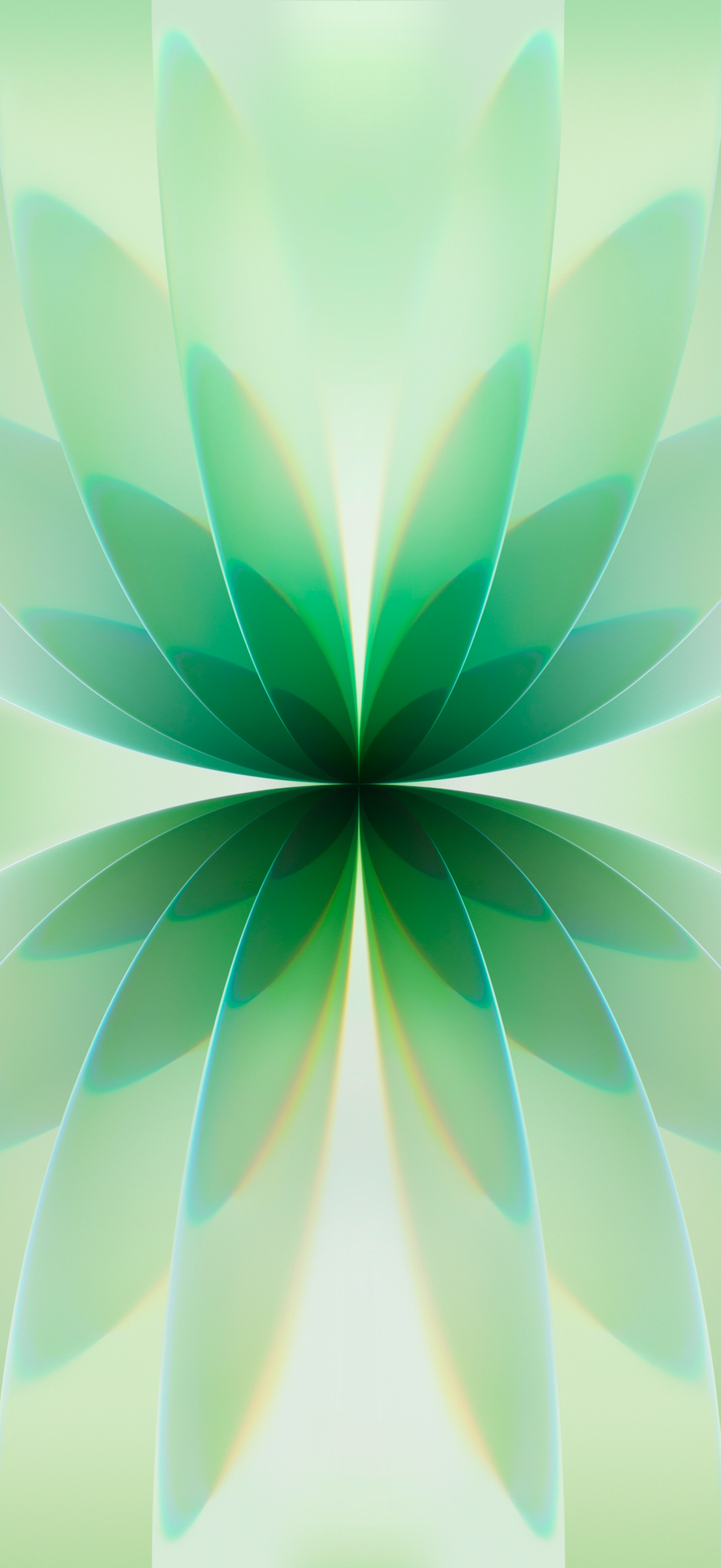
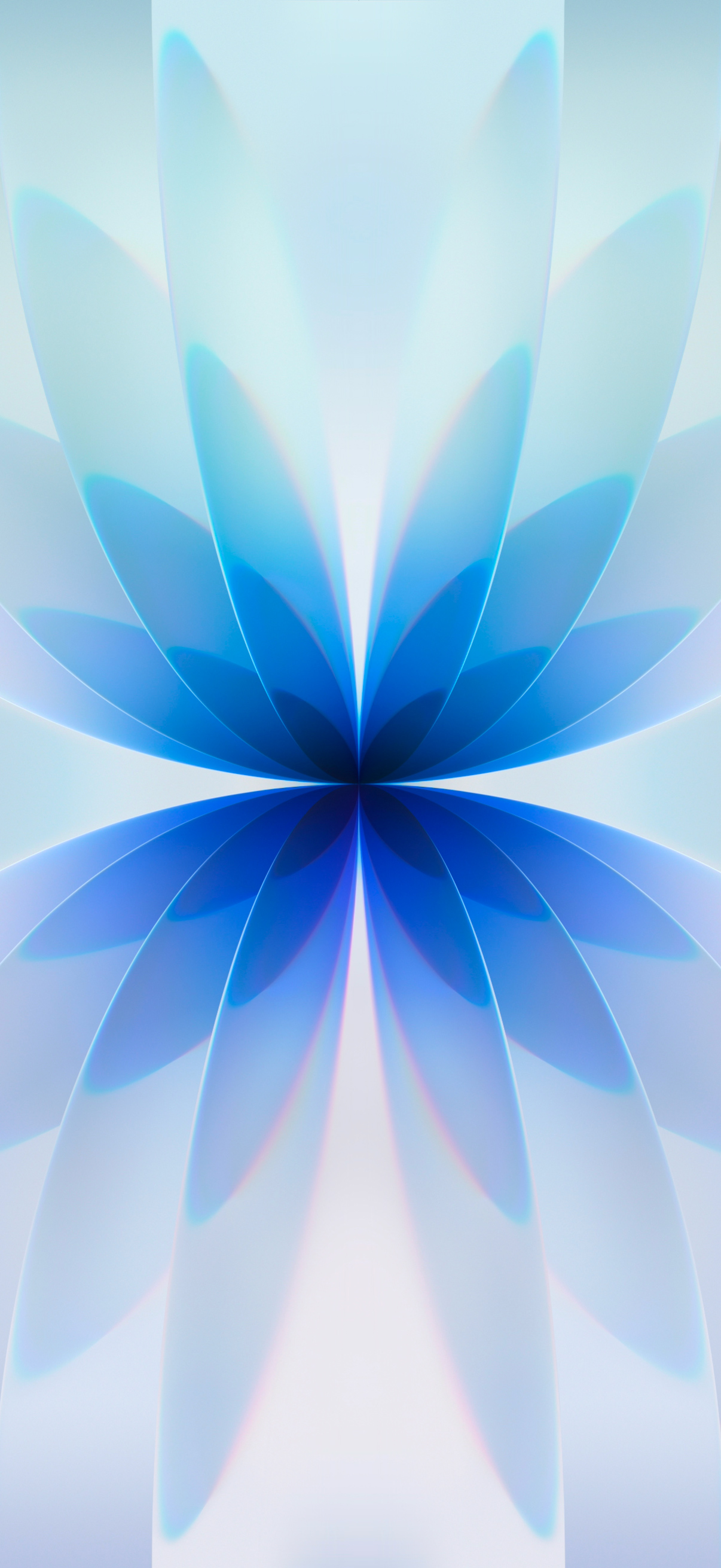
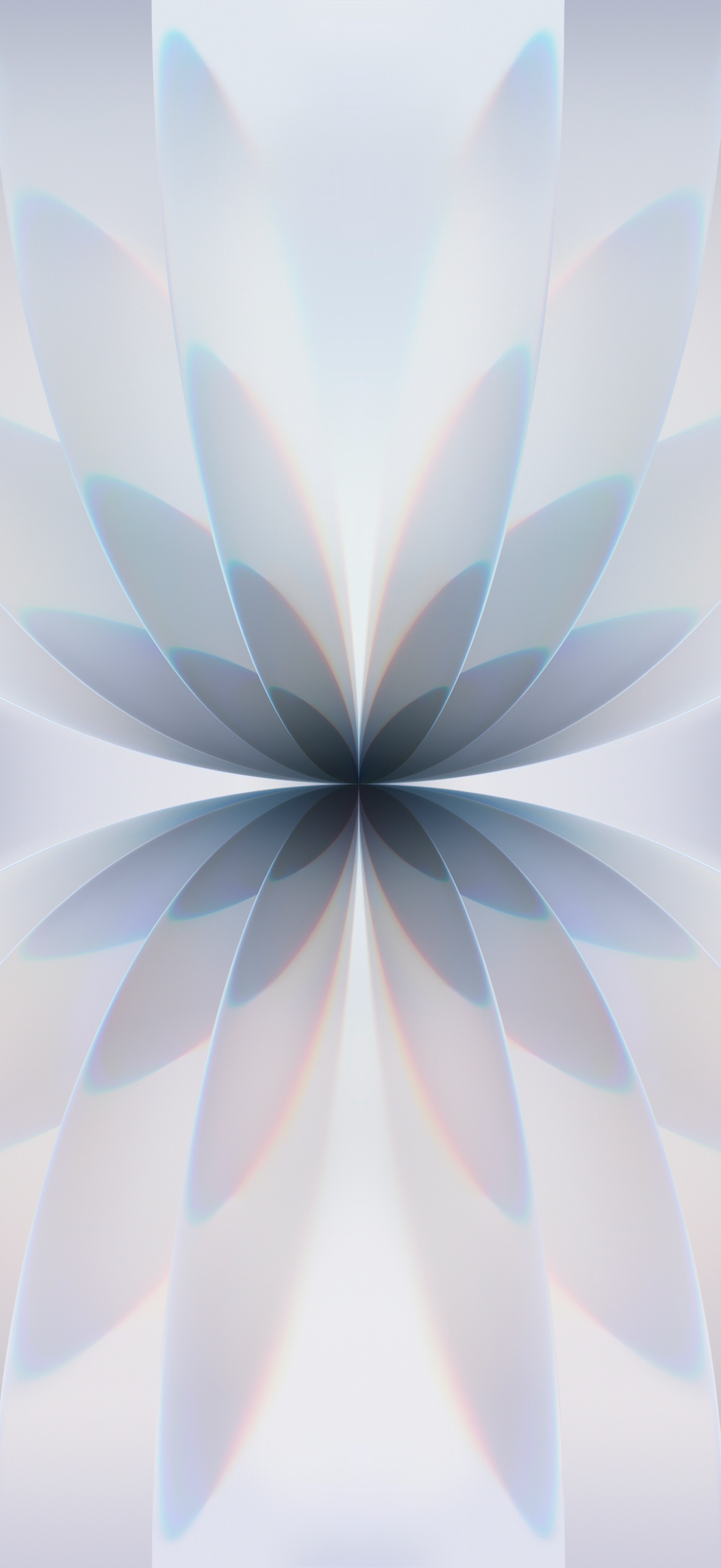
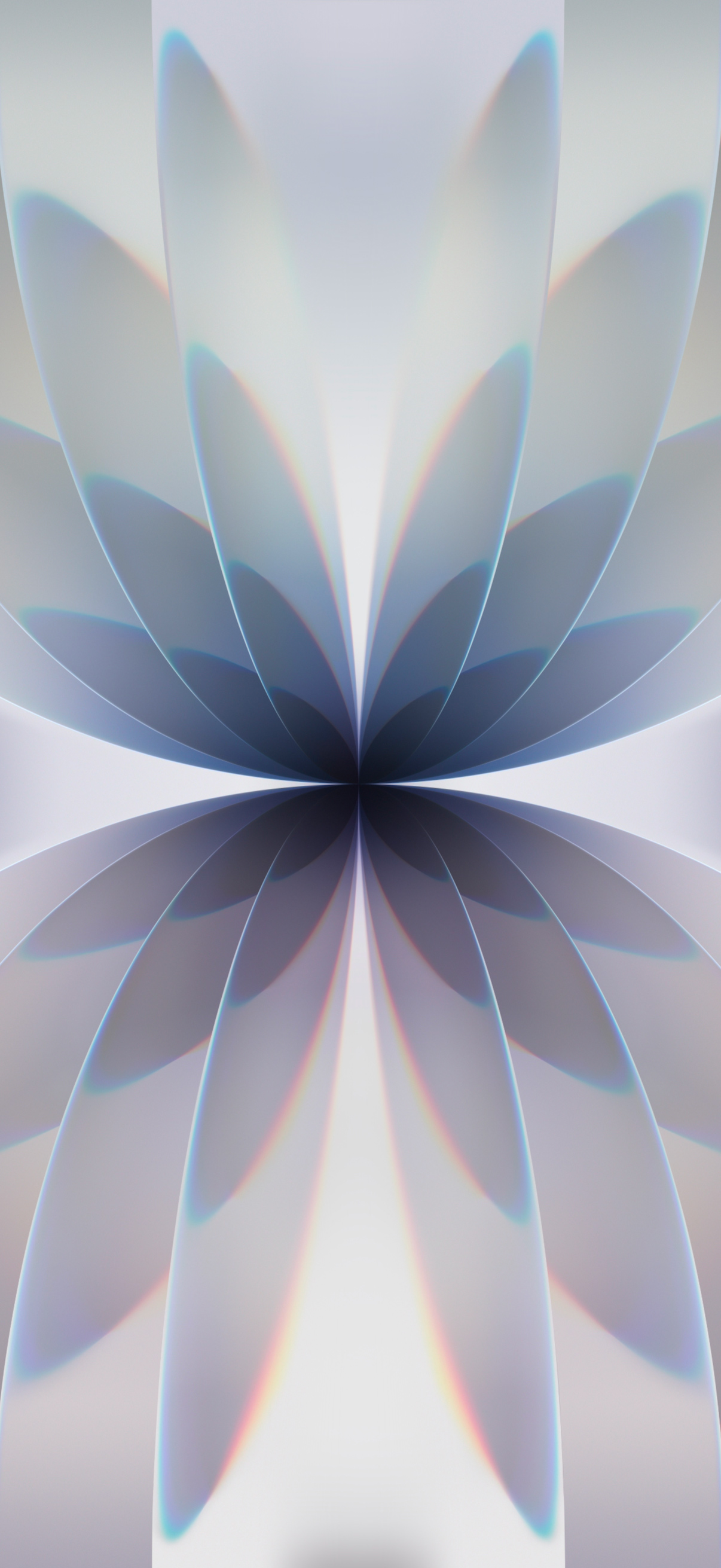
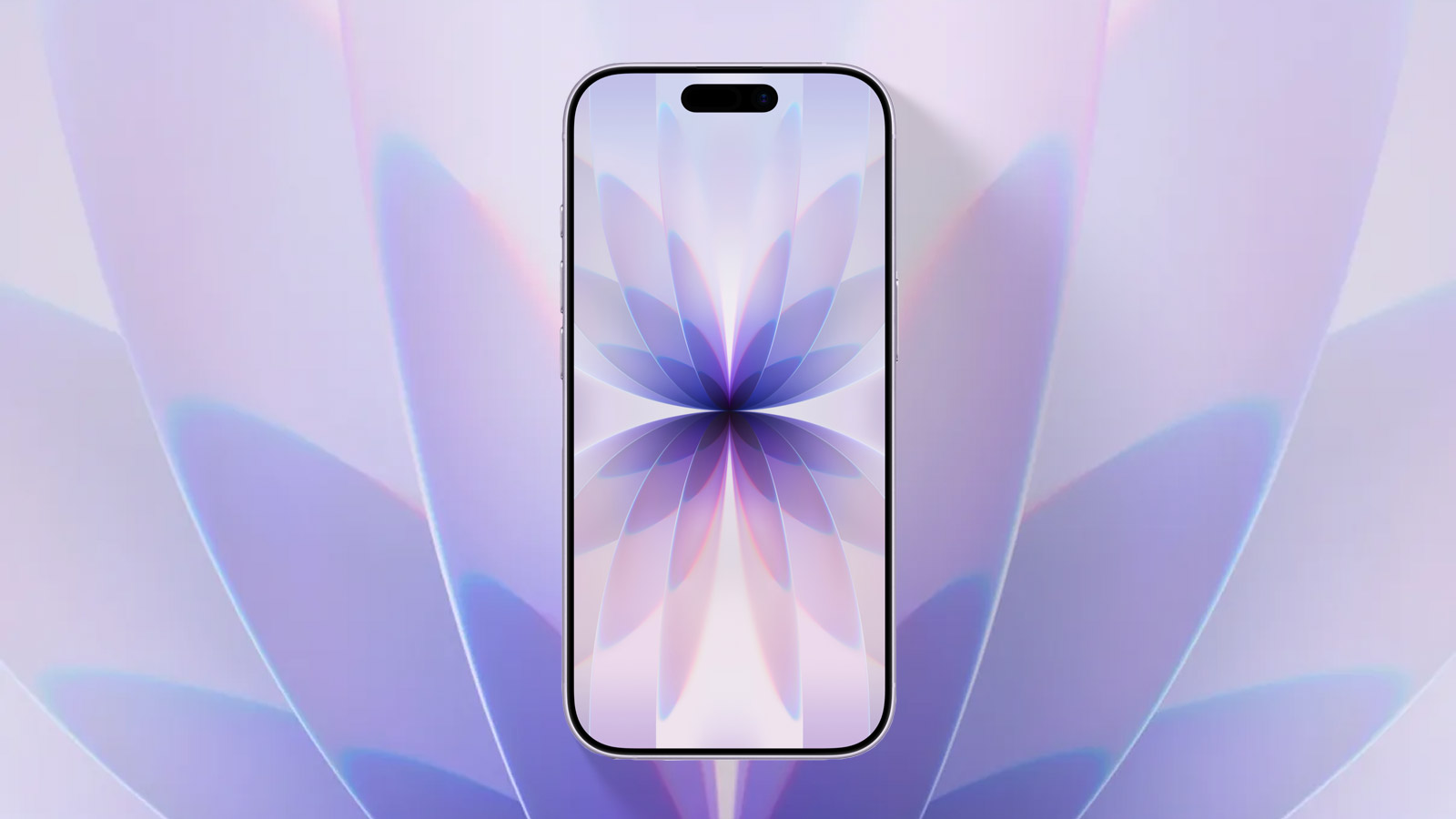
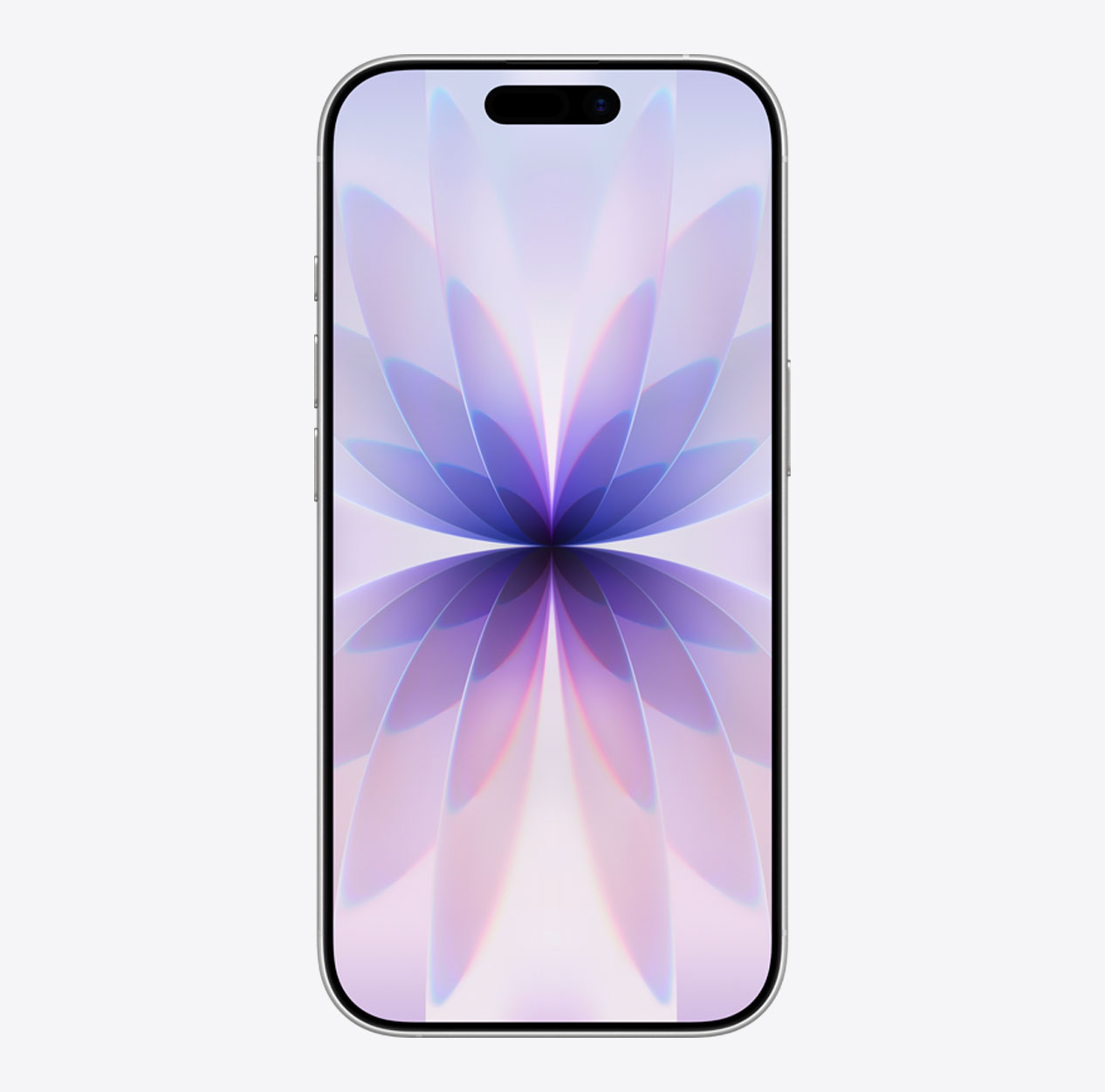
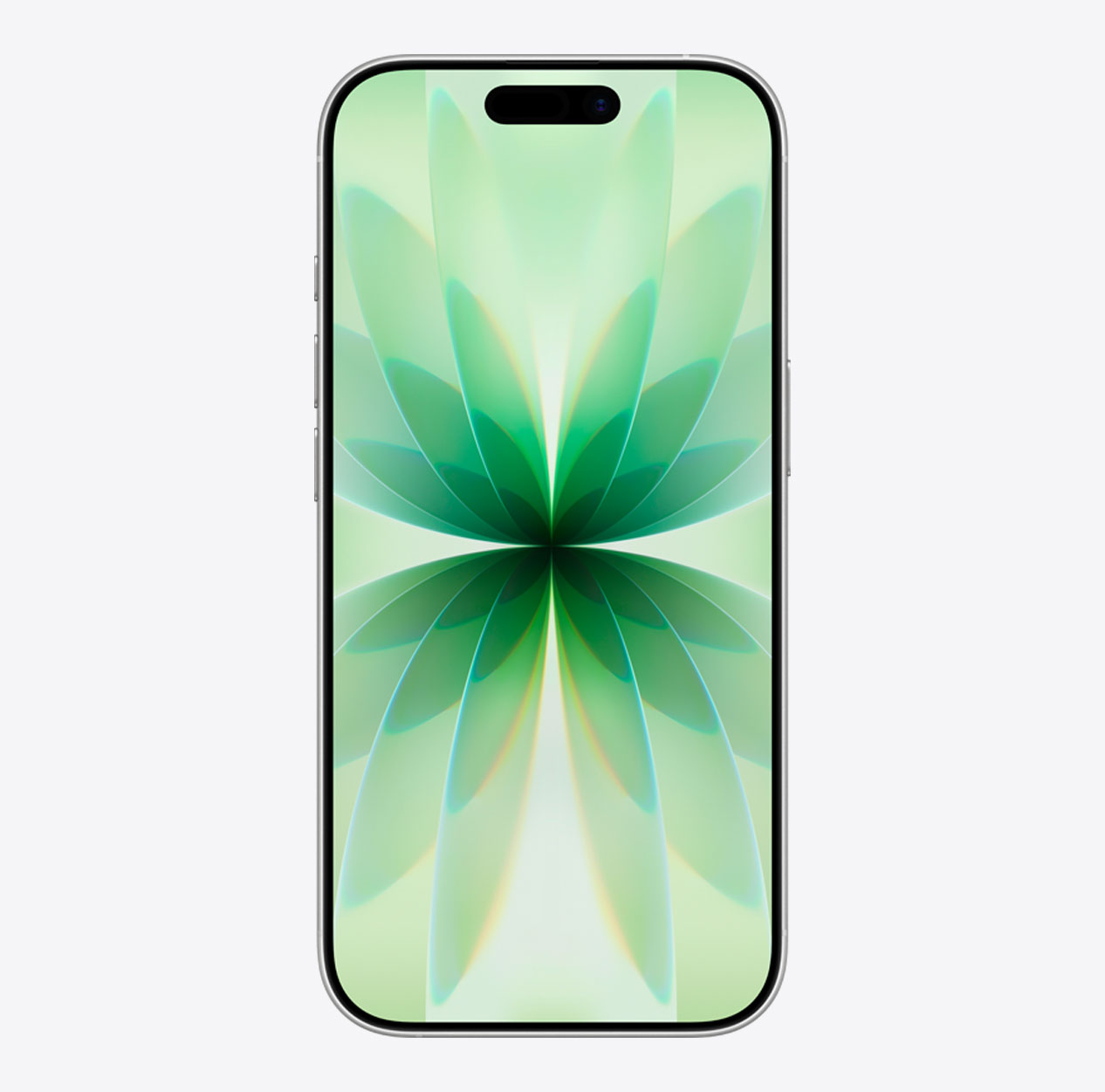
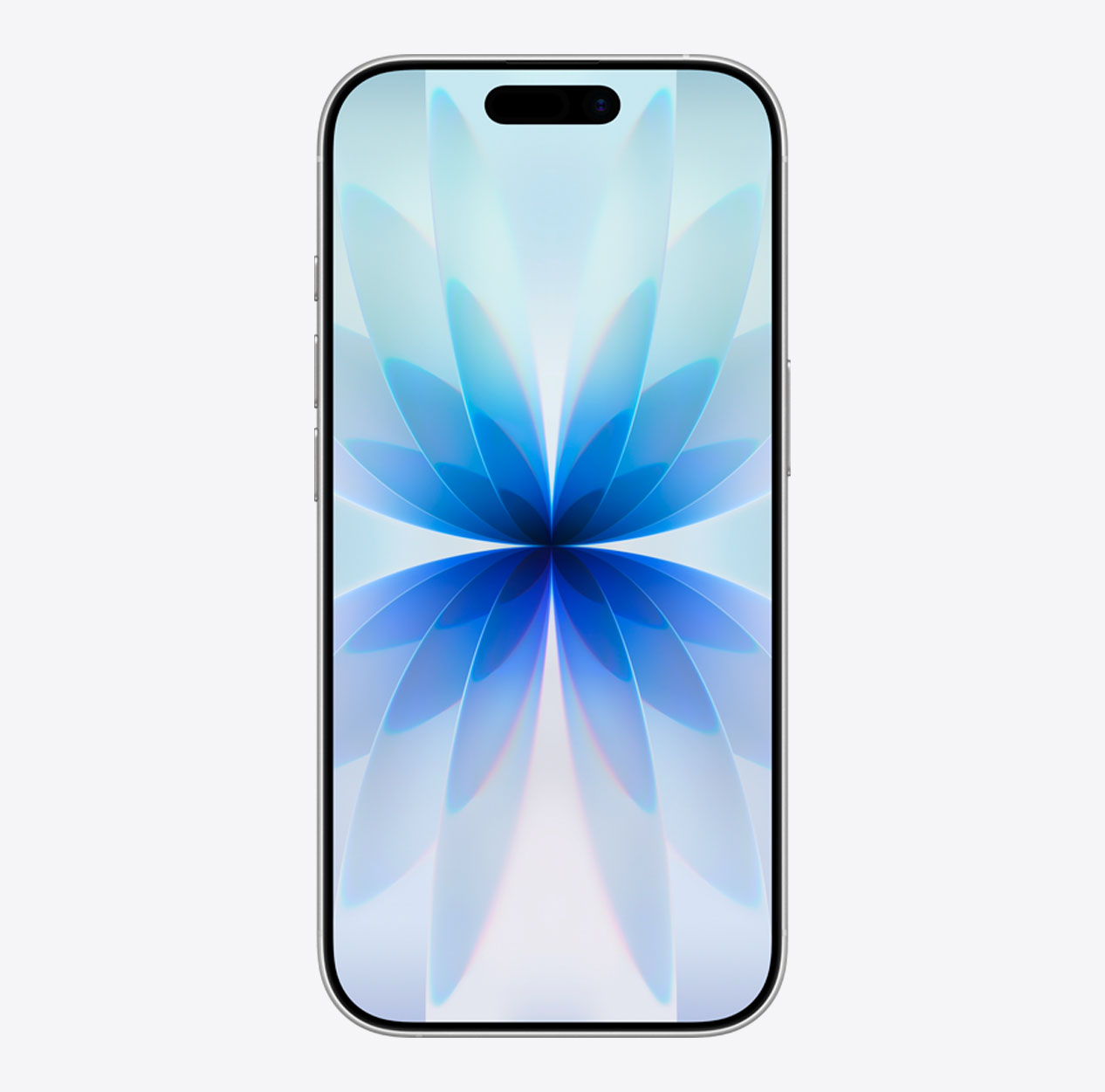
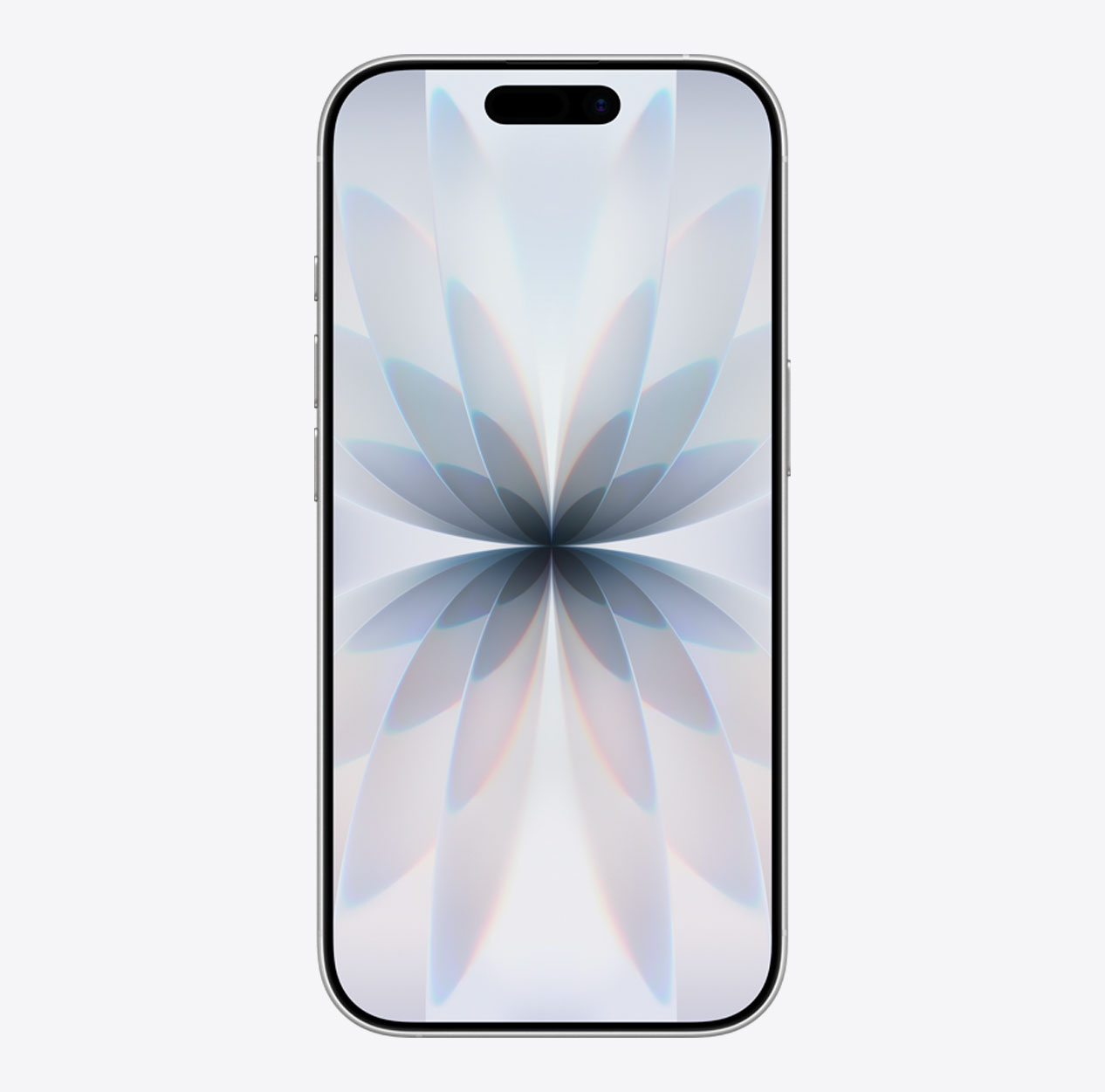
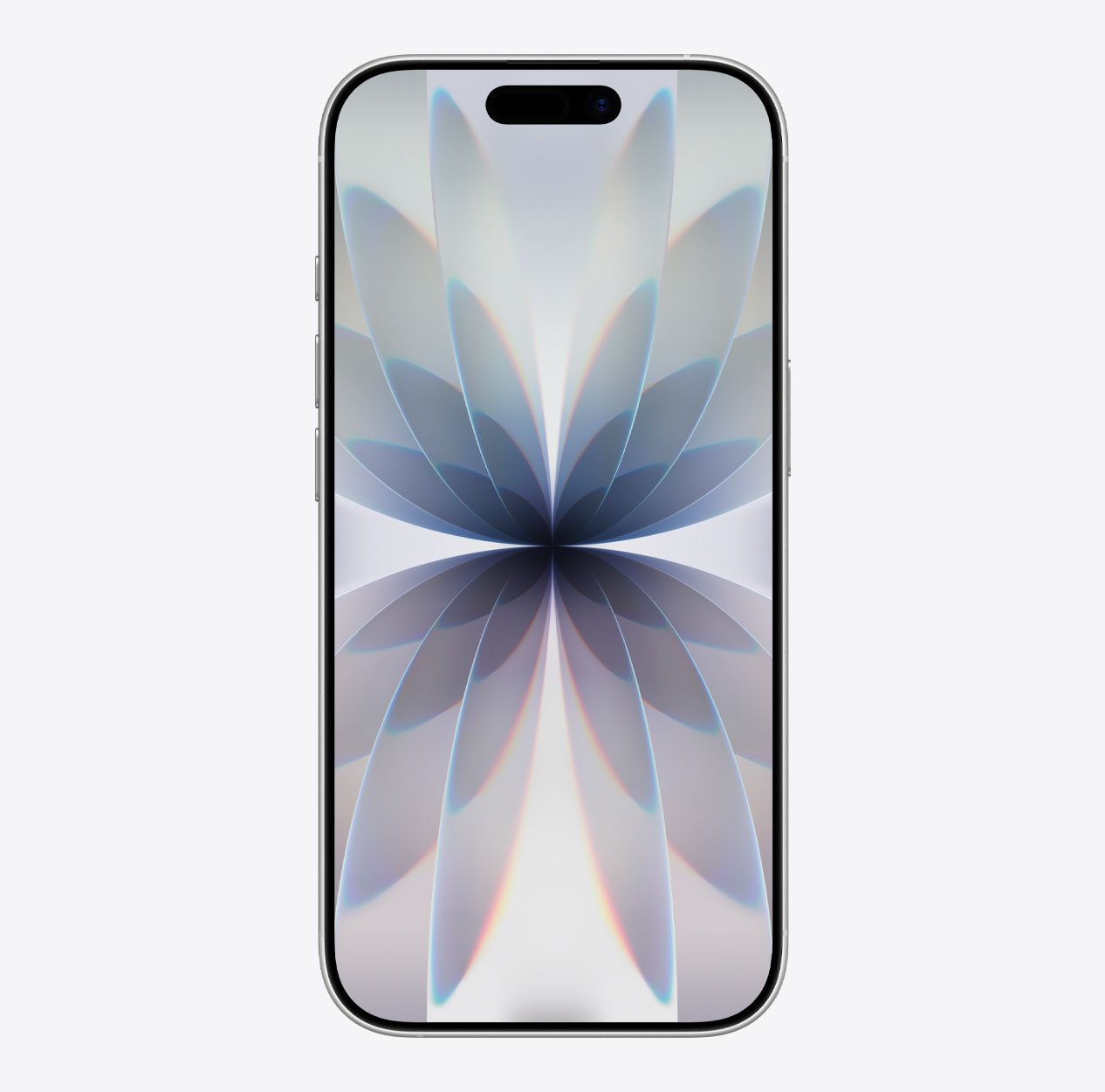
Apple introduced the iPhone 17, the most significant upgrade yet for the standard iPhone lineup. It comes with a gorgeous new wallpaper, designed from colorful glass layers arranged in symmetry to create a striking kaleidoscope effect. The wallpaper is available in five colors to match the iPhone 17 finishes.
Last updated:
Download
How to set wallpaper
Set your iPhone wallpaper
- In the Photos app, tap the image you downloaded.
- Tap Share button.
- Scroll down and tap Use as Wallpaper.
- Adjust the wallpaper to your liking, then tap Add.
- Tap Set as Wallpaper Pair to apply it to both your Home Screen and Lock Screen. Tap Customize Home Screen if you want to create a separate Home Screen wallpaper that you can edit.