Official WWDC26 Wallpaper
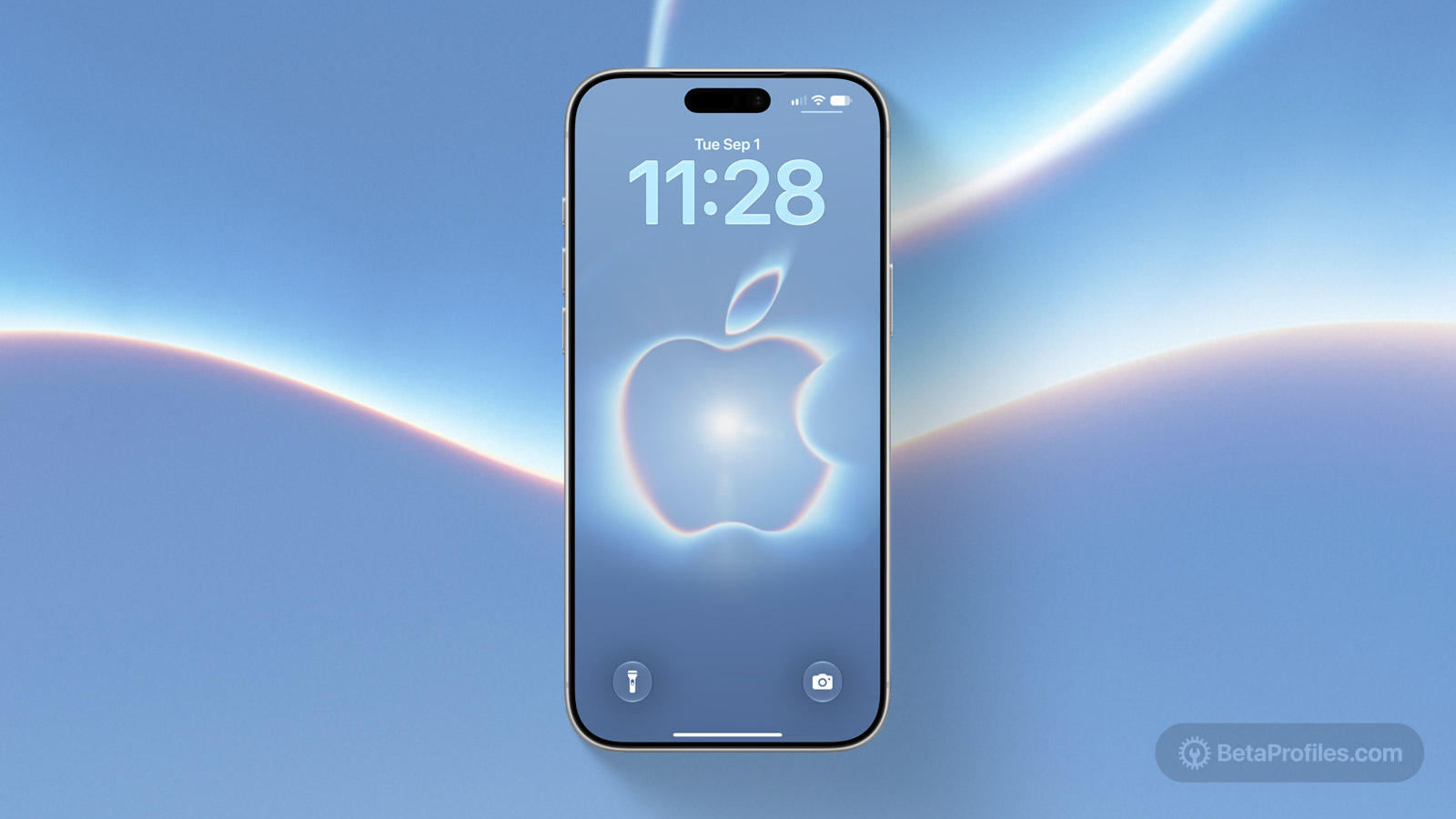
Apple has shared its official WWDC26 wallpaper for iPhone, iPad, and Mac.
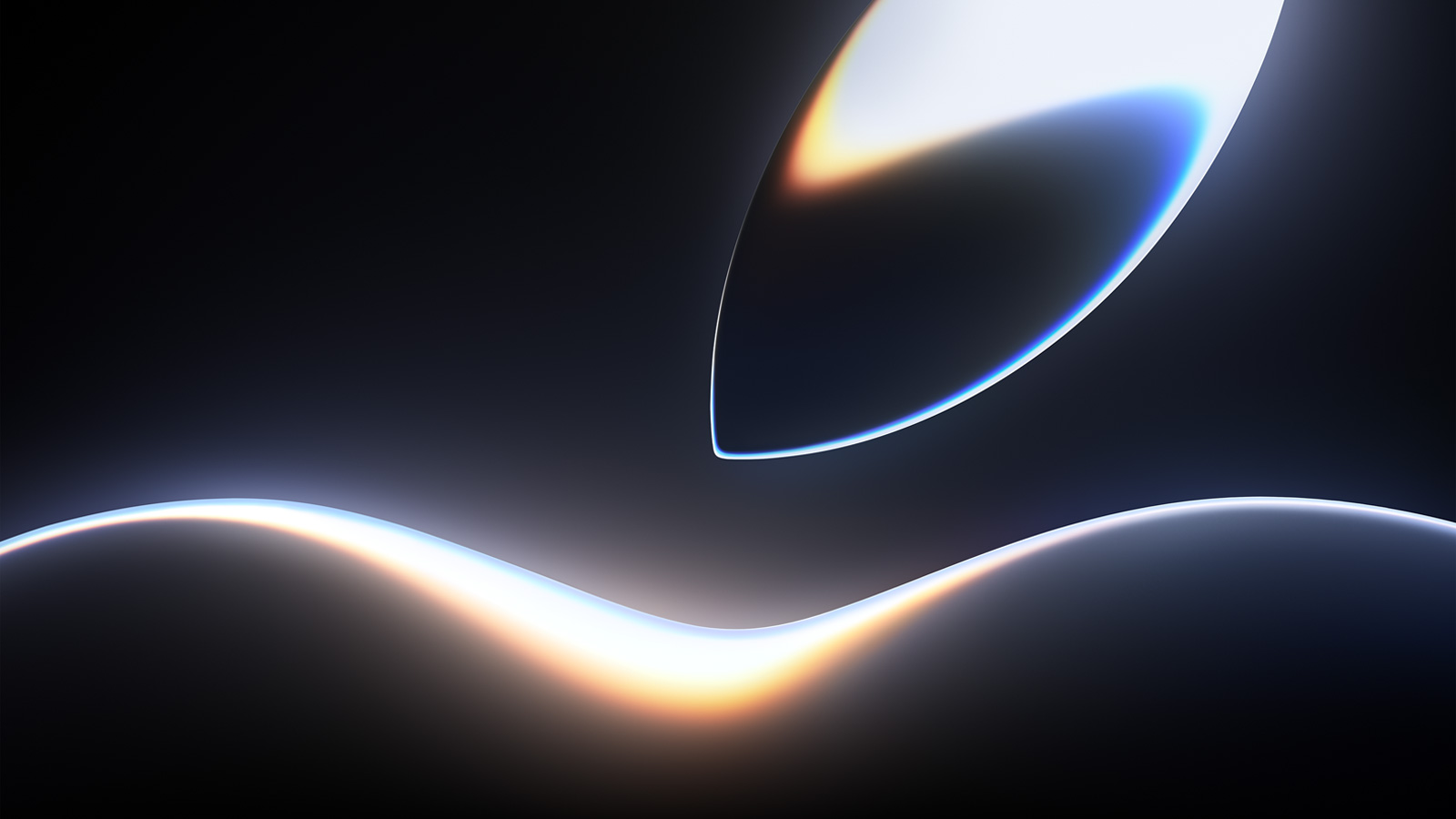
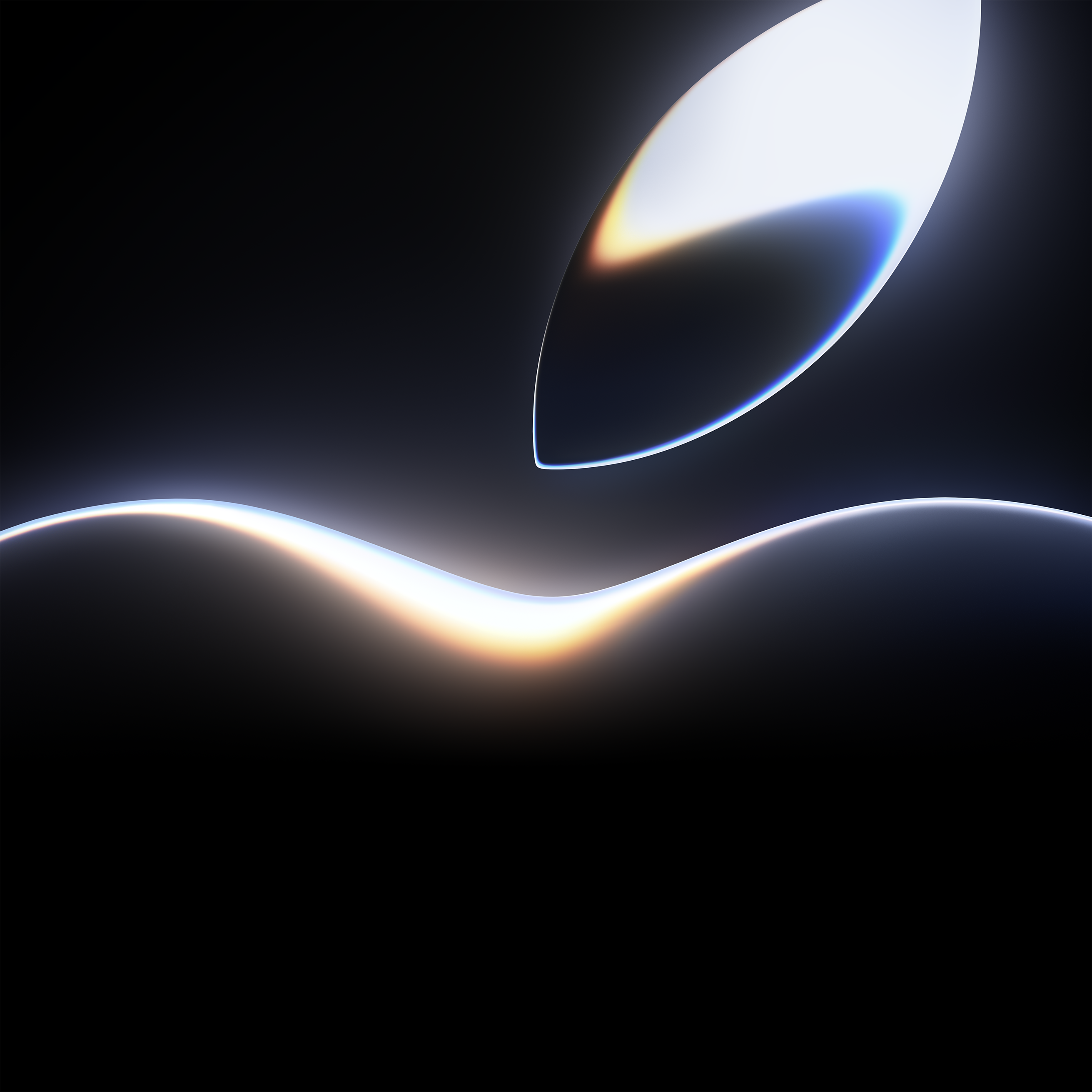
Ahead of WWDC26 on Monday, June 8, Apple today shared a new wallpaper featuring the slogan “Glow all out.” It’s available as a free download for iPhone, iPad, and Mac from the Apple Developer website.
The wallpaper features a dark background with the top of the Apple logo glowing brightly. Some rumors suggest the design could hint at a revamped Siri experience coming in iOS 27.
While the wallpaper can be downloaded directly from Apple Developer, Beta Profiles has also archived the files in case Apple removes them later.
Alongside the new wallpaper, Apple also shared a “WWDC26 Hello” playlist on Apple Music.
Last updated:
Download
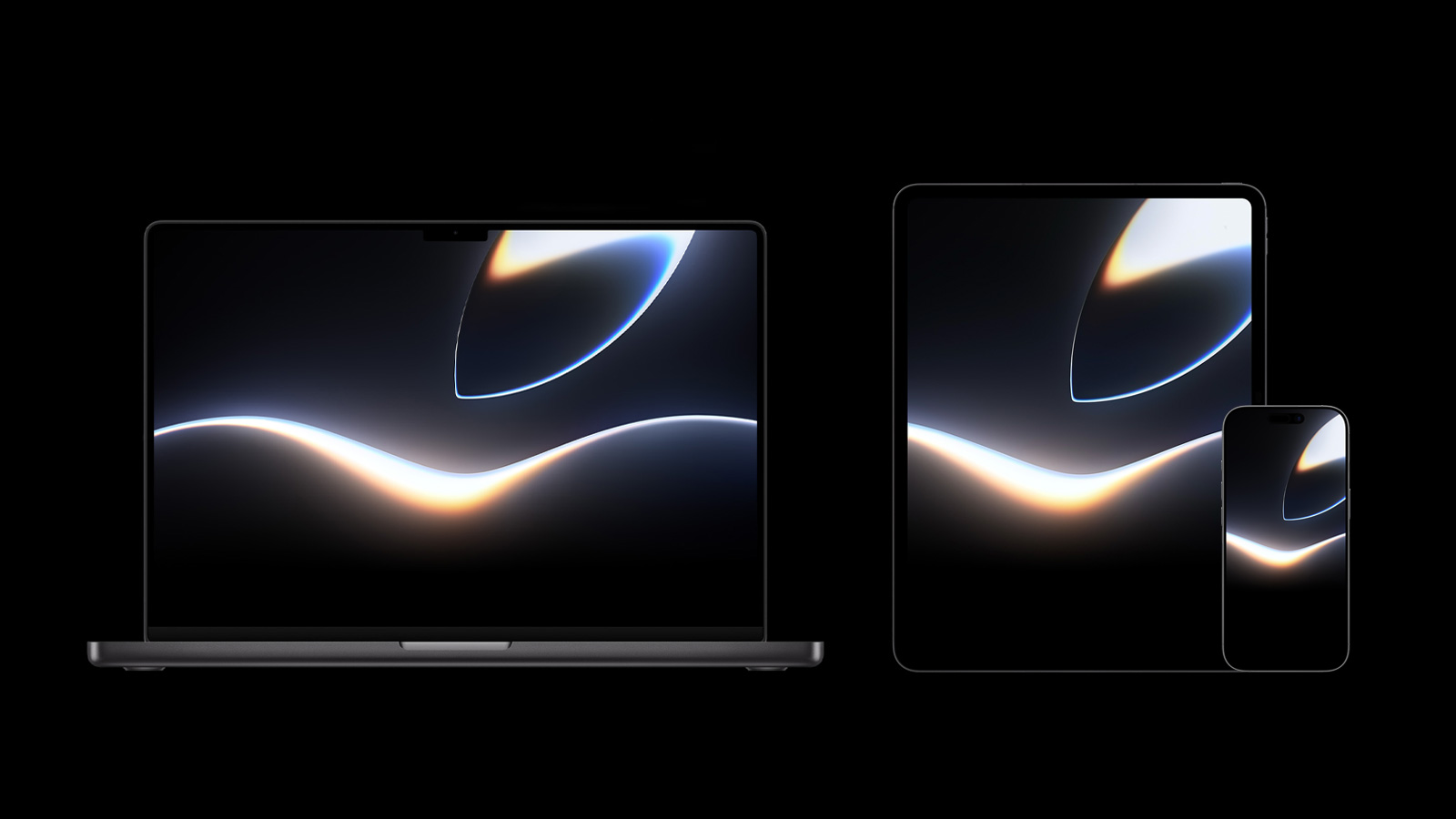
How to set wallpaper
Set your iPhone wallpaper
- In the Photos app, tap the image you downloaded.
- Tap Share button.
- Scroll down and tap Use as Wallpaper.
- Adjust the wallpaper to your liking, then tap Add.
- Tap Set as Wallpaper Pair to apply it to both your Home Screen and Lock Screen. Tap Customize Home Screen if you want to create a separate Home Screen wallpaper that you can edit.
Set your iPad wallpaper
- In the Photos app, tap the image you downloaded.
- Tap Share button.
- Tap Use as Wallpaper.
- Adjust the wallpaper to your liking, then tap Add.
- Tap Set as Wallpaper Pair to apply it to both your Home Screen and Lock Screen. Tap Customize Home Screen if you want to create a separate Home Screen wallpaper that you can edit.
Set your Mac wallpaper
- In Finder, open the folder where you saved the image.
- Right-click, or hold Control and click the image you want to set as your wallpaper.
- Click Set Desktop Picture. If you don’t see this option, move your cursor to Services > Set Desktop Picture.
Recent wallpapers
Source: Apple Developer