Apple Downtown Detroit Wallpaper
Apple announces a brand-new store in downtown Detroit on September 19.

Available for
iPhone
iPad
Mac
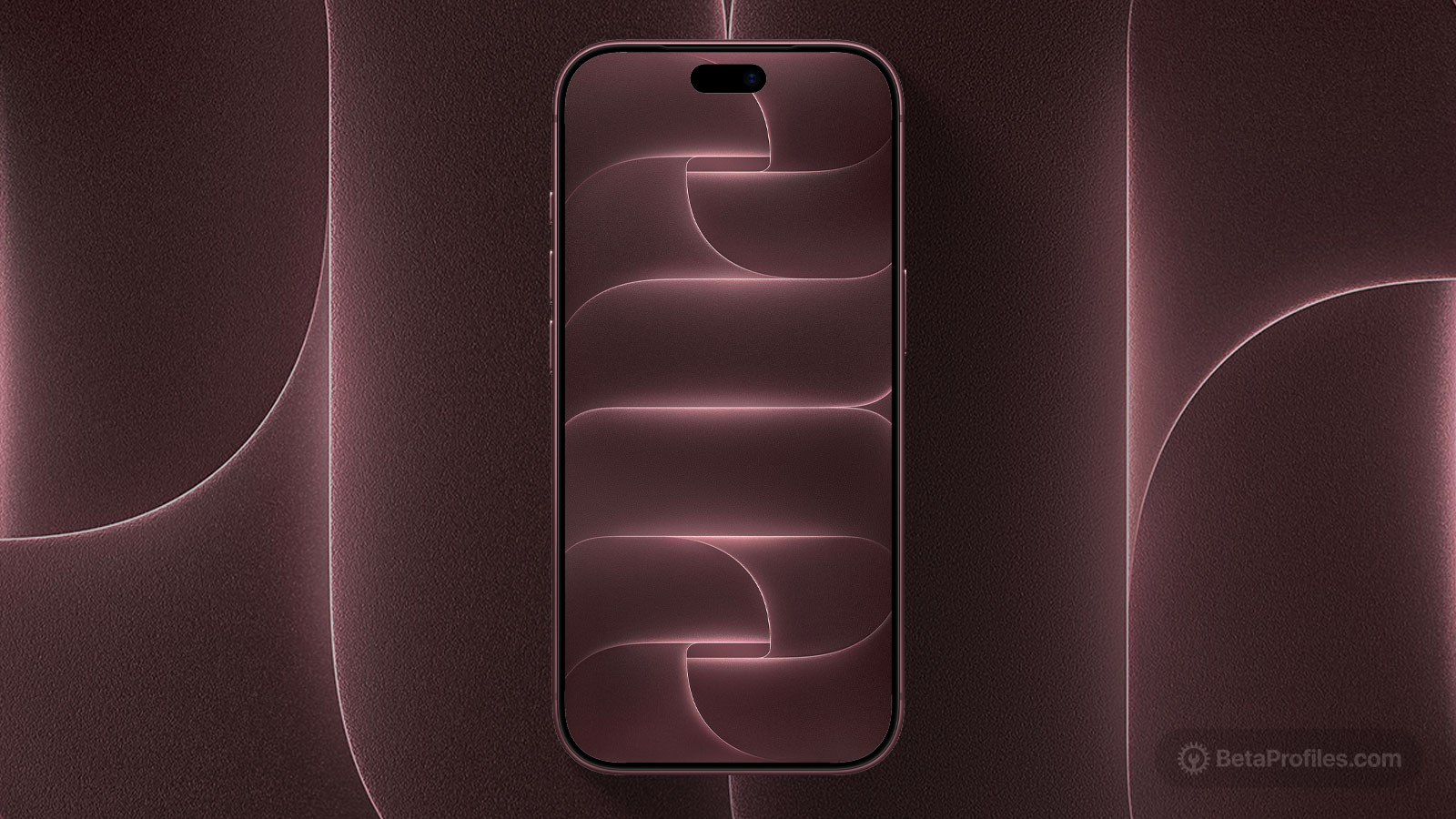
On Friday, September 12, Apple announced that it will open a brand-new in downtown Detroit, located at 1430 Woodward Avenue. A special wallpaper was also shared — featuring the shiny chrome Apple logo combined with a cleverly integrated letter “D” (symbolizing Detroit). The wallpaper is available for Mac, iPhone, and iPad.
Last updated:
Download
How to set wallpaper
Set your iPhone wallpaper
- In the Photos app, tap the image you downloaded.
- Tap Share button.
- Scroll down and tap Use as Wallpaper.
- Adjust the wallpaper to your liking, then tap Add.
- Tap Set as Wallpaper Pair to apply it to both your Home Screen and Lock Screen. Tap Customize Home Screen if you want to create a separate Home Screen wallpaper that you can edit.
Set your iPad wallpaper
- In the Photos app, tap the image you downloaded.
- Tap Share button.
- Tap Use as Wallpaper.
- Adjust the wallpaper to your liking, then tap Add.
- Tap Set as Wallpaper Pair to apply it to both your Home Screen and Lock Screen. Tap Customize Home Screen if you want to create a separate Home Screen wallpaper that you can edit.
Set your Mac wallpaper
- In Finder, open the folder where you saved the image.
- Right-click, or hold Control and click the image you want to set as your wallpaper.
- Click Set Desktop Picture. If you don’t see this option, move your cursor to Services > Set Desktop Picture.