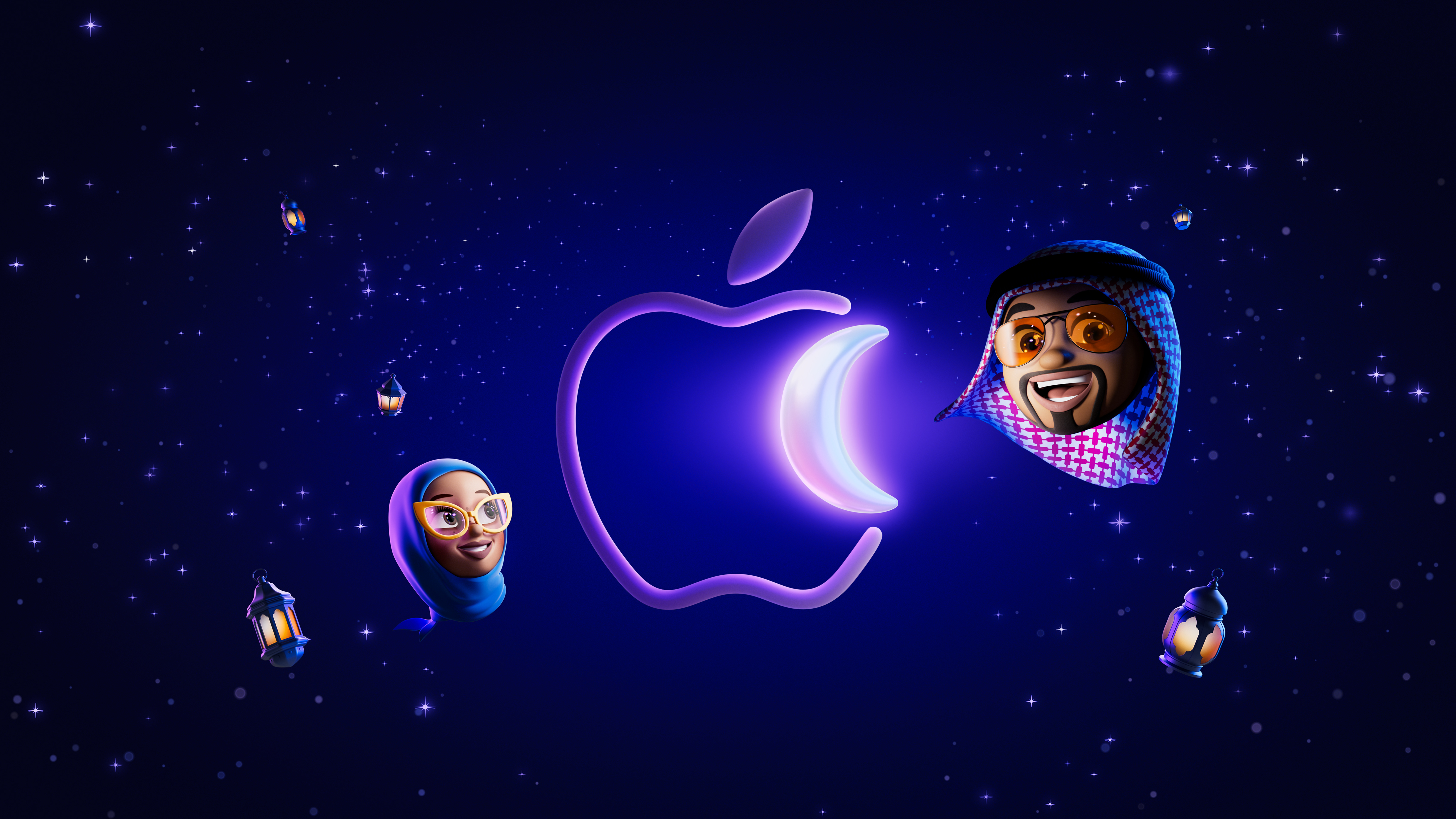
Apple Ramadan Wallpaper
Ramadan celebration wallpapers on the Apple UAE and Saudi Arabia websites.
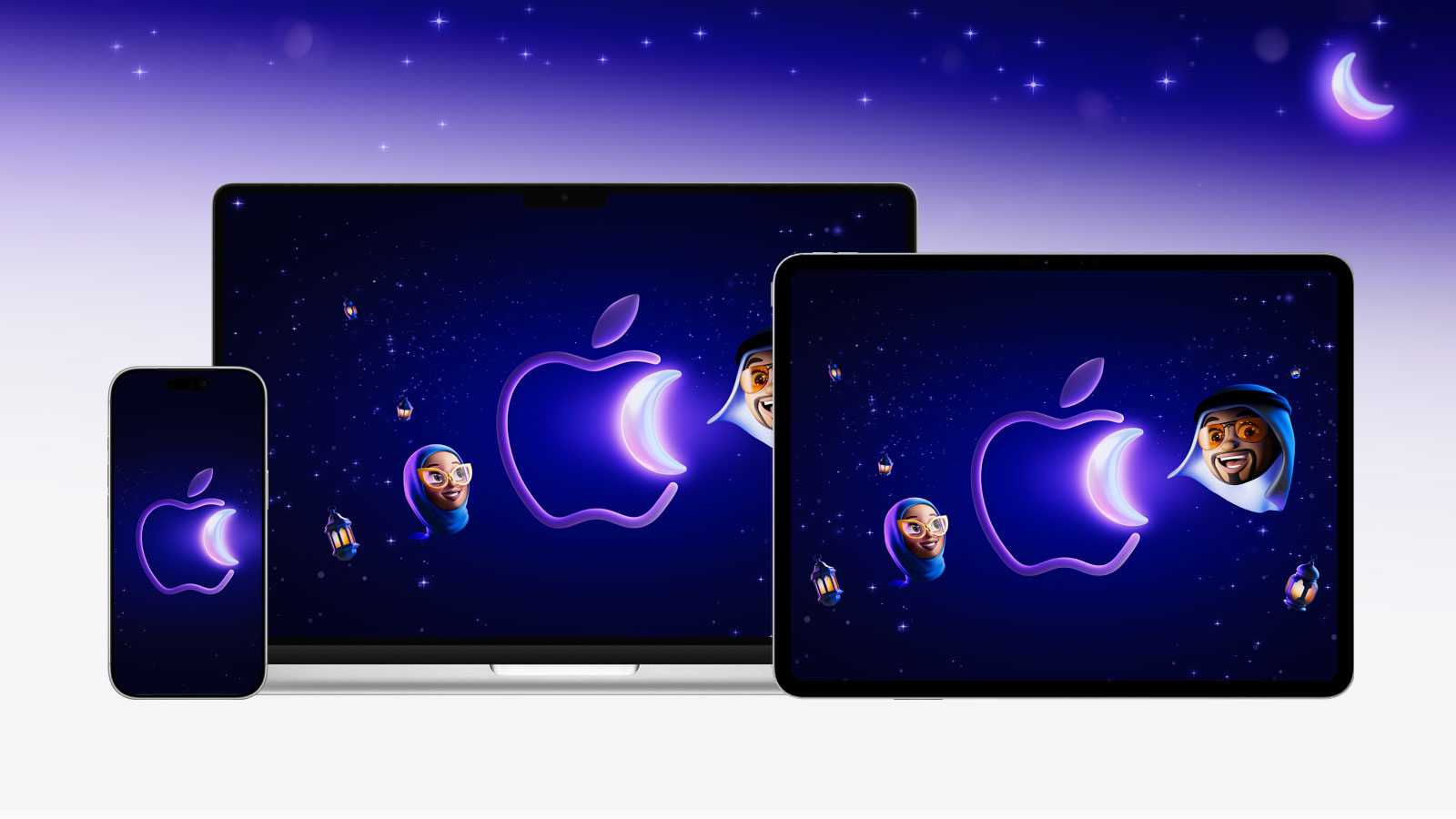
Apple has launched its Ramadan shopping campaign in the United Arab Emirates and Saudi Arabia. Ramadan begins on Wednesday, February 18 and is expected to end on the evening of March 18, 2026.
Apple has also released special wallpapers for iPhone, iPad, and Mac to celebrate Ramadan. These wallpapers feature the Apple logo shaped like a shimmering crescent moon set against a beautiful purple gradient night sky filled with stars. The Mac and iPad versions also include lanterns and two Memoji characters surrounding the Apple logo.
Beta Profiles has archived these wallpapers for the respective devices, as they will disappear from Apple’s website after the Ramadan ends. So enjoy them.
Last updated:
Download
How to set wallpaper
Set your iPhone wallpaper
- In the Photos app, tap the image you downloaded.
- Tap Share button.
- Scroll down and tap Use as Wallpaper.
- Adjust the wallpaper to your liking, then tap Add.
- Tap Set as Wallpaper Pair to apply it to both your Home Screen and Lock Screen. Tap Customize Home Screen if you want to create a separate Home Screen wallpaper that you can edit.
Set your iPad wallpaper
- In the Photos app, tap the image you downloaded.
- Tap Share button.
- Tap Use as Wallpaper.
- Adjust the wallpaper to your liking, then tap Add.
- Tap Set as Wallpaper Pair to apply it to both your Home Screen and Lock Screen. Tap Customize Home Screen if you want to create a separate Home Screen wallpaper that you can edit.
Set your Mac wallpaper
- In Finder, open the folder where you saved the image.
- Right-click, or hold Control and click the image you want to set as your wallpaper.
- Click Set Desktop Picture. If you don’t see this option, move your cursor to Services > Set Desktop Picture.
Recent wallpapers

Source: Apple