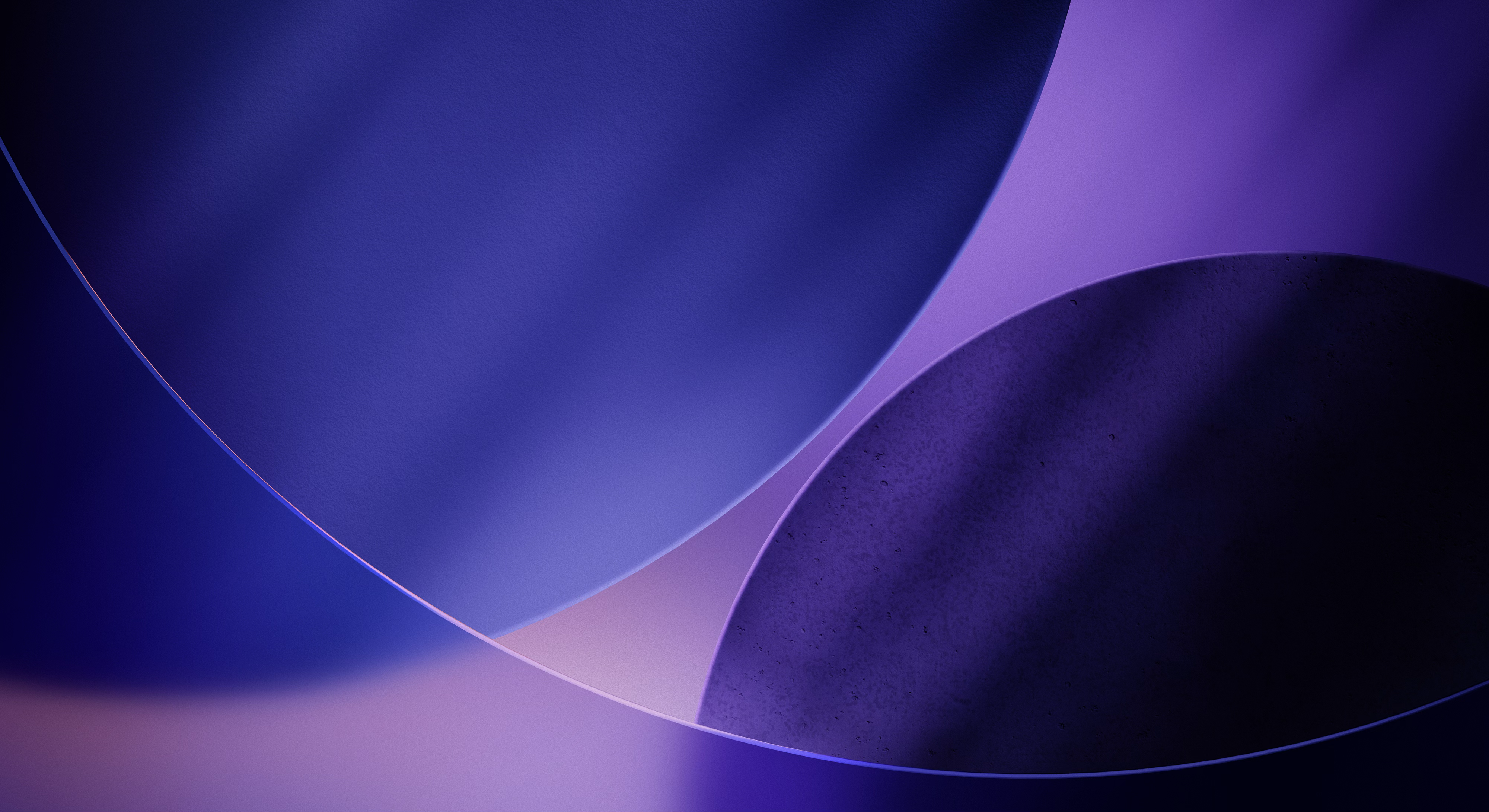
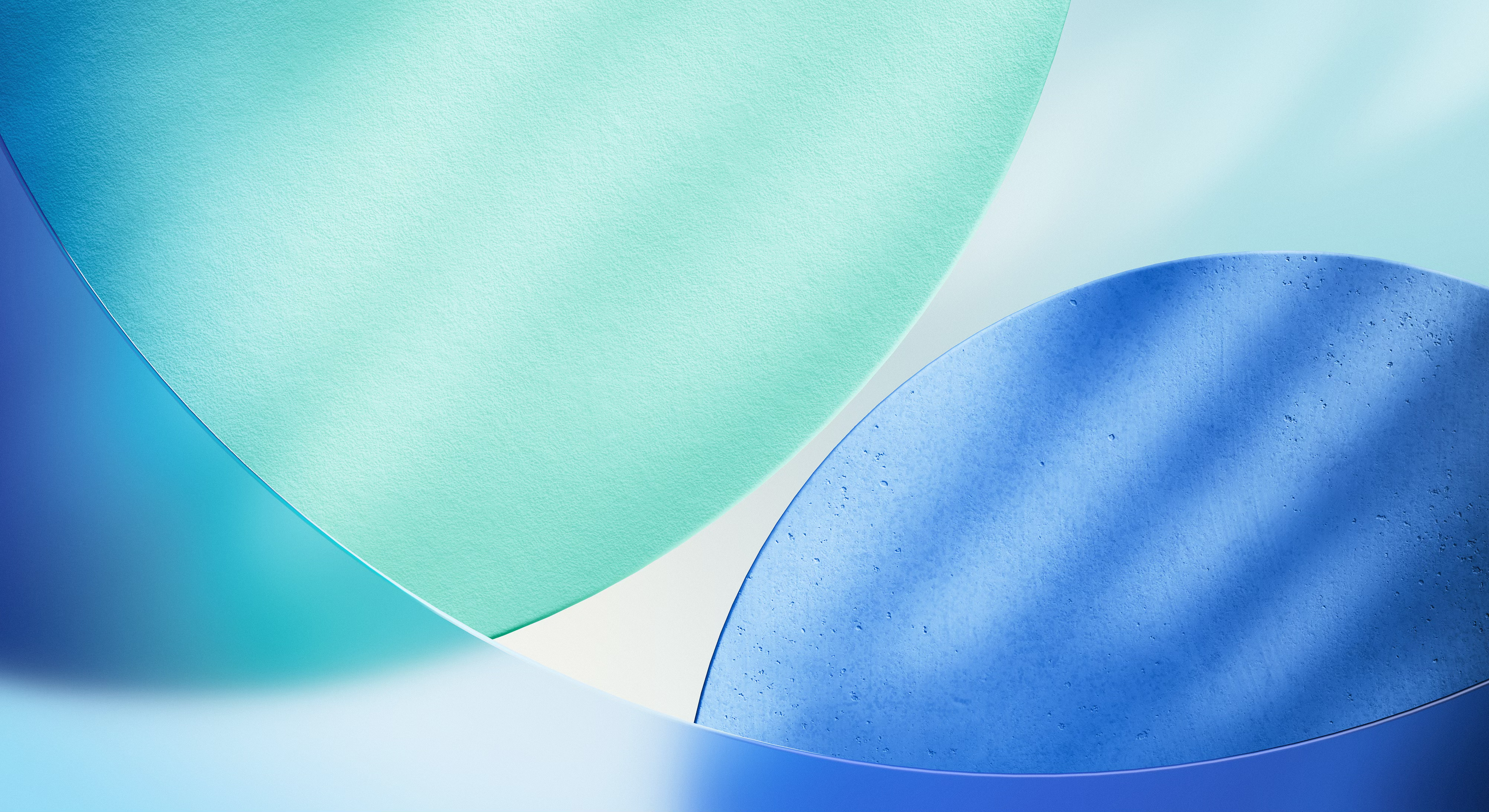
Official iOS 26 CarPlay Wallpapers
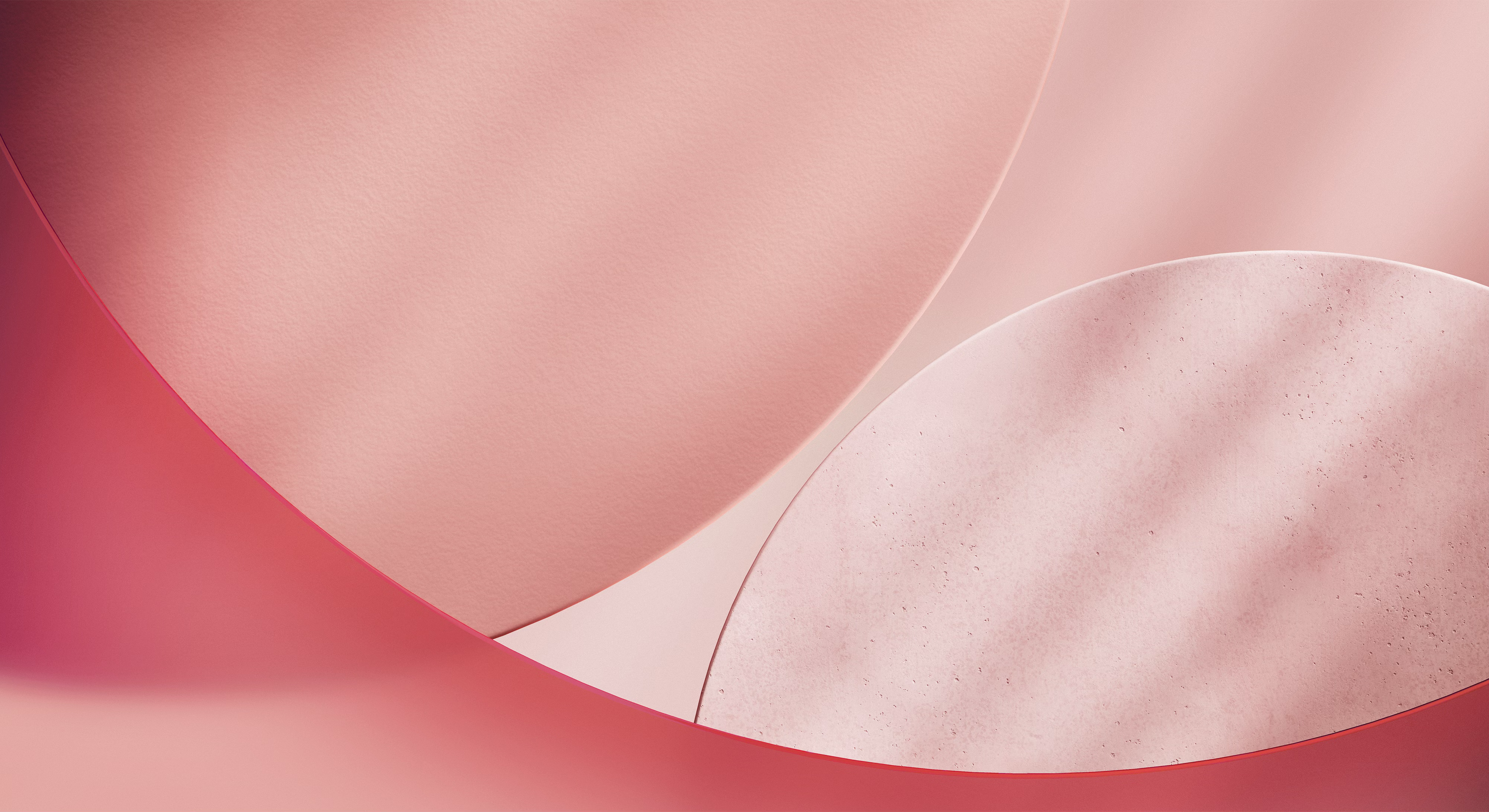
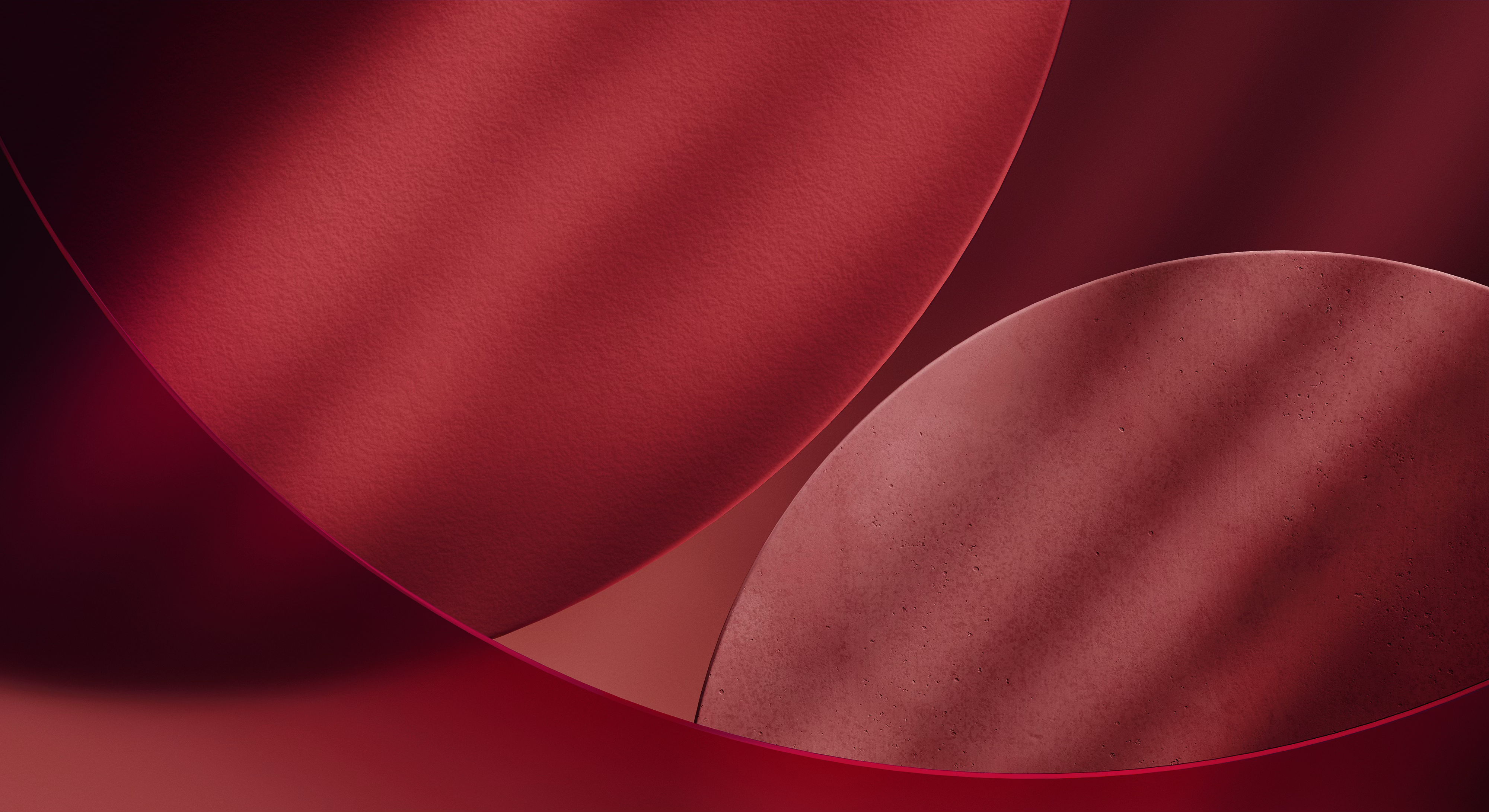
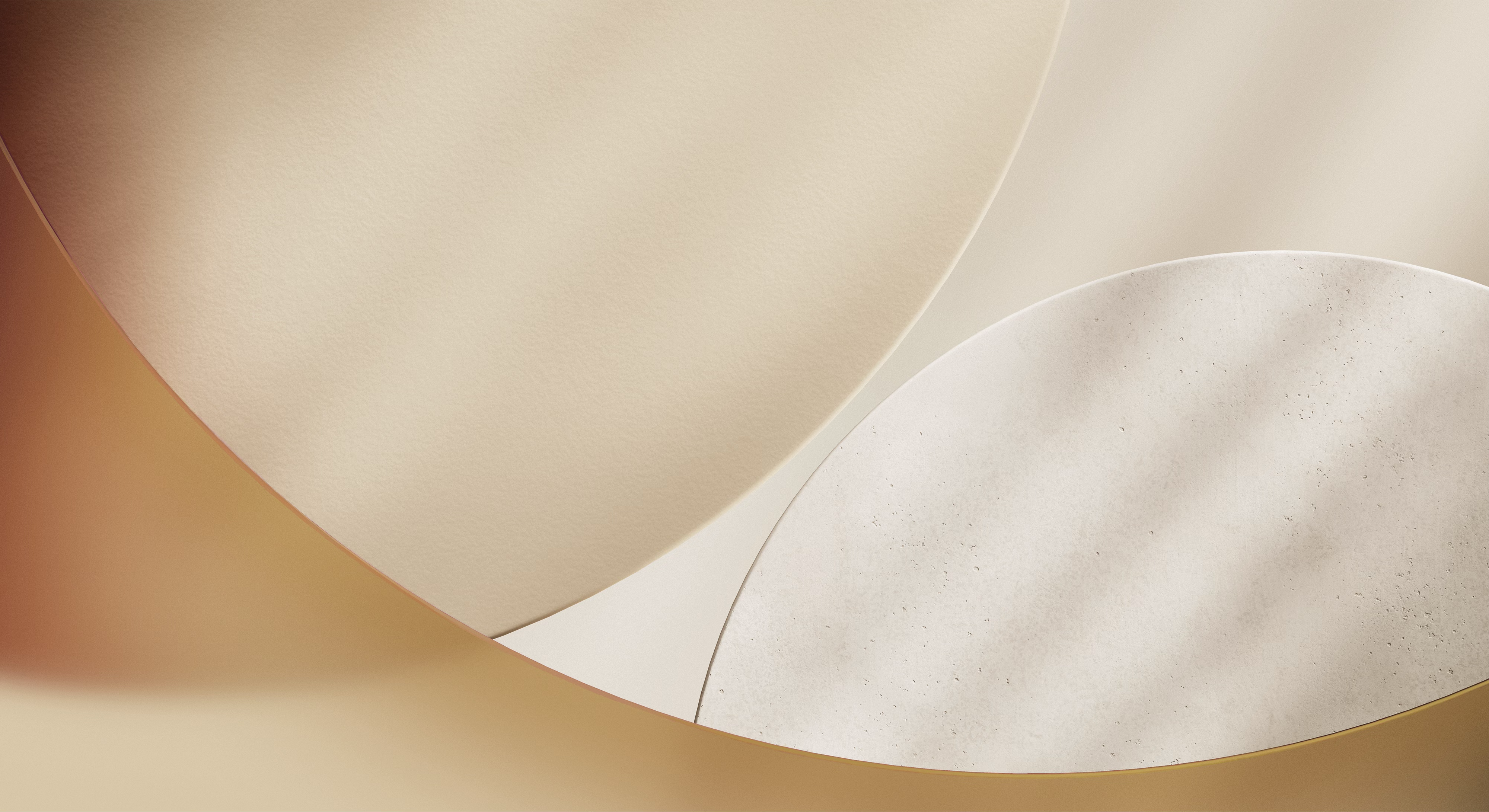
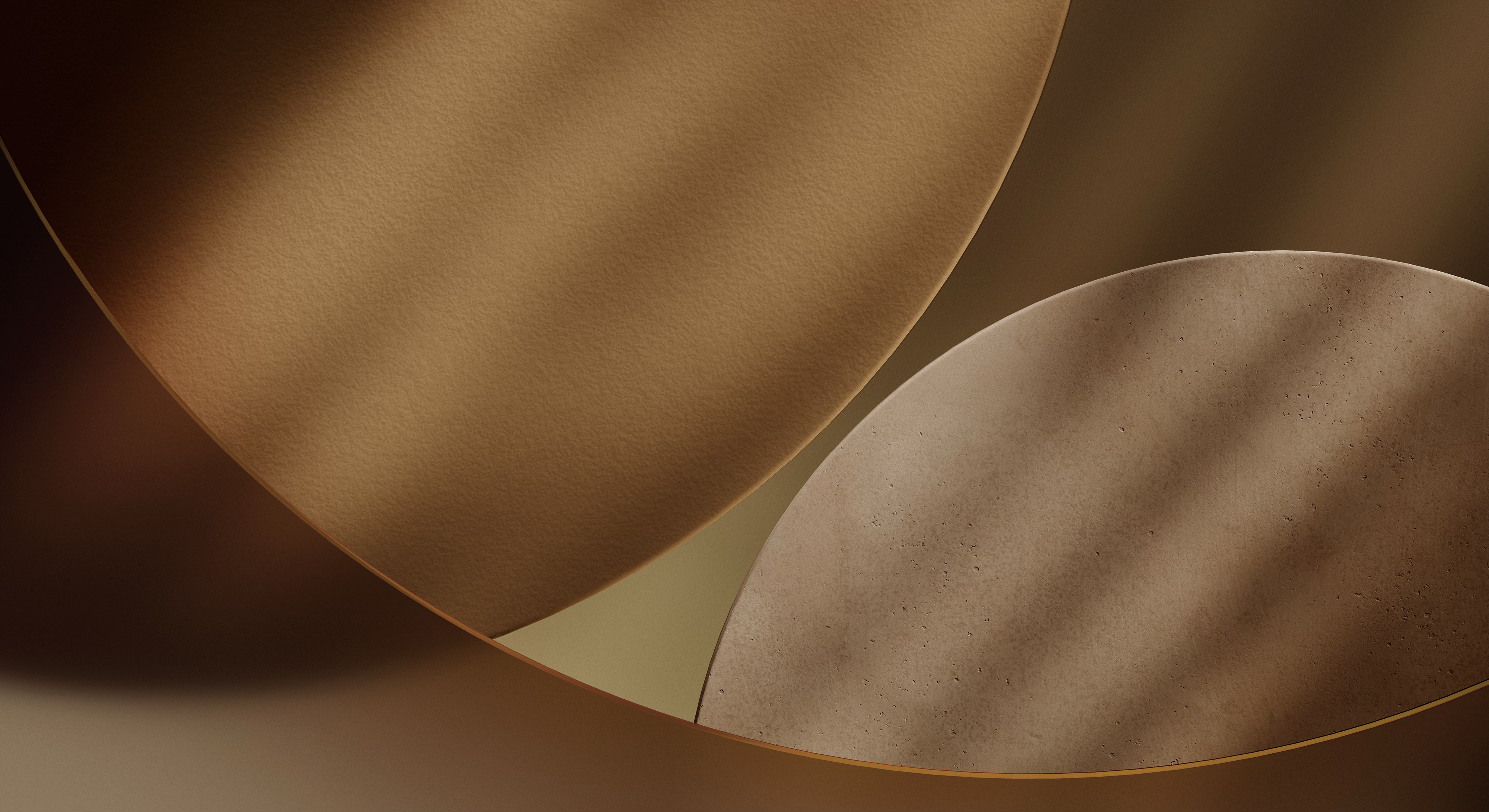
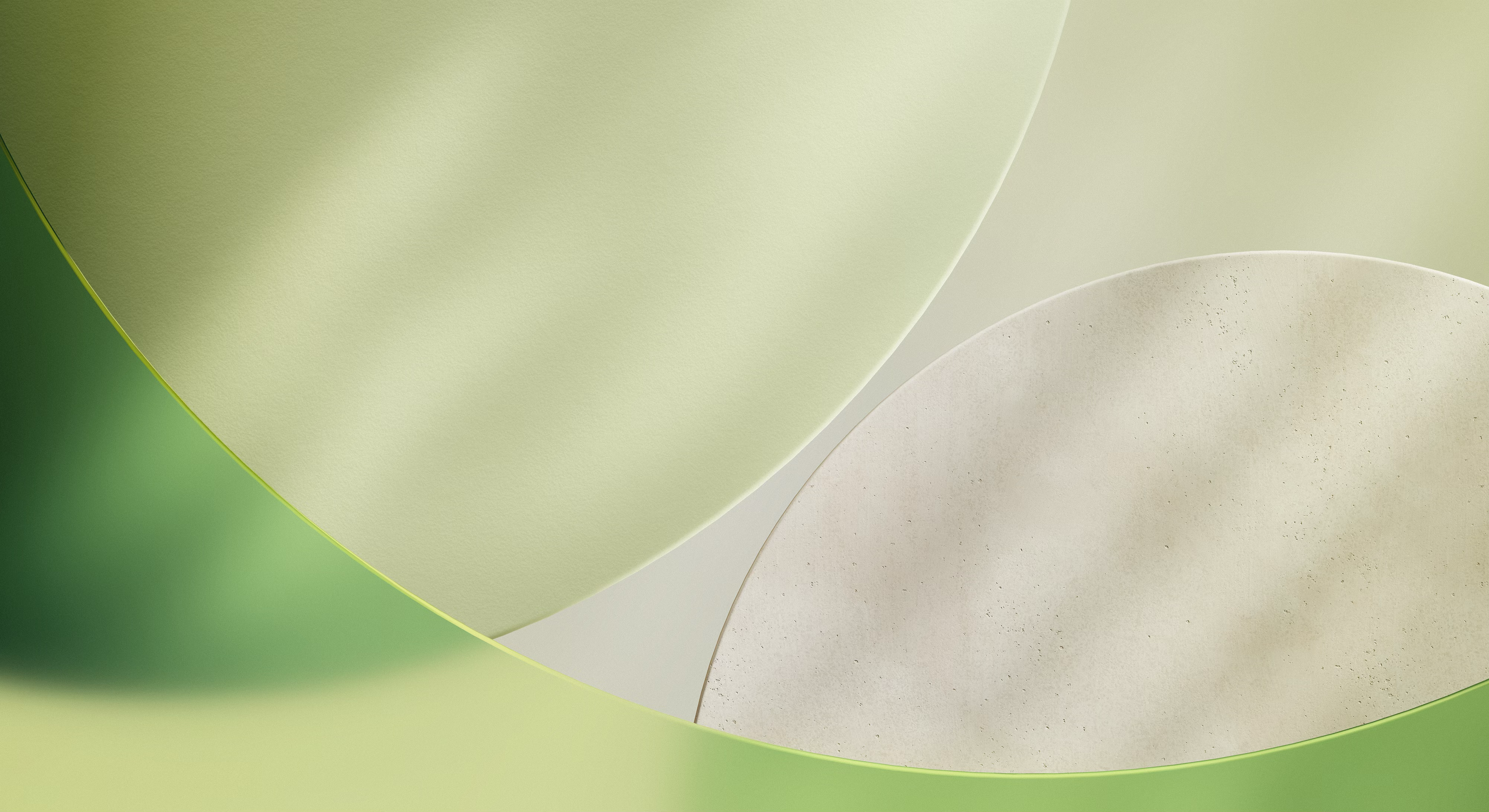
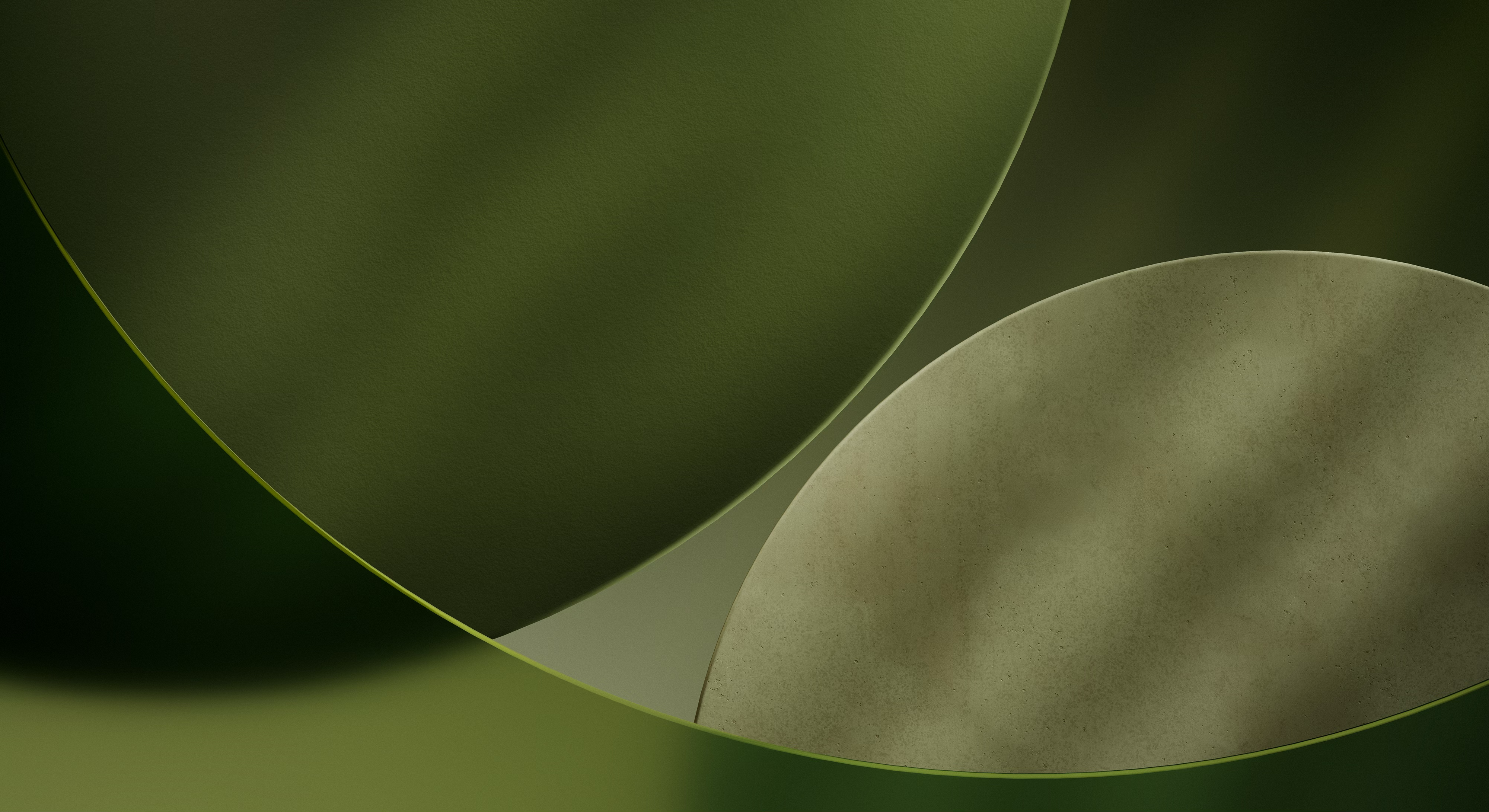
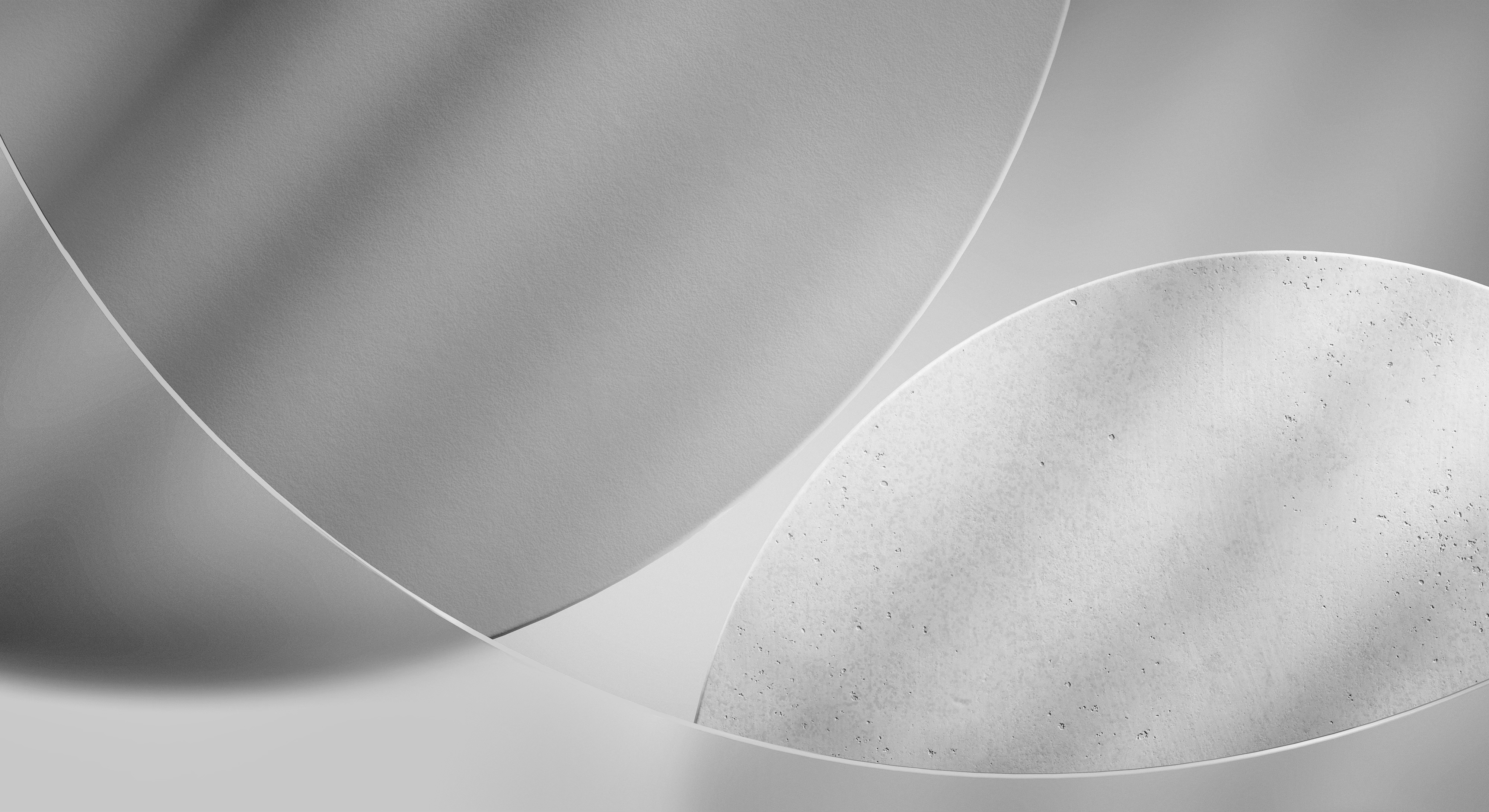
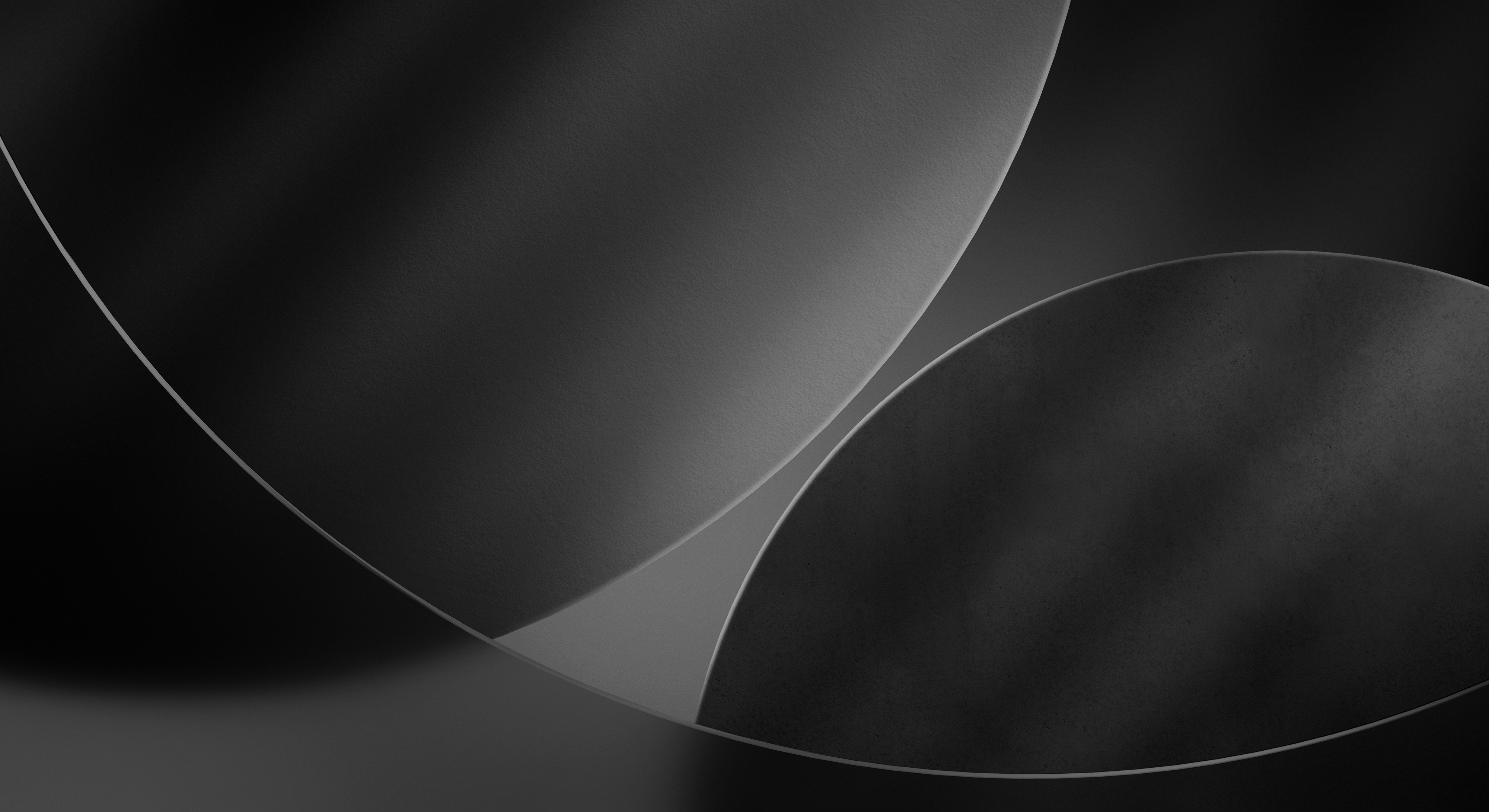
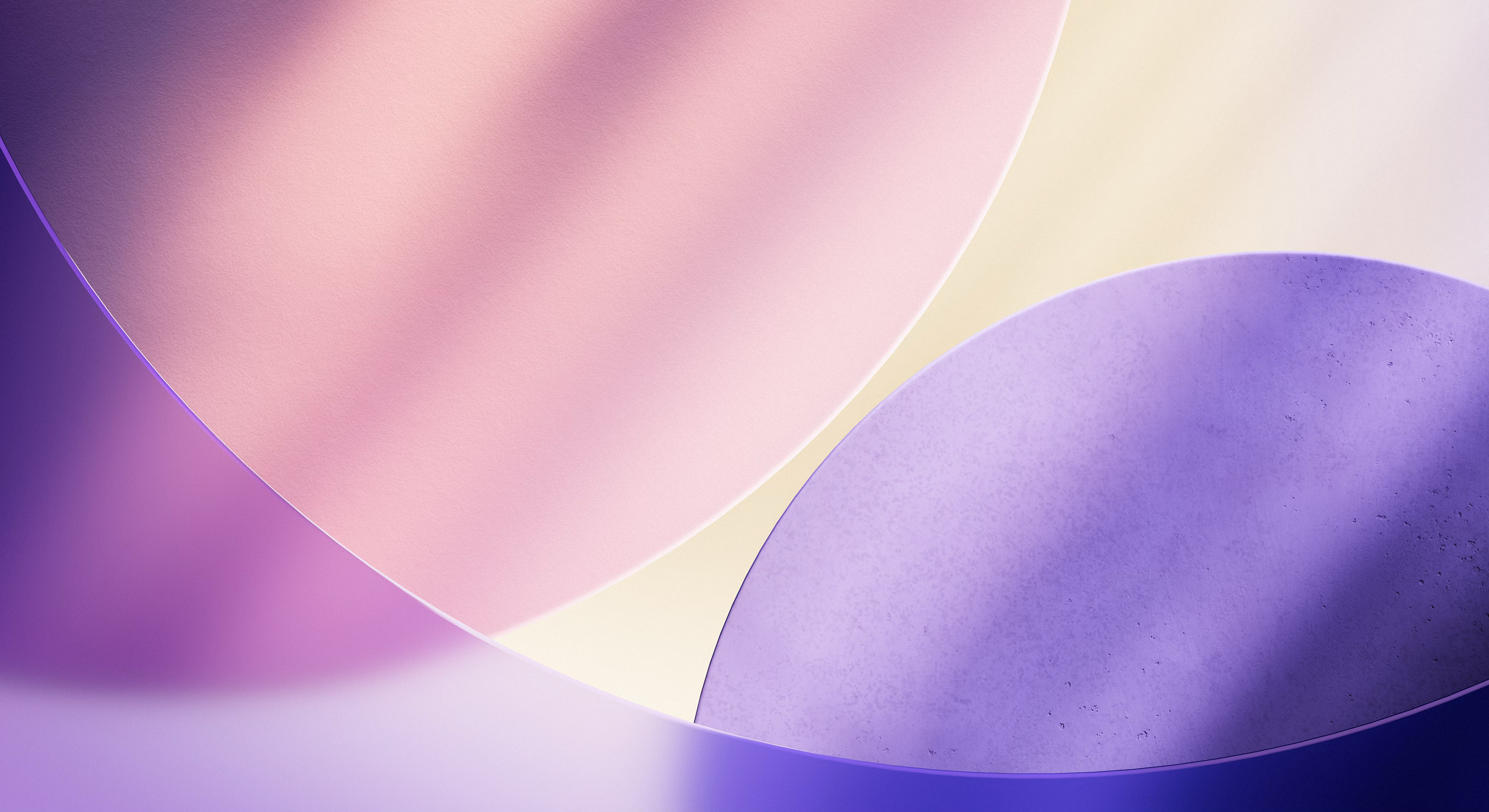
Colorful CarPlay wallpapers based on iOS 26, designed to match the Liquid Glass look.
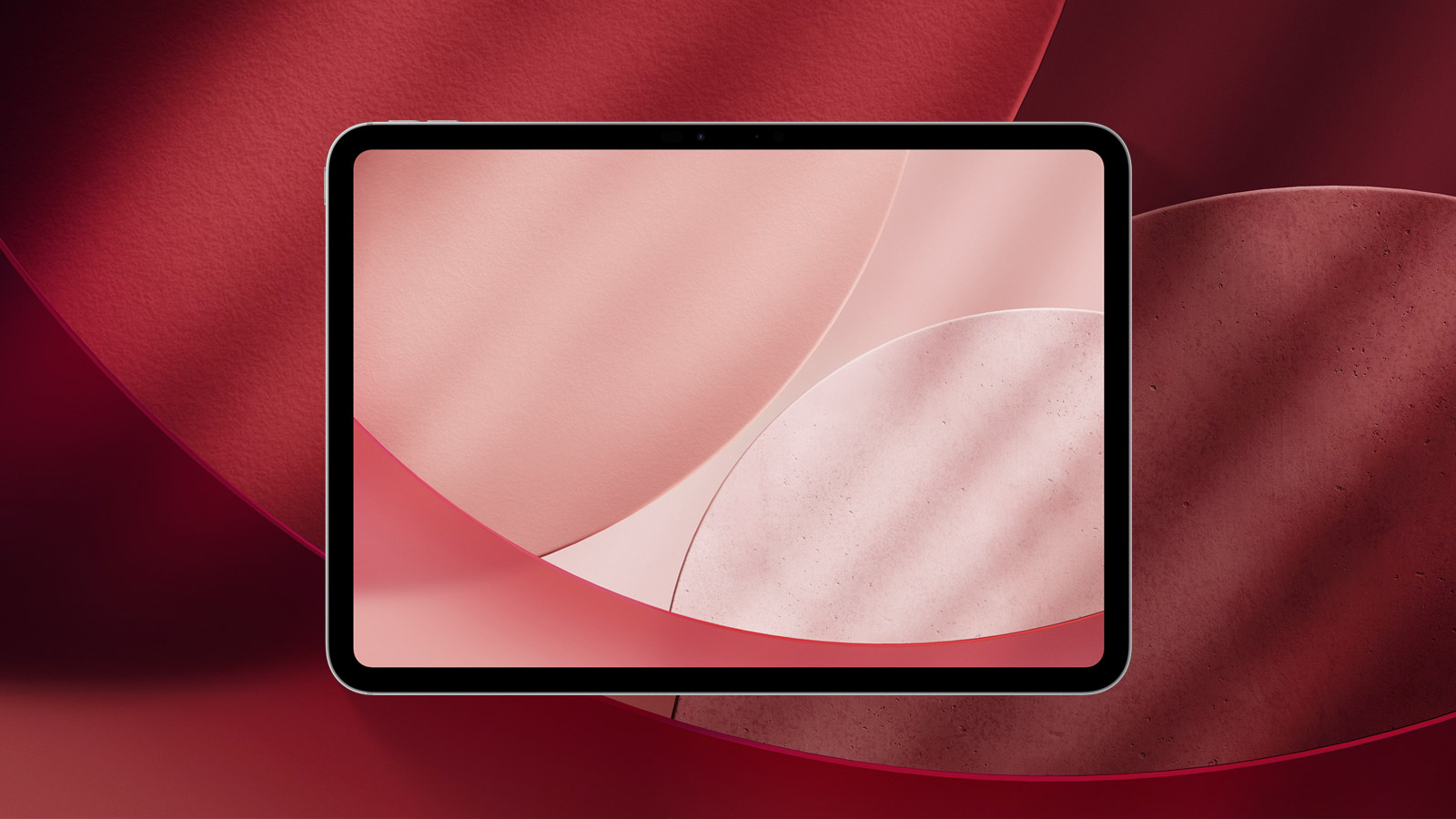
Available for
iPad
iOS 26 introduces several new wallpapers for CarPlay. These wallpapers are based on the official iOS 26 wallpaper but include additional color options like Red, Brown, Green, and Gray that aren’t available in the default iOS 26 wallpaper set.
Although the original iOS 26 CarPlay wallpapers are only available in a horizontal layout, making them a better fit for iPad or Mac, you can simply use the Rotate feature in Photos to make them work on iPhone as well. They come in both light and dark versions, along with a Dynamic variant.
Last updated:
Download
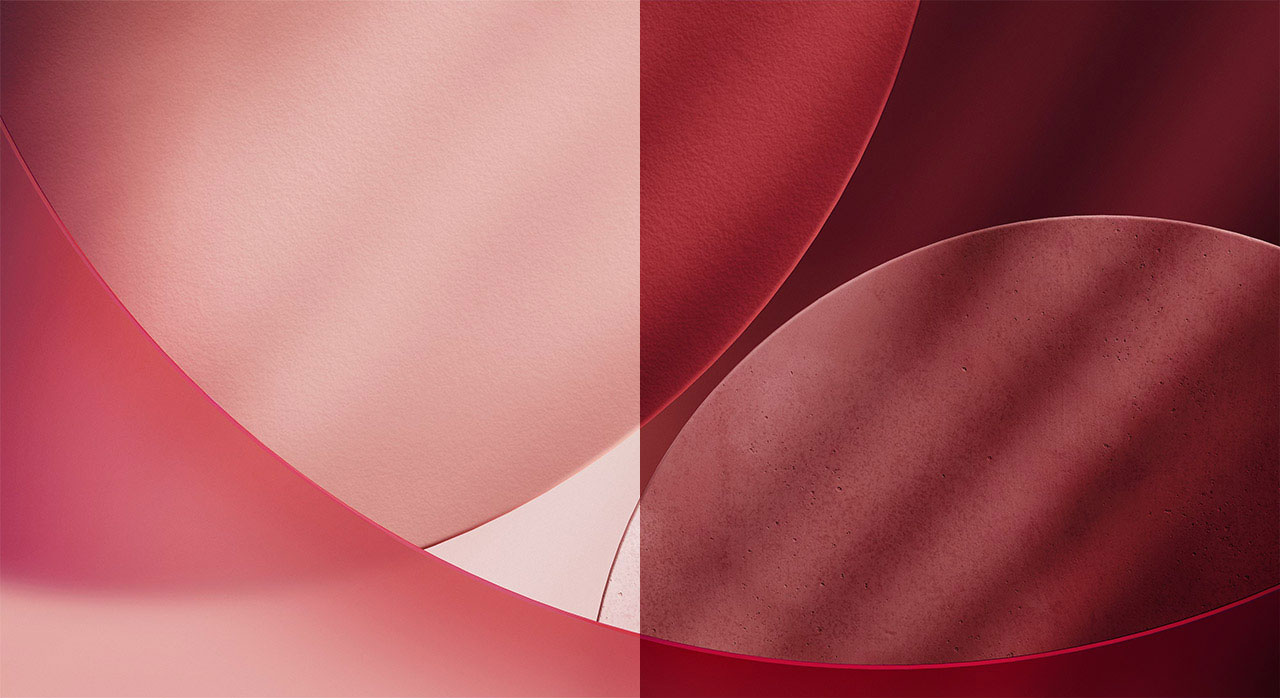
Red
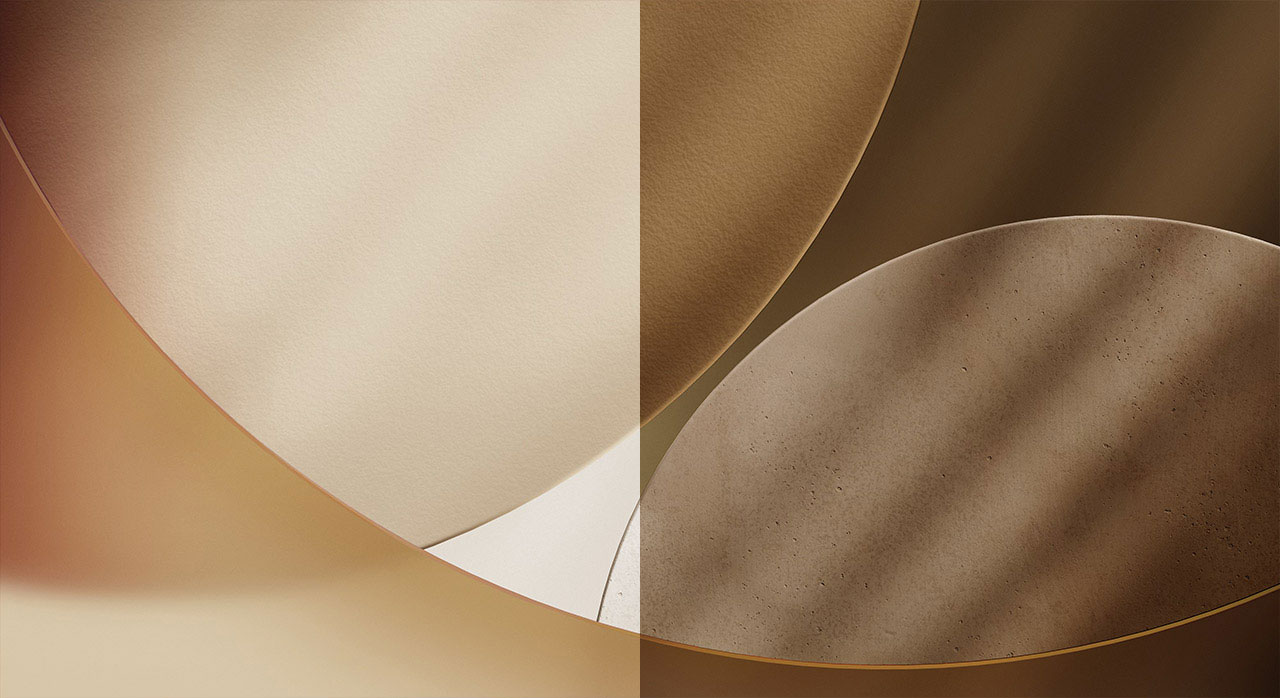
Brown
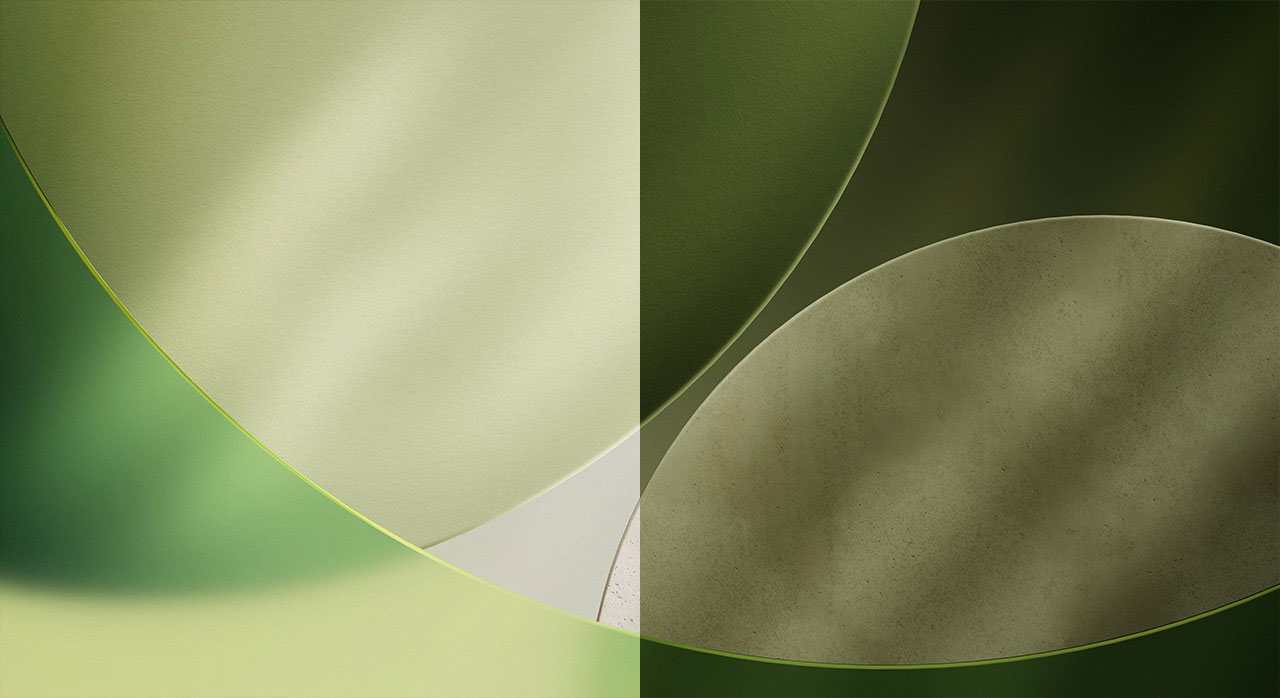
Green
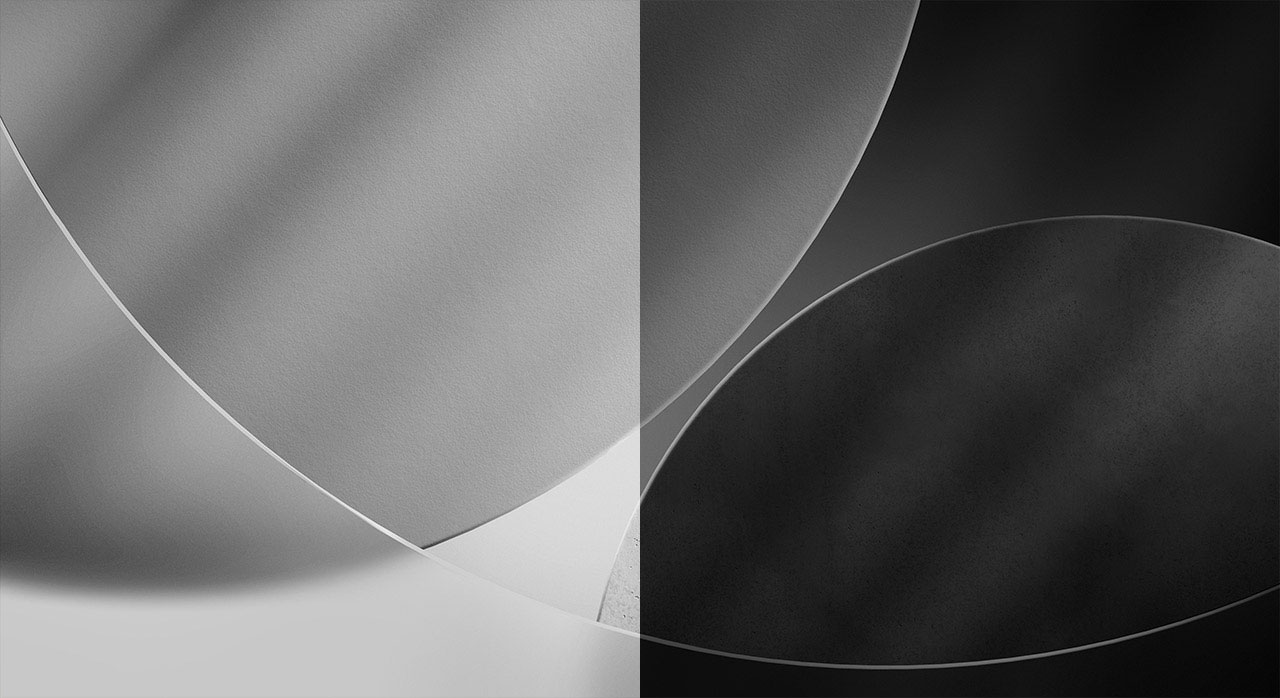
Gray
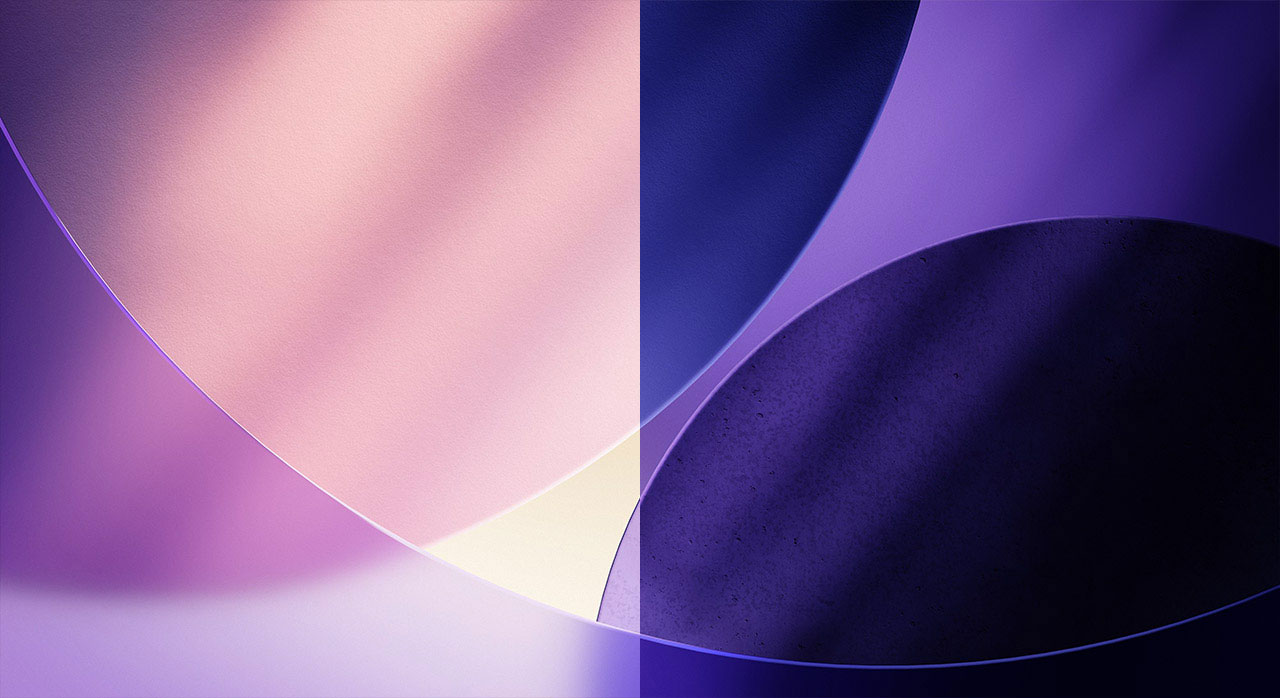
Purple
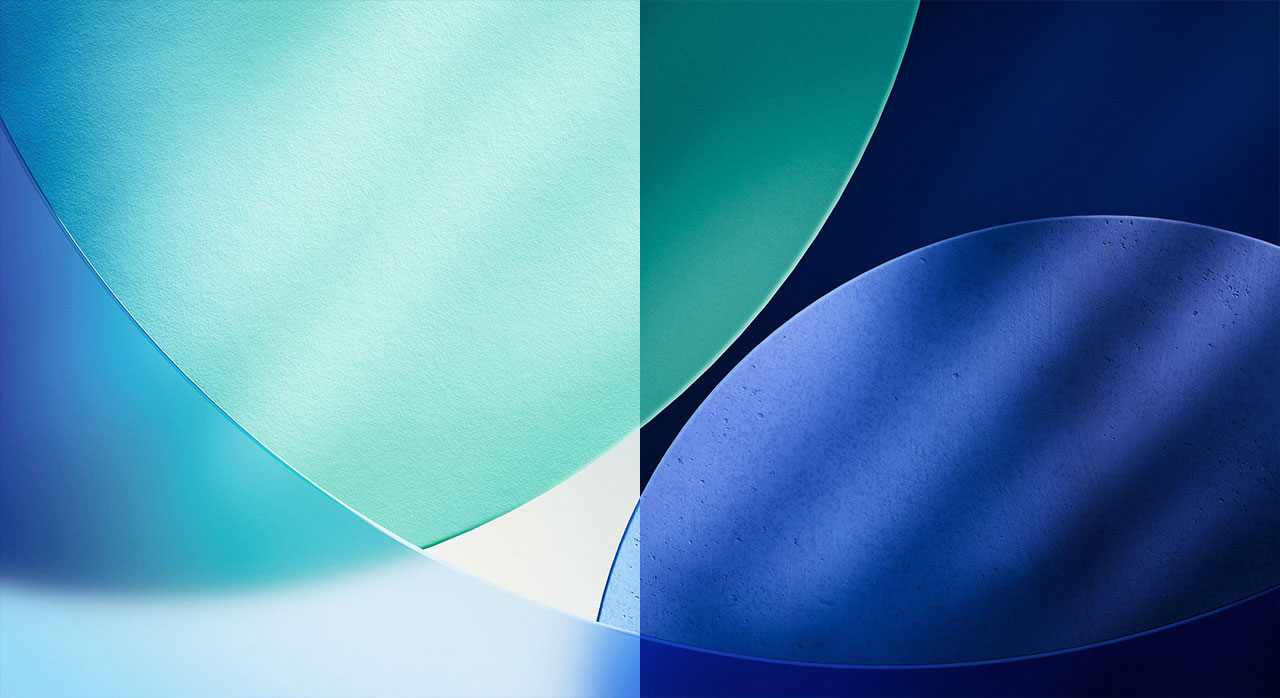
Blue
iPad (Light)
PNG · 4000×2182 · 11.2 MB
iPad (Dark)
PNG · 4000×2182 · 9.4 MB
iPad (HEIC)
HEIC · 10.8 MB
How to set wallpaper
Set your iPad wallpaper
- In the Photos app, tap the image you downloaded.
- Tap Share button.
- Tap Use as Wallpaper.
- Adjust the wallpaper to your liking, then tap Add.
- Tap Set as Wallpaper Pair to apply it to both your Home Screen and Lock Screen. Tap Customize Home Screen if you want to create a separate Home Screen wallpaper that you can edit.