iOS 27 Default Wallpaper
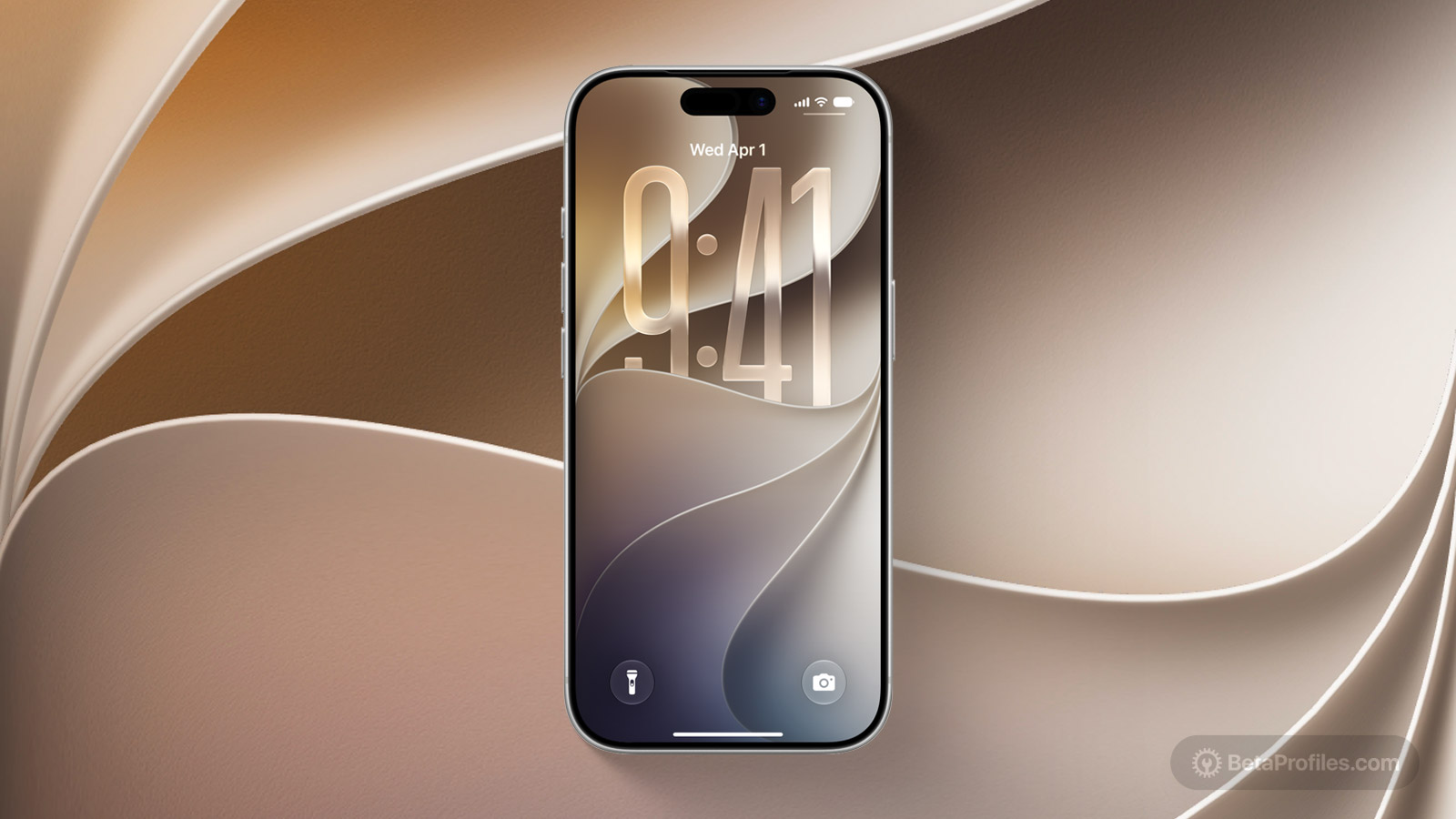
The new iOS 27 "Celosia" wallpaper is here. Grab the light and dark versions now.
Available for
iPhone
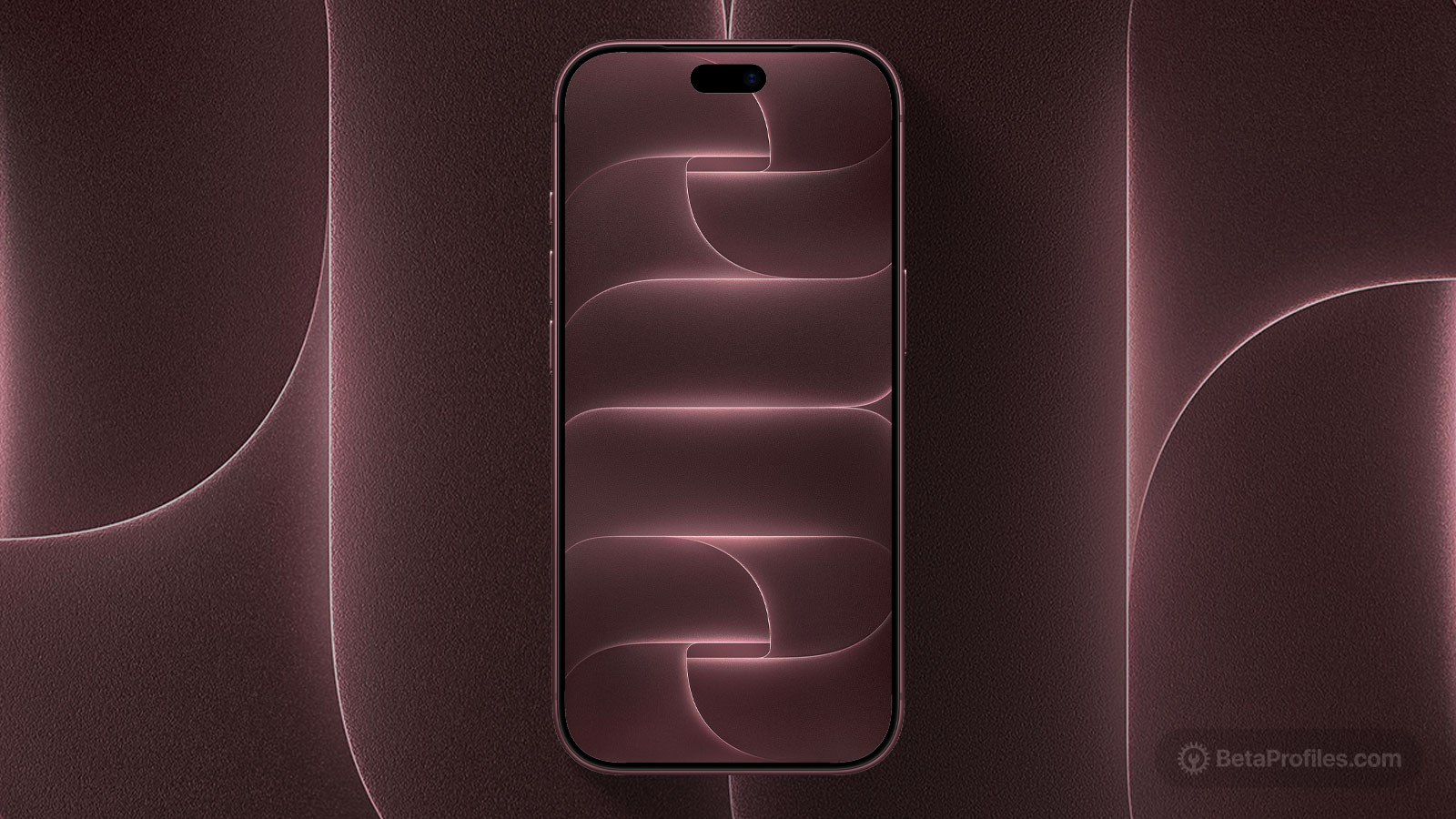
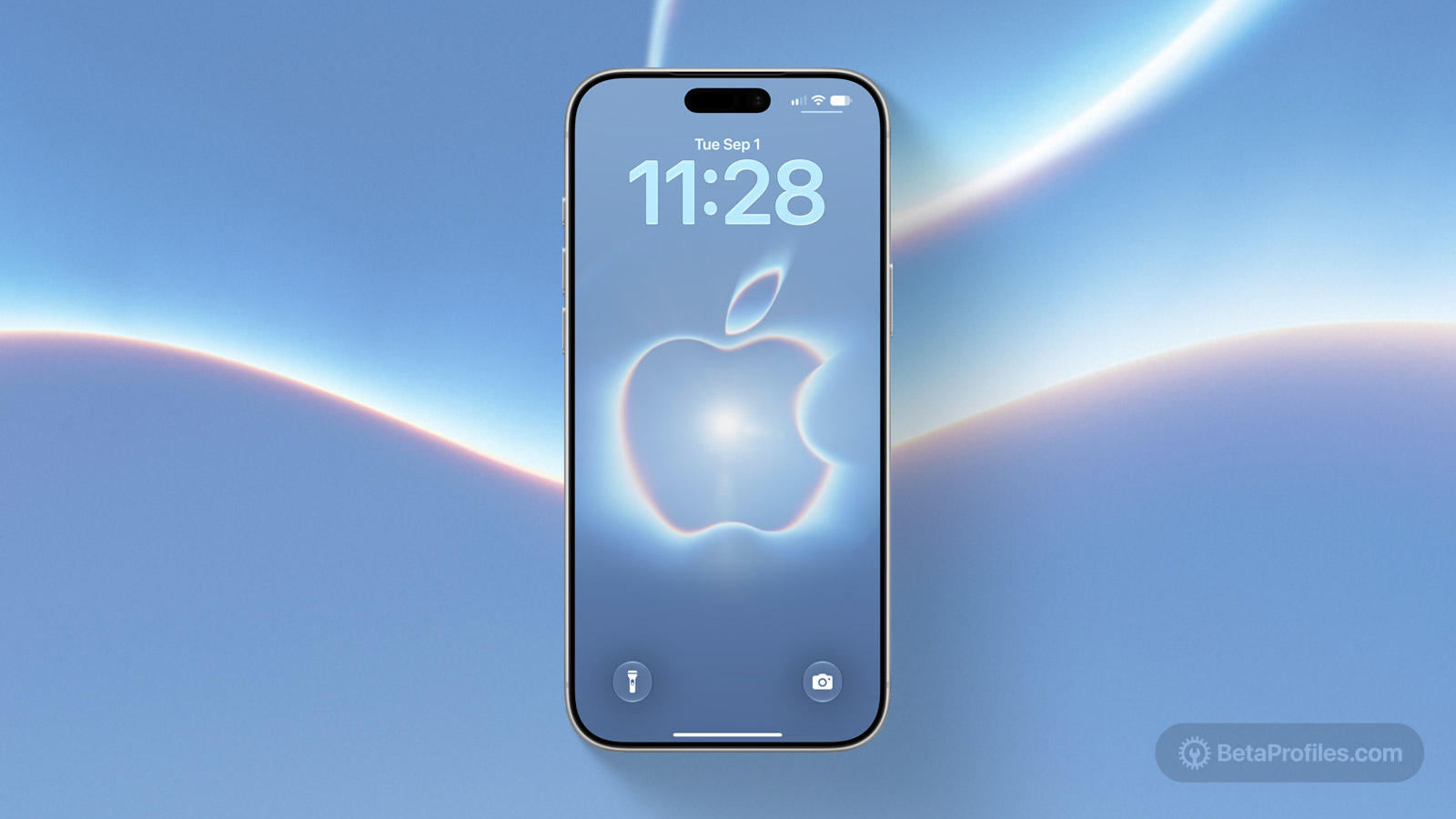
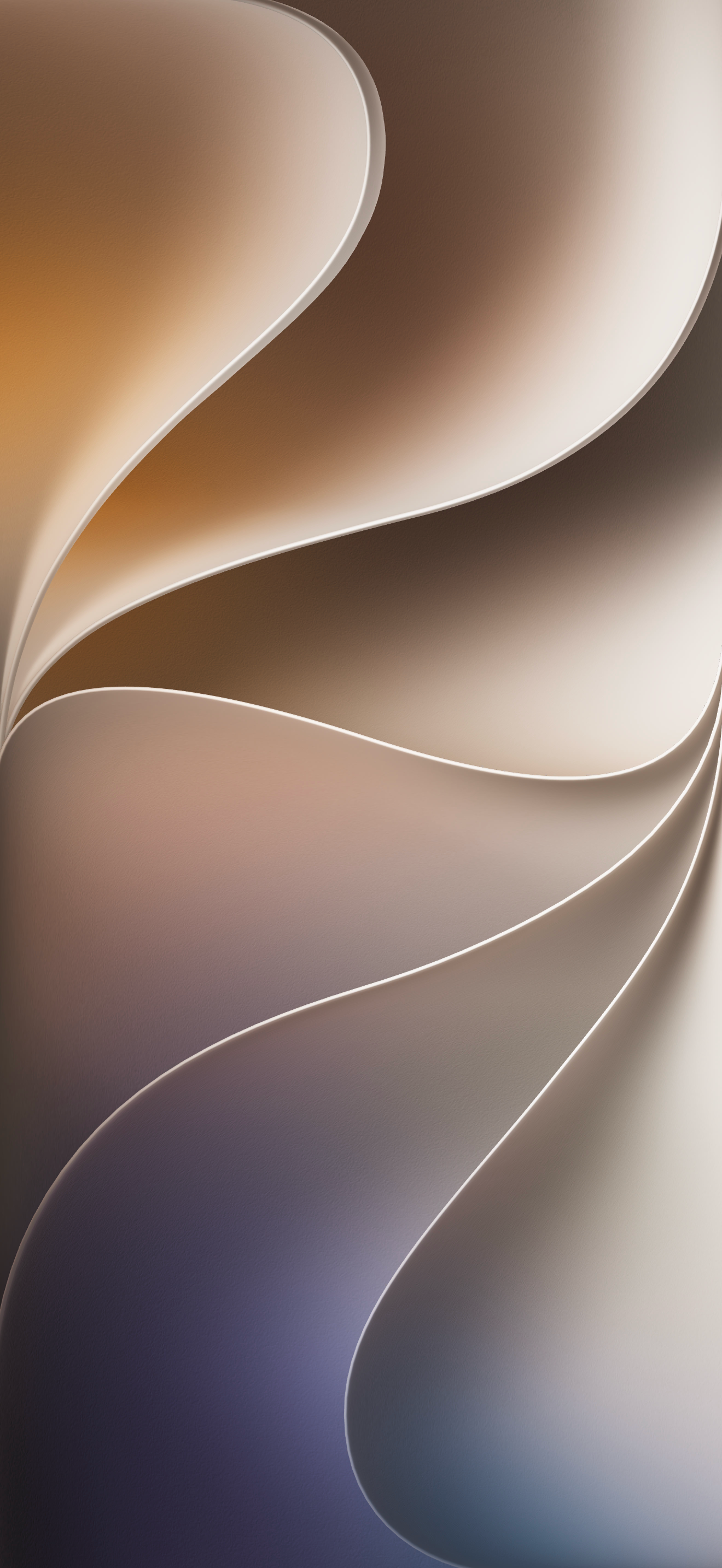
Apple announced iOS 27 at WWDC26 as a major release for Siri and Apple Intelligence. As usual, it also comes with a new wallpaper, named "Celosia," featuring a design of flowing wavy color bands that form a unique "27" shape.
This year, macOS 27, iPadOS 27, and iOS 27 all share the same wallpaper style, highlighting how unified the operating systems have become.
The iOS 27 wallpaper also has a dynamic variant and an option to customize it with any color you want, which you'll be able to use when iOS 27 releases in September. Below are the static versions of the iOS 27 wallpaper in light and dark mode.
Download
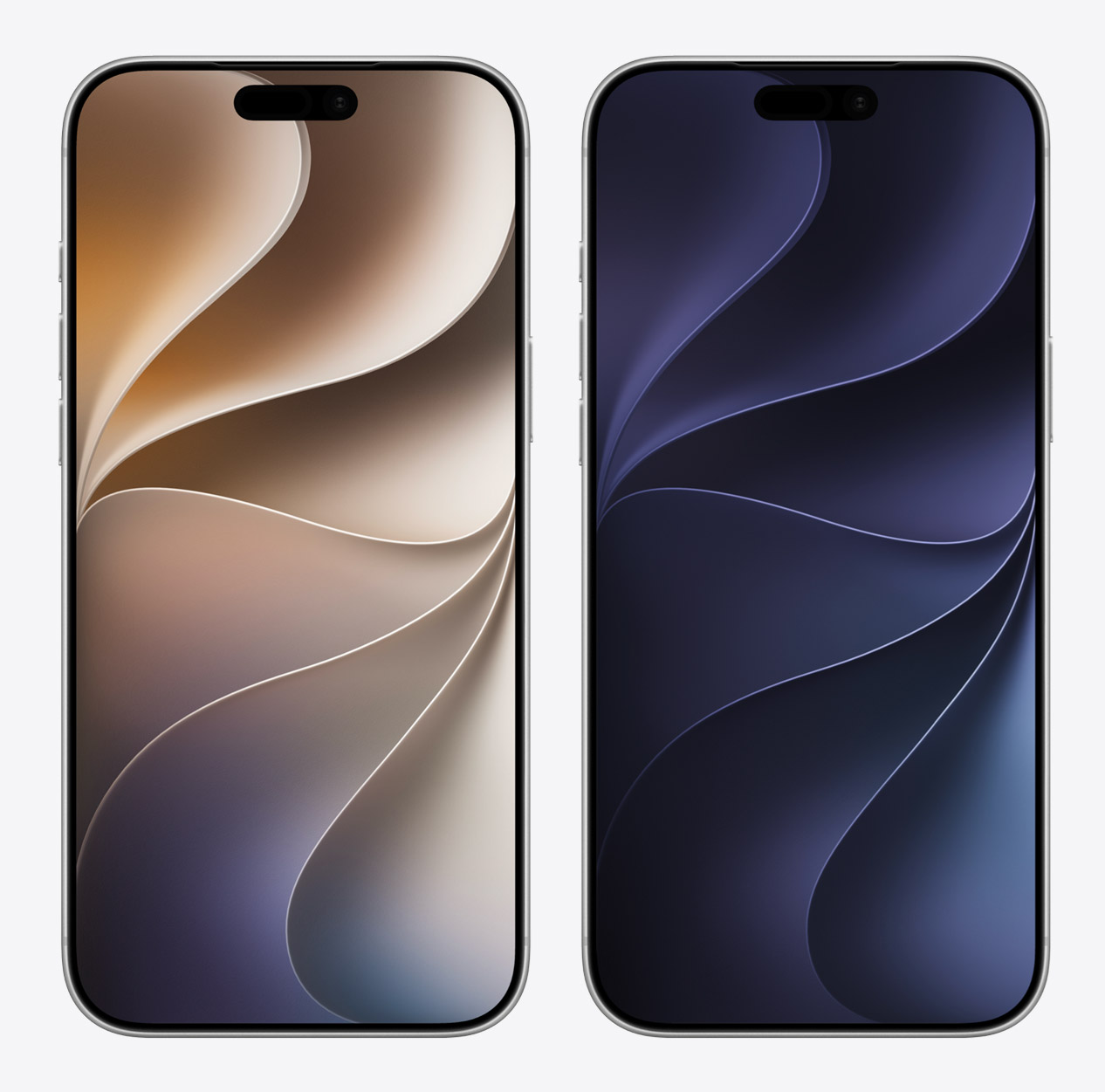
iPhone (Light)
PNG · 1320×2868 · 2.5 MB
iPhone (Dark)
PNG · 1320×2868 · 1.6 MB
How to set wallpaper
Set your iPhone wallpaper
- In the Photos app, tap the image you downloaded.
- Tap Share button.
- Scroll down and tap Use as Wallpaper.
- Adjust the wallpaper to your liking, then tap Add.
- Tap Set as Wallpaper Pair to apply it to both your Home Screen and Lock Screen. Tap Customize Home Screen if you want to create a separate Home Screen wallpaper that you can edit.