Official macOS 27 Golden Gate Wallpaper
macOS 27 is officially named Golden Gate, a nod to San Francisco's iconic bridge, and it brings a stunning new wallpaper along with it.
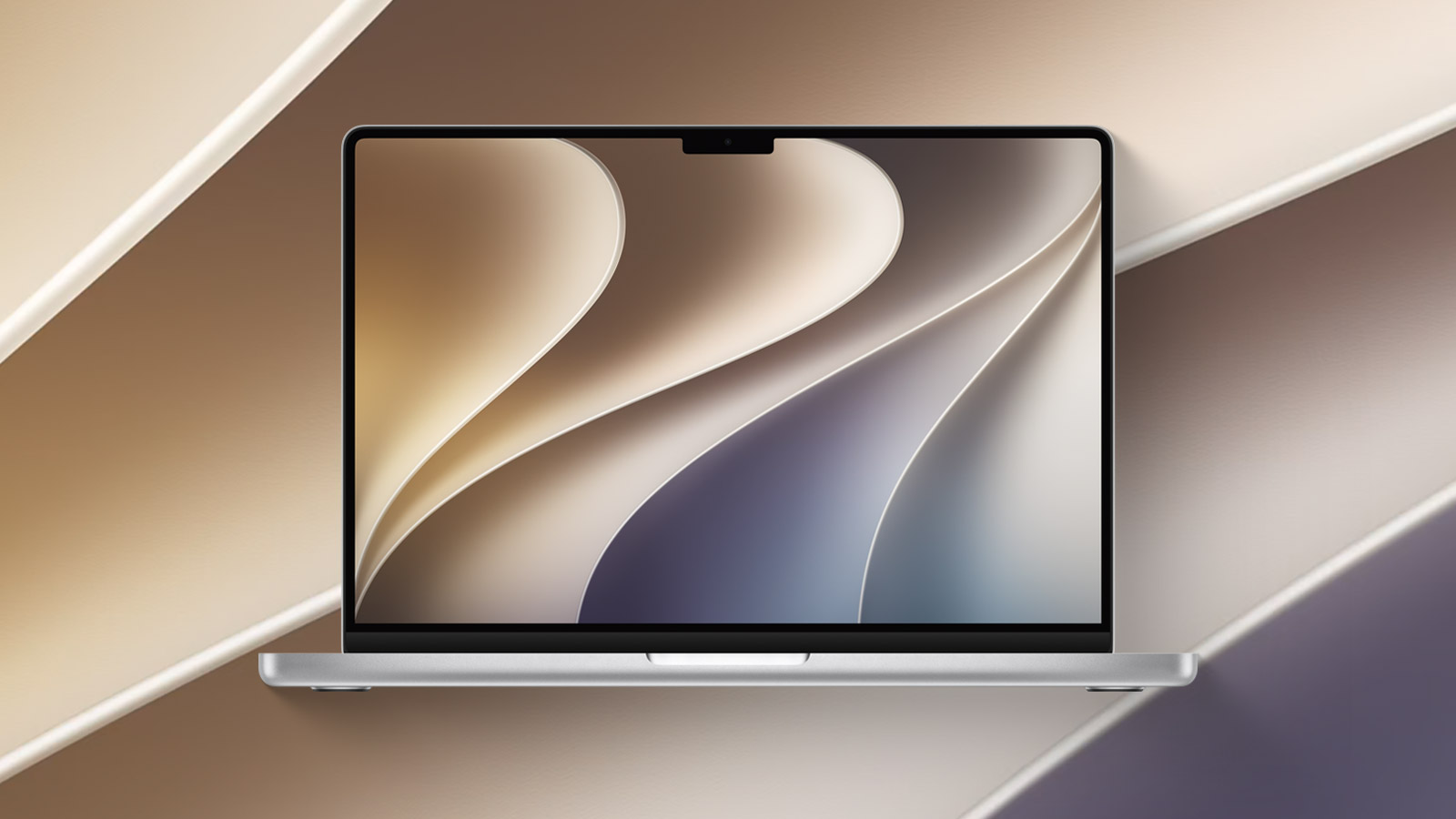
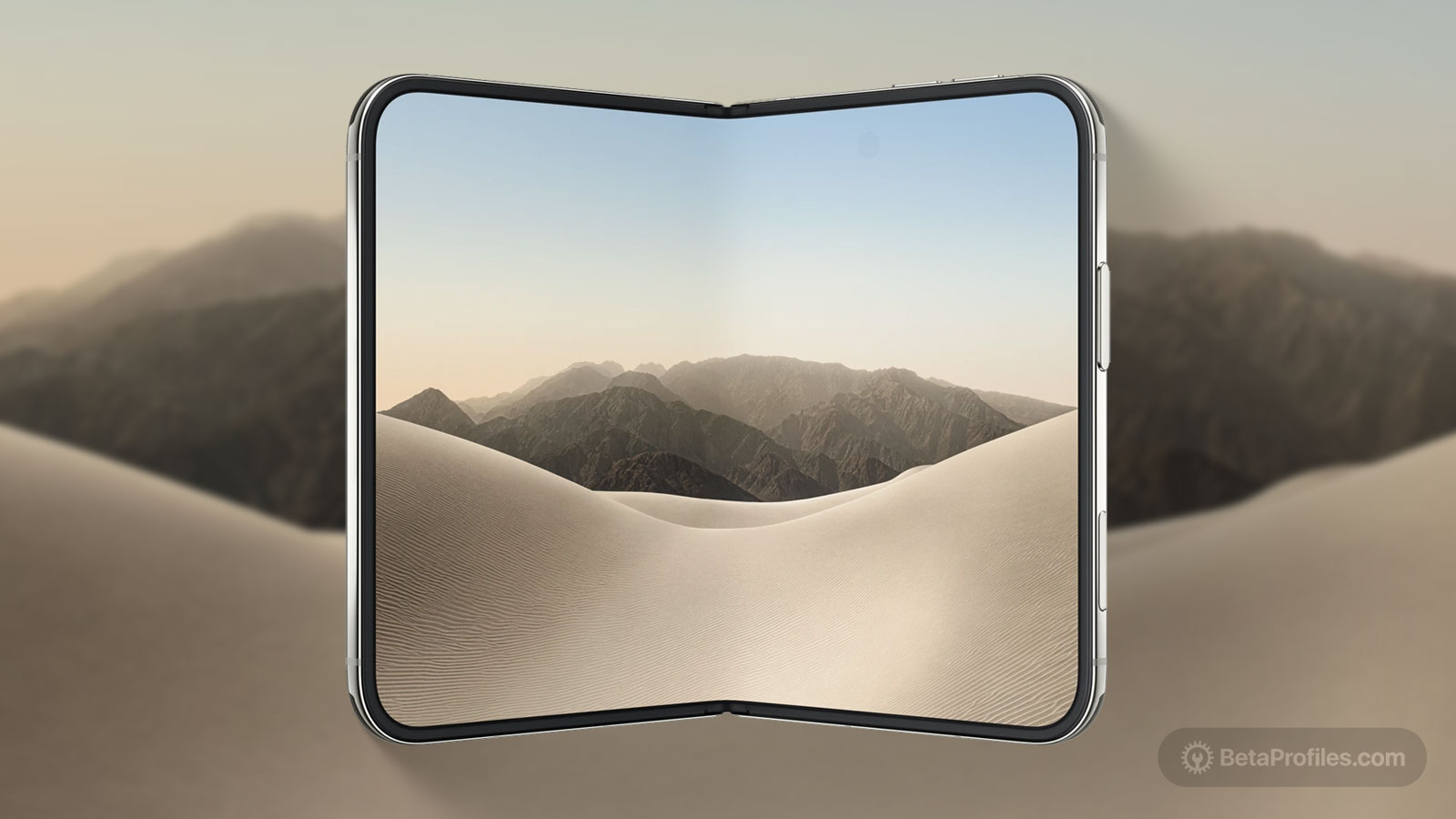
Apple introduced macOS 27 at WWDC26, named after San Francisco's iconic Golden Gate bridge. The new macOS wallpaper features warm golden tones with soft 3D flowing curves, similar to the wallpapers of iOS 27 and iPadOS 27.
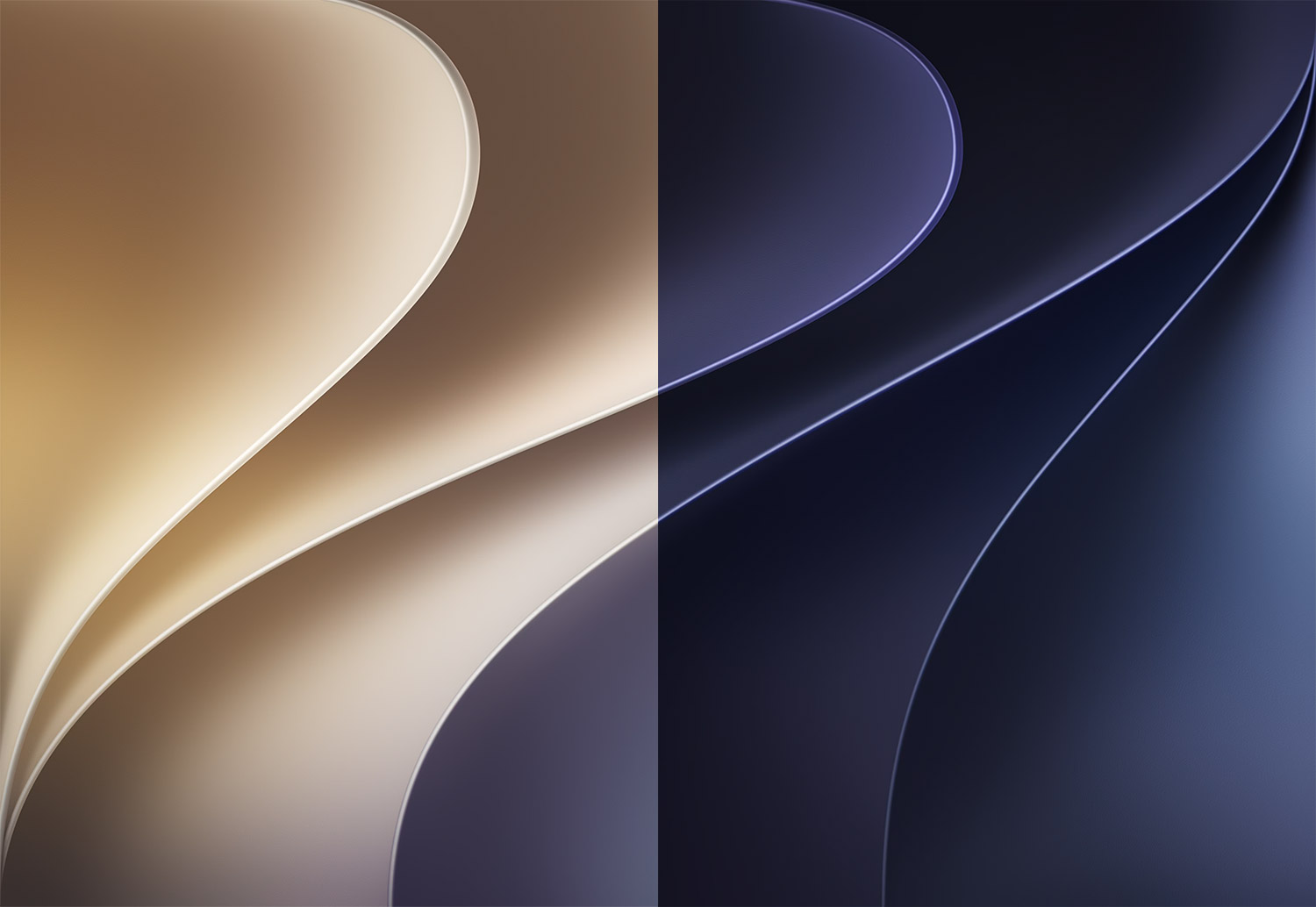
The macOS 27 wallpaper comes in three versions: light, dark, and a dynamic file, extracted directly from macOS 27 beta, making them high quality and suitable for high resolution displays like 5K or 6K.
Updated July 7, 2026: macOS 27 Developer Beta 3 adds two new wallpapers, Golden Gate Sunset and Golden Gate Night, you can download them here!
Last updated:
Download
How to set wallpaper
Set your Mac wallpaper
- In Finder, open the folder where you saved the image.
- Right-click, or hold Control and click the image you want to set as your wallpaper.
- Click Set Desktop Picture. If you don’t see this option, move your cursor to Services > Set Desktop Picture.
Recent wallpapers



Source: 512pixels