macOS Golden Gate Sunset and Night Wallpapers
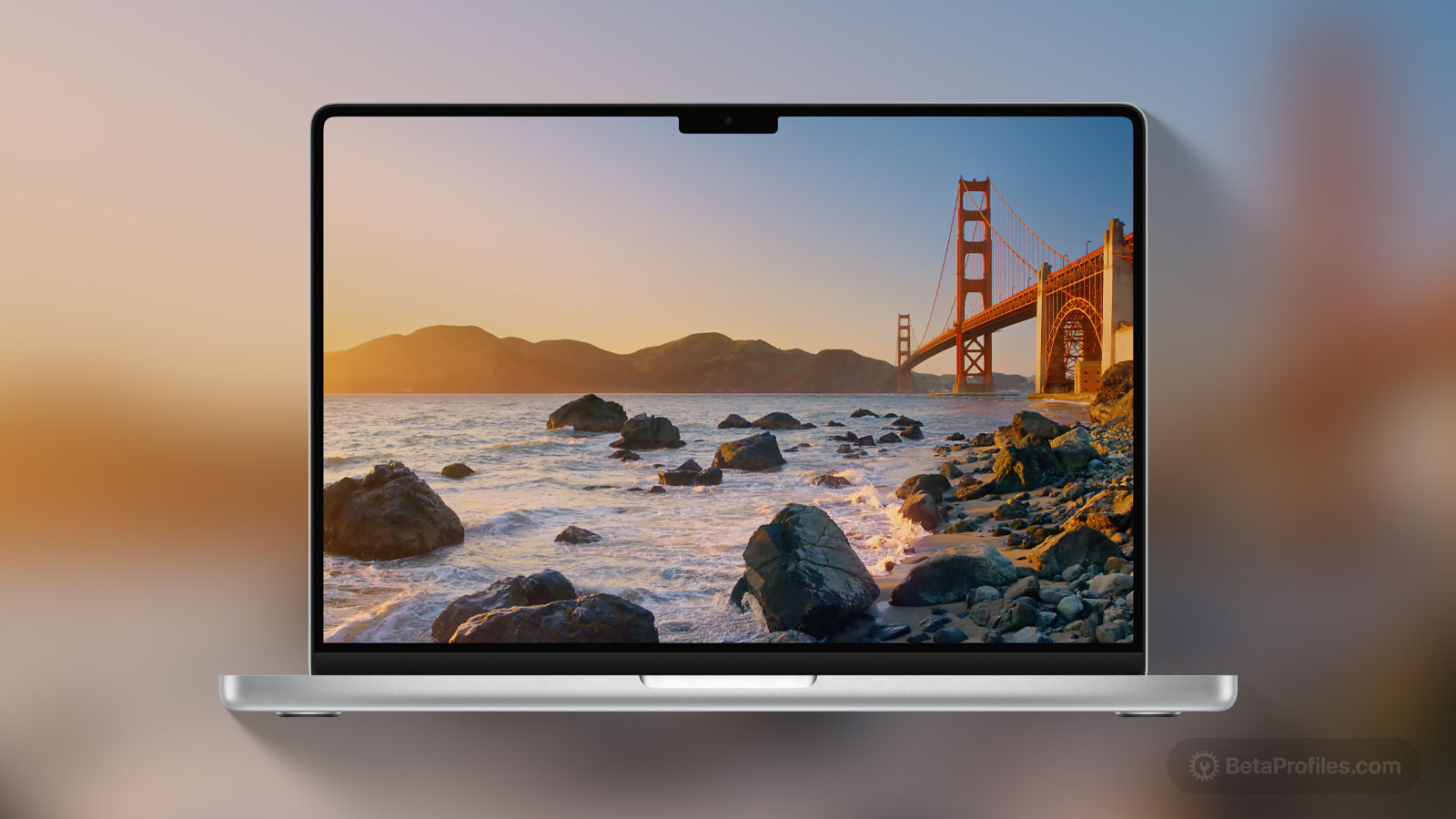
Get the new Golden Gate Sunset and Night wallpapers from macOS 27 Developer Beta 3.
Available for
Mac
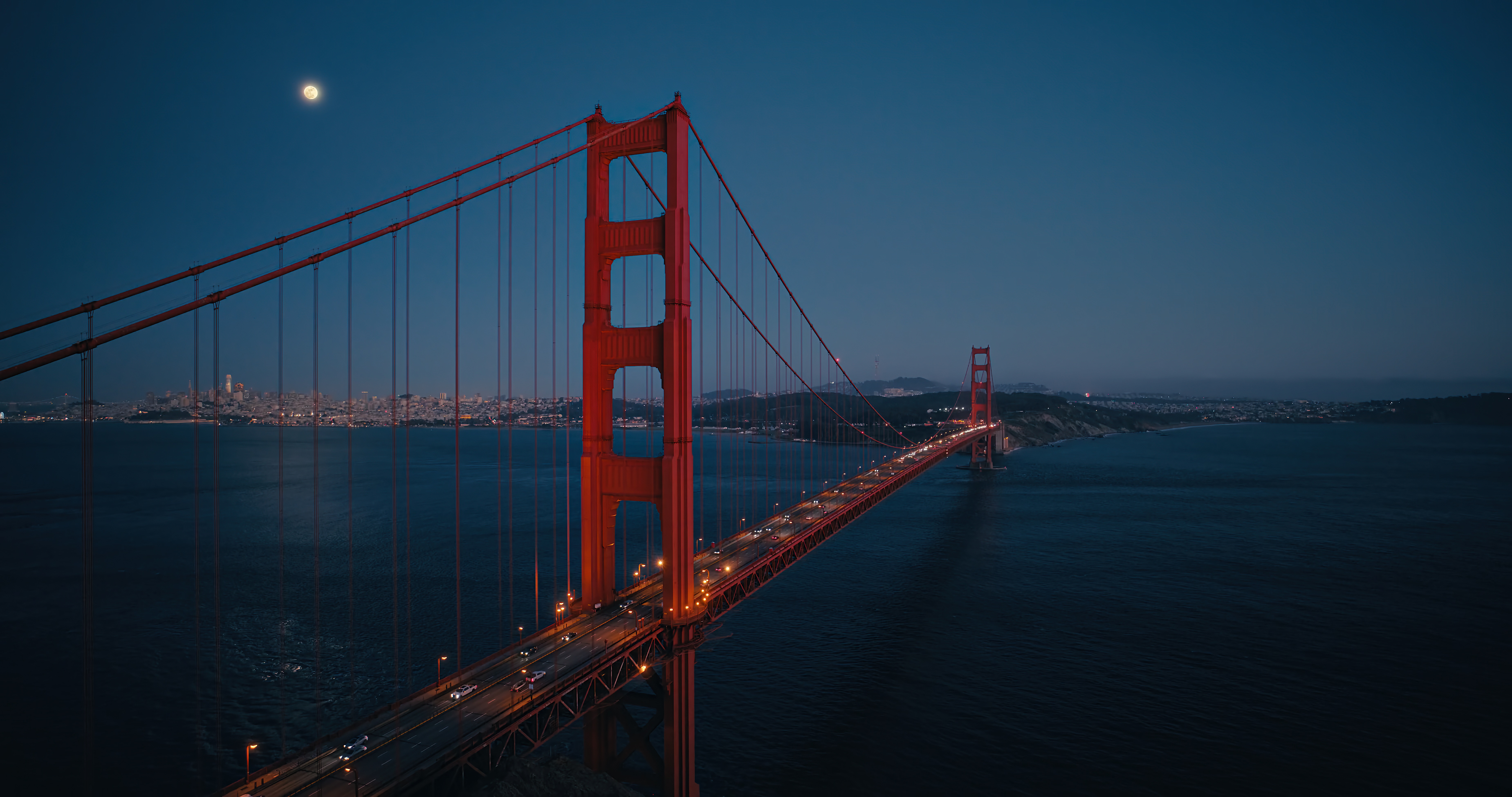
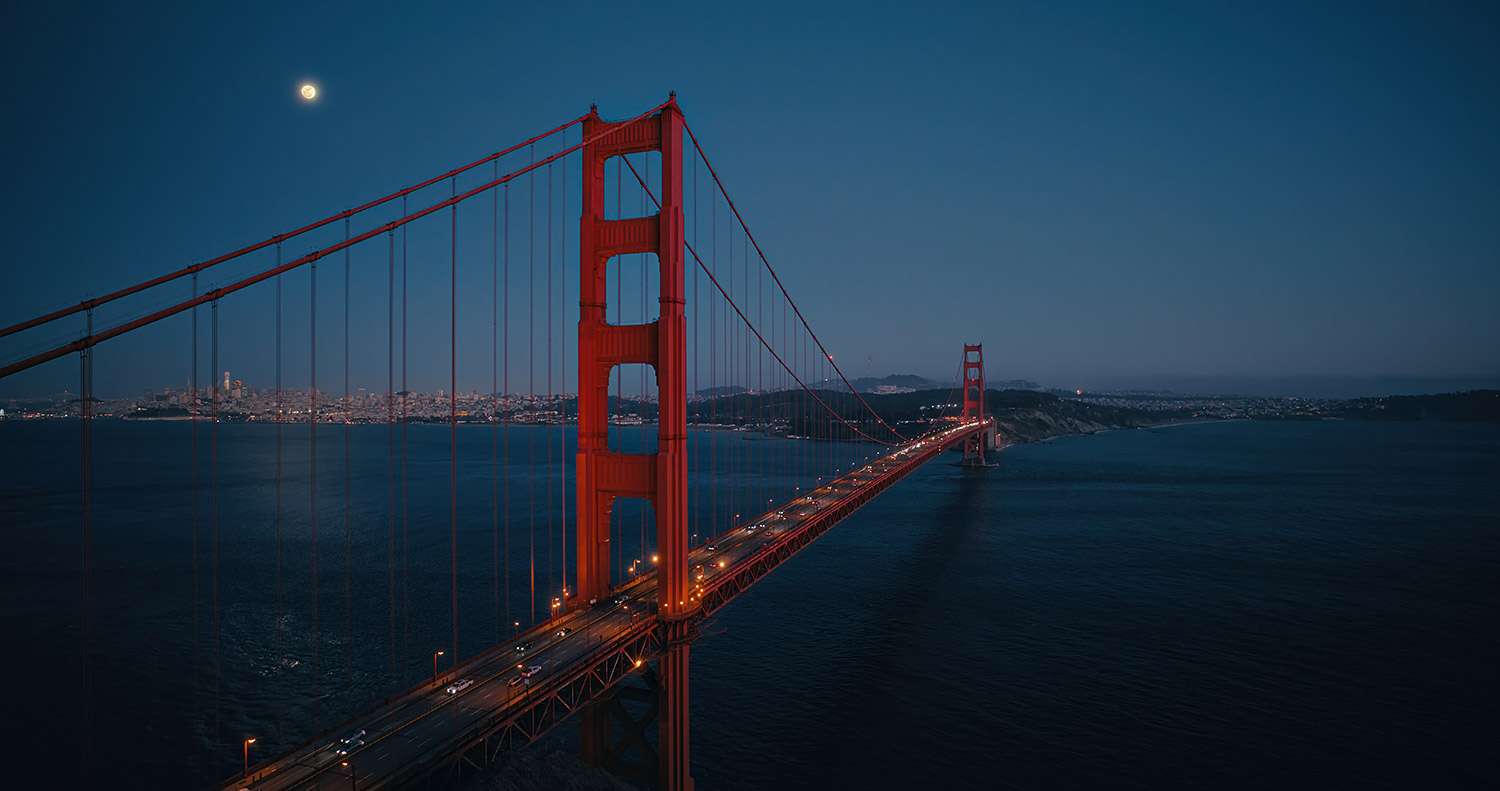
macOS 27 Developer Beta 3 introduces two new wallpapers for Mac: Golden Gate Sunset and Golden Gate Night. Both are available as animated Lock Screen wallpapers and automatically switch to static wallpapers after you unlock your Mac.
The wallpapers below were captured from the screen saver videos included in macOS 27 Developer Beta 3 and are available in 4K resolution. While they may not be as sharp as the original static wallpapers, they still offer excellent quality and look great even on a 5K display.
macOS Golden Gate also includes a matching abstract wallpaper, which you can download here.
Download

How to set wallpaper
Set your Mac wallpaper
- In Finder, open the folder where you saved the image.
- Right-click, or hold Control and click the image you want to set as your wallpaper.
- Click Set Desktop Picture. If you don’t see this option, move your cursor to Services > Set Desktop Picture.