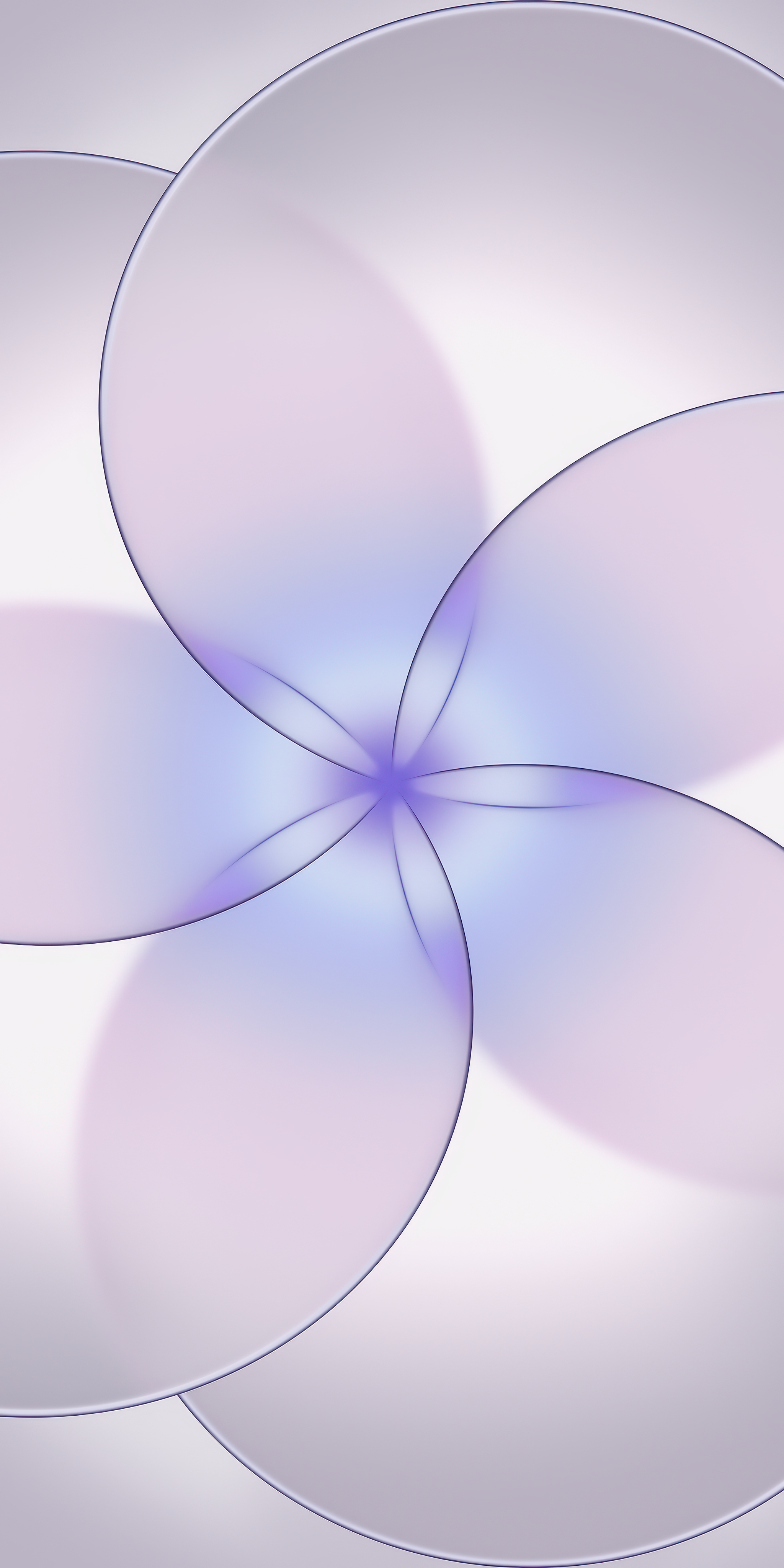
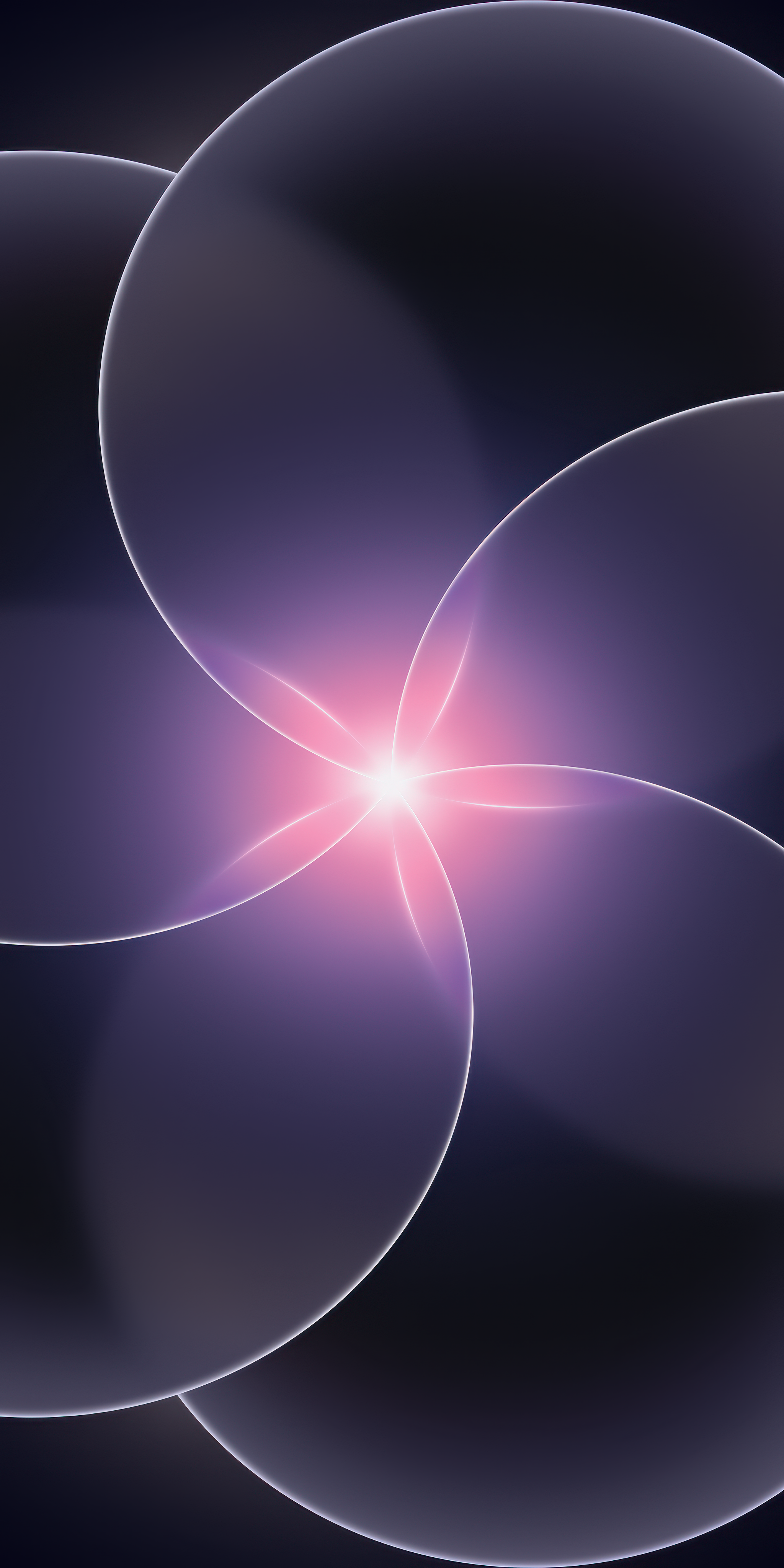
Official iPhone 17e Wallpaper
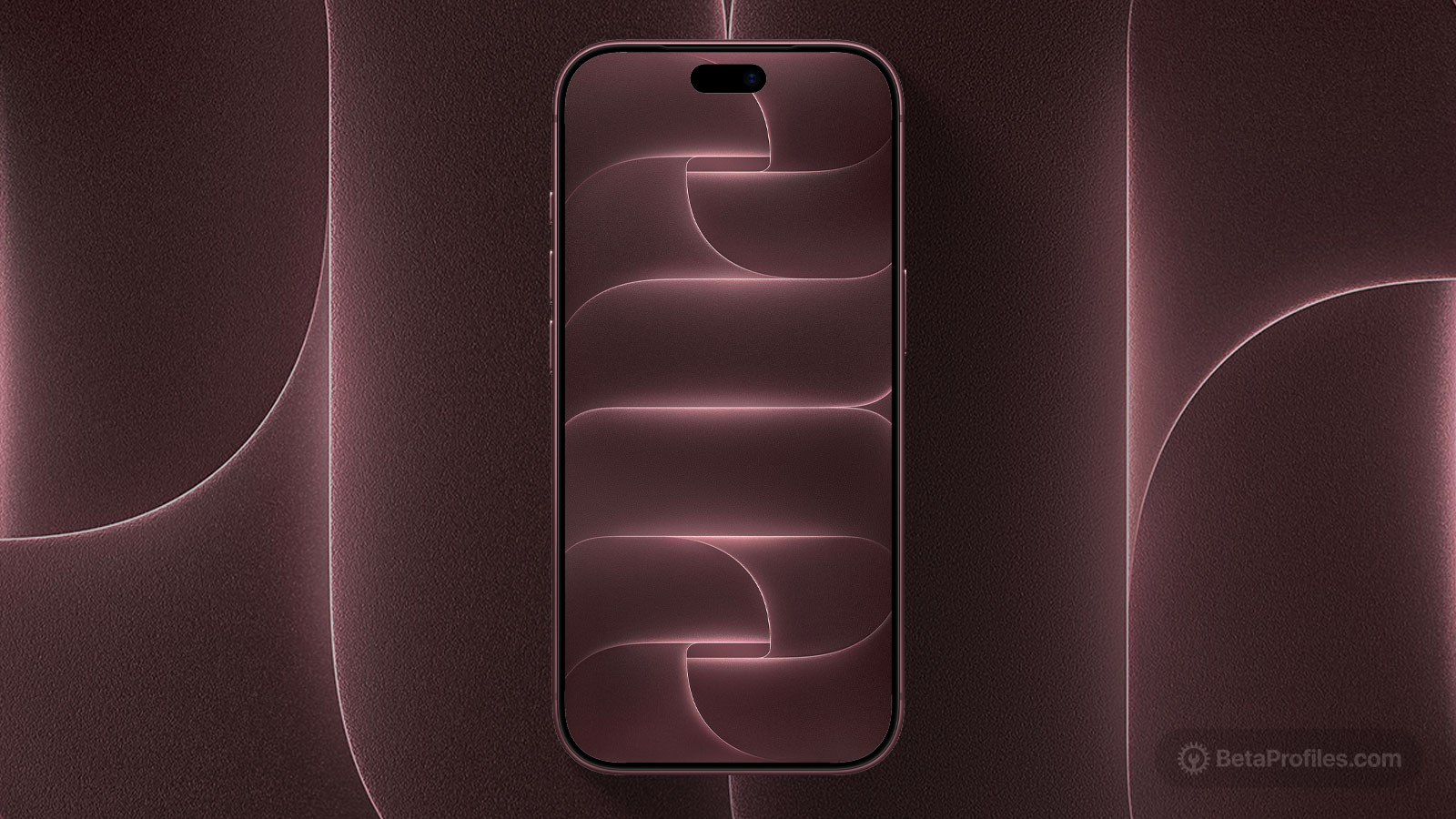
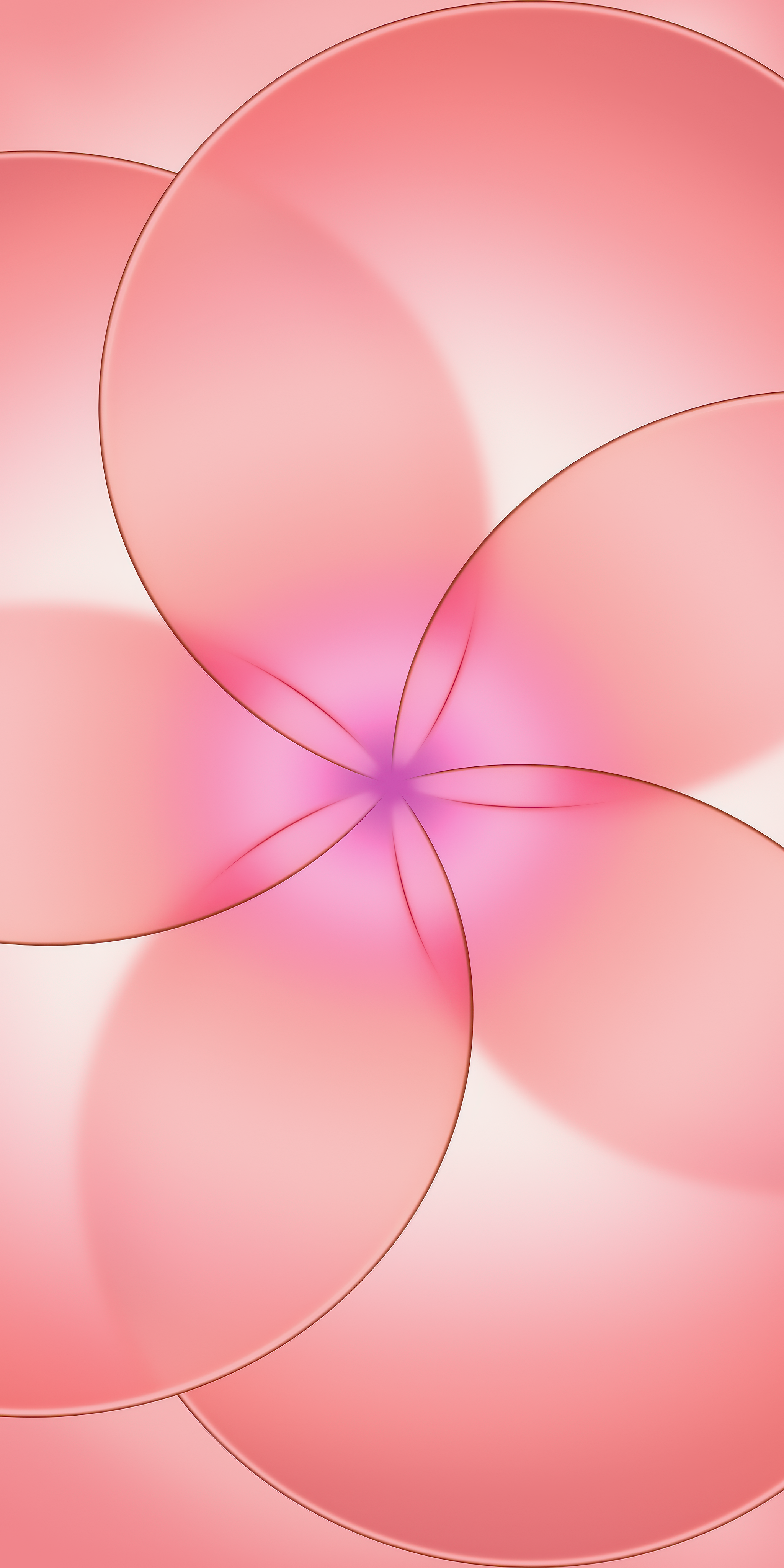
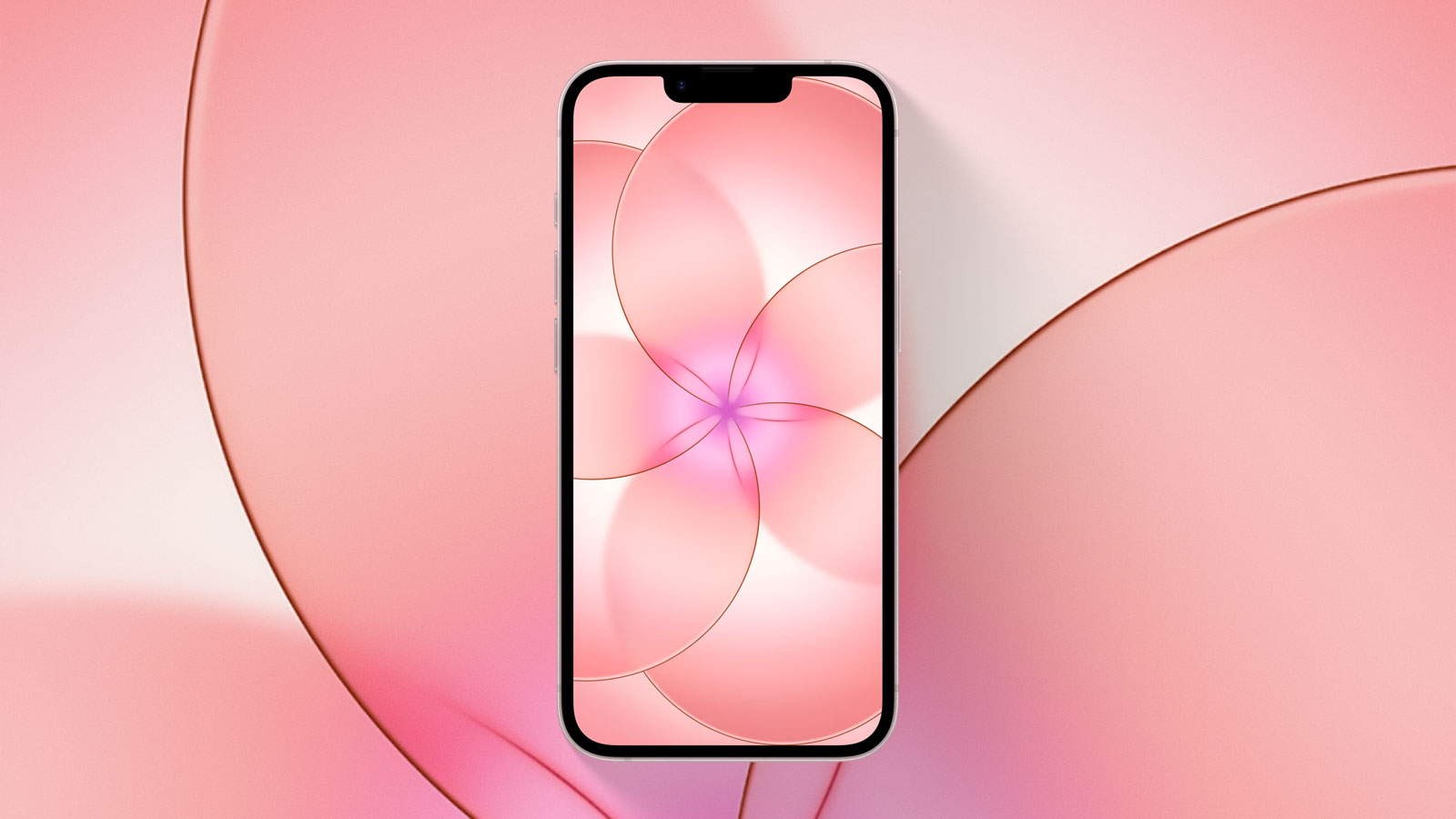
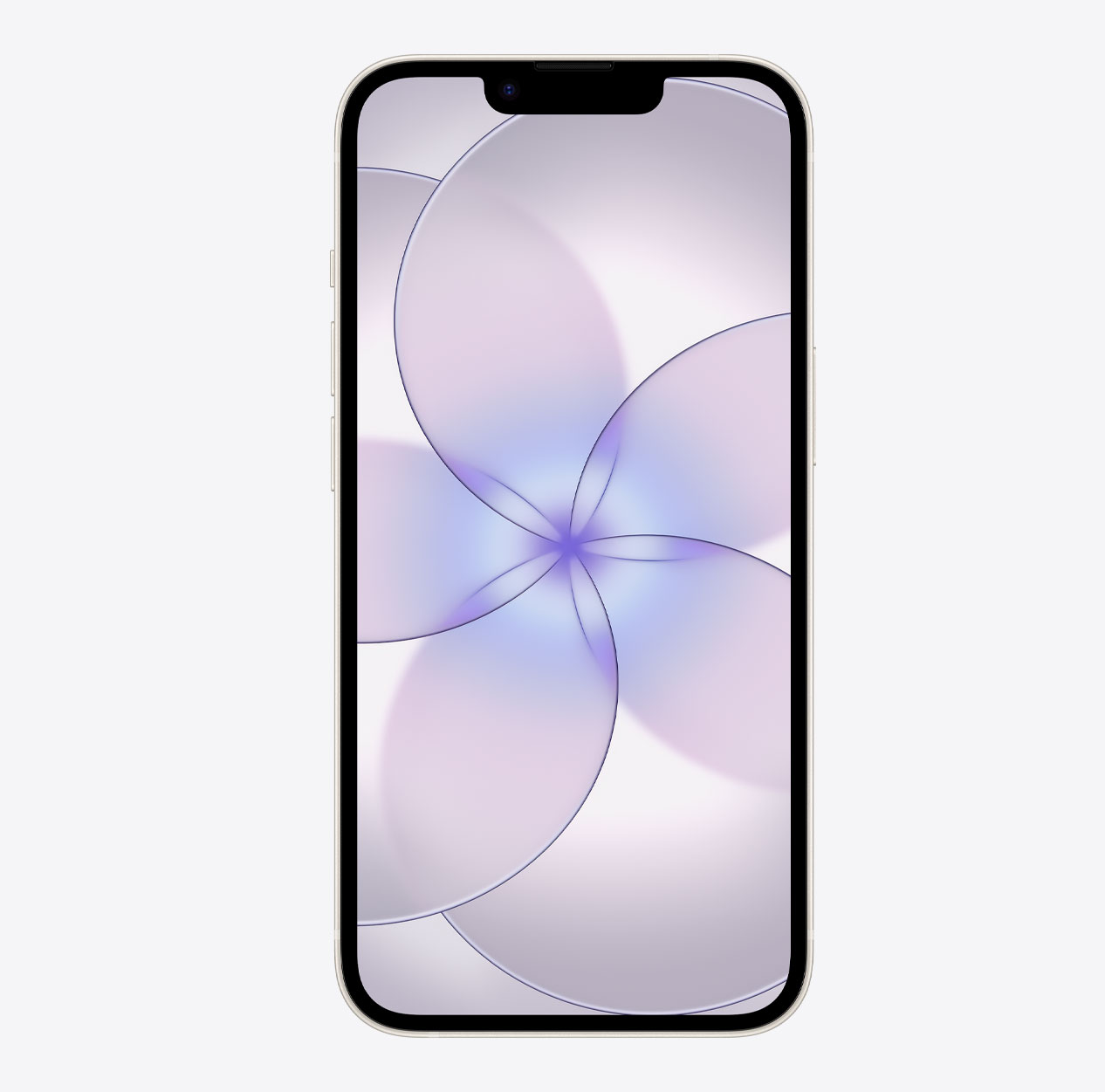
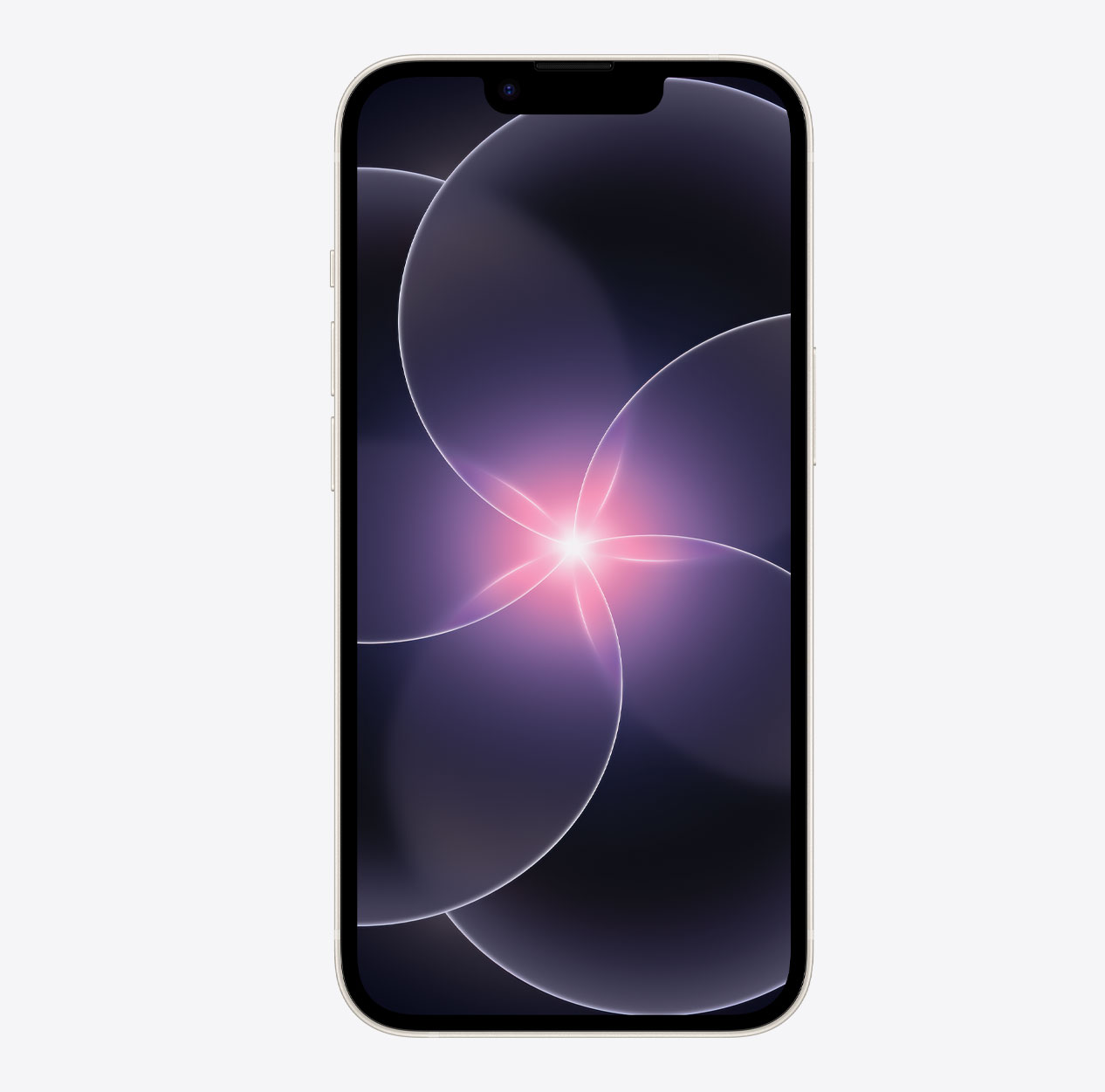
The iPhone 17e wallpaper brings layered glass elements together in a striking floral design.
Available for
iPhone
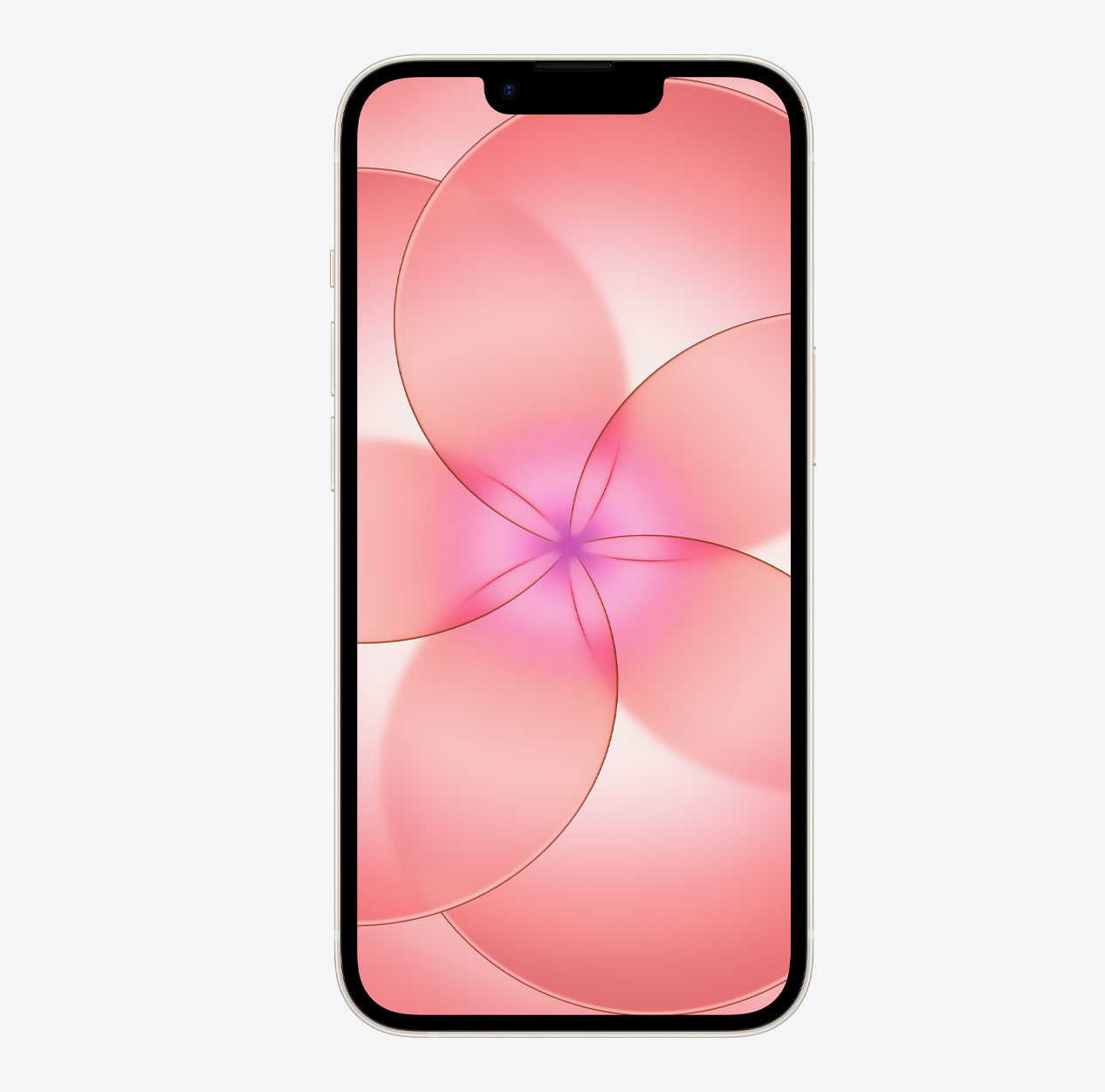
Apple has introduced the iPhone 17e, an update to last year’s iPhone 16e. While it doesn’t bring many design changes beyond the new Soft Pink color, Apple has added stunning new wallpapers featuring interwoven glass layers that create a beautiful floral effect in shades of pink, white, and black.
Last updated:
Download
How to set wallpaper
Set your iPhone wallpaper
- In the Photos app, tap the image you downloaded.
- Tap Share button.
- Scroll down and tap Use as Wallpaper.
- Adjust the wallpaper to your liking, then tap Add.
- Tap Set as Wallpaper Pair to apply it to both your Home Screen and Lock Screen. Tap Customize Home Screen if you want to create a separate Home Screen wallpaper that you can edit.