iPhone Air Wallpapers
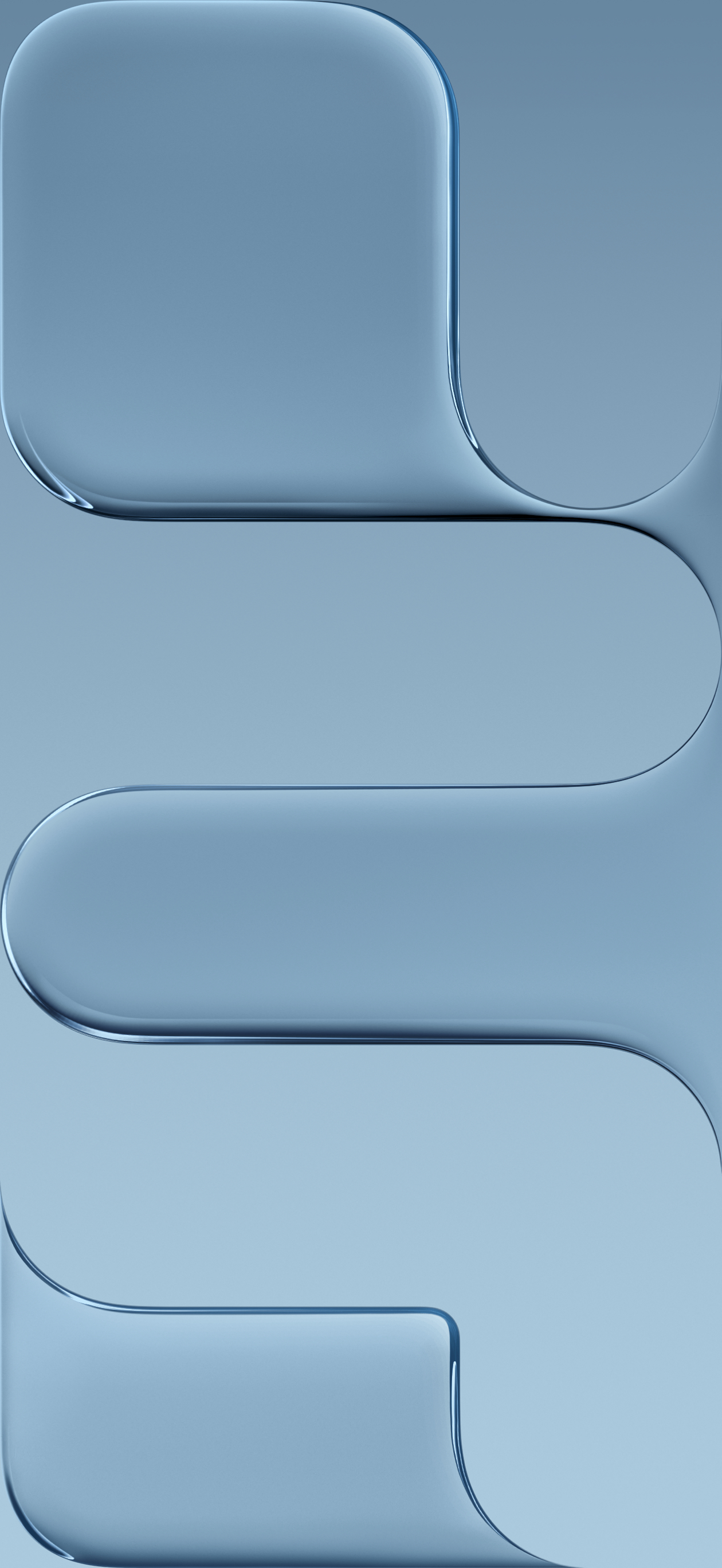
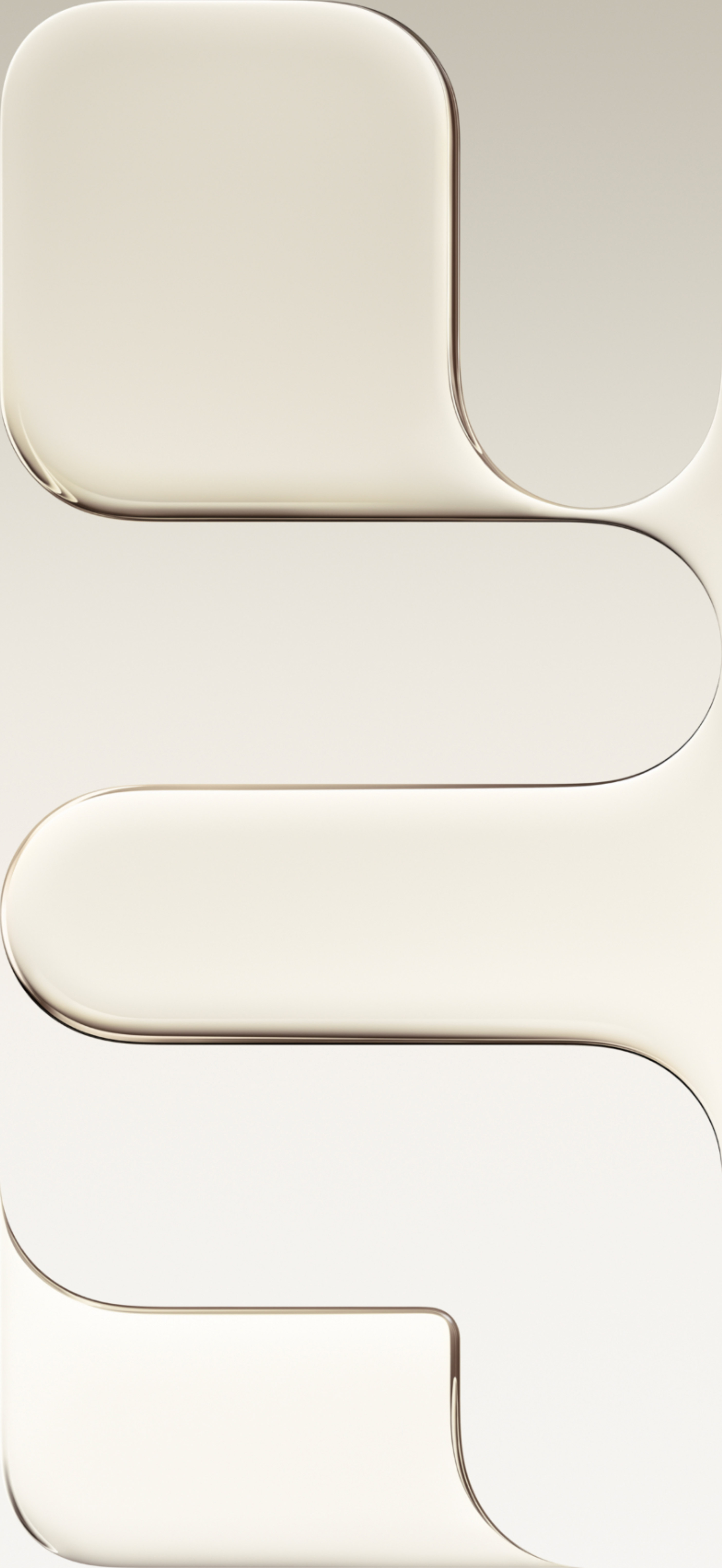
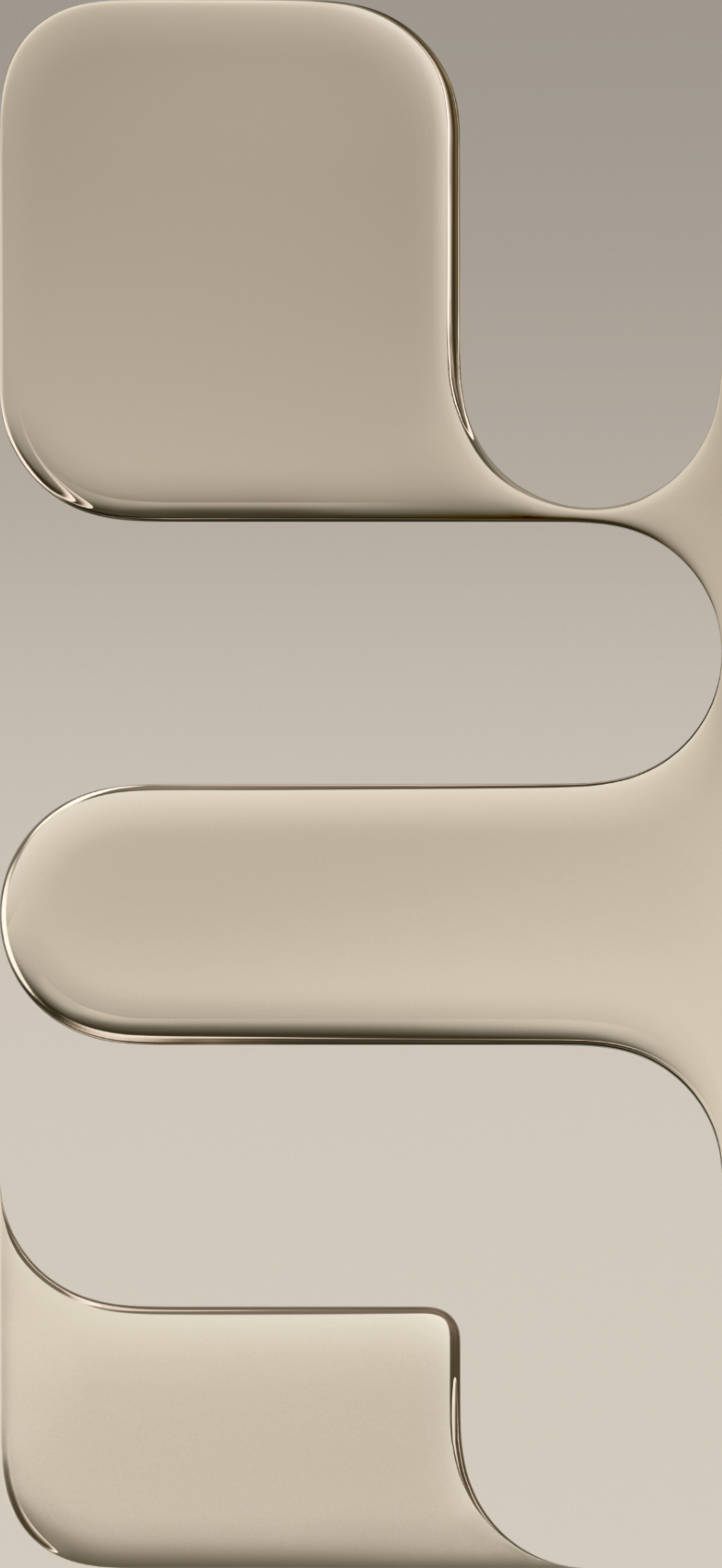
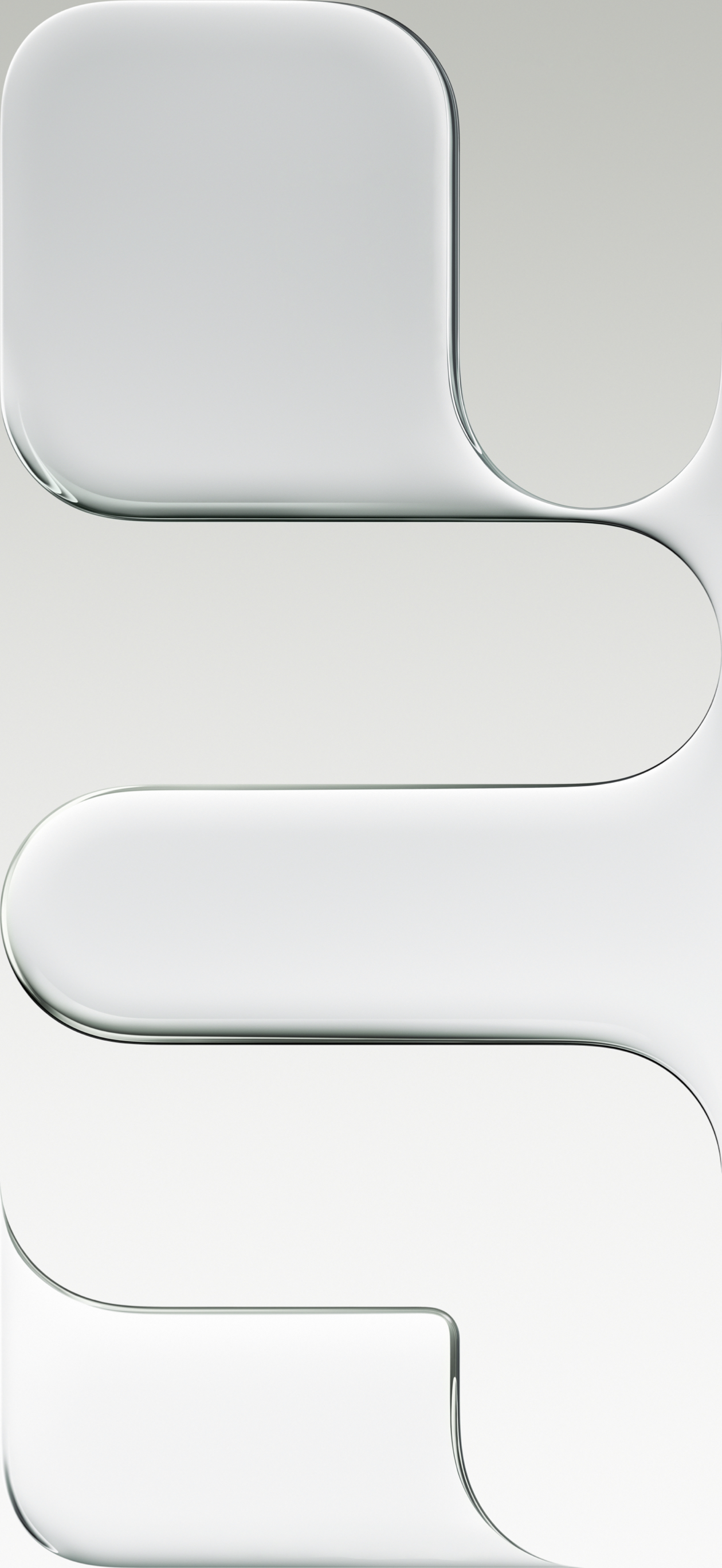
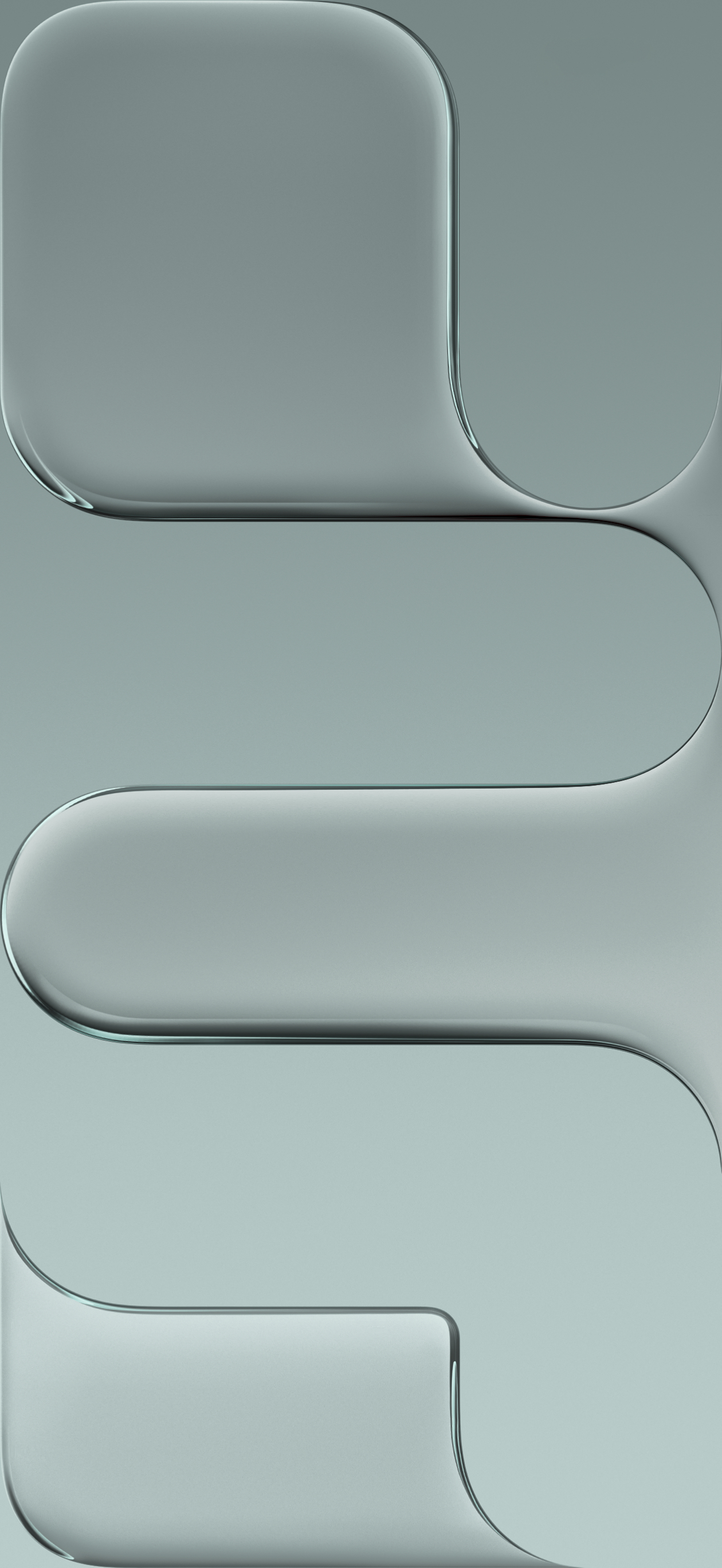
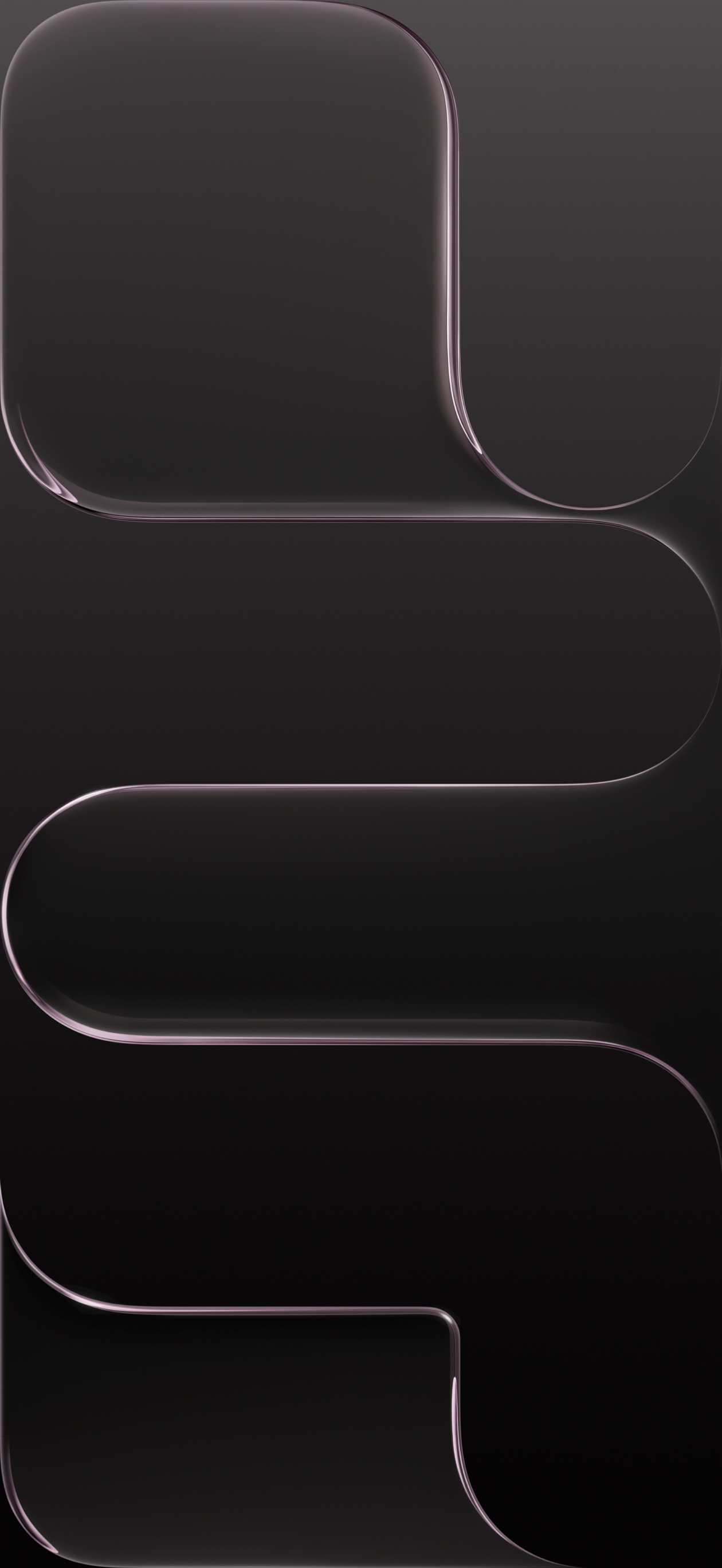
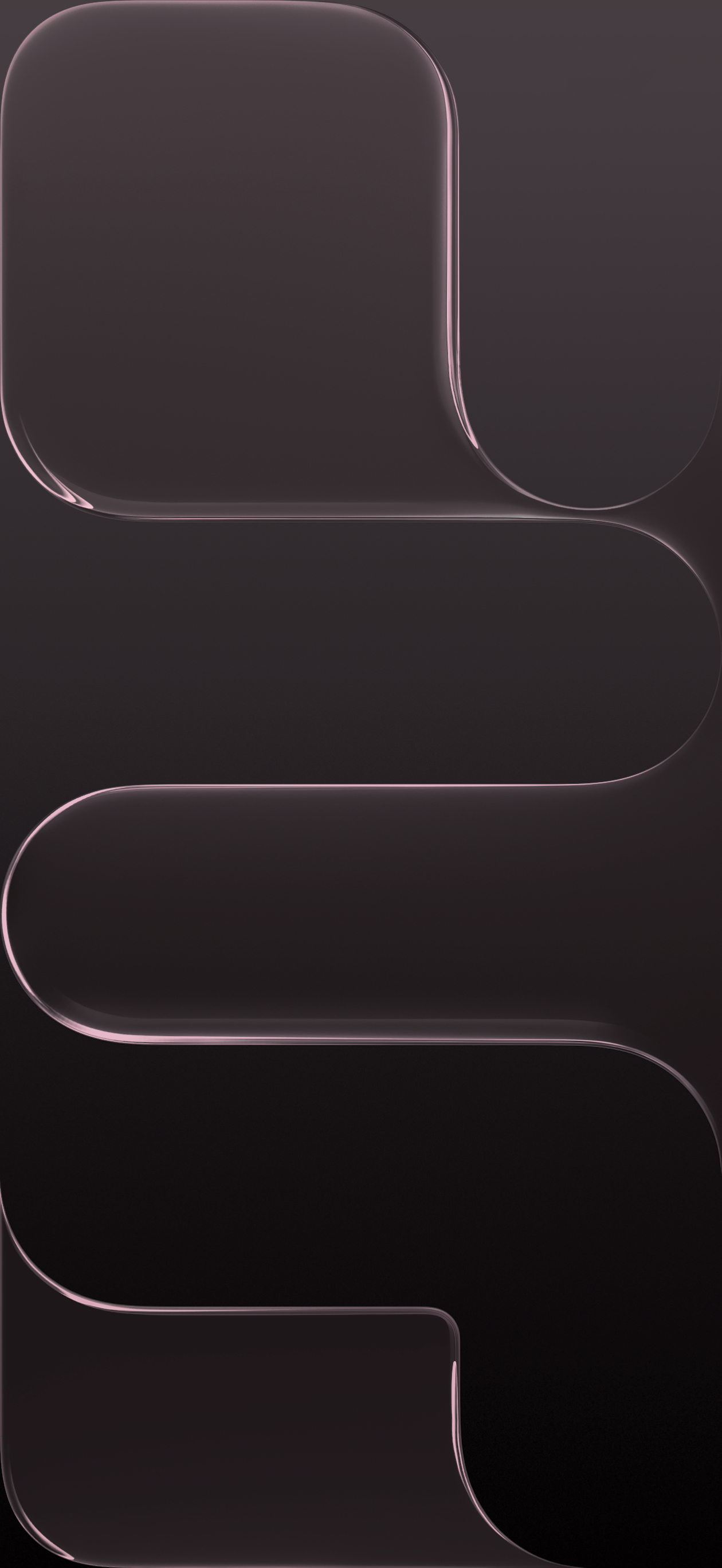
iPhone Air wallpapers available in four beautiful colors.
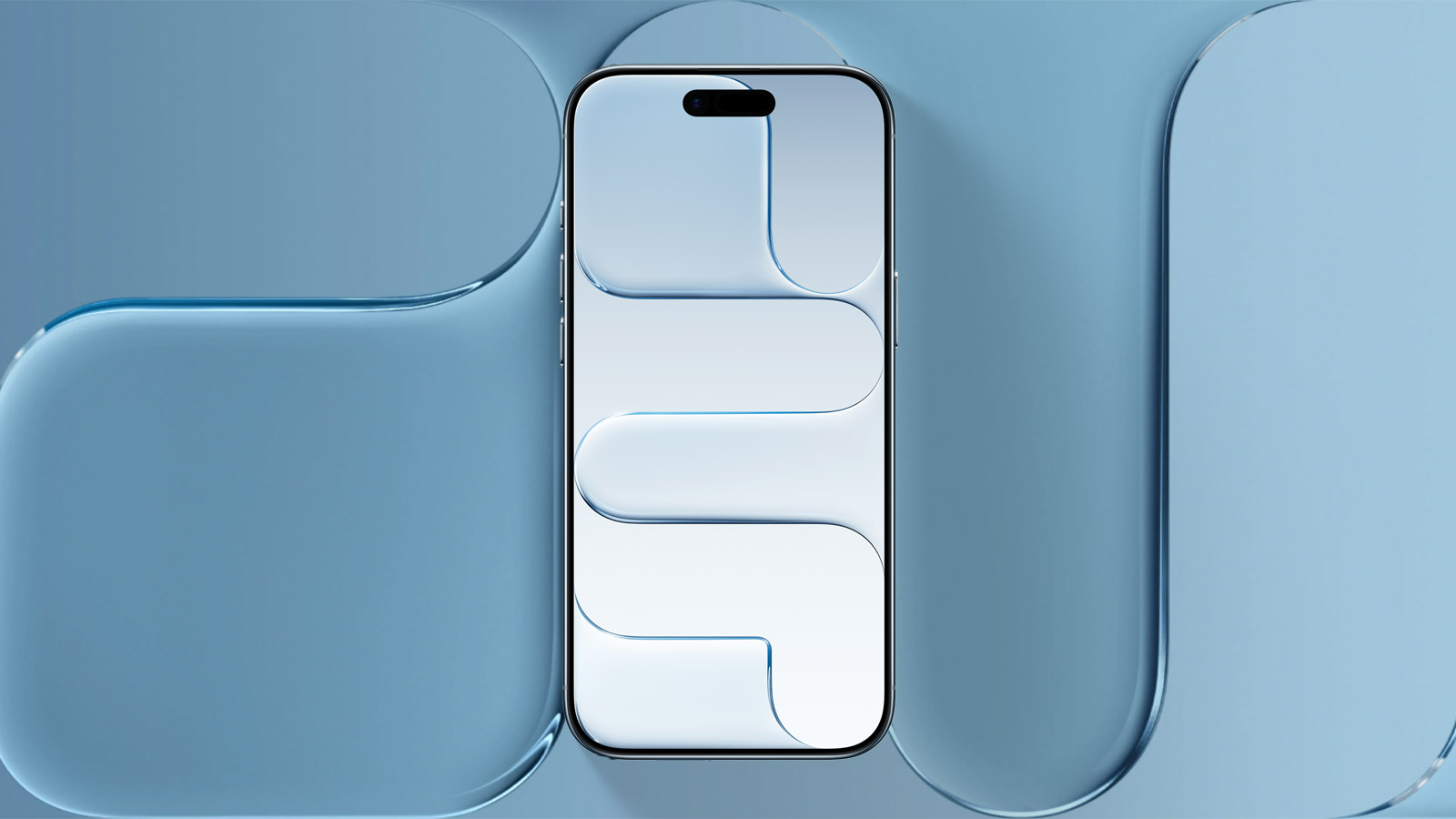
Available for
iPhone
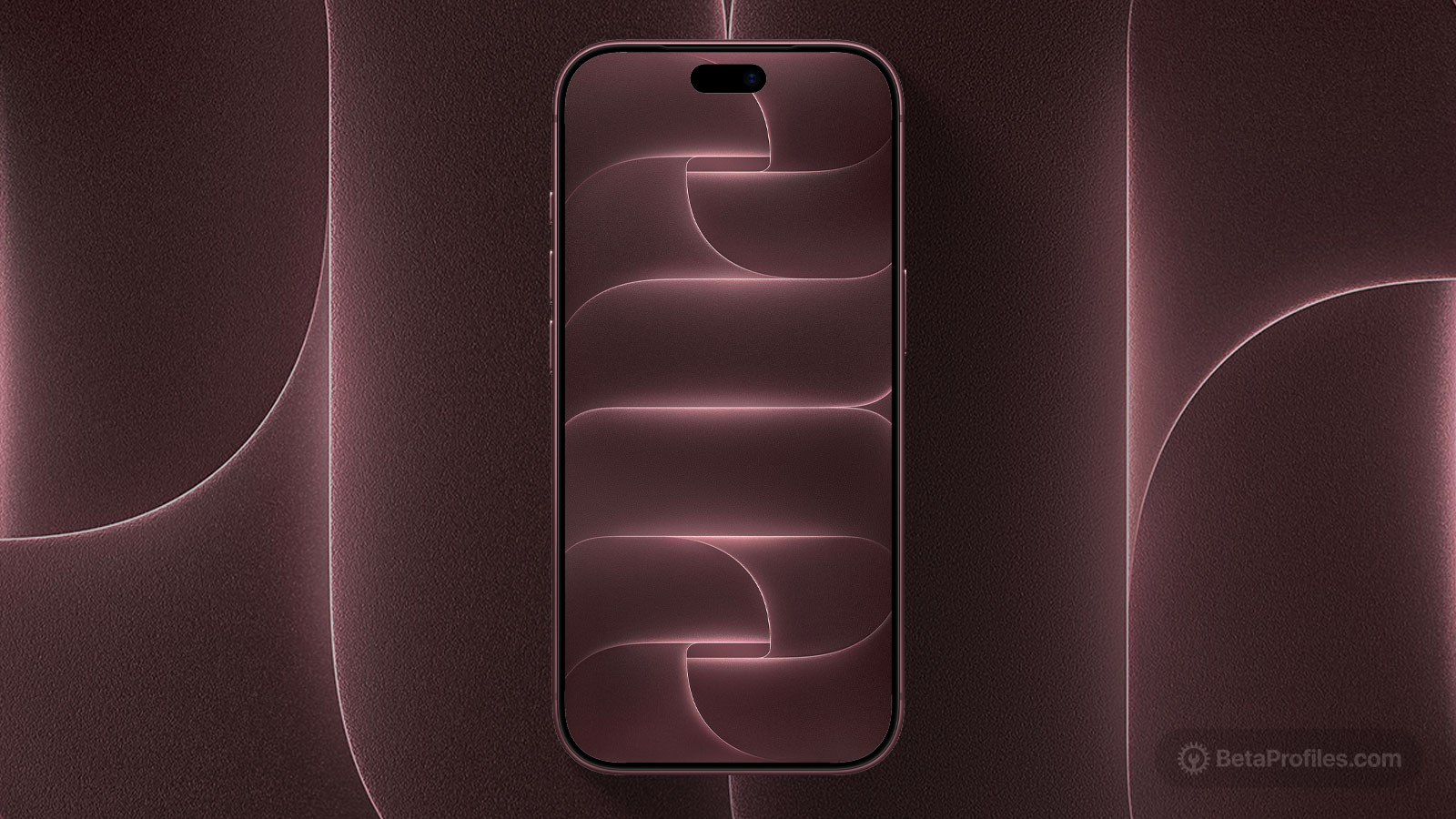
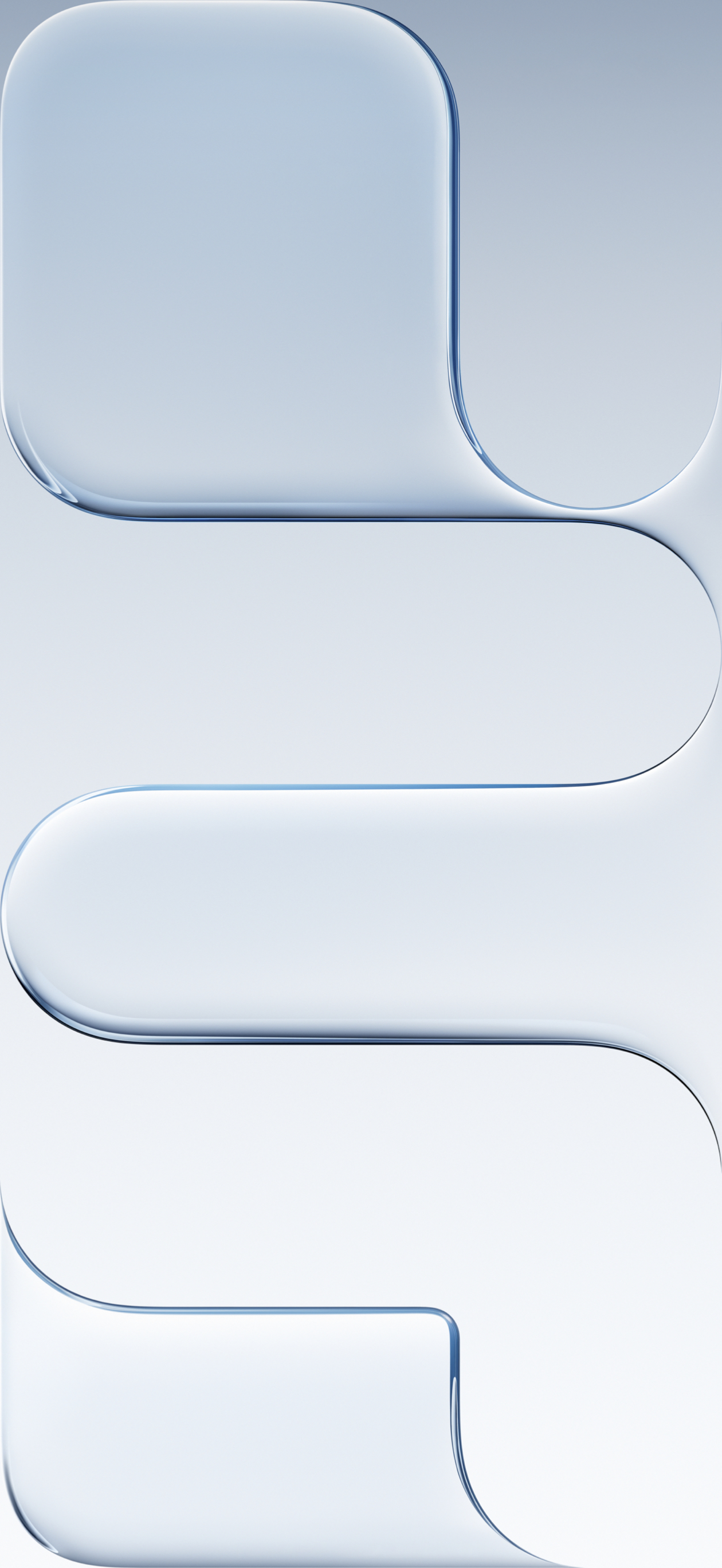
Apple introduced iPhone Air — the thinnest iPhone ever, and it comes with a beautiful new wallpaper, stylized from the word "air" in a horizontal layout. The wallpaper comes in both light and dark modes.
Last updated:
Download
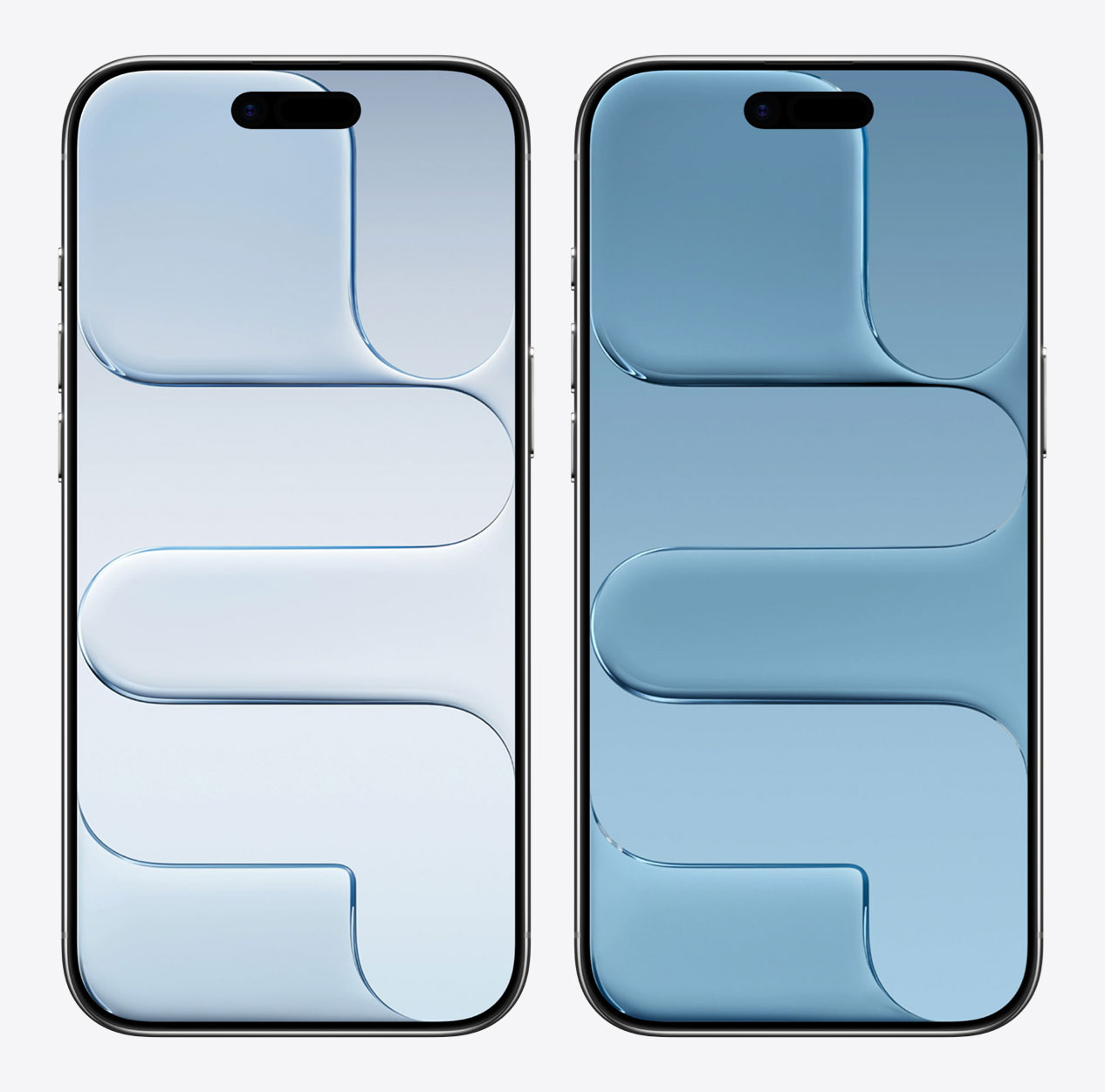
Sky Blue
iPhone (Lock Screen)
JPG · 1260×2736 · 2 MB
iPhone (Home Screen)
JPG · 1260×2736 · 1.4 MB
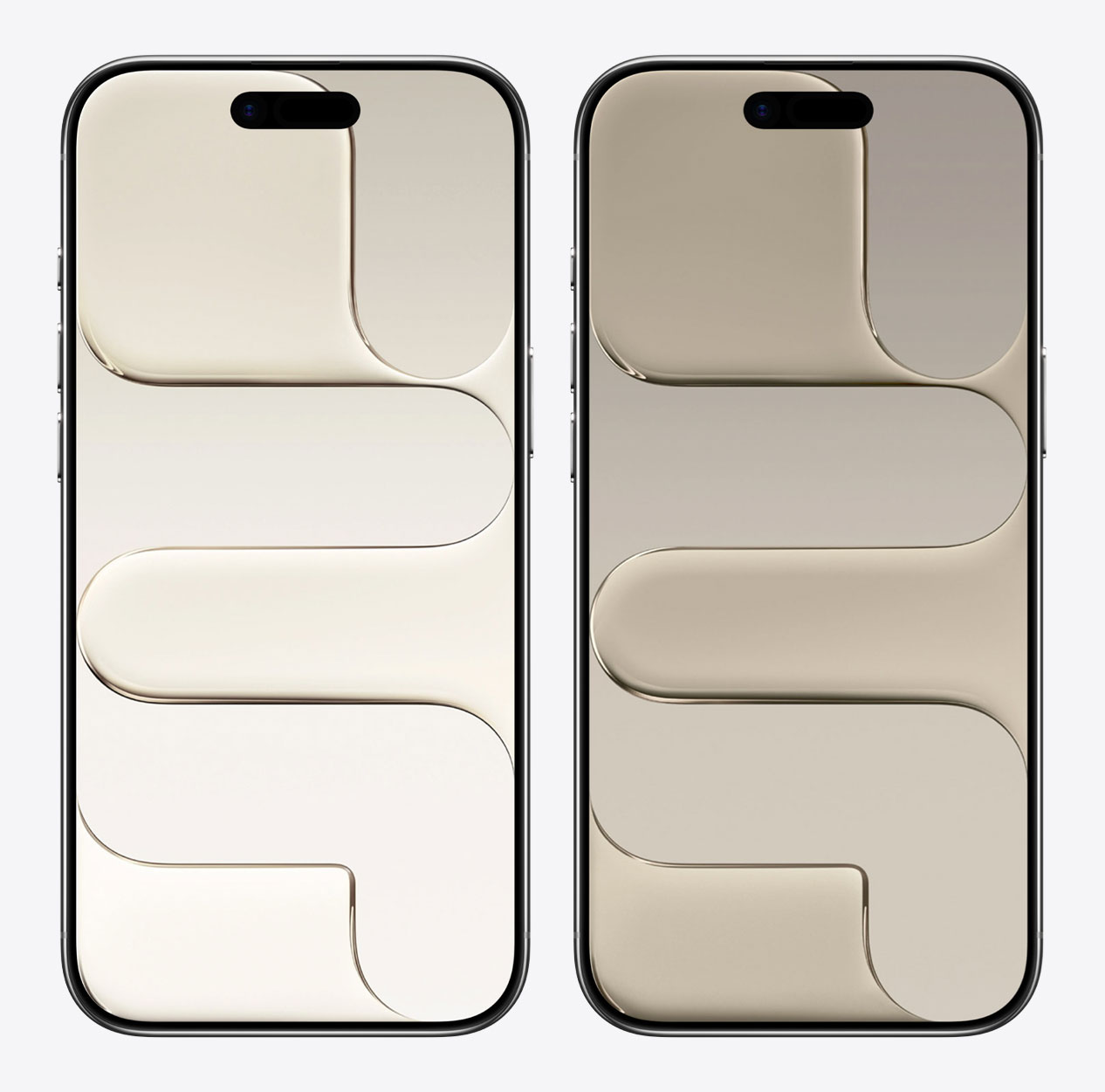
Light Gold
iPhone (Lock Screen)
JPG · 2811×6108 · 566 KB
iPhone (Home Screen)
JPG · 2811×6108 · 616 KB
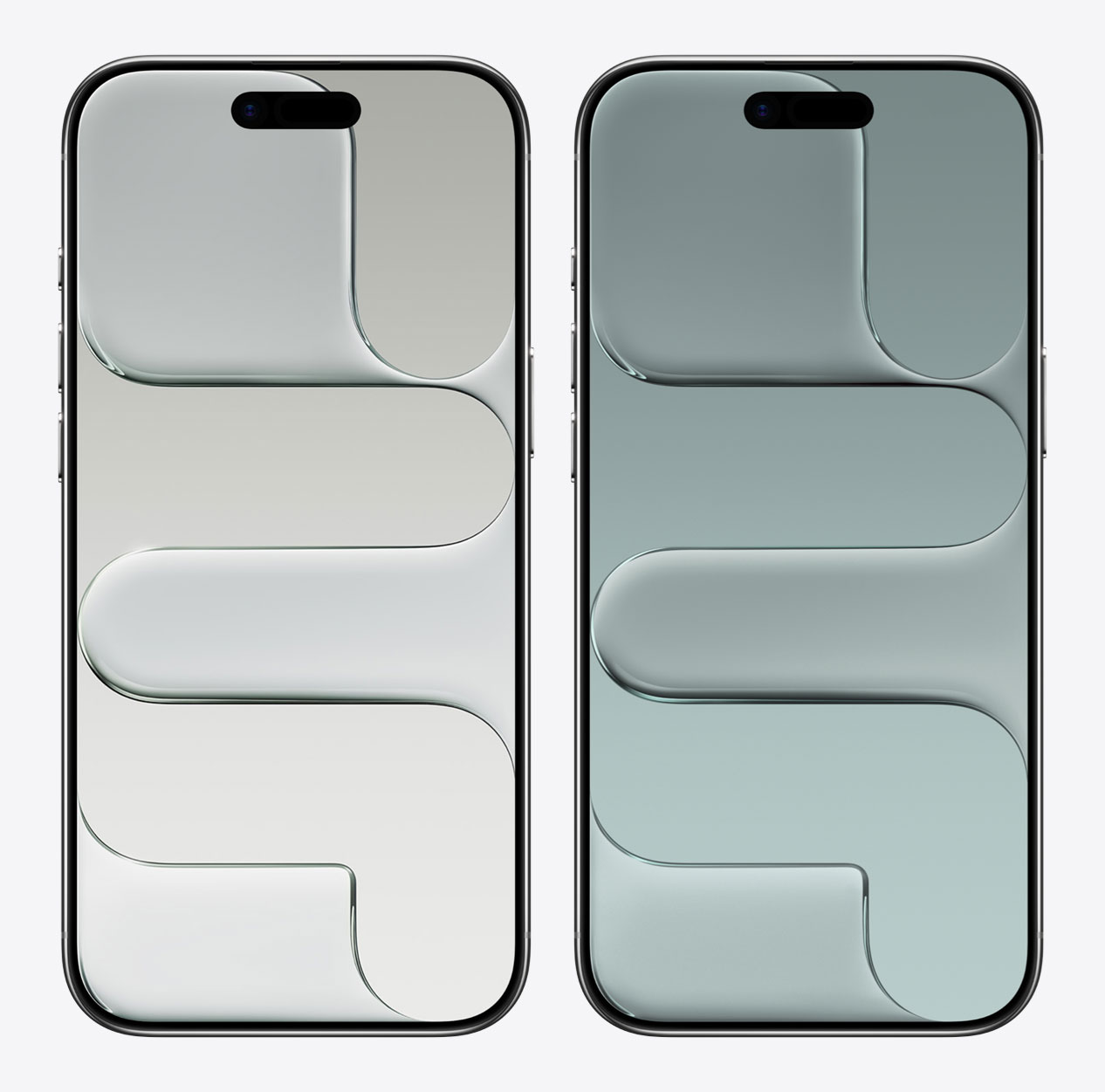
Cloud White
iPhone (Lock Screen)
JPG · 1260×2736 · 1.8 MB
iPhone (Home Screen)
JPG · 1260×2736 · 1.5 MB
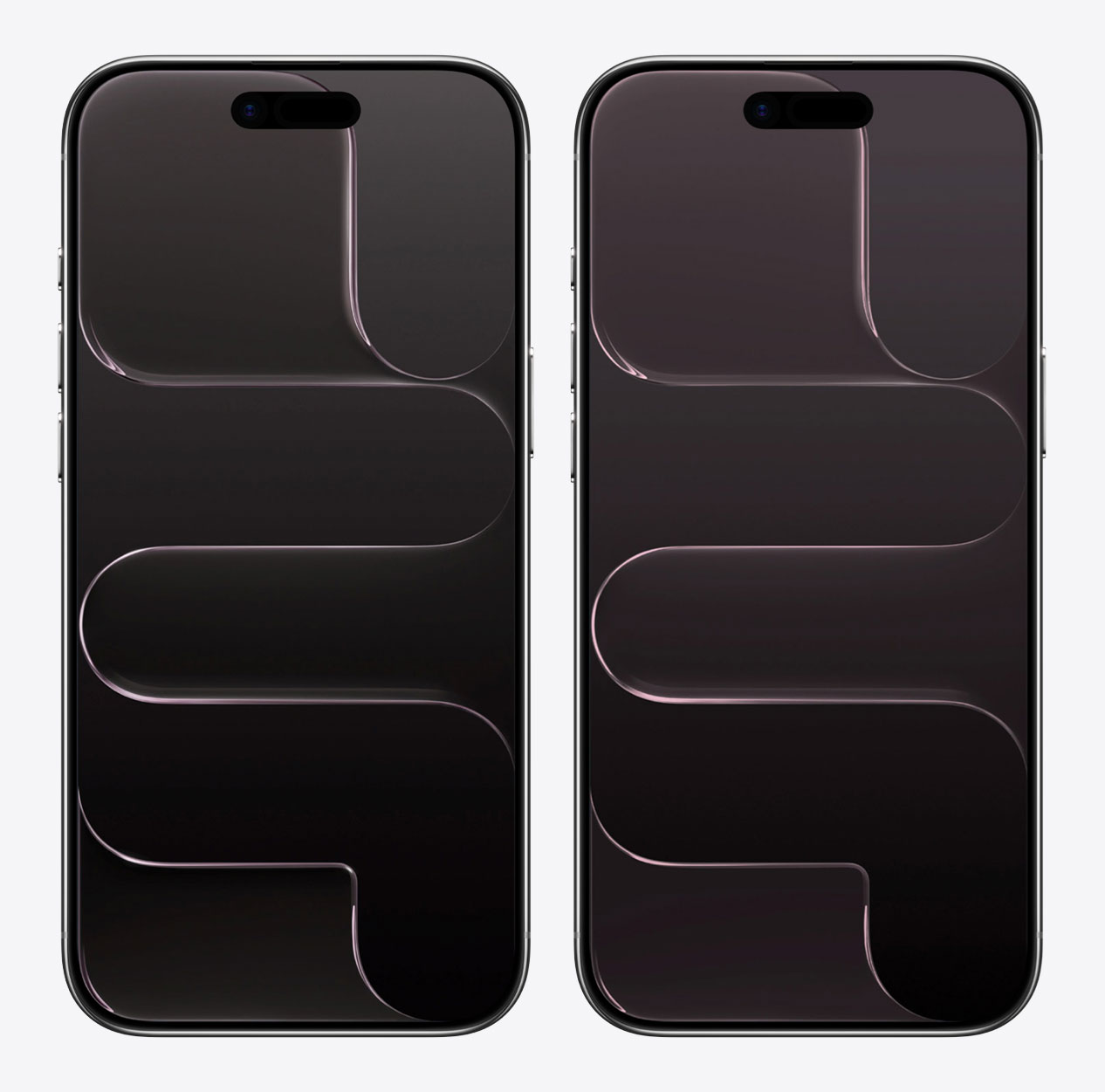
Space Black
iPhone (Lock Screen)
JPG · 1260×2736 · 2.1 MB
iPhone (Home Screen)
JPG · 1260×2736 · 1.4 MB
How to set wallpaper
Set your iPhone wallpaper
- In the Photos app, tap the image you downloaded.
- Tap Share button.
- Scroll down and tap Use as Wallpaper.
- Adjust the wallpaper to your liking, then tap Add.
- Tap Set as Wallpaper Pair to apply it to both your Home Screen and Lock Screen. Tap Customize Home Screen if you want to create a separate Home Screen wallpaper that you can edit.