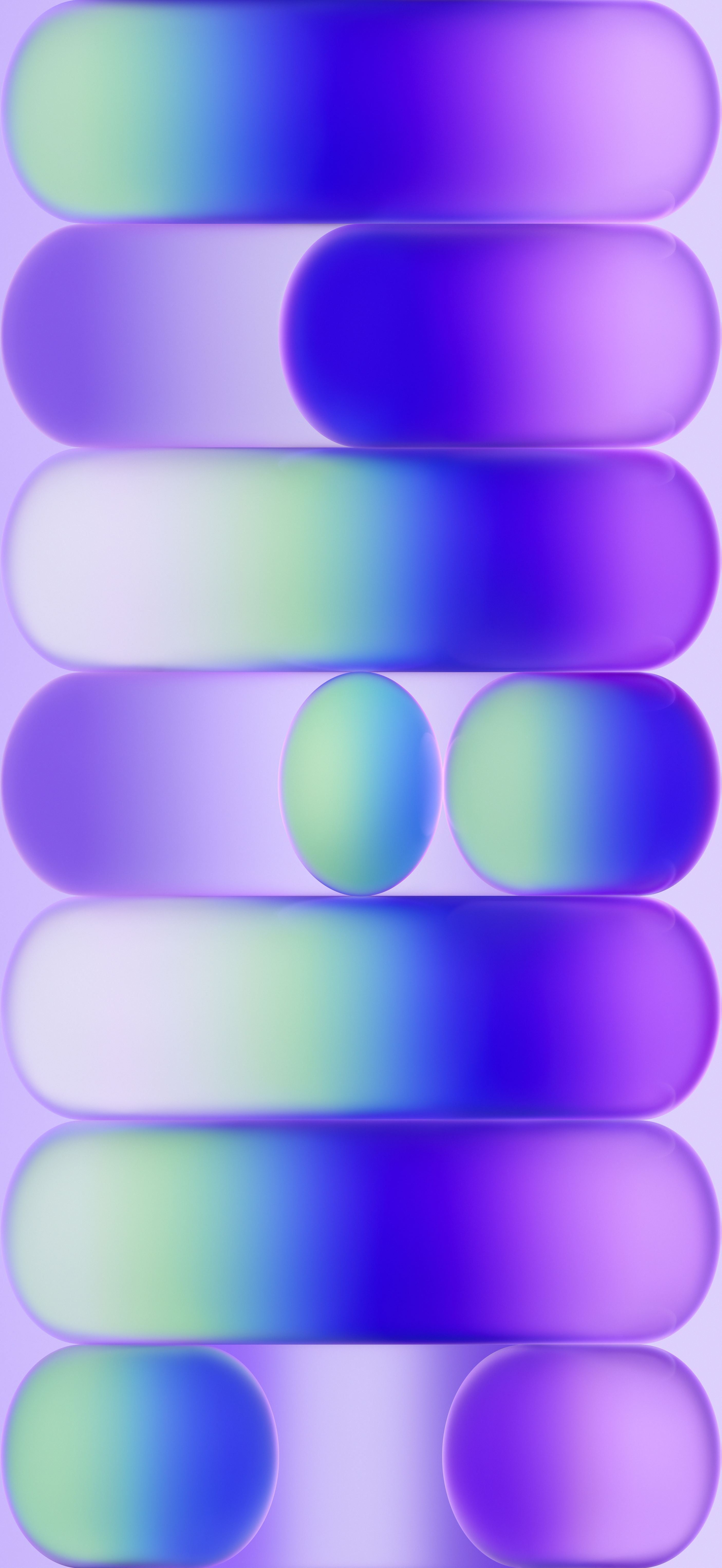
Download Official MacBook Neo Wallpapers
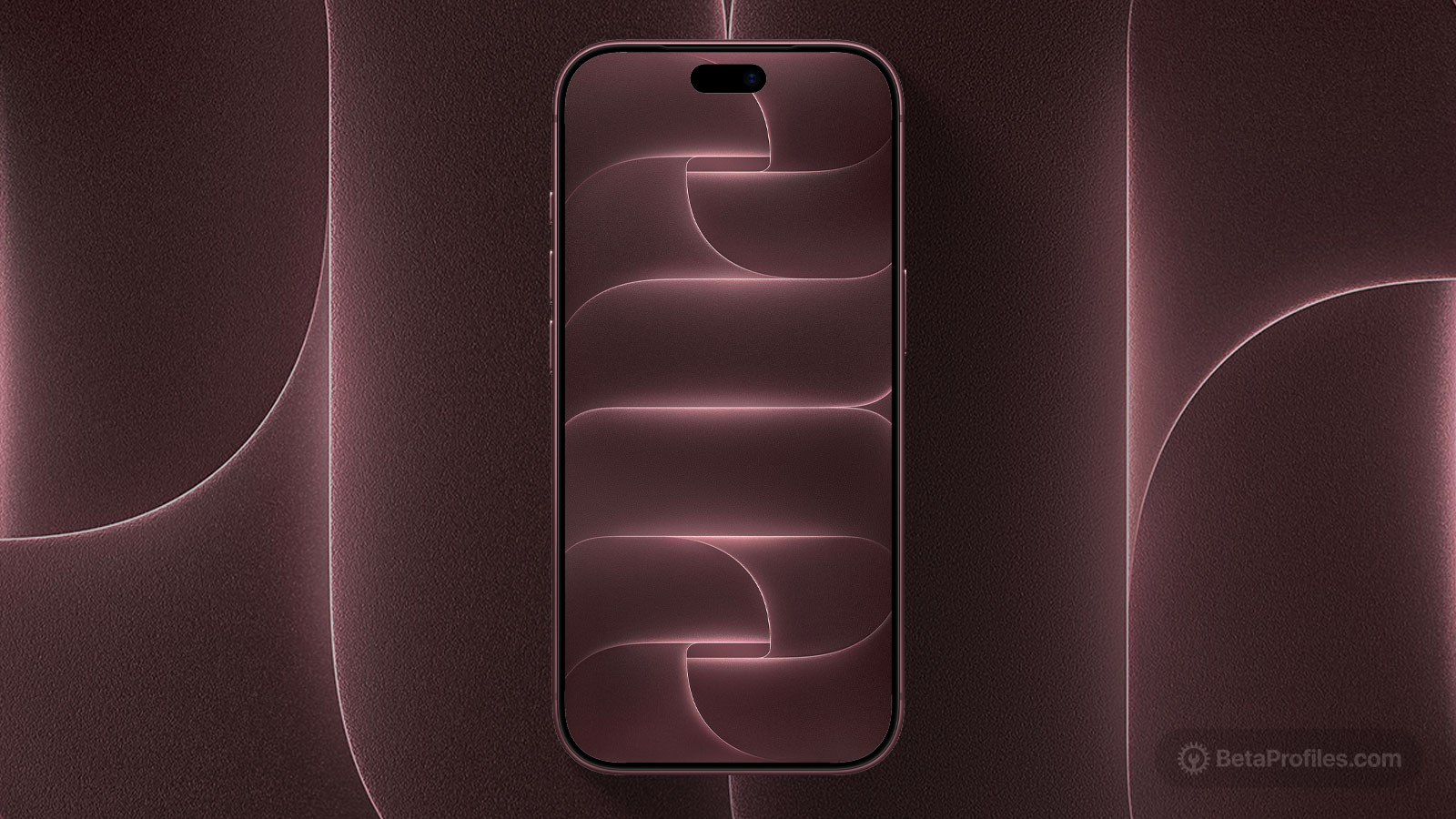
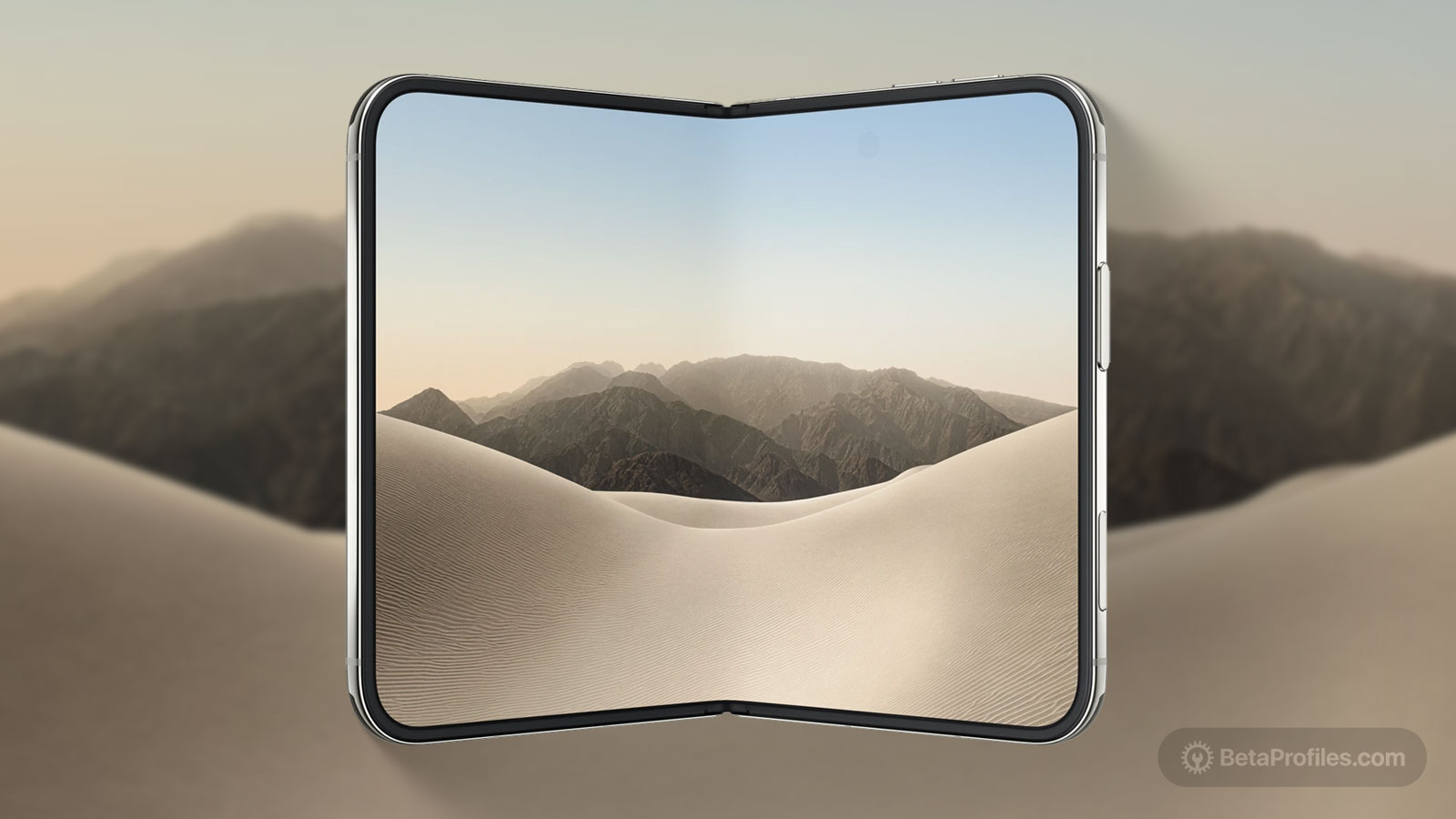
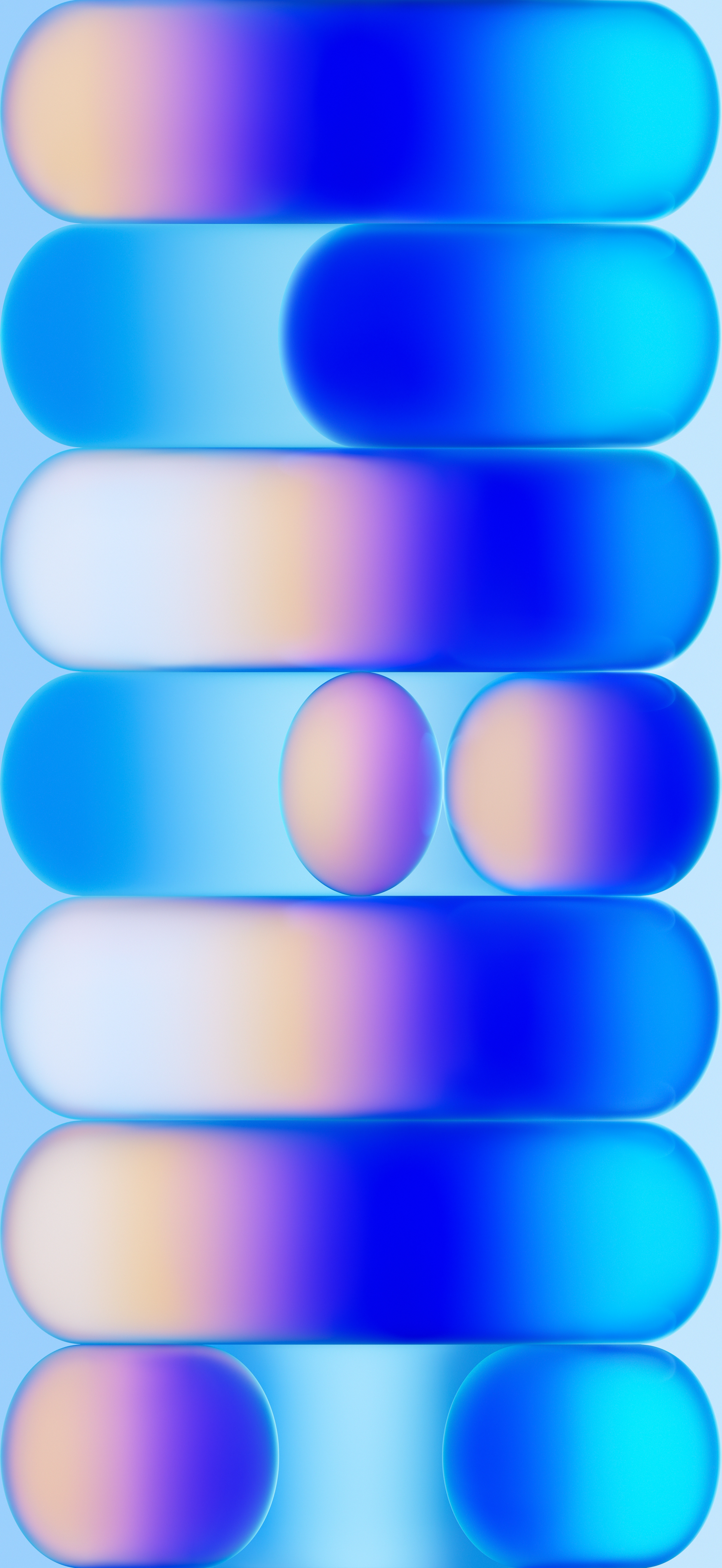
New MacBook, new wallpapers. Download the four stunning MacBook Neo wallpapers here.
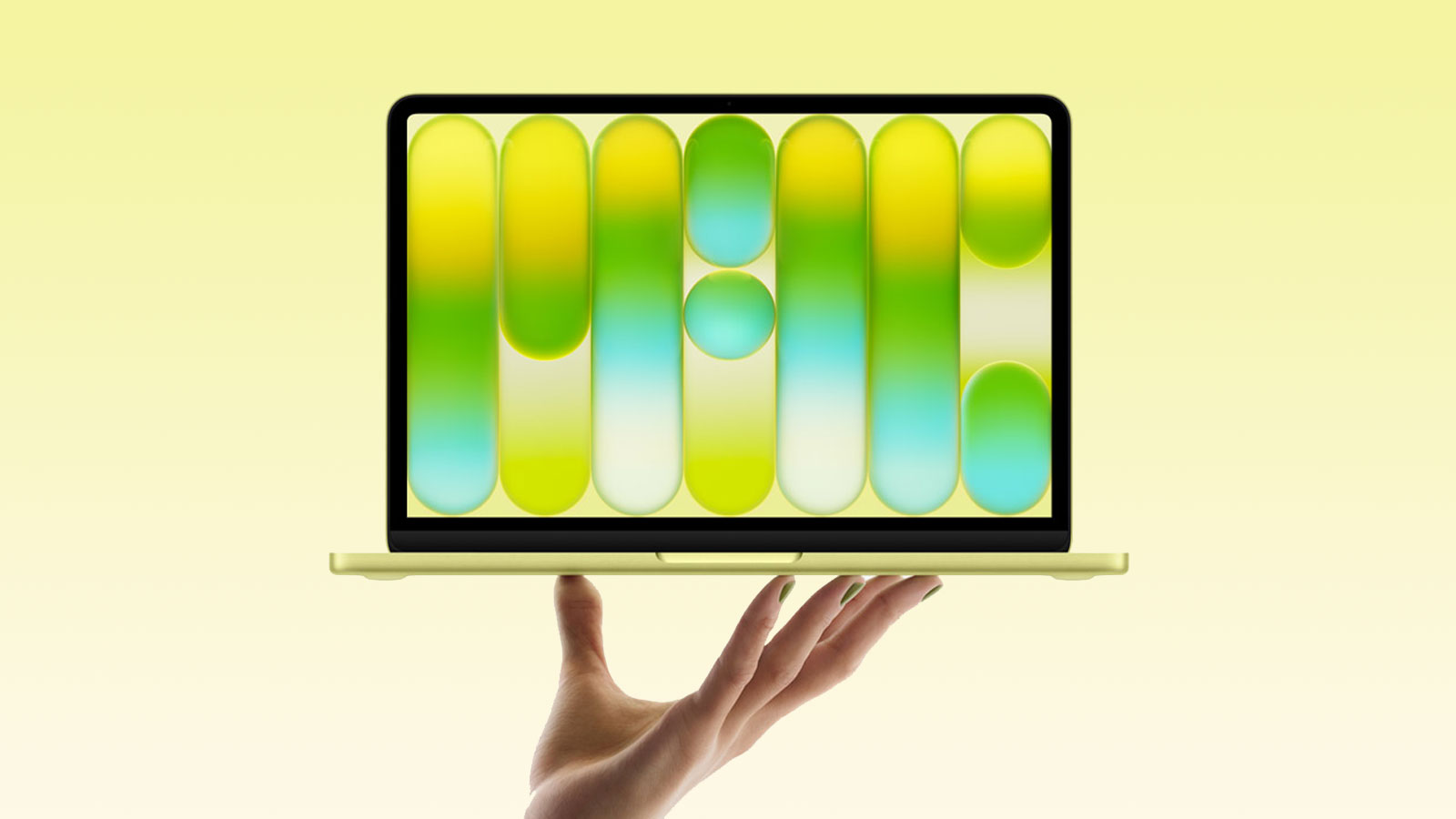
Available for
iPhone
iPad
Mac
Apple has introduced the MacBook Neo, an all-new budget MacBook powered by the A18 Pro chip instead of an M-series chip. It comes with just 8GB of RAM and misses out on features like True Tone, a P3 display, MagSafe, a backlit keyboard, and more. But the price is surprisingly aggressive at just $599, or $499 for students.
MacBook Neo also includes a beautiful wallpaper that matches its four colors: Indigo, Silver, Blush, and Citrus, which you can download below. If you look closely, the wallpaper spells ‘MAC.’
Last updated:
Download




How to set wallpaper
Set your iPhone wallpaper
- In the Photos app, tap the image you downloaded.
- Tap Share button.
- Scroll down and tap Use as Wallpaper.
- Adjust the wallpaper to your liking, then tap Add.
- Tap Set as Wallpaper Pair to apply it to both your Home Screen and Lock Screen. Tap Customize Home Screen if you want to create a separate Home Screen wallpaper that you can edit.
Set your iPad wallpaper
- In the Photos app, tap the image you downloaded.
- Tap Share button.
- Tap Use as Wallpaper.
- Adjust the wallpaper to your liking, then tap Add.
- Tap Set as Wallpaper Pair to apply it to both your Home Screen and Lock Screen. Tap Customize Home Screen if you want to create a separate Home Screen wallpaper that you can edit.
Set your Mac wallpaper
- In Finder, open the folder where you saved the image.
- Right-click, or hold Control and click the image you want to set as your wallpaper.
- Click Set Desktop Picture. If you don’t see this option, move your cursor to Services > Set Desktop Picture.