Apple HomeView Wallpapers
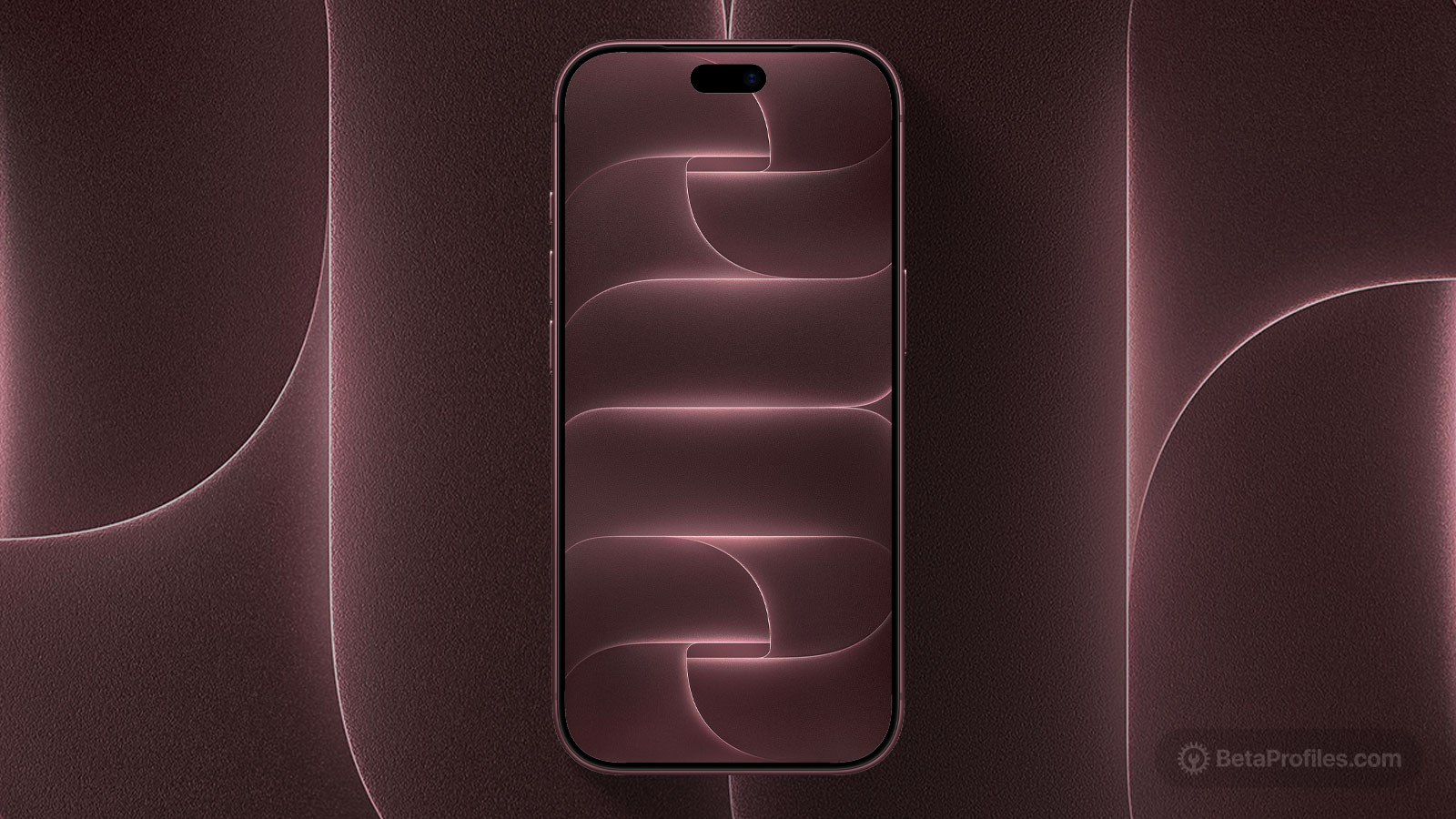
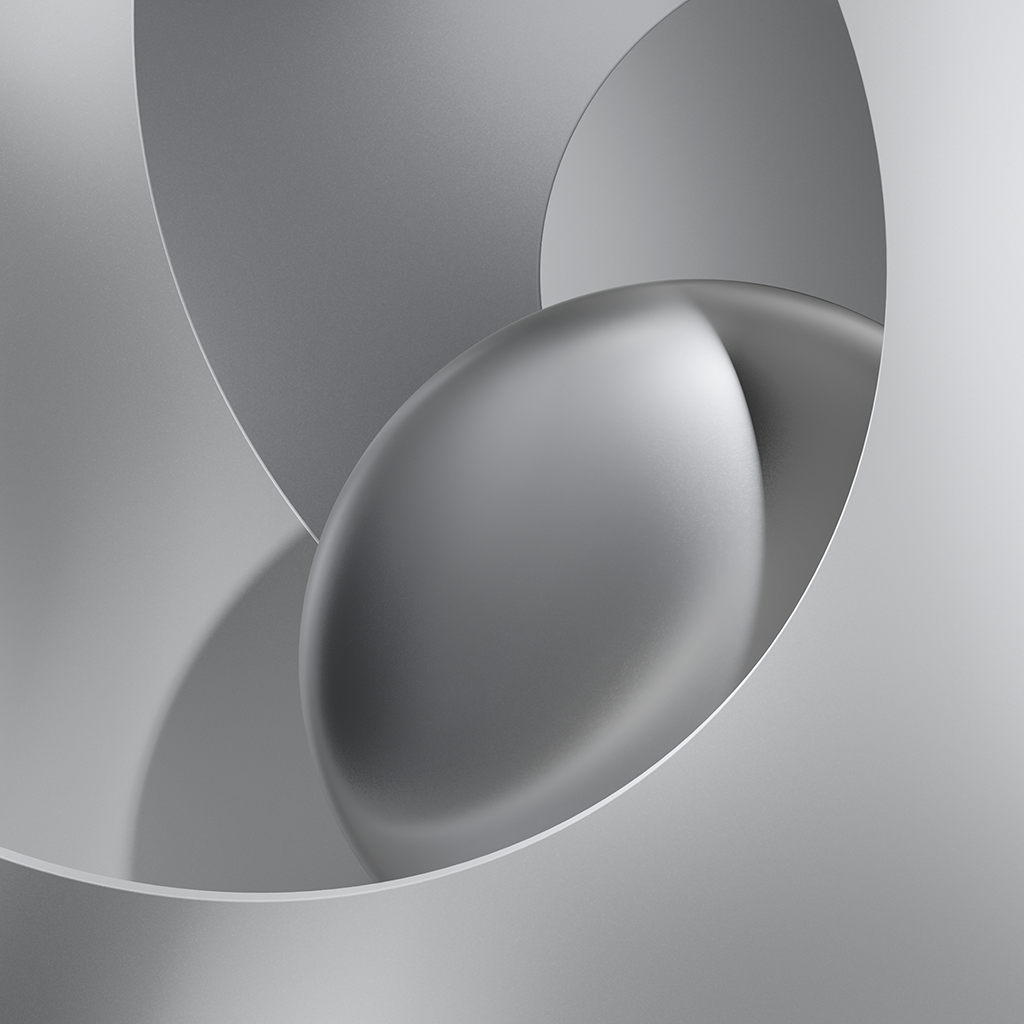
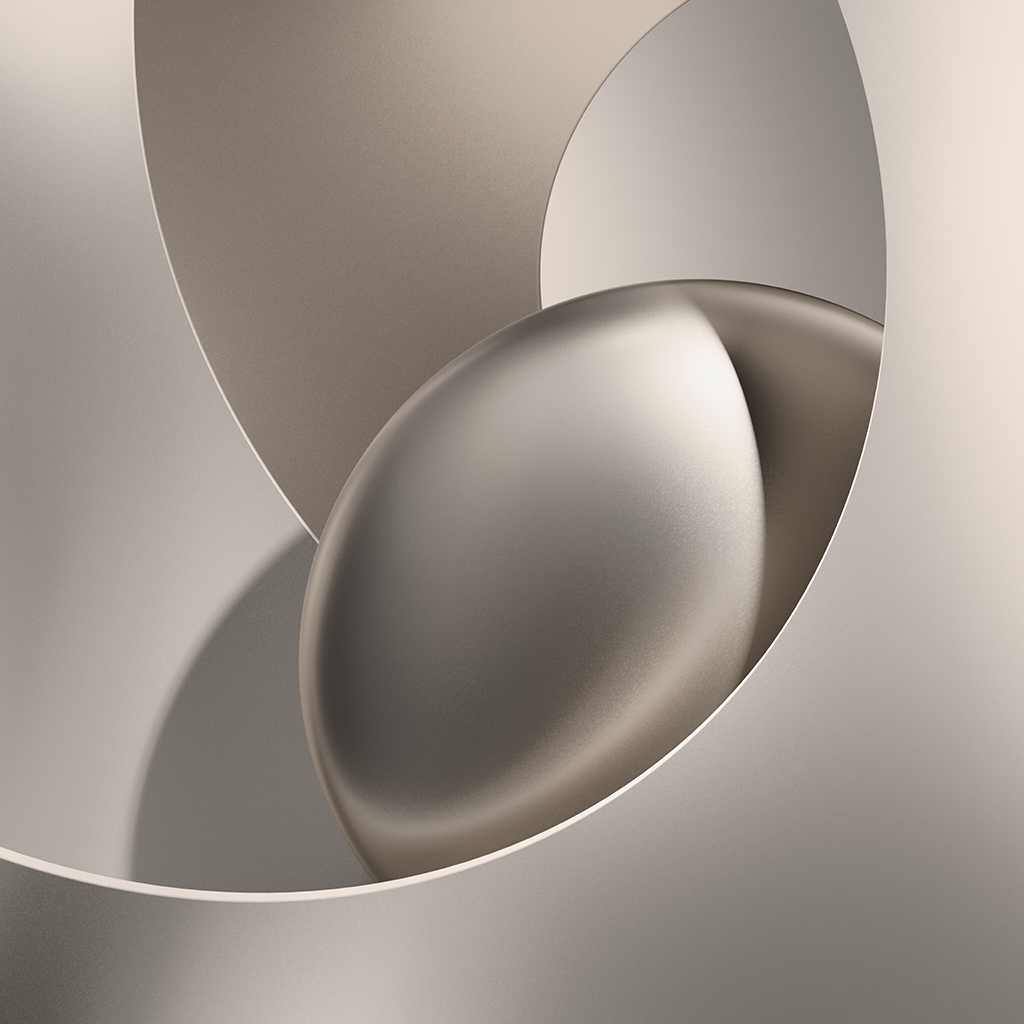
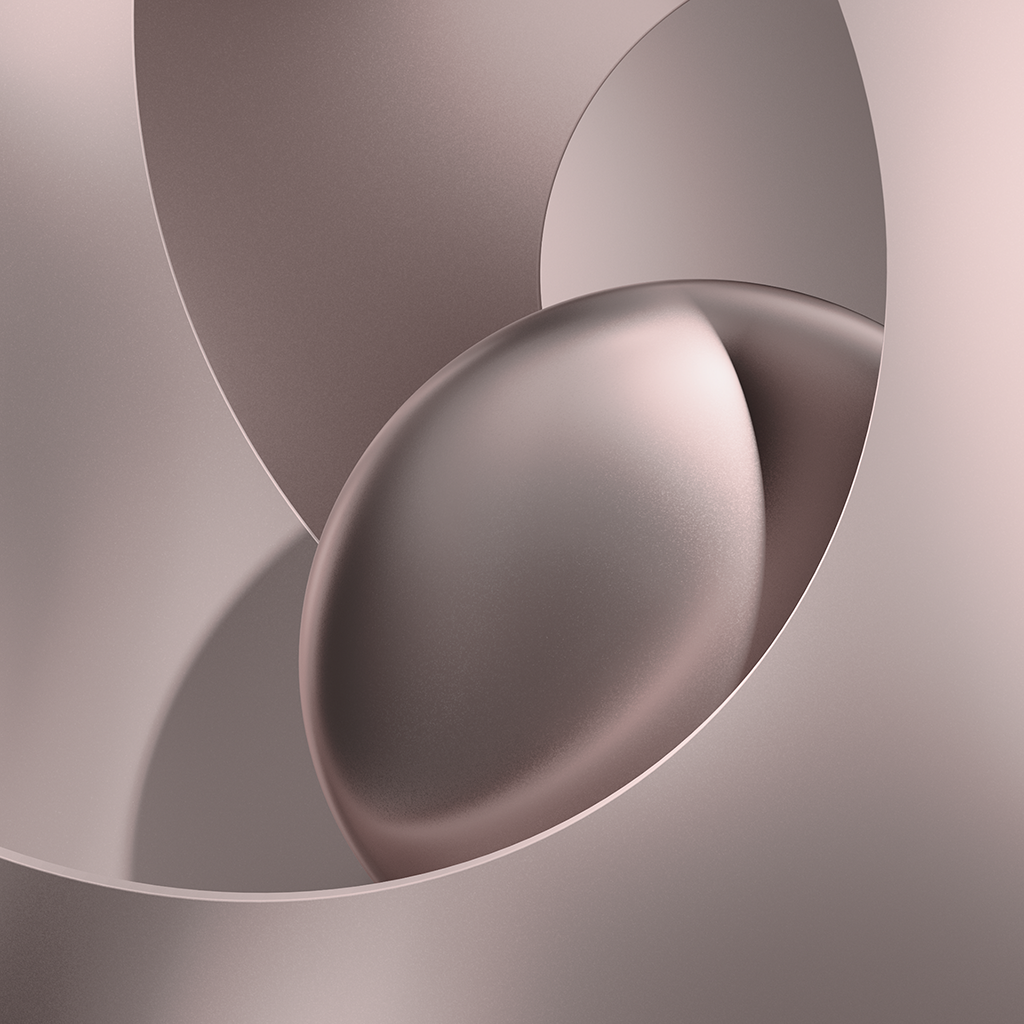
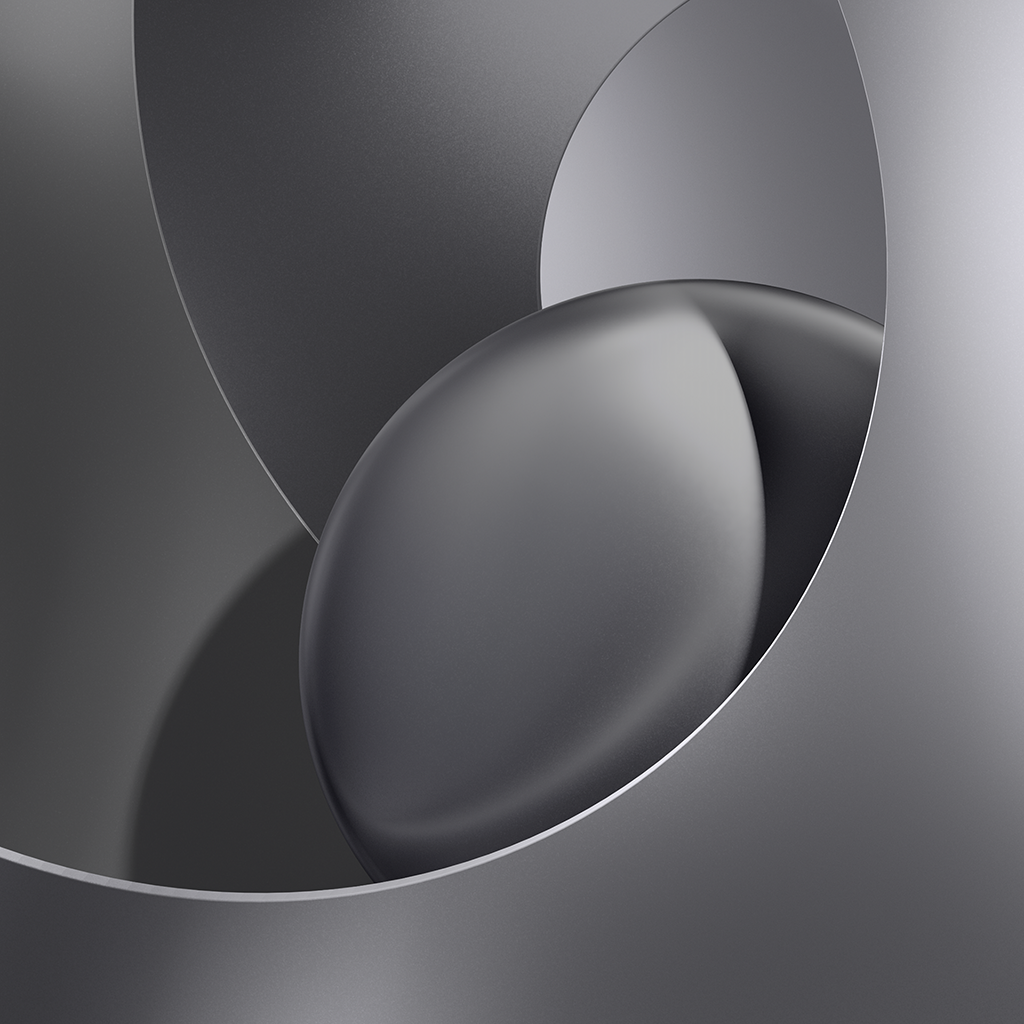
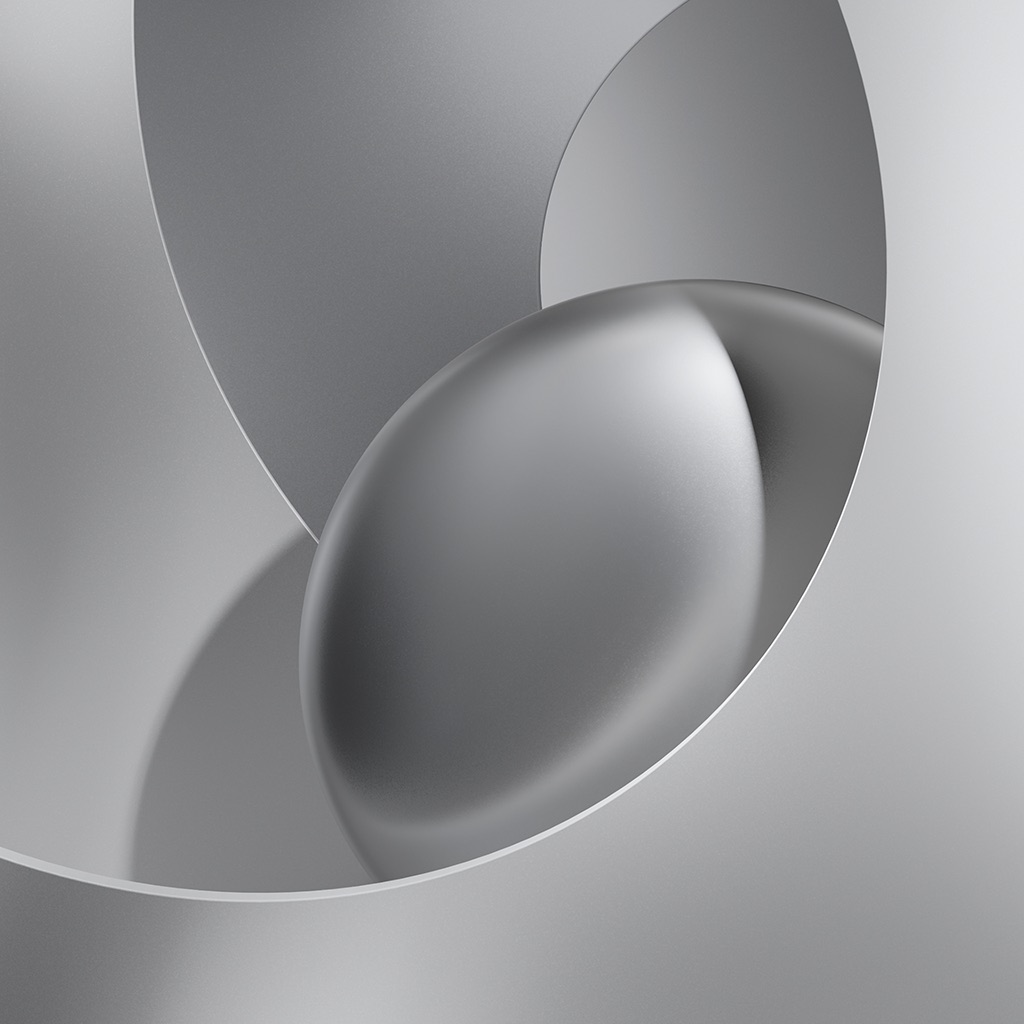
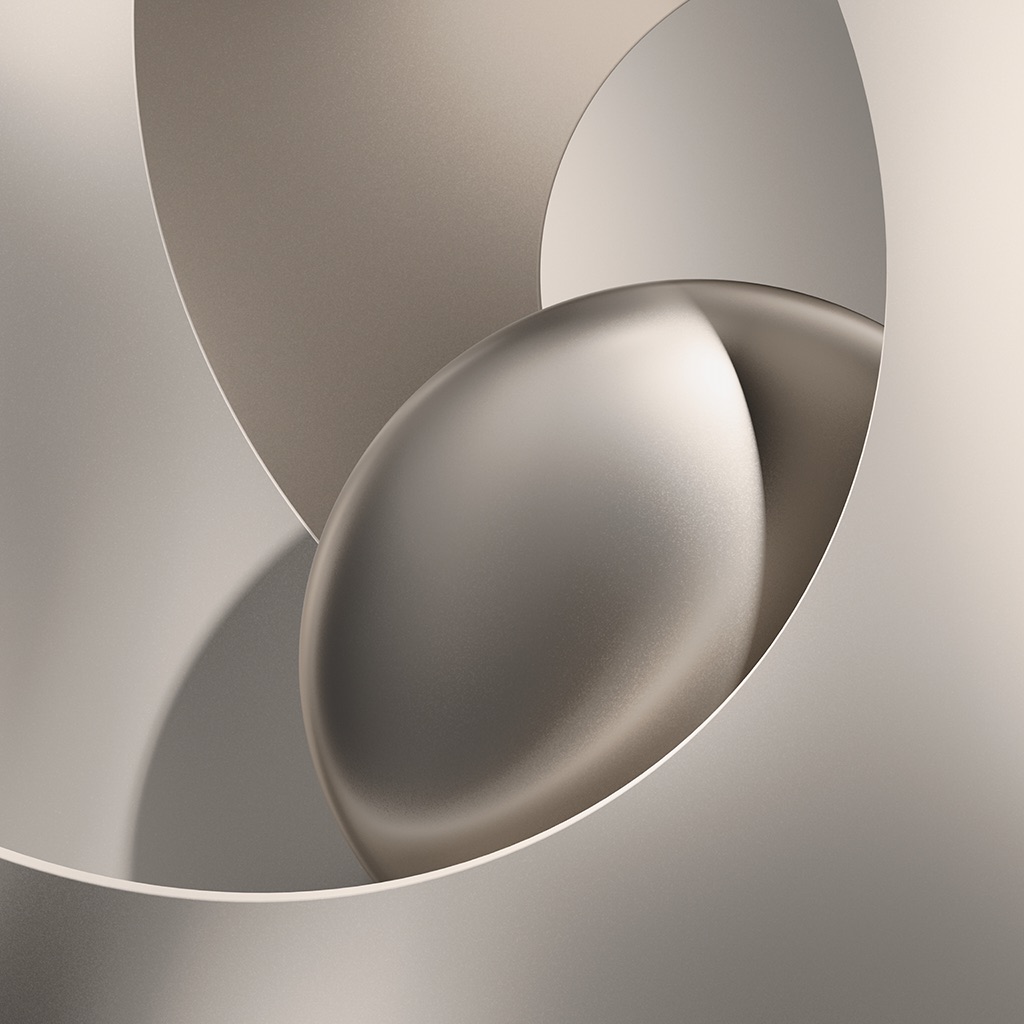
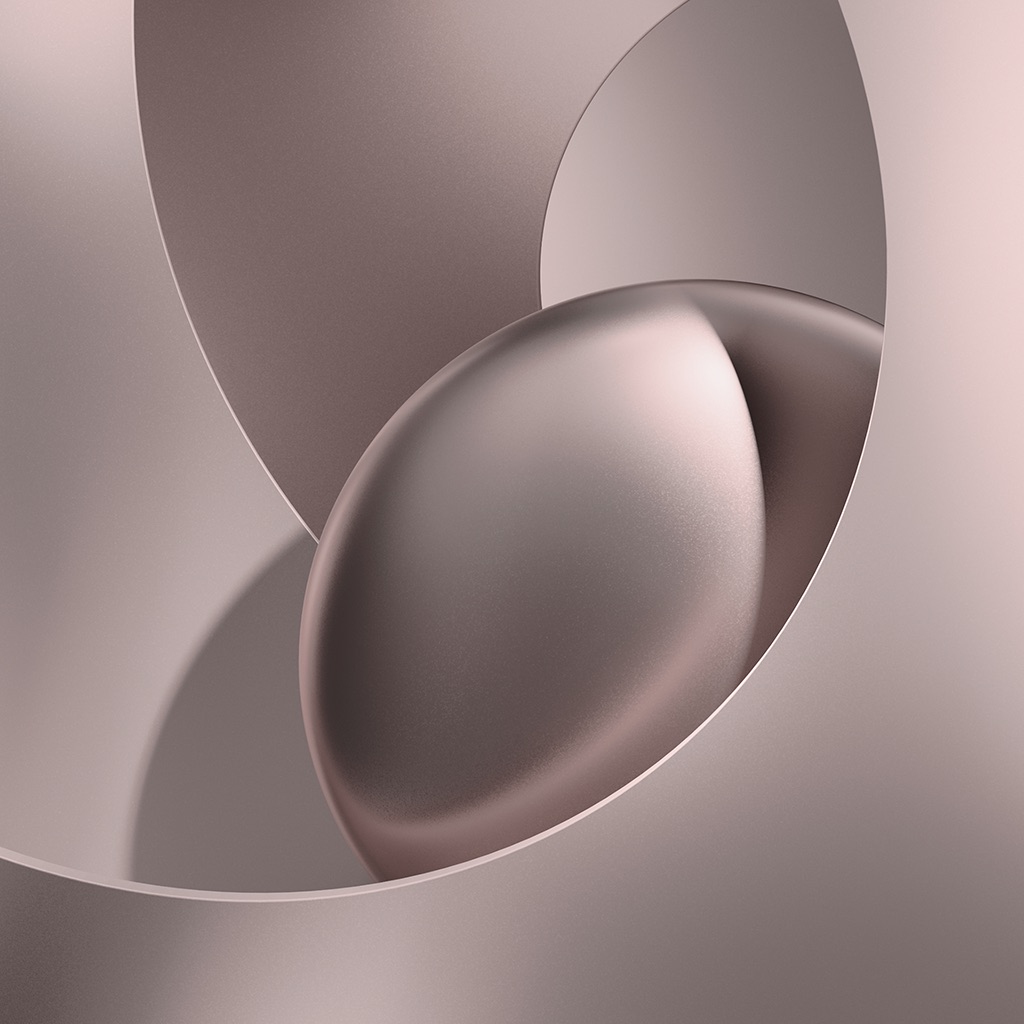
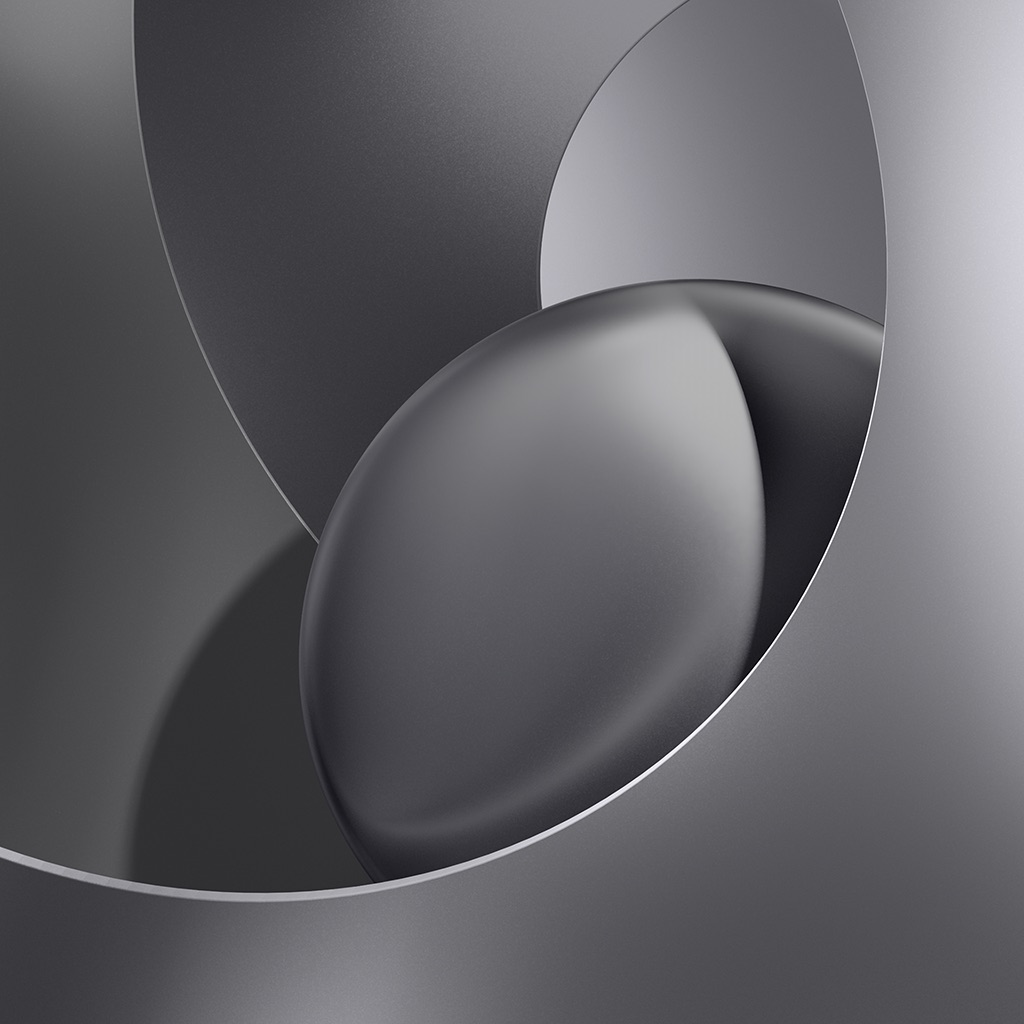
Download Apple HomeView wallpapers in Silver, Space Gray, Starlight, and Rose Pink, featuring smooth, overlapping curves in a matte metallic finish.
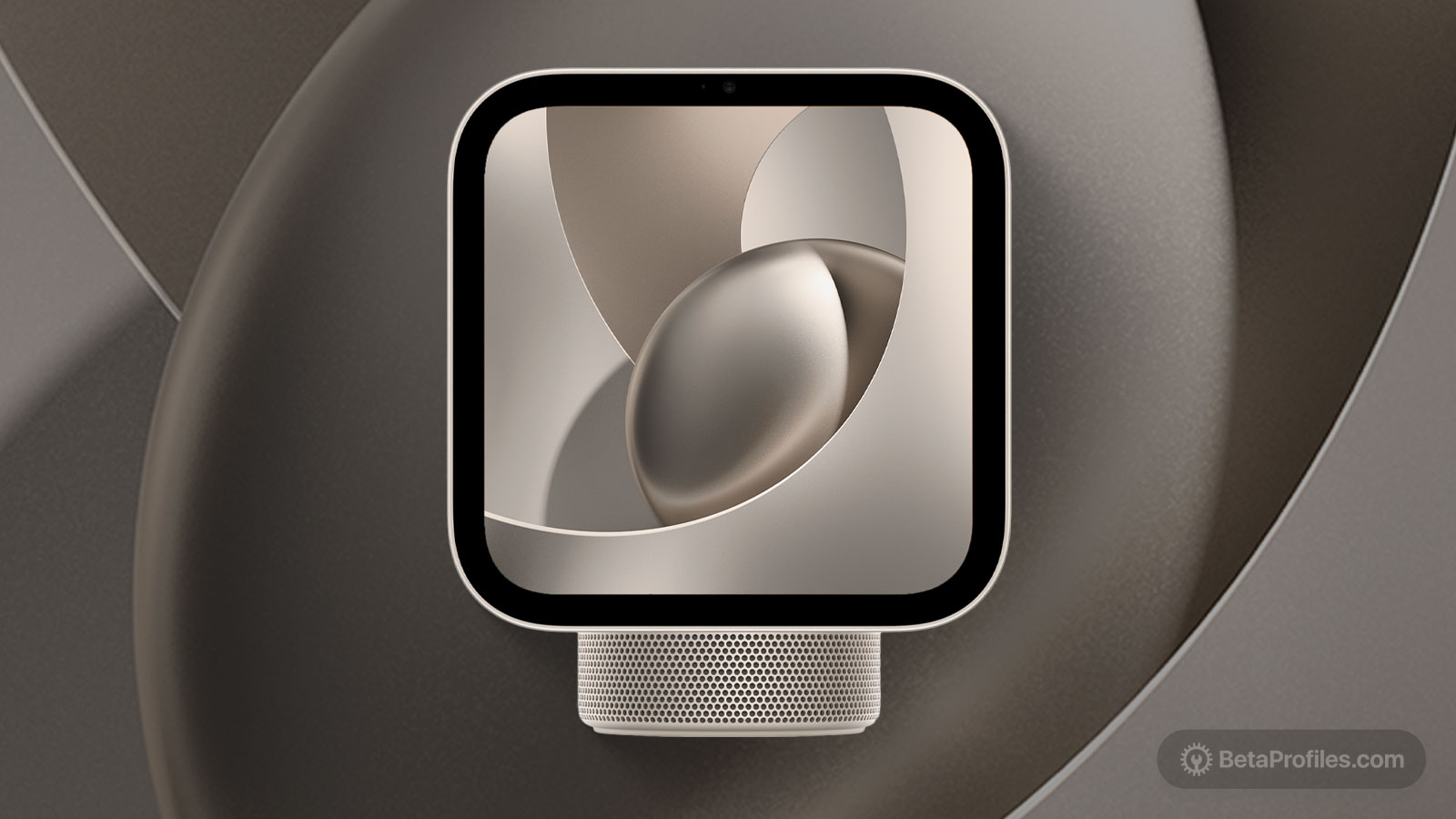
Apple introduced HomeView at a “Welcome home” event in New York City. It is Apple’s first smart home hub with a display, featuring a 7-inch screen and a design inspired by the iMac, with an aluminum body and a stainless steel hinge.
The new device comes with new wallpapers, featuring smooth, overlapping curved surfaces and a soft, rounded form at the center. Light glides gently across the matte metallic finish, creating soft gradients and subtle highlights along the edges. The wallpapers come in four colors to match the device: Silver, Space Gray, Starlight, and Rose Pink.
Please note that these wallpapers were exported from the USDZ files, so they are not the original resolution. The original wallpapers will be updated here after the device goes on sale in November. You can download all four colors below.
Download
How to set wallpaper
Set your iPad wallpaper
- In the Photos app, tap the image you downloaded.
- Tap Share button.
- Tap Use as Wallpaper.
- Adjust the wallpaper to your liking, then tap Add.
- Tap Set as Wallpaper Pair to apply it to both your Home Screen and Lock Screen. Tap Customize Home Screen if you want to create a separate Home Screen wallpaper that you can edit.