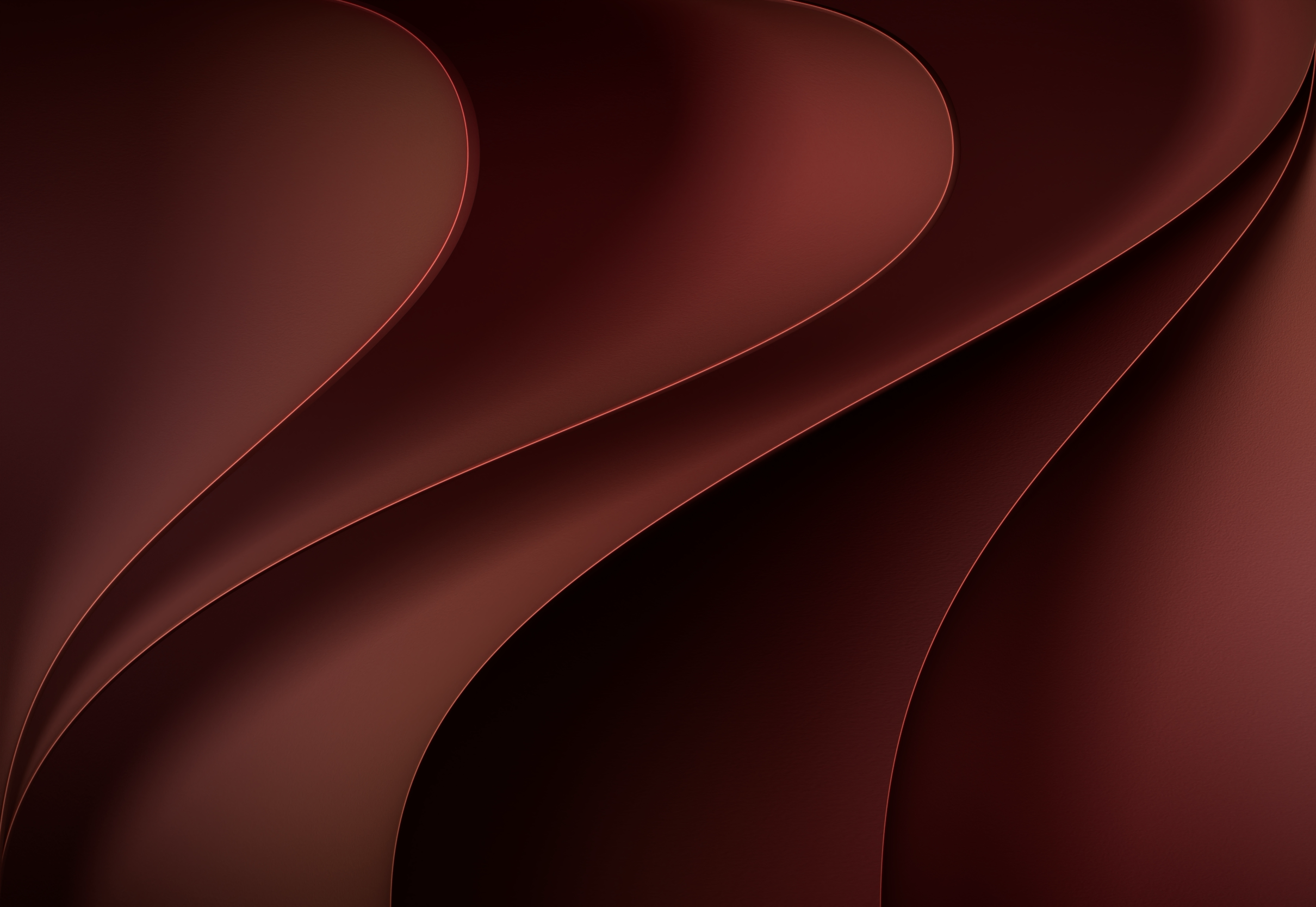
Official iOS 27 CarPlay Wallpapers
Download all new iOS 27 CarPlay wallpapers in light and dark, extracted in full quality from the ipsw.
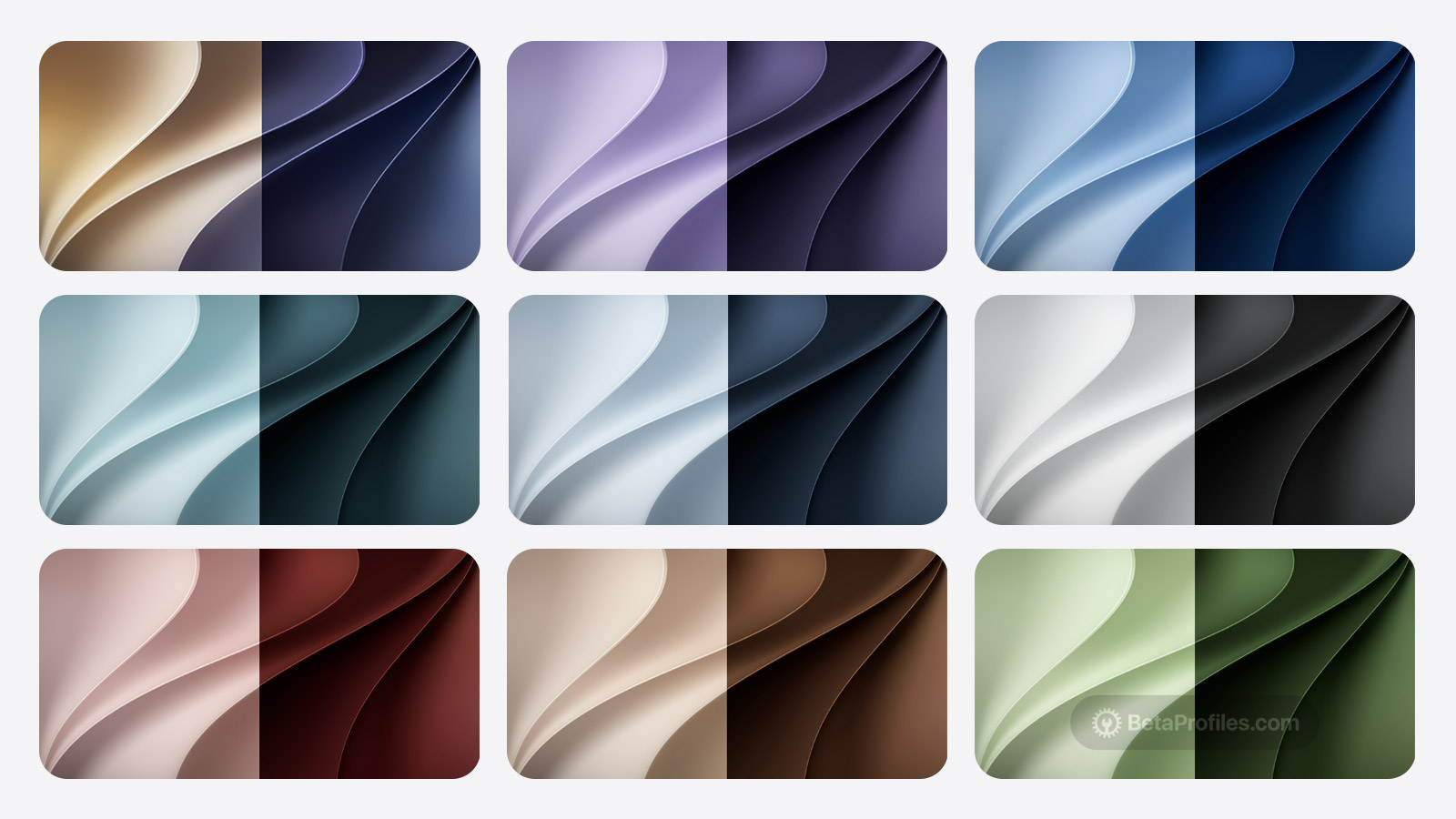
Update (August 11): The 9 original CarPlay wallpapers are gone in iOS 27 beta 5, replaced by 6 new ones. Two of them, Black and Lilac, are entirely new colors, and the returning Brown, Red, Blue, and Hero shades now look brighter than before.
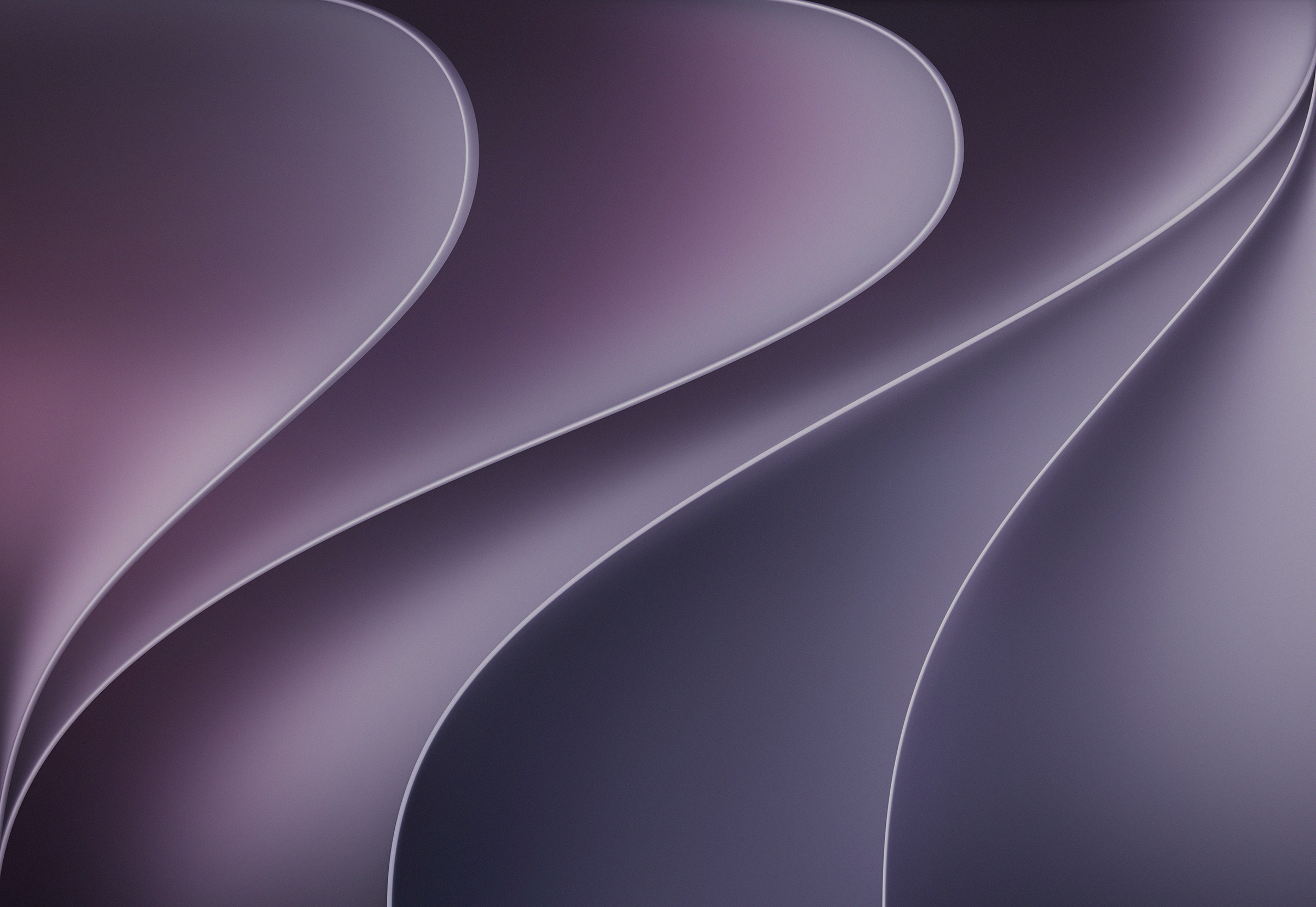
iOS 27 includes 9 new CarPlay wallpapers, each with a matching light and dark version. The CarPlay wallpapers are based on the original iOS 27 wallpaper, and this year iPadOS 27 and macOS 27 share a similar design featuring beautiful raised, flowing curves.
These wallpapers were extracted by Beta Profiles directly from the iOS 27 beta ipsw file, so they come in the best original quality. Make sure to tap the Download button below each image to get the uncompressed wallpaper.
Although the original iOS 27 CarPlay wallpapers only come in a landscape layout, which suits iPad or Mac better, you can use the Rotate feature in the Photos app to use them on iPhone.
Last updated:
Download

Black (iOS 27 Beta 5)
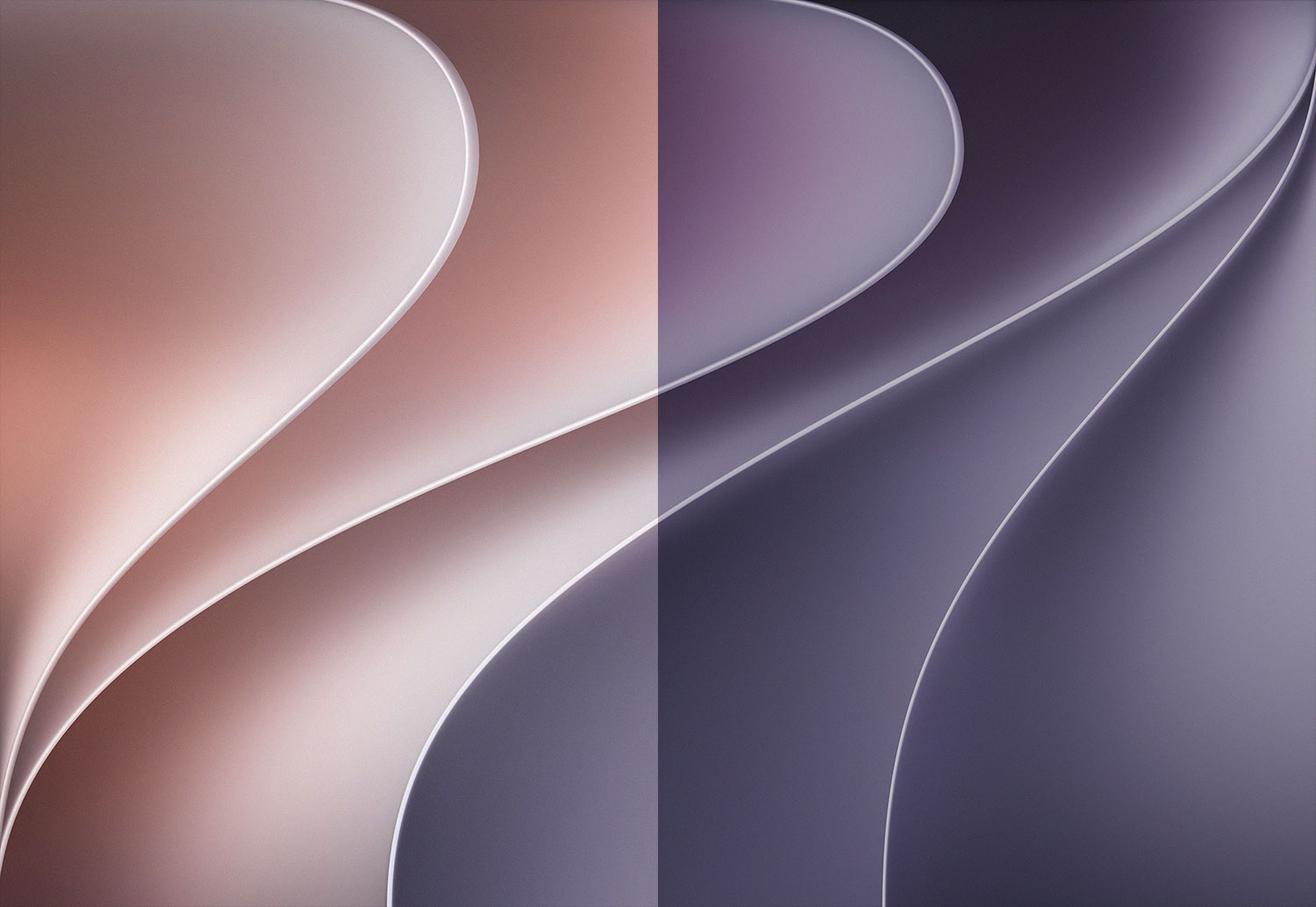
Lilac (iOS 27 Beta 5)
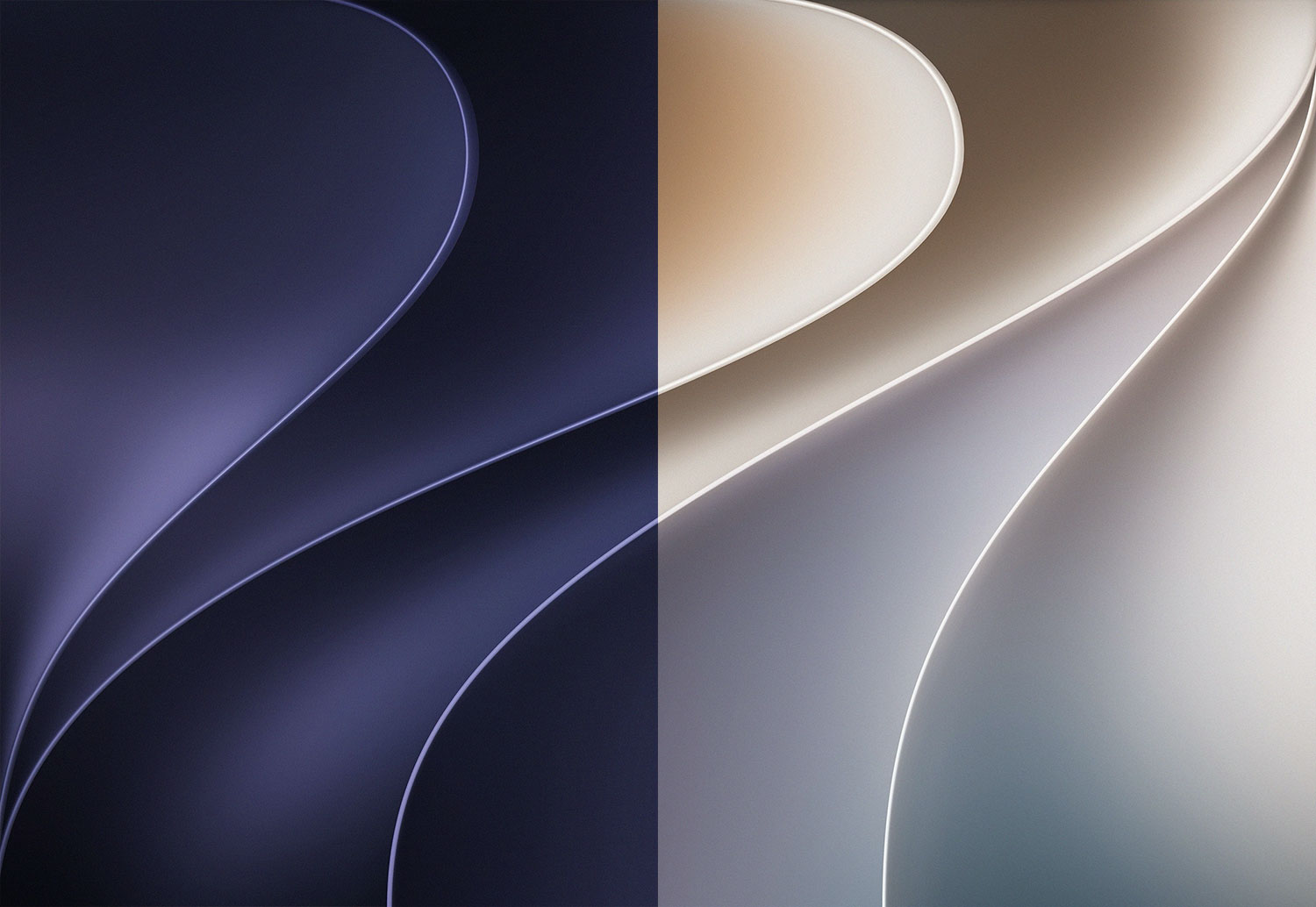
Hero (iOS 27 Beta 5)

Brown (iOS 27 Beta 5)

Red (iOS 27 Beta 5)

Blue (iOS 27 Beta 5)
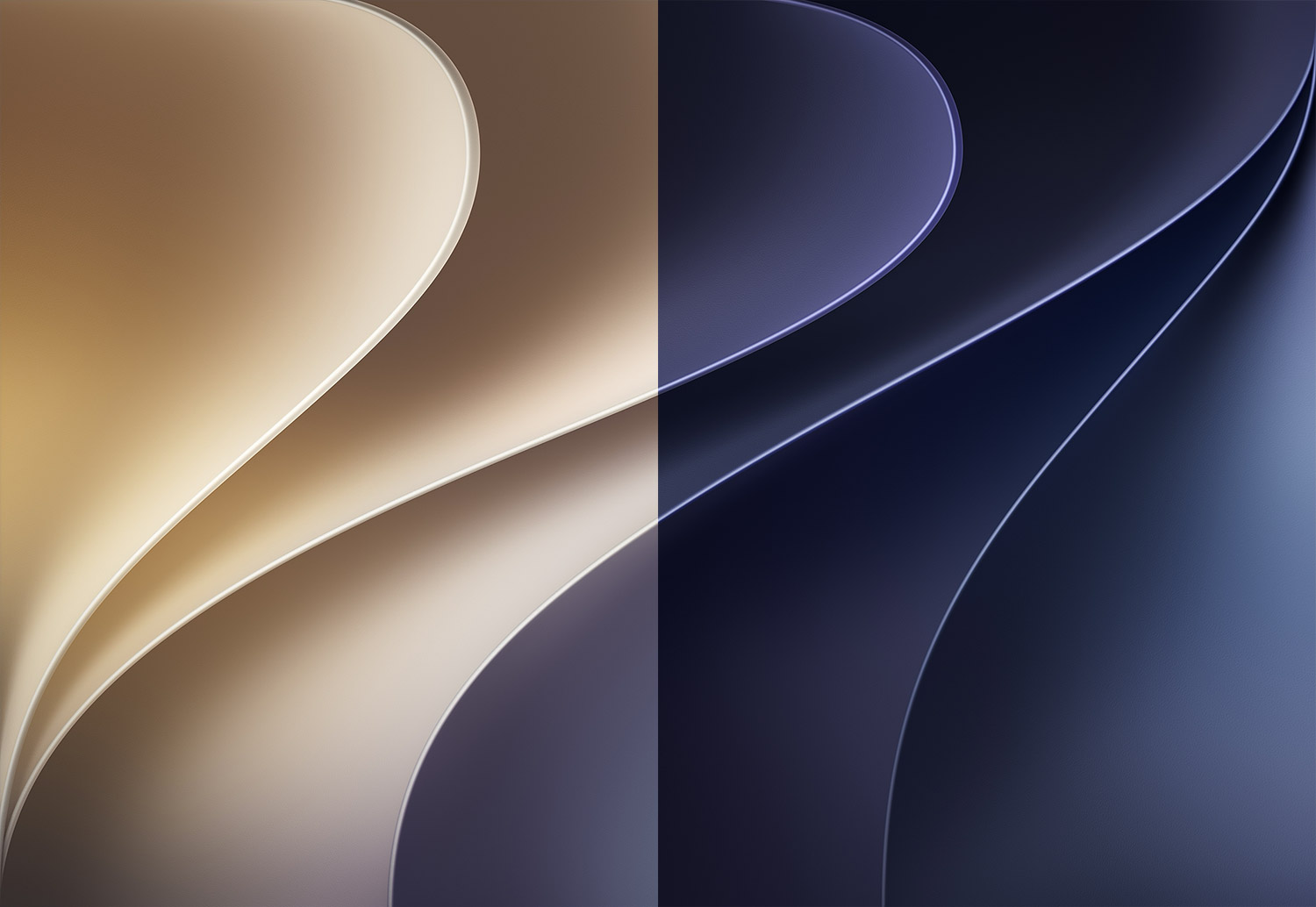
Hero
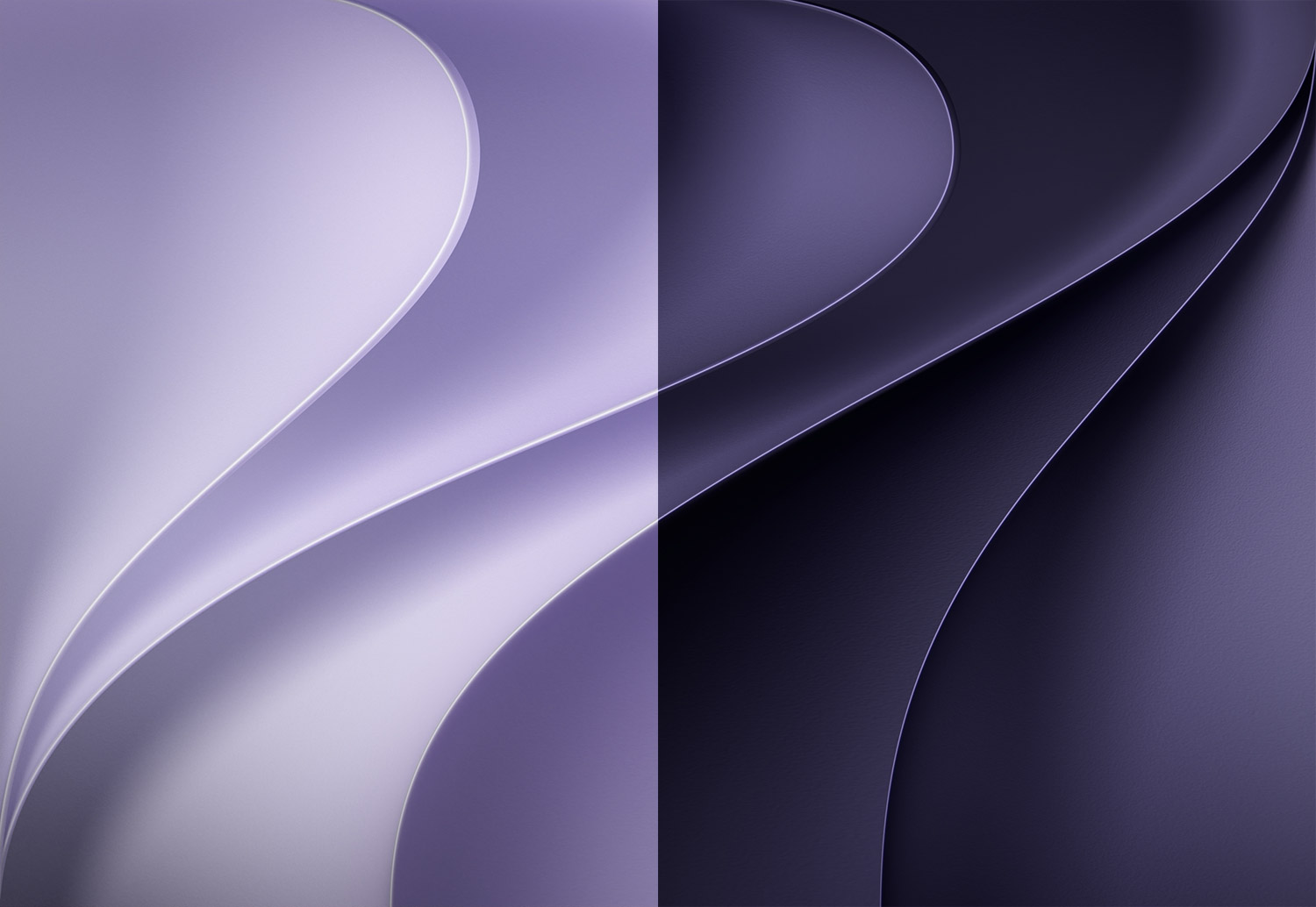
Purple

Blue
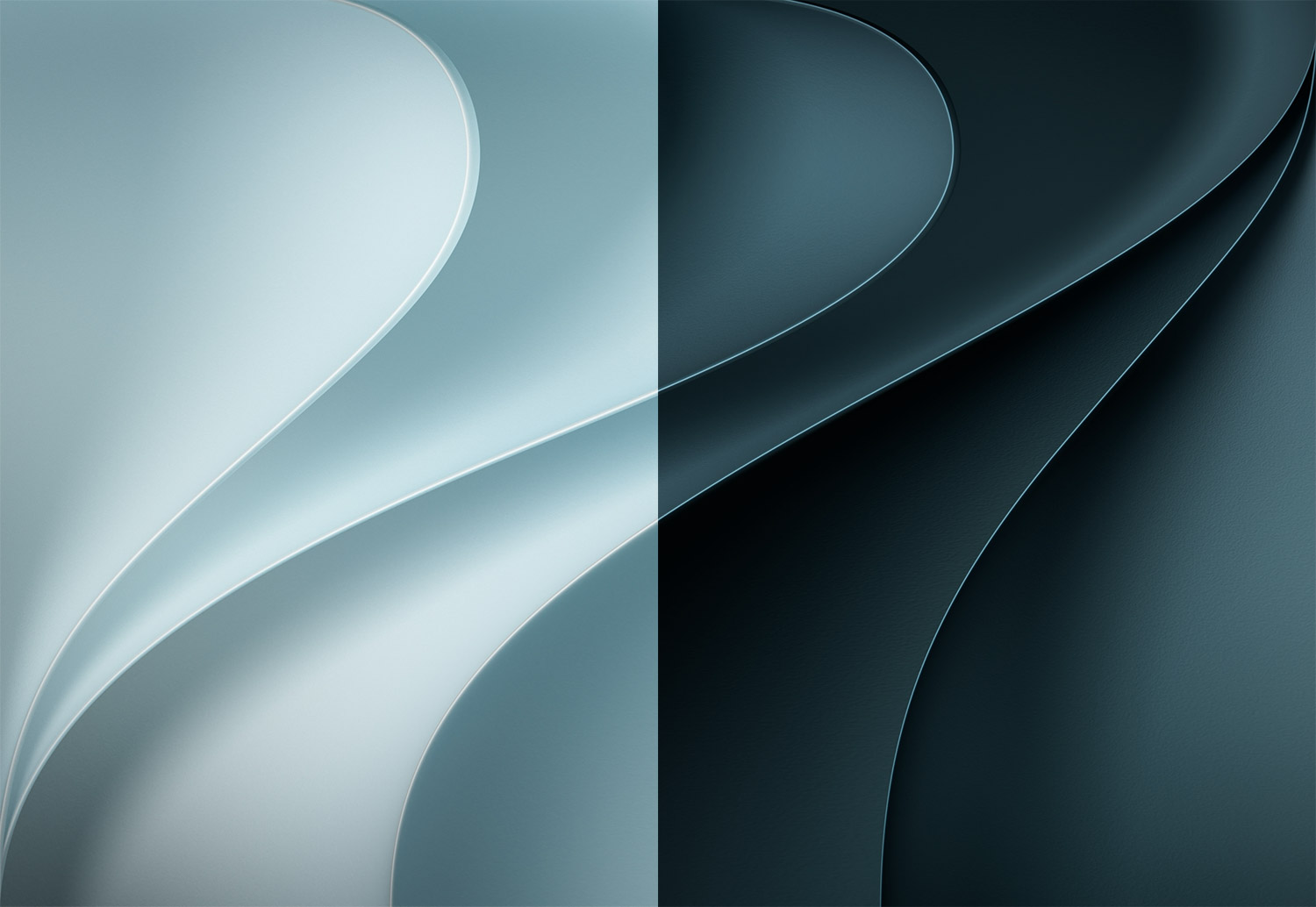
Teal
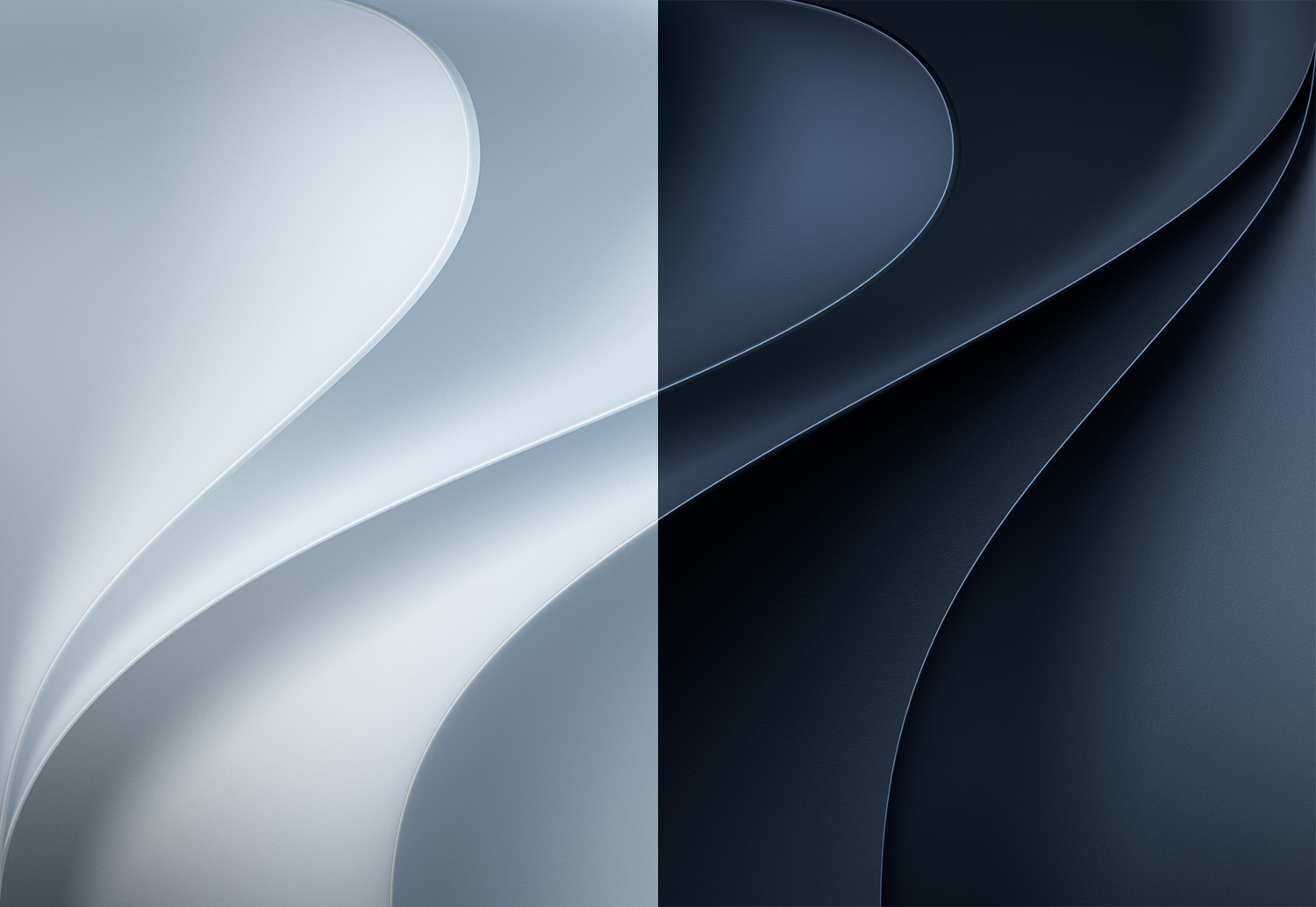
Dark Blue
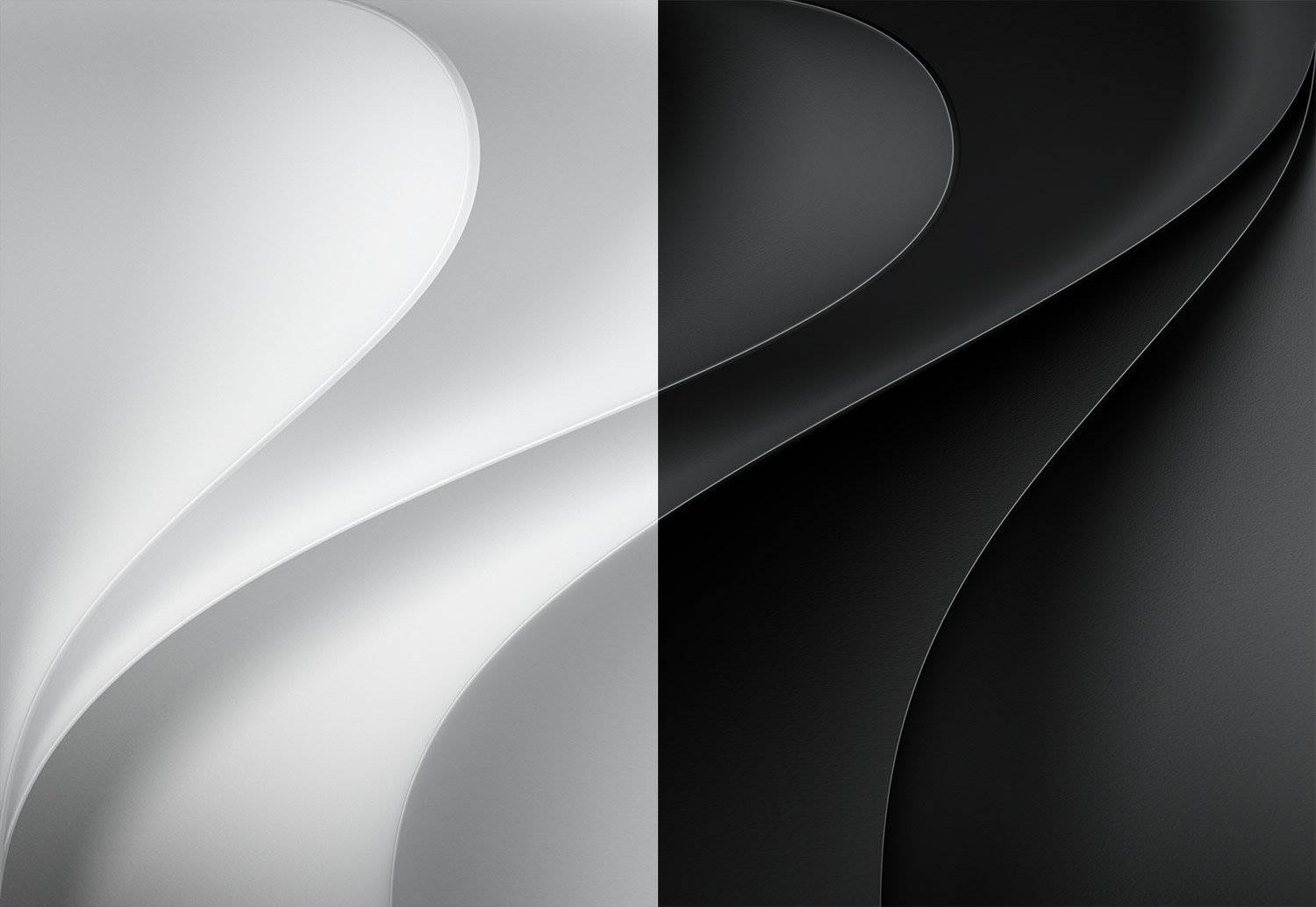
Grey
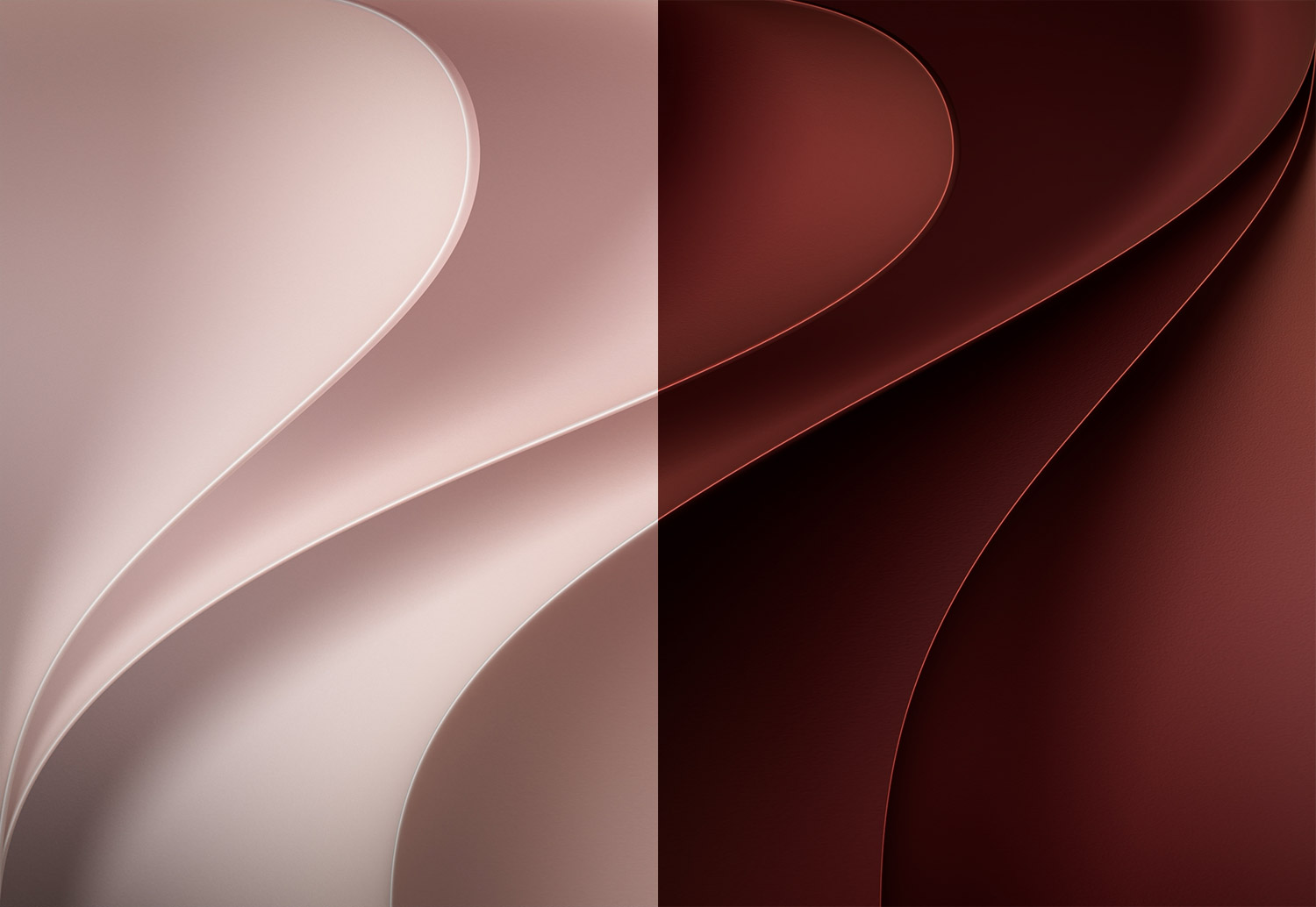
Red
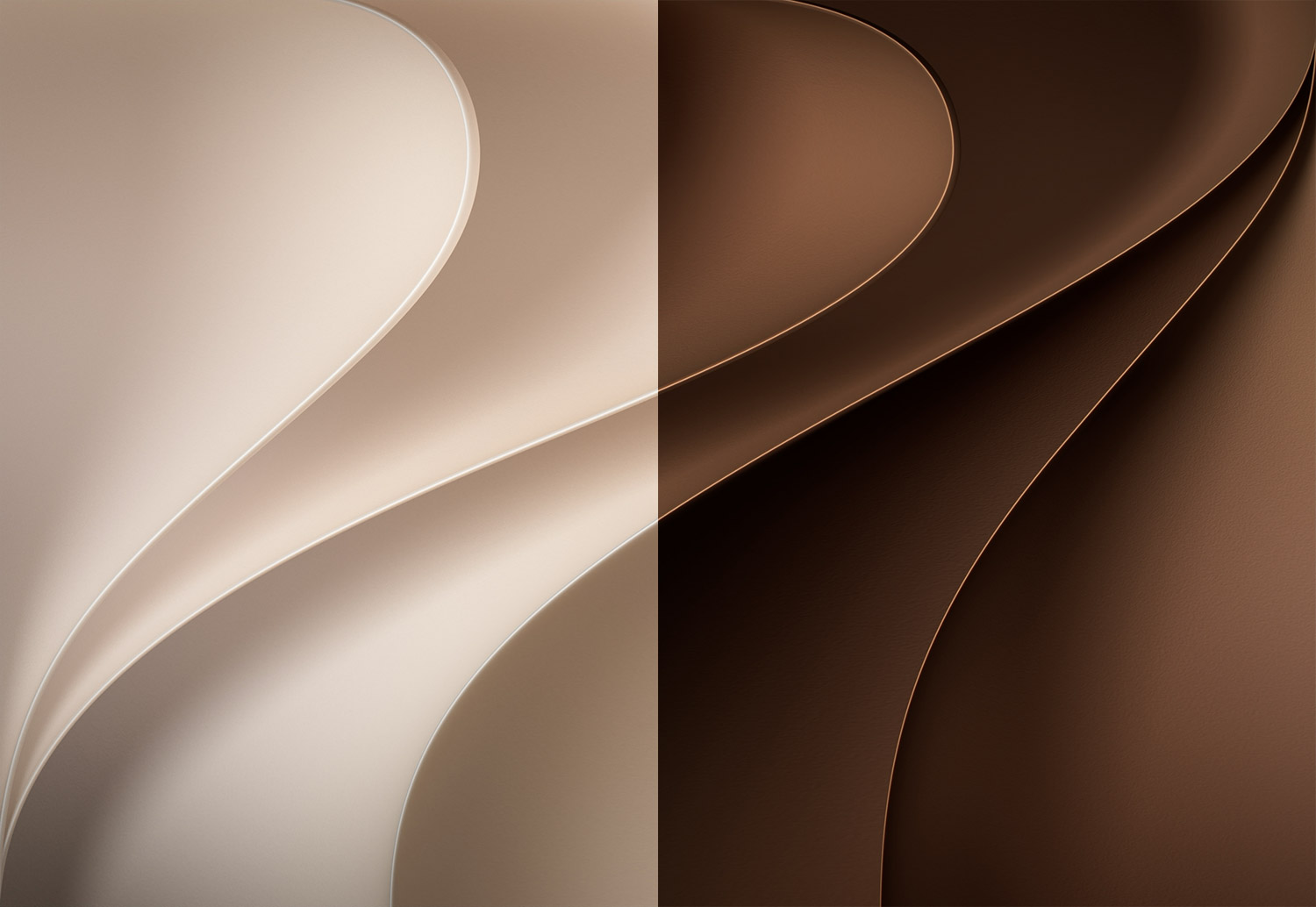
Brown

Green
How to set wallpaper
Set your iPad wallpaper
- In the Photos app, tap the image you downloaded.
- Tap Share button.
- Tap Use as Wallpaper.
- Adjust the wallpaper to your liking, then tap Add.
- Tap Set as Wallpaper Pair to apply it to both your Home Screen and Lock Screen. Tap Customize Home Screen if you want to create a separate Home Screen wallpaper that you can edit.